Hi @keithw
Very interested in knowing if you driver supports the io somfy blinds, even in a very basic way. Open, close, stop. We're you able to figure something out?
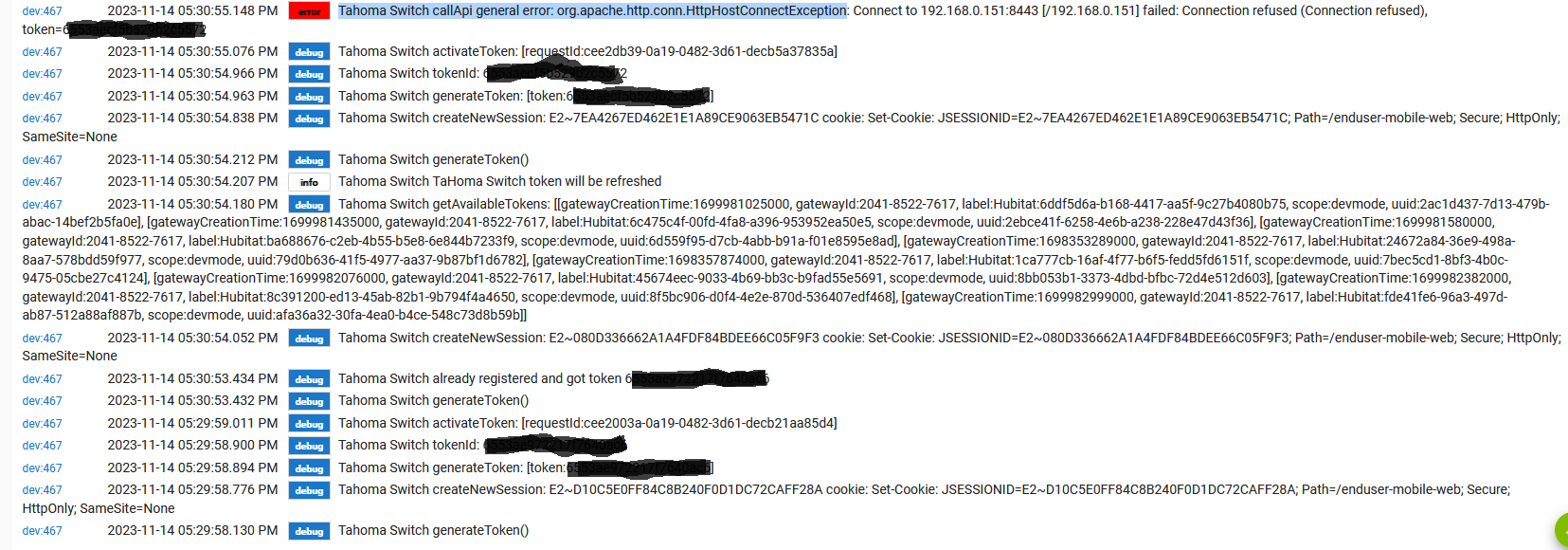
I've been successfully using this integration for some time but it has now stopped working. I wonder whether someone could point me in the right direction to debug and get it working again? Below are the logs.
I've stuck a smartthings multisensor to the blinds. I've written a rule which opens and closes a virtual blind switch based on the Y coordinates of the sensor.
Now I theoretically can see the status on my blinds on a dashboard when not at home. I.e. are they open or closed. This is useful because sometimes my rules fall out of sync because my kids have opened/closed the blinds with the remote controllers so Hubitat thinks the blinds are open when in fact they are closed. And viva versa
I have somfy motors but for tilt only. They've been seamless with this driver from @keithw
Hi @keithw, can you help please. How do I find the IP address of my somfy Hub? Appreciated...Stu
Hi Keith and User4198 ... i was reading your exchanges with interest, as I seem to be in the exact same situation.
Latest driver installed, virtual device added, login/passowrd/PIN working, registered and token generated with success. But after "refresh devices", the blinders aren't added in Hubitat.
Did you understand what happens or find a solution ?
Thanks in advance for any help!
Pascal
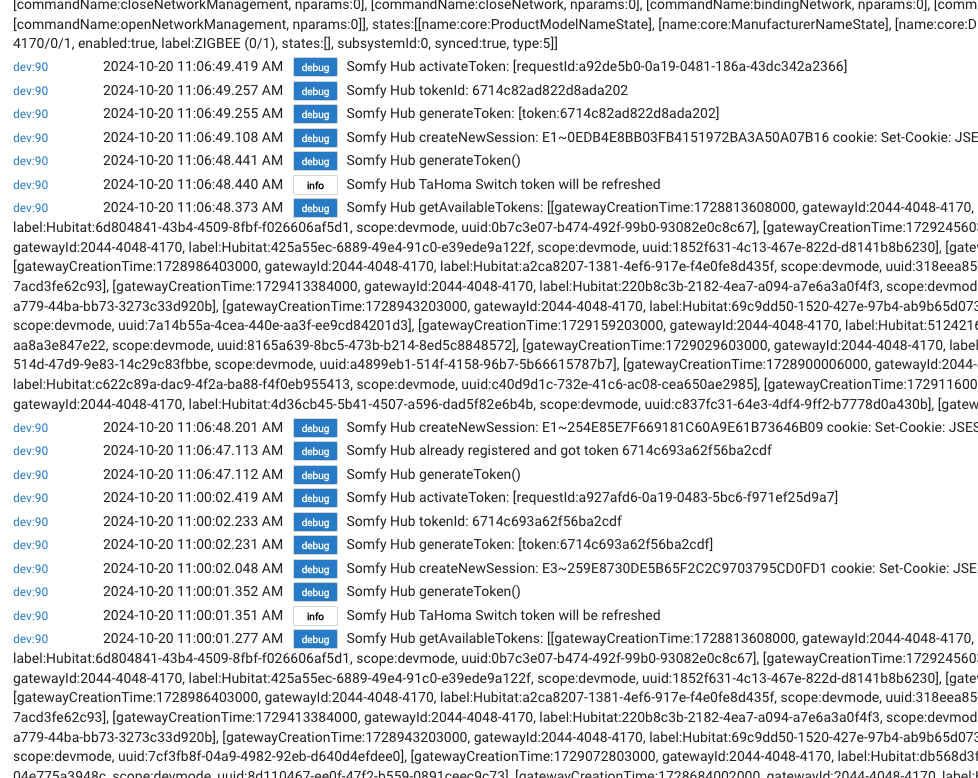
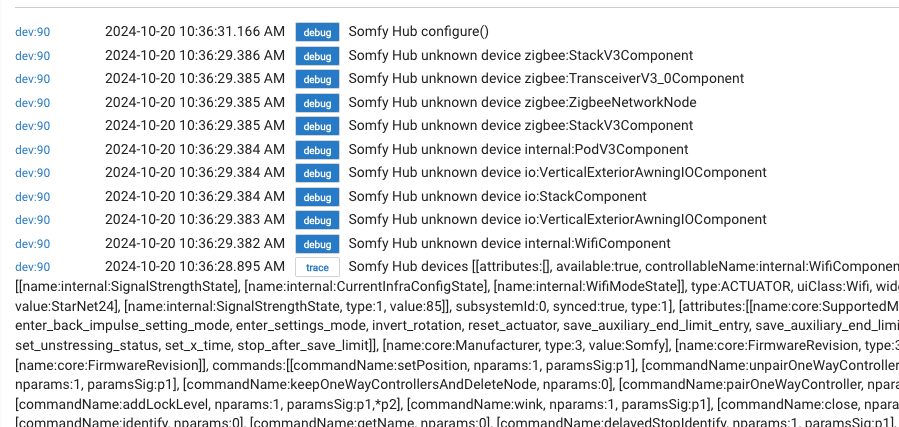
The driver only supports RTS devices (as I that is what I have and I can only test what I have). Are your blinds RTS? Based on the last screenshot, I'm guessing not? Someone will have to contribute to this driver that has other types of Somfy devices other than RTS...
Wow! You're still on! Thanks for responding this fast - much appreciated!
Well, yes, for now I have 2 RTS Somfy blinds installed. They work perfect on Somfy Tahoma appli (iphone) and the log above is what I get after giving it several rounds (I mean, quite several!) to get it working...
It's beyong my level to understand why I get "unkown device zigbee" but it is not necessarily the somfy blinds - I have many zigbee devices around the house (and z-wave). unrelated and not registered on the Tahoma.
I'm quite lost... hope i can join Tahoma on Hubitat, but seems a notch in jeopardy....
Do you see any child devices appearing under the TaHoma device?
Hmm, no, I don't see any changes on TaHoma appli : just my 2 RTS blinds.
I can ping my Tahoma hub from my PC though, so i know it is recognized on the LAN.
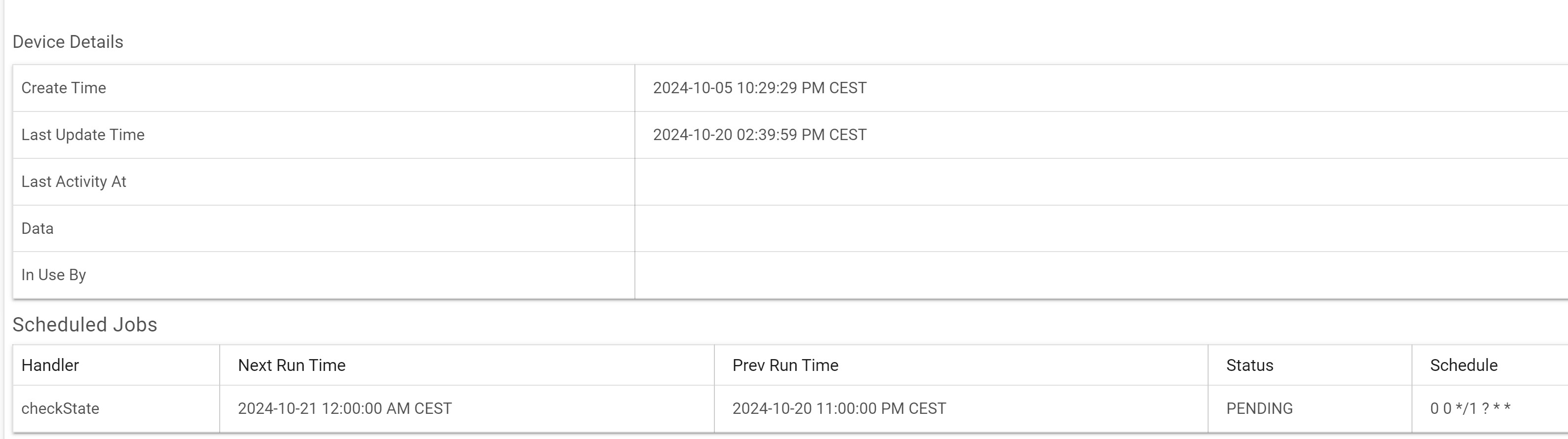
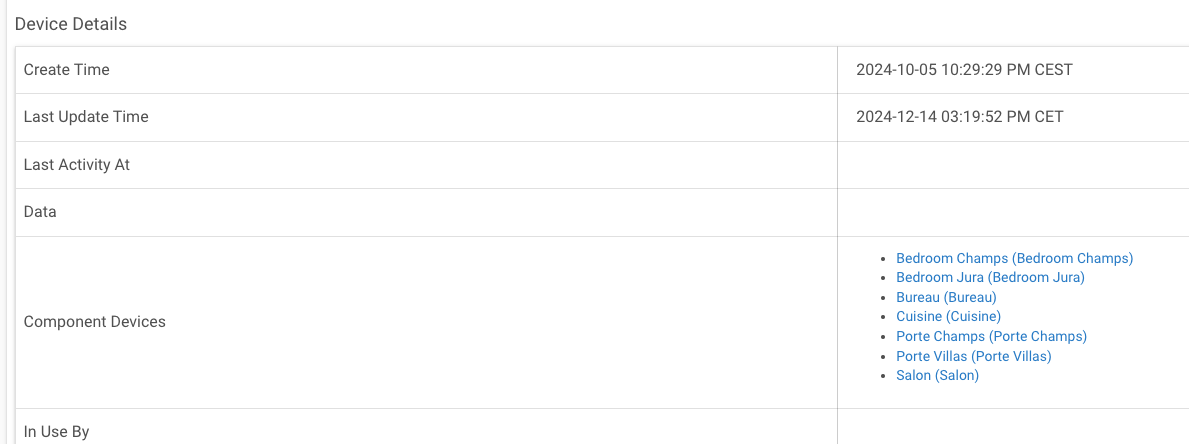
If you open the TaHoma device you've added in Hubitat, do you see any child devices? They show up in the "Device Details / Component Devices" section.
When you click "Refresh Devices", in the logs you should see two entries like "[debug] Somfy Hub rts:BlindRTSComponent". If you don't, then the TaHoma hub isn't sharing that it has any RTS blinds.
A text based version of the log would be useful that starts with "[trace] Somfy Hub devices [[attributes...".
Hello Keith, and apologizes on long silence -- was out of the country for a while. Meanwhile I now completed my Somfy system which has 7 x Somfy io:devices (not RTS!).
The [trace] it sends back is as follows but prob ably not useful now....
TaHoma Bridge devices [[attributes:, available:true, controllableName:internal:PodV3Component, definition:[attributes:, commands:[[commandName:setLightingLedPodMode, nparams:1, paramsSig:p1], [commandName:deactivateCalendar, nparams:0], [commandName:activateCalendar, nparams:0], [commandName:setCalendar, nparams:1, paramsSig:p1], [commandName:refreshUpdateStatus, nparams:0], [commandName:refreshPodMode, nparams:0], [commandName:getName, nparams:0], [commandName:update, nparams:0], [commandName:setPodLedOff, nparams:0], [commandName:setPodLedOn, nparams:0], [commandName:setCountryCode, nparams:1, paramsSig:p1]], states:[[name:core:LocalIPv4AddressState], [name:core:LocalAccessProofState], [name:internal:Button2State], [name:internal:Button1State], [name:core:ConnectivityState], [name:core:CountryCodeState], [name:core:NameState], [name:internal:LightingLedPodModeState], [name:internal:Button3State]], type:ACTUATOR, uiClass:Pod, widgetName:Pod], deviceURL:internal://2044-4048-4170/pod/0, enabled:true, label:Somfy Hub, states:[[name:core:CountryCodeState, type:3, value:FR], [name:internal:LightingLedPodModeState, type:1, value:1], [name:core:NameState, type:3, value:Box], [name:core:ConnectivityState, type:3, value:online], [name:core:LocalIPv4AddressState, type:3, value:192.168.1.215]], subsystemId:0, synced:true, type:1], [attributes:, available:true, controllableName:internal:WifiComponent, definition:[attributes:, commands:[[commandName:setTargetInfraConfig, nparams:2, paramsSig:p1,p2], [commandName:setWifiMode, nparams:1, paramsSig:p1], [commandName:clearCredentials, nparams:0]], states:[[name:internal:WifiModeState], [name:internal:CurrentInfraConfigState], [name:internal:SignalStrengthState]], type:ACTUATOR, uiClass:Wifi, widgetName:Wifi], deviceURL:internal://2044-4048-4170/wifi/0, enabled:true, label:INTERNAL (wifi/0), states:
[etc etc]
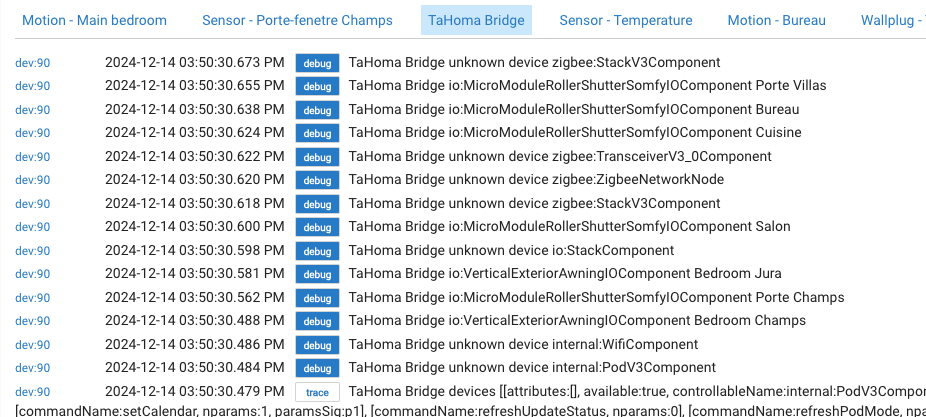
So.... with an afternoon to kill, I started playing with someting I don't understand. Building on your Tahoma driver, I simply tried to include recognition for IO devices ... hoping to register and command them using the same routines you've developped for the RTS components.
Well, it doesn't work .... no child device registered (red underline), but but there is progress as the log now shows the communication with my Somfy Hub is working, it recognizes my (two) types of IO devices & receovers their names too (blue underline).
I'll experiment pragmatically some more, but any indications you might have would be most appreciated. Notably, what needs to be different to send commmands to IO instead of RTS (as i do suspect the protocol must be very close if not similar....). Any hints / ideas ?

Wait .. what ... success ? YES it works beautifully !!! 
Let me know if I should contribute the working driver back (to you) for posting on the forum (and how). So happy !! Thanks for your great work Keith !!
Pascal
1 Like
Very interested what you were able to do. Please provide more information. That sounds great
Thanks
@user6254, if you know how you could submit a pull request to the github repo. Alternatively you could attach what you've done here and I'll merge into the driver. Great work!
Hi Keith & JB1 - I merely updated the routine "refreshDevices()" and added "addTaHomaIOBlind()" (which is now litterally back to just the same as addRTSBlind()).
Thanks again , Keith.
pascal
Here they are:
def refreshDevices() {
    register()

    def devices = apiGet("/setup/devices")

    logMessage("trace", "devices ${devices}")

    def orphaned = [:]

     childDevices?.each {
        orphaned[it.getDataValue("deviceUrl")] = it.deviceNetworkId
     }

    devices.each() {
        def typeName = it.controllableName;
        def label = it.label

        orphaned.remove(it.deviceURL)

        if (typeName.startsWith("rts:") && typeName.endsWith("RTSComponent")) {
            logMessage("debug", "rts:BlindRTSComponent ${label}")

            try {
                addTaHomaRtsBlind(it)
            }
            catch (error) {
                logMessage("debug", "error adding device ${label} ${error}")
            }
        }
        else {

            if (typeName.startsWith("io:") && typeName.endsWith("SomfyIOComponent")) {
                logMessage("debug", "io:MicroModuleRollerShutterSomfyIOComponent ${label}")

                try {
                    addTaHomaIOBlind(it)
                }
                catch (error) {
                    logMessage("debug", "error adding device ${label} ${error}")
                }
            }
            else {

                if (typeName.startsWith("io:") && typeName.endsWith("AwningIOComponent")) {
                    logMessage("debug", "io:VerticalExteriorAwningIOComponent ${label}")

                    try {
                        addTaHomaIOBlind(it)
                    }
                    catch (error) {
                        logMessage("debug", "error adding device ${label} ${error}")
                    }
                }


                else {
                    logMessage("debug", "unknown device ${typeName}")
                }

            }
        }
    }

    for (orphan in orphaned) {
        deleteChildDevice(orphan.value)
    }
}

void addTaHomaIOBlind(data) {
    def name = data.label

    def child = addChildDevice("bitlush", "TaHoma Switch - RTS Blind", device.deviceNetworkId + "-" + data.deviceURL, [name: "${name}", label: "${name}", isComponent: true])

    child.updateDataValue("deviceUrl", data.deviceURL)
}
2 Likes
Thanks @user6254, I have updated the driver with your proposed changes.
2 Likes

