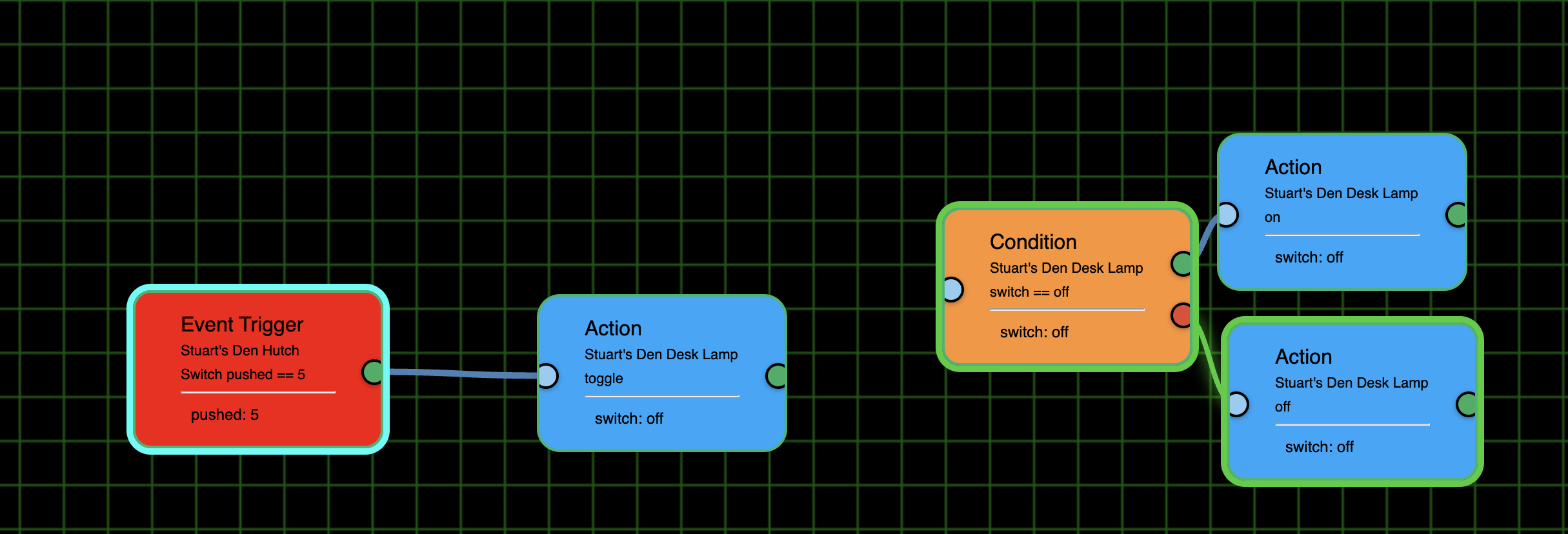
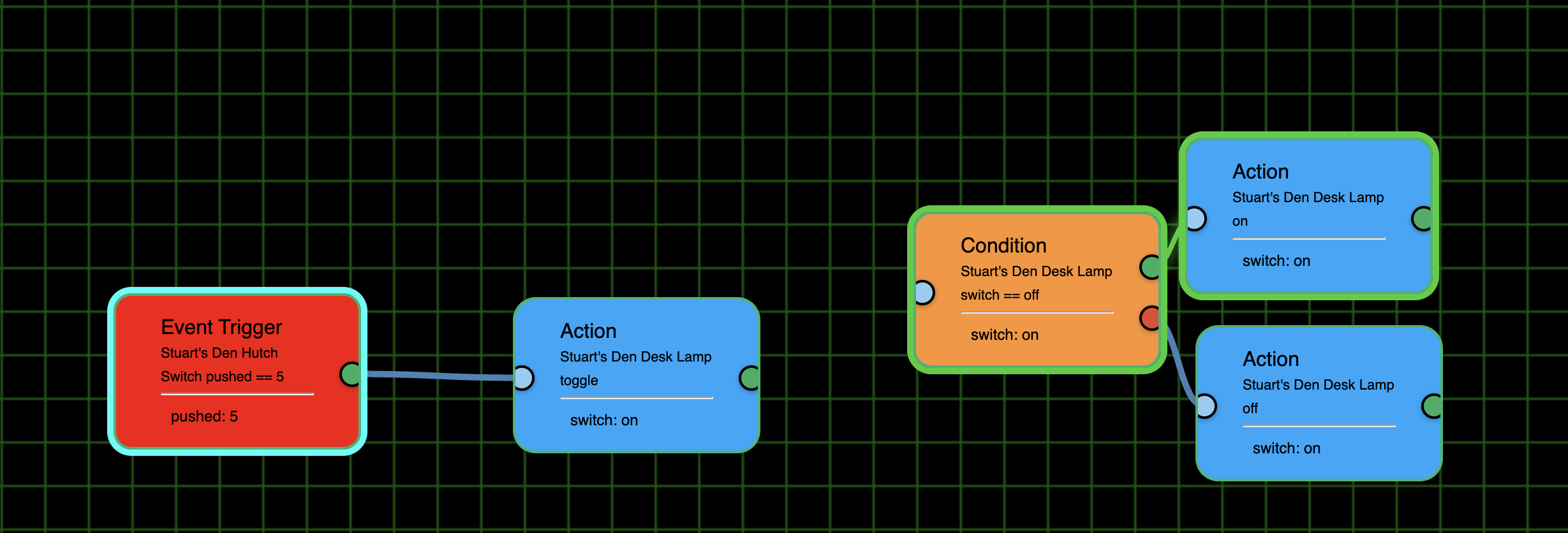
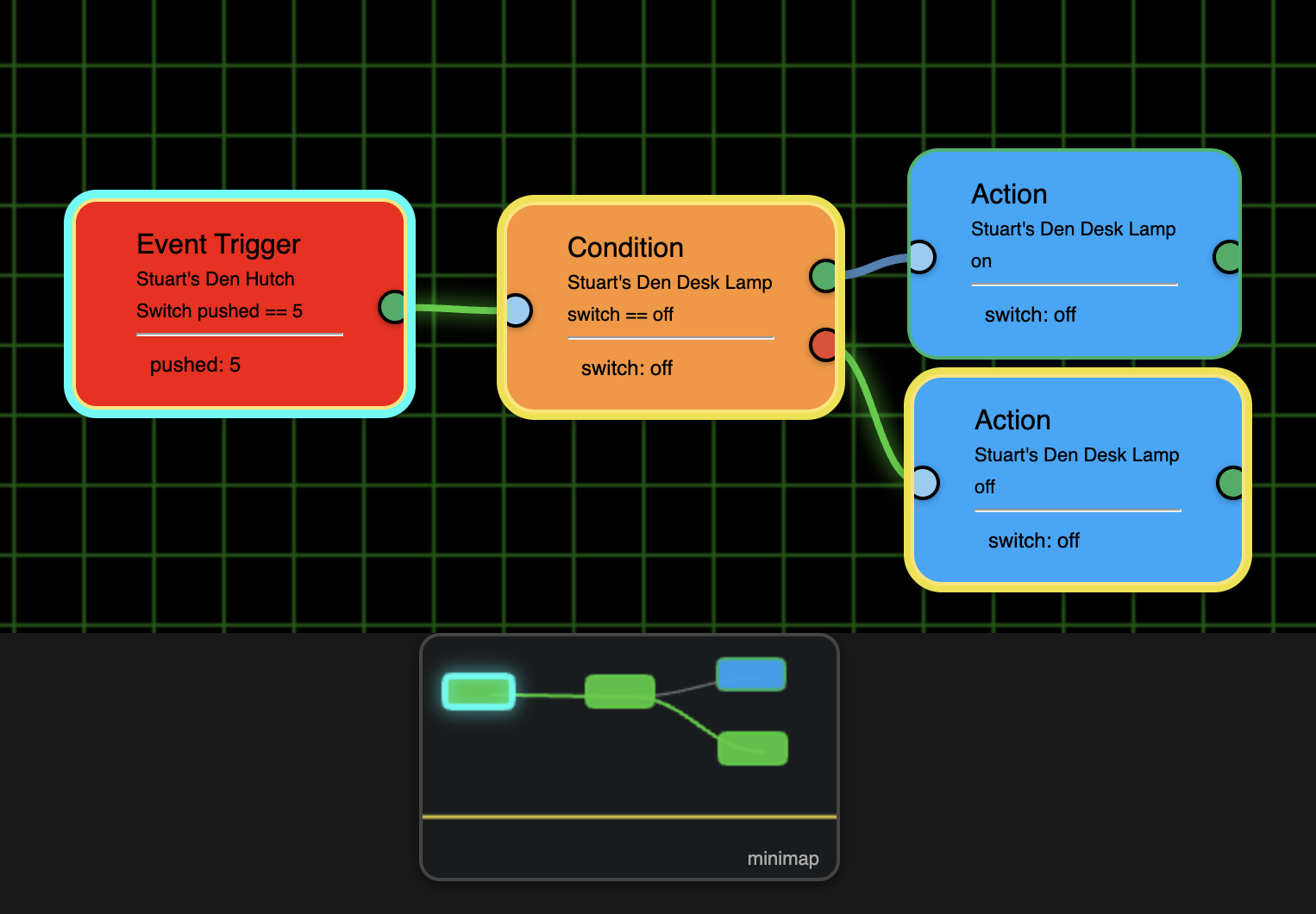
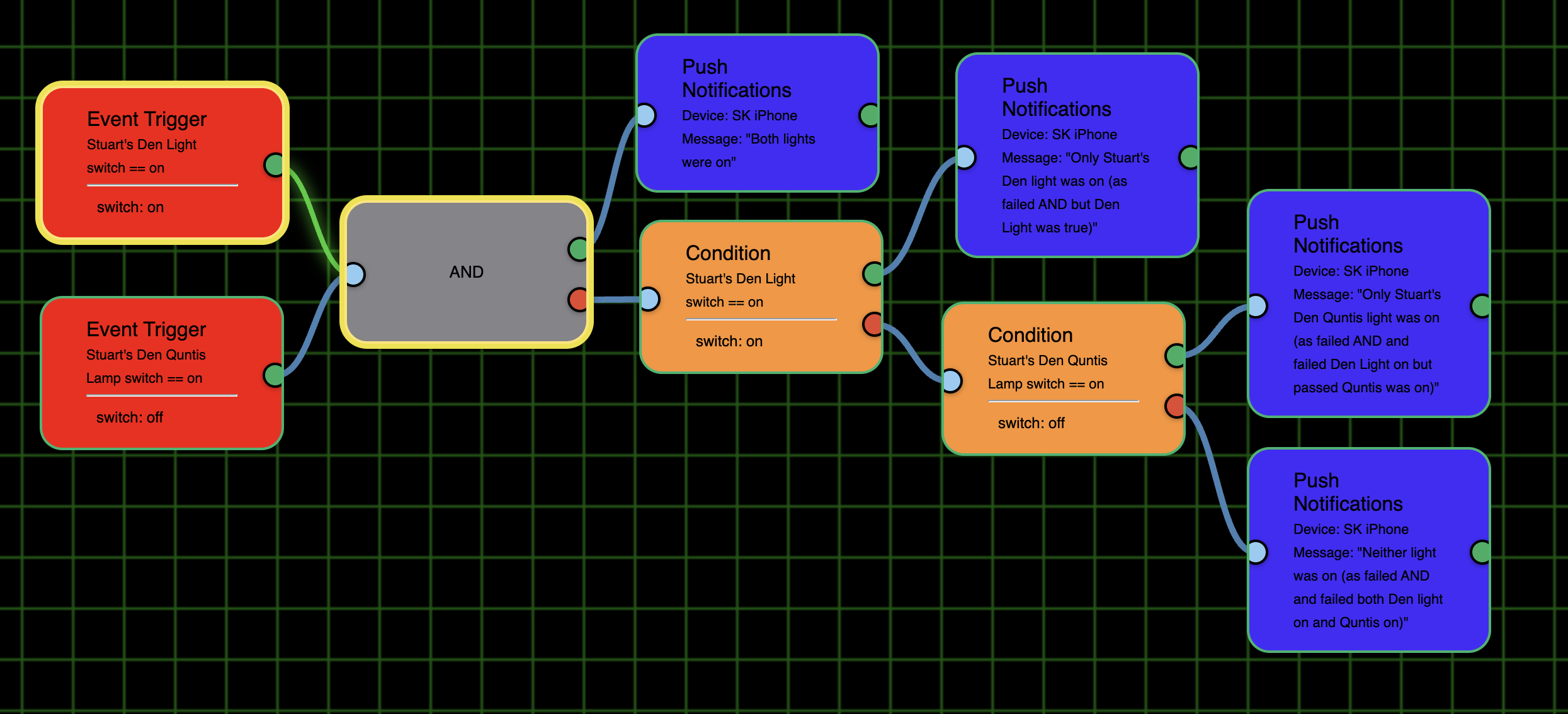
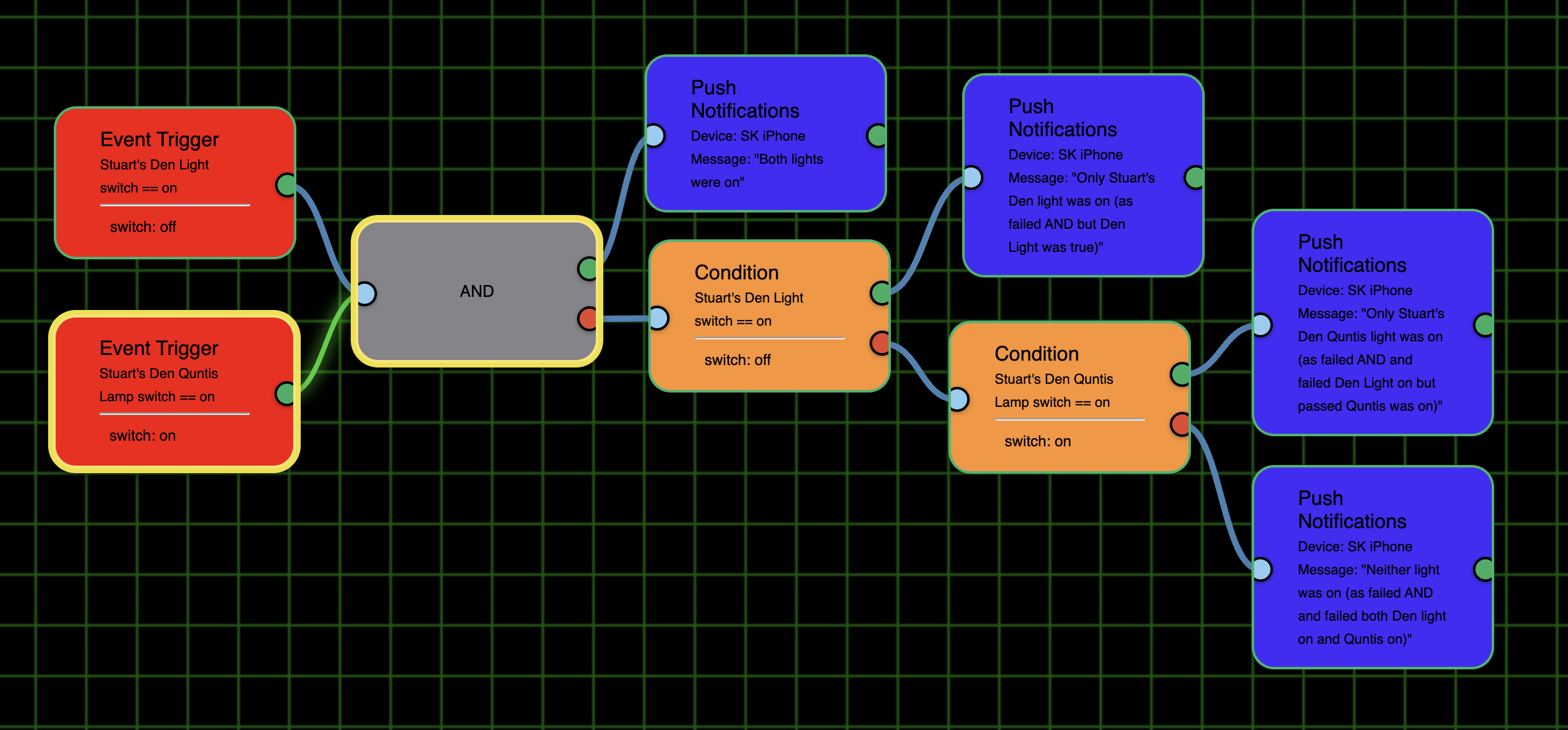
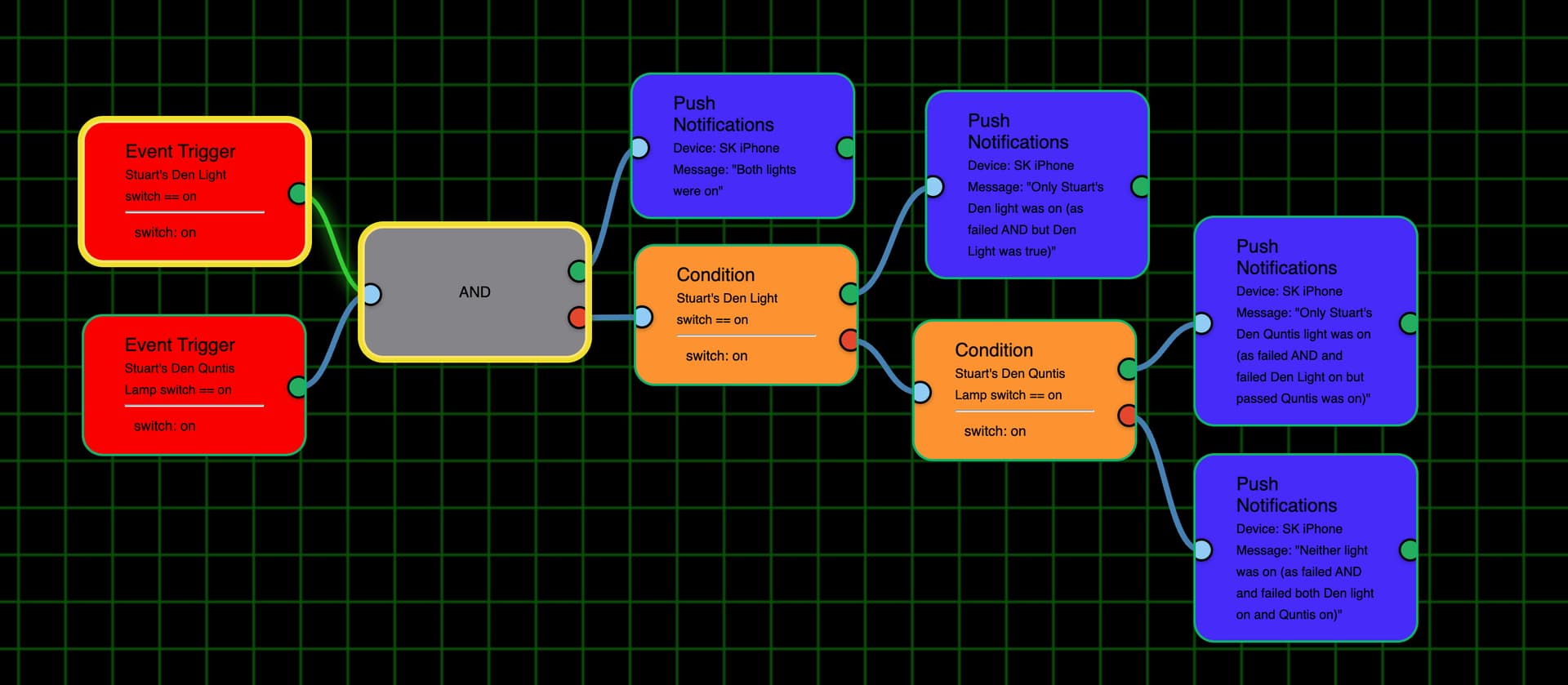
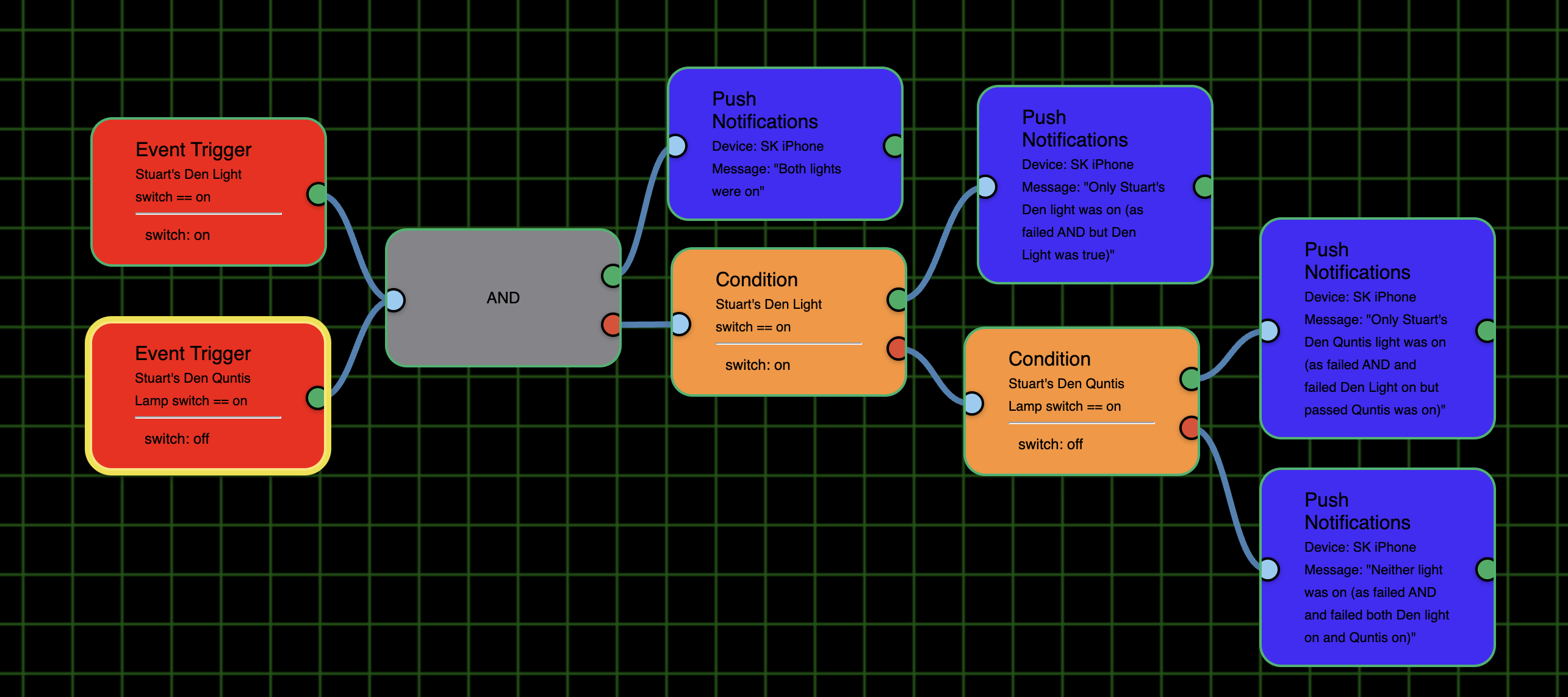
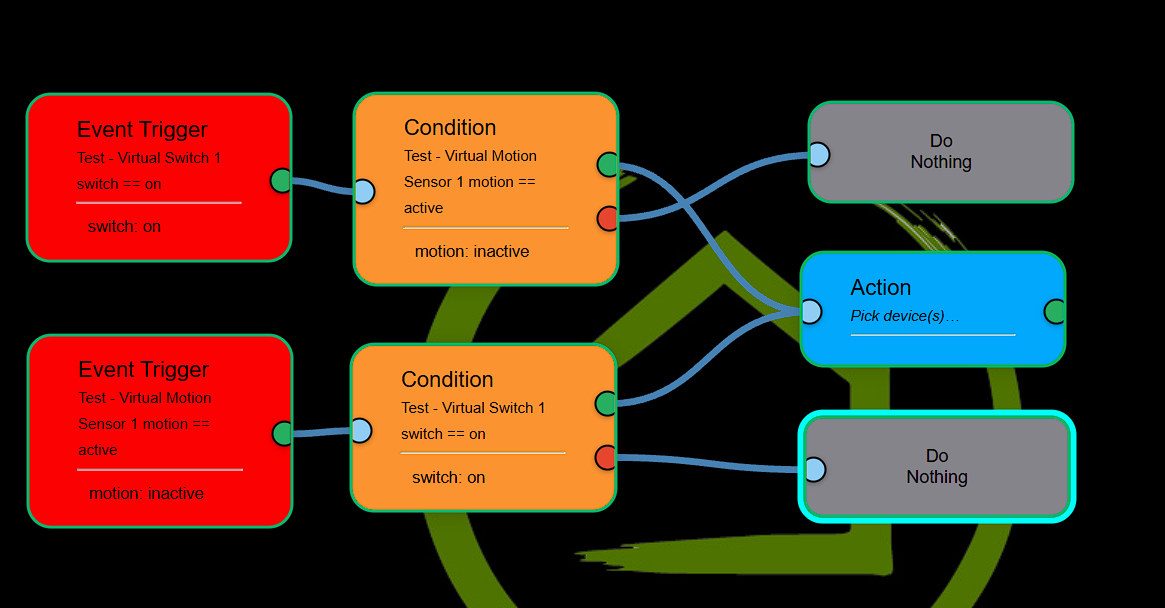
I also could not move multiple selected nodes at once. I was going to test the toggle Action so I broke the link between my ET and the Condition. I then tried both Cmd+Click (as I'm on a Mac) and Ctrl+Click to selected the 3 right nodes but they wouldn't move as a group.
But, if I clicked on an empty place on the grid and held the left mouse button they all moved.
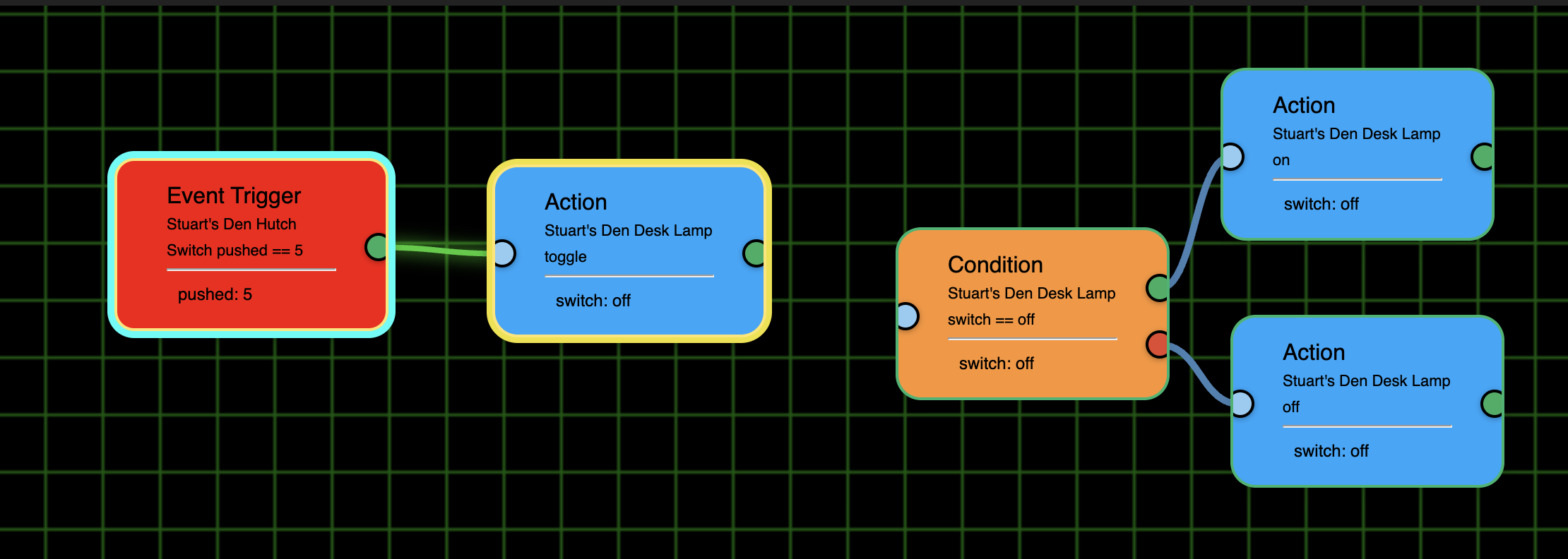
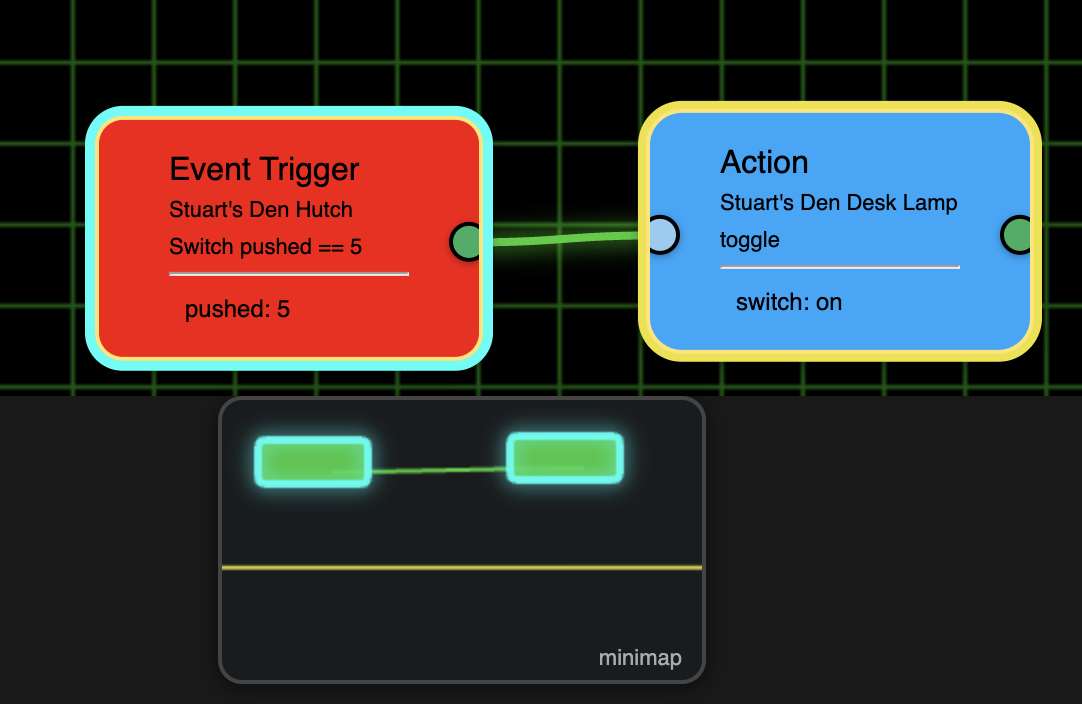
BTW, when I did the toggle test I was a bit surprised to see the flow ran for the disconnected nodes. But there is an error in that the ET didn't have a green outline and the link between it and the toggle action didn't turn green either.
Light off:
Light on:
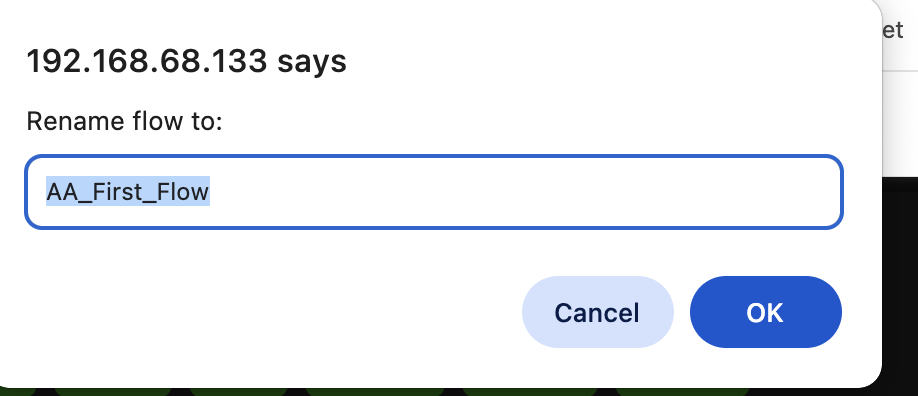
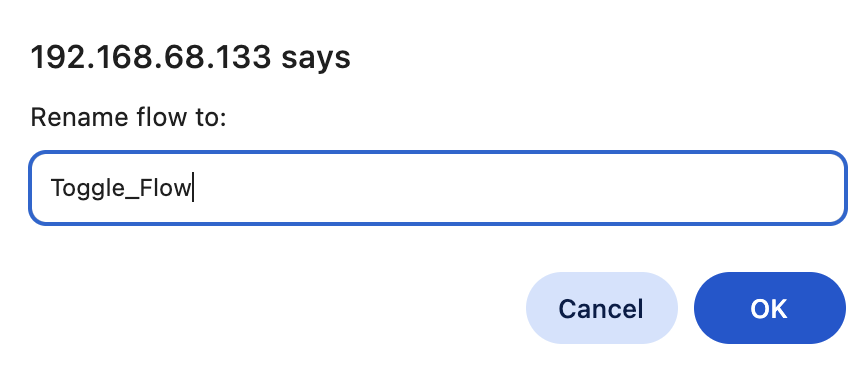
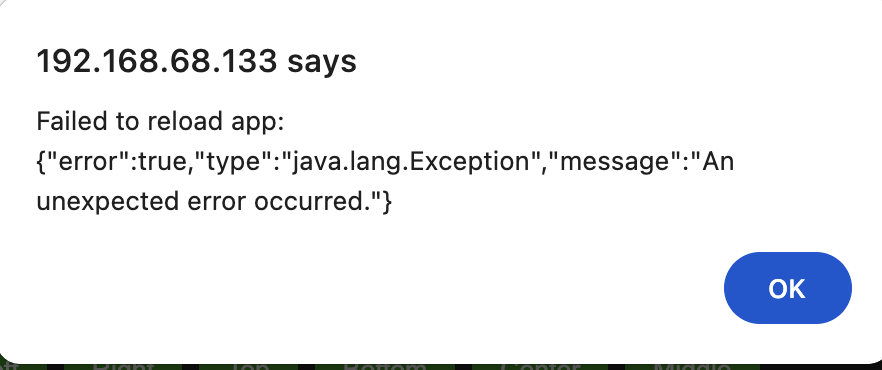
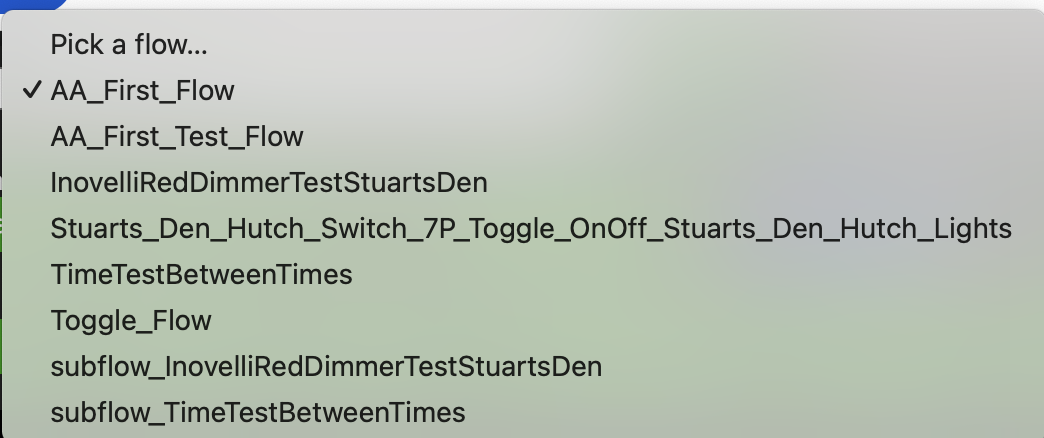
When I tried to rename a flow I got an error message. It looked like it didn't do it as the flow combobox had the same names. When I refreshed the page a flow appeared with the new name but the original flow was still there. So it acted like a Save As vs. a Rename.
Original flow name:
New name:
Error message:
ComboBox with both names:
FYI, I tried to do a new flow in both Safari and. Chrome on my iPad. On Safari, at least, when it asked for my ID I tried to hit Cancel but that didn’t work. I had to close the tab. Once I put in the ID and token it did load. (I didn’t try to cancel in Chrome).
When I created a new flow on my Mac in Chrome I got the same error when I tried to save it. The new flow did appear in the flow combobox list once I refreshed the page. However, I was unable to activate it or deactivate active flows:
Here is the error message that comes up:
Back to the iPad, in Chrome the fields for the ID and Token were the same color as the dialog box such that I couldn’t see where they were at all. I just assumed where they were and entered them.
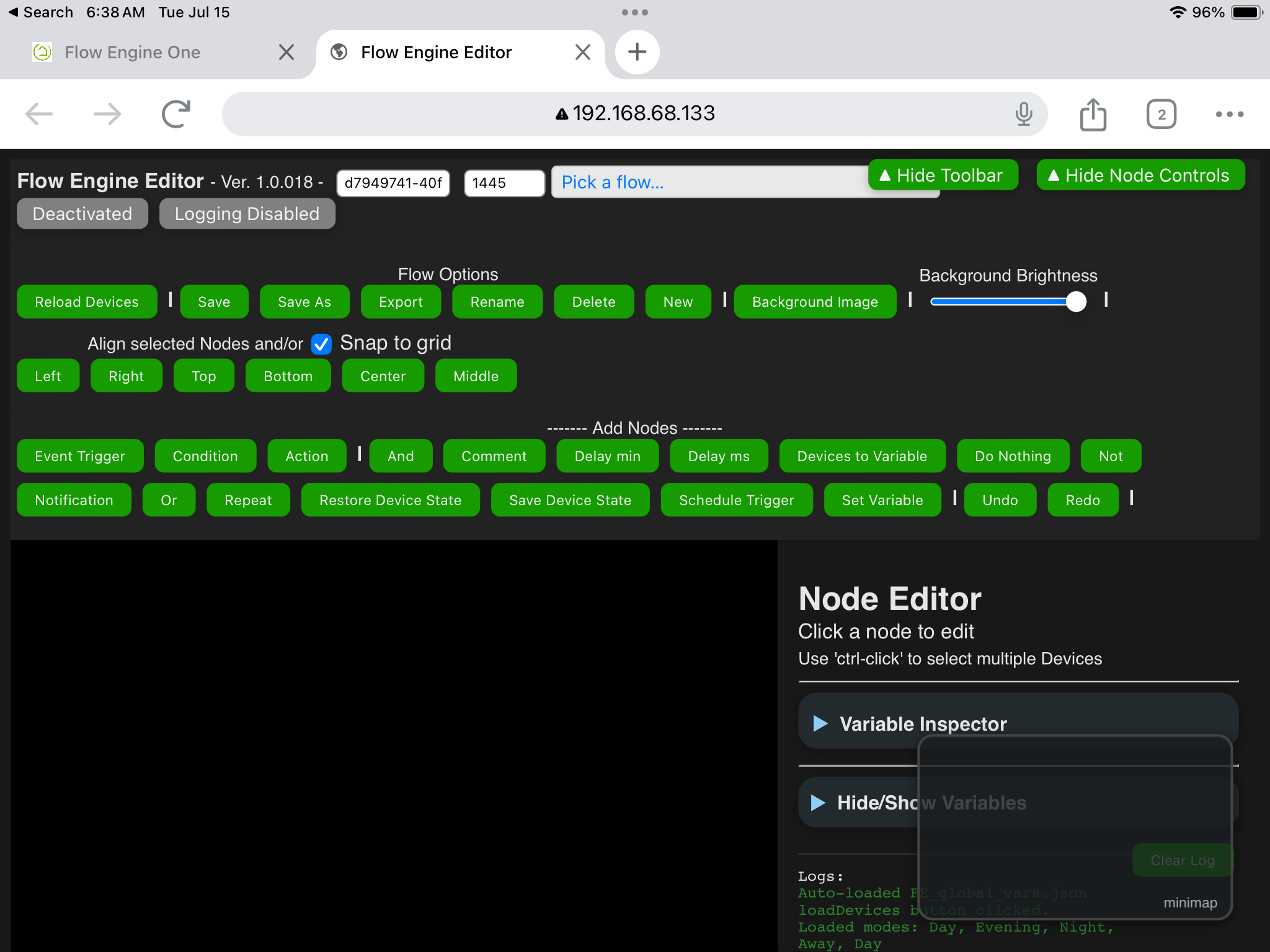
Working with Chrome then I was unable to move the mini map. Plus, the controls don’t layout properly in the top right.
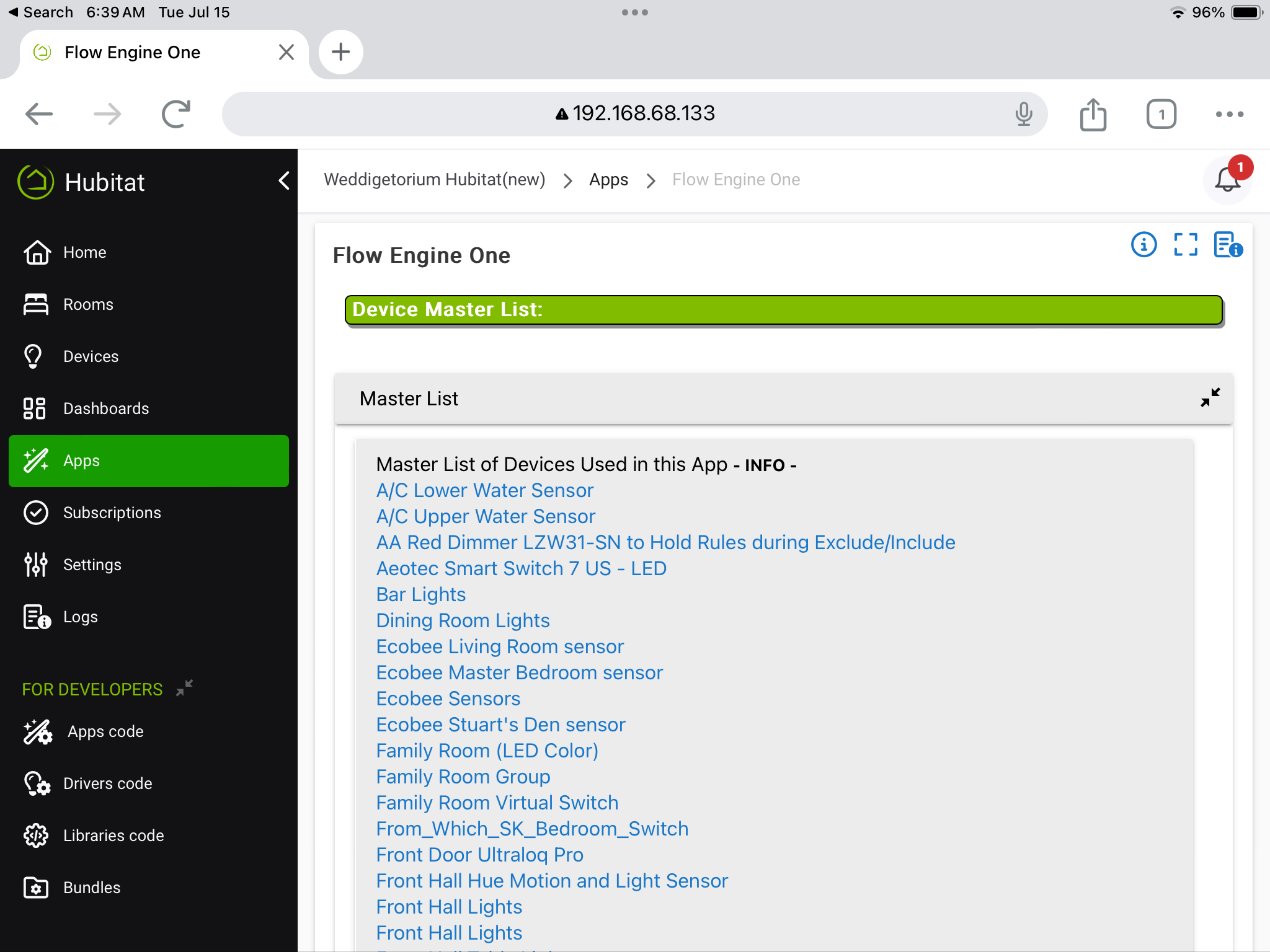
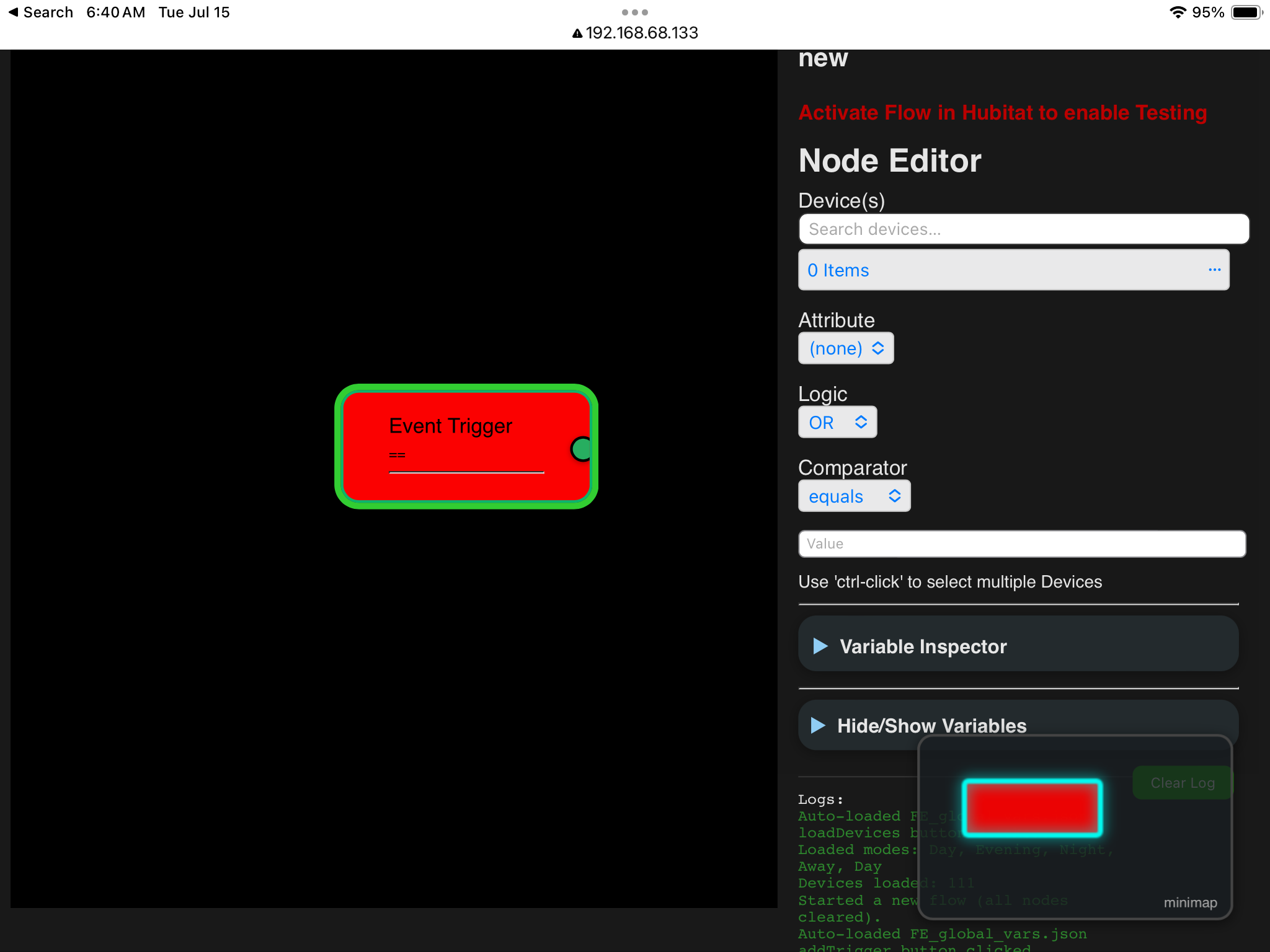
Also the devices are there at the FE1 page but show up as zero in the Editor. The Reload Devices button didn’t help.
I know you have issues way beyond making this work on an iPad, so I’m not expecting any work on this at this time, I’m just reporting it for a someday fix.
Devices are there:
Editor sees none:
Overlapping controls:
Just an update, doing some refiguring to deal with the OAuth thing. Should have something out tomorrow or Thursday. Hang in there.
2 Likes
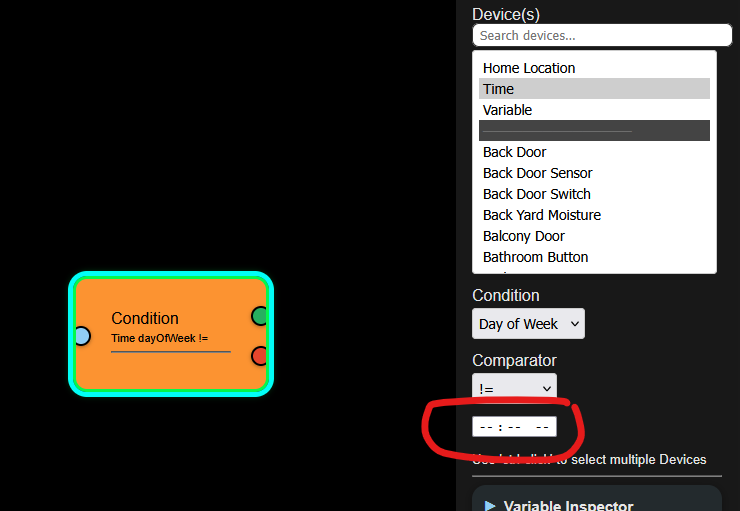
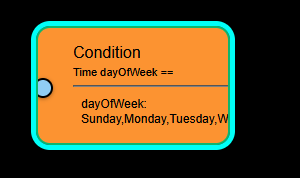
Just one more thing as you work on this. The condition node seems to lose the connectors when selecting "Day of Week". See below:
Well, let's try this! Too many changes to list here.
'Repair' and have fun!
Thanks for hanging in there
Edit: forgot to mention. You'll need Maker API installed to use the Editor. It doesn't matter if you have it installed for something else and there is no need to change any of your settings. It just needs an instance of Maker API installed. If you don't have Maker API installed, simply install it with the default settings, save and forget.
1 Like
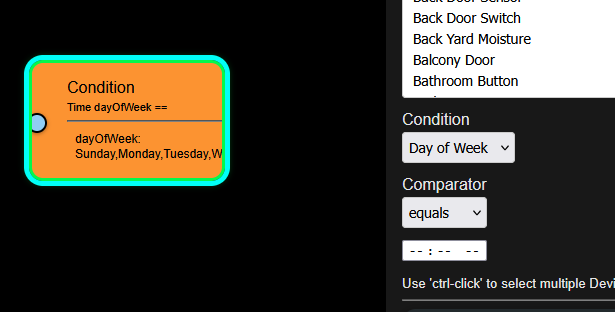
The Day of Week node now does not allow selection of days, in addition to not having any connectors on the right side.
1 Like
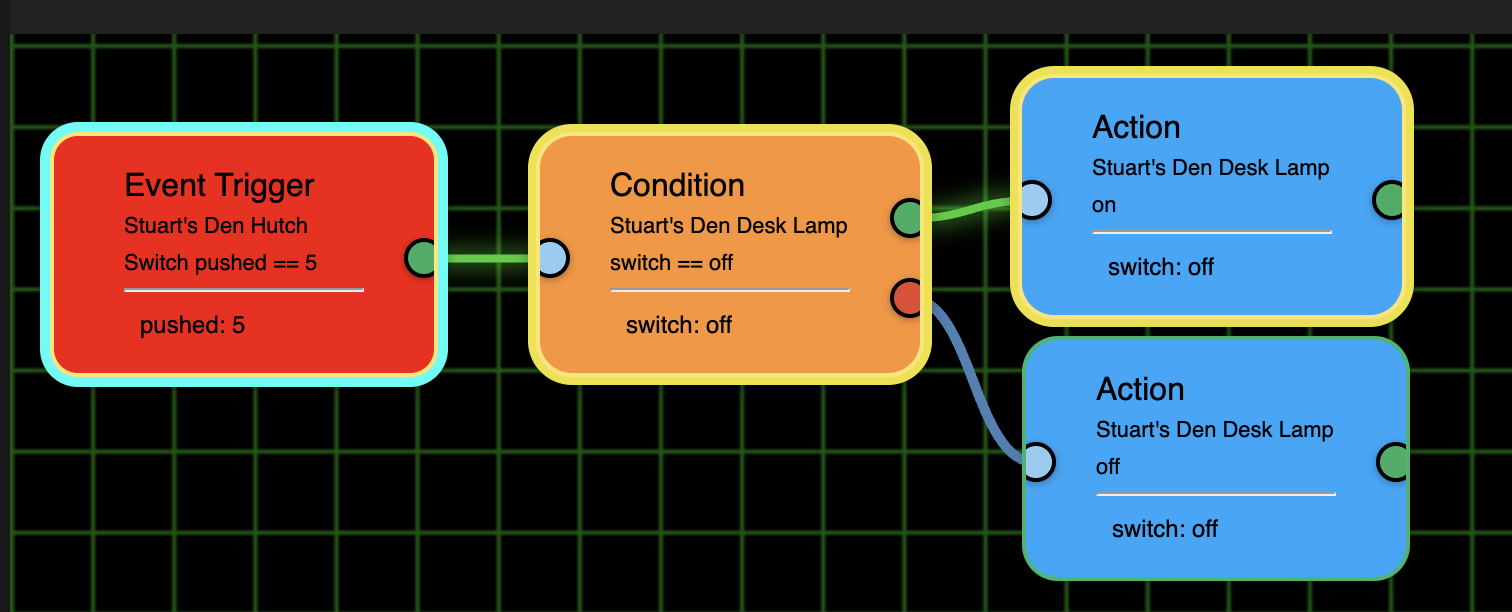
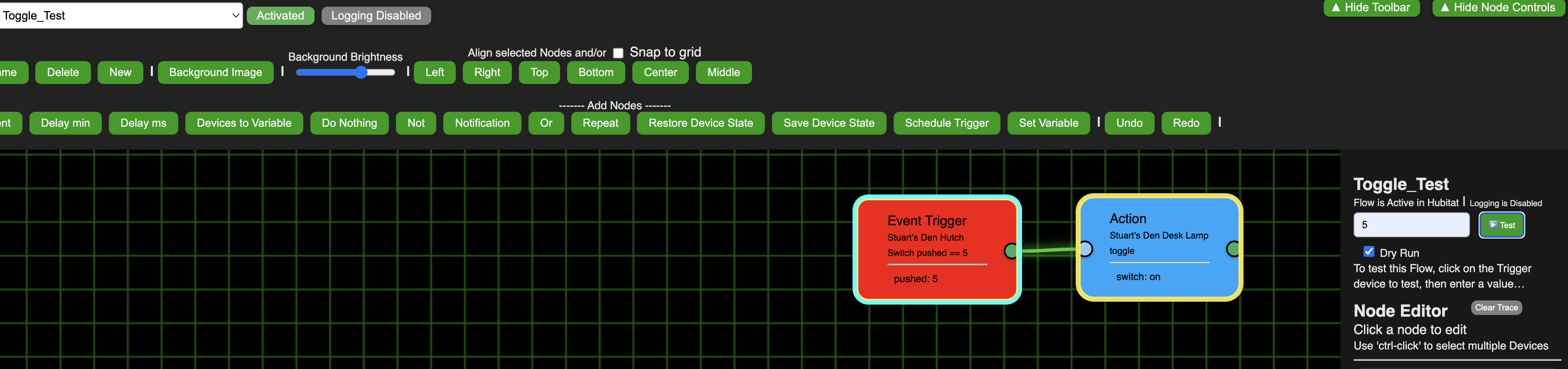
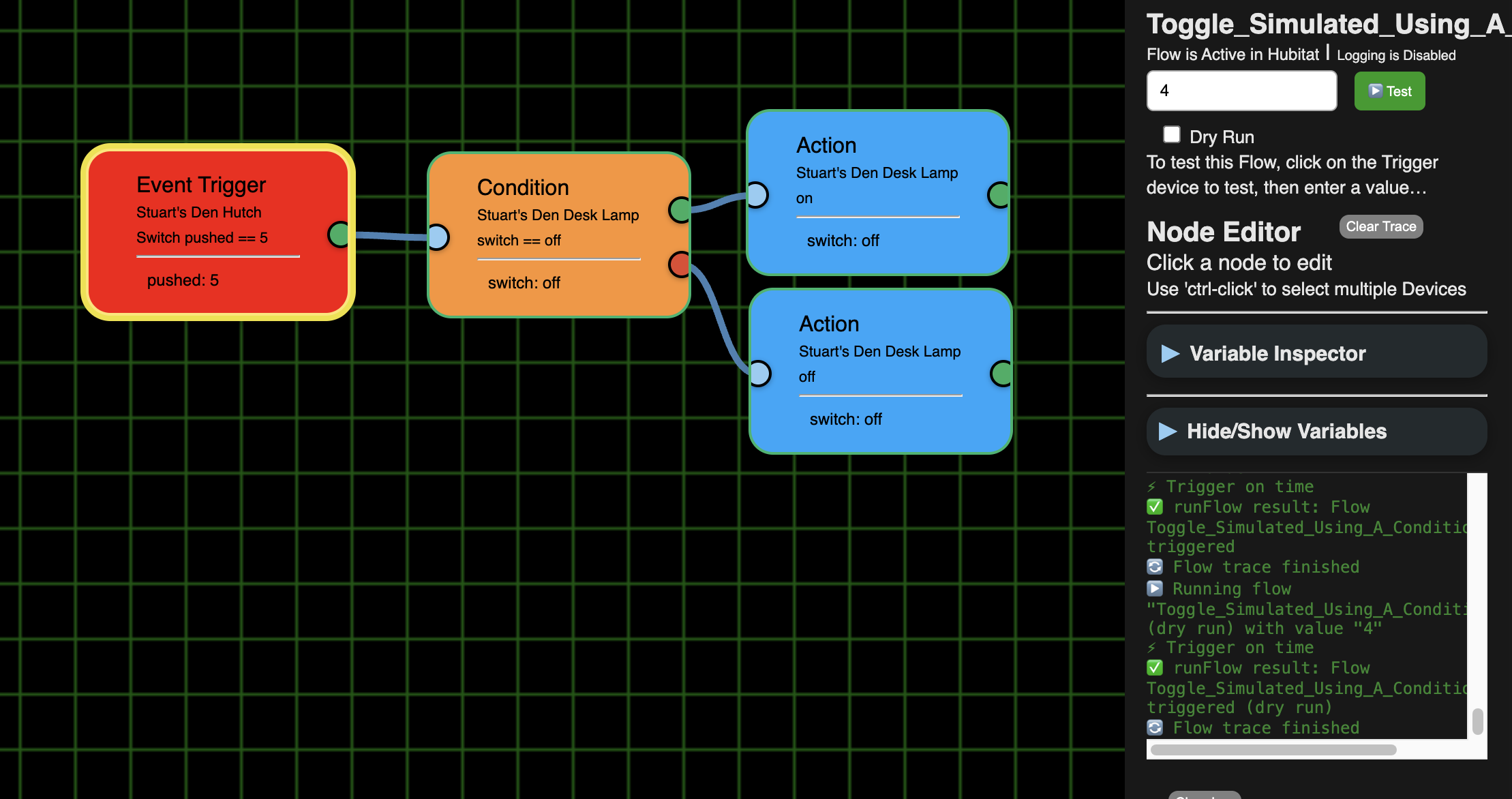
I tired a Dry Run and it actually is turning my light on and off for this one:
(BTW, the disconnected Condition and the 2 right Actions are no longer be evaluated, so that's fixed).
But worked properly for this one:
BTW, why did you decide to make it a yellow outline and left the link green? Just IMHO, but I like a green outline as green to me = go (i.e. good/true) like a stop light.
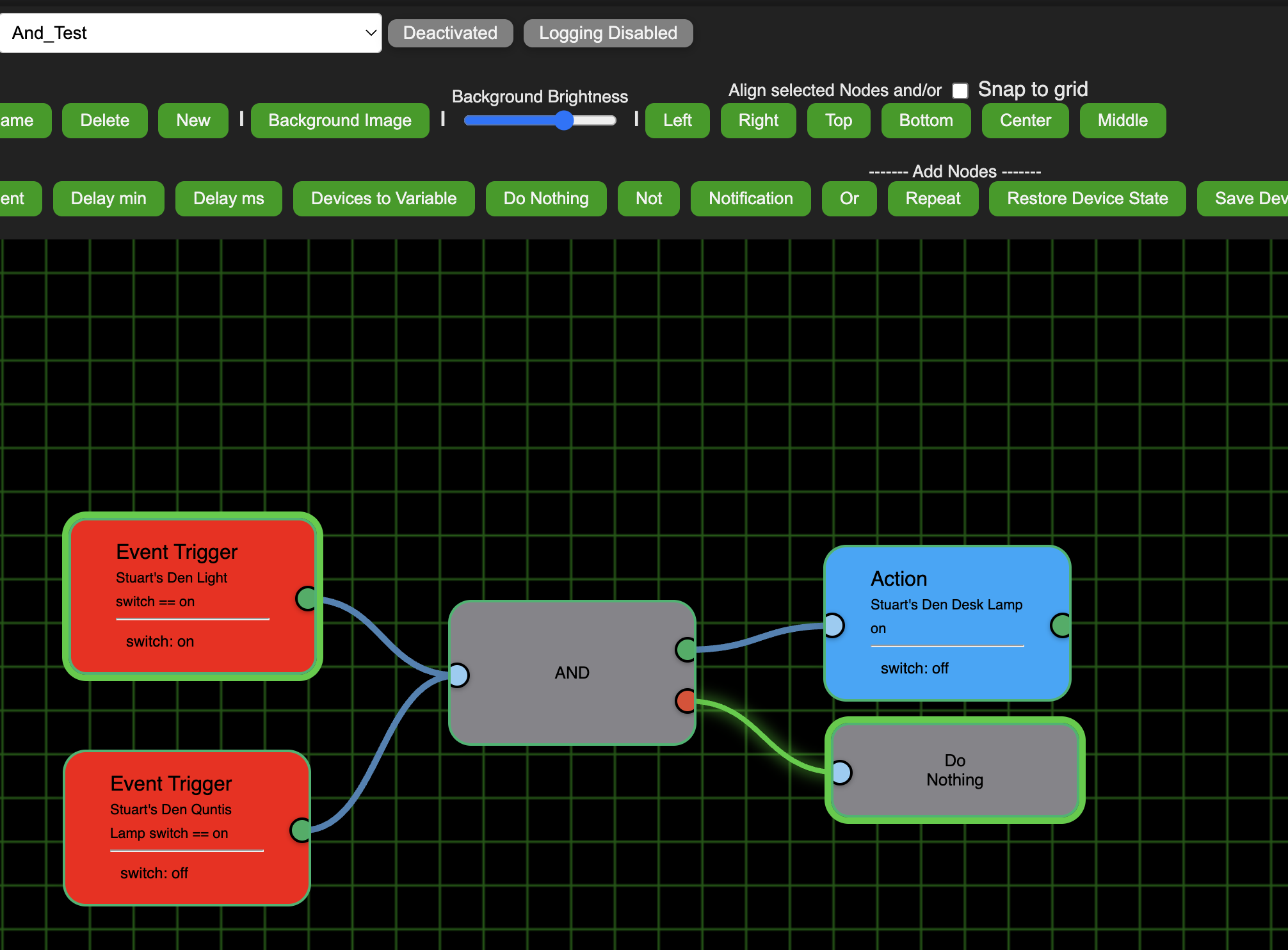
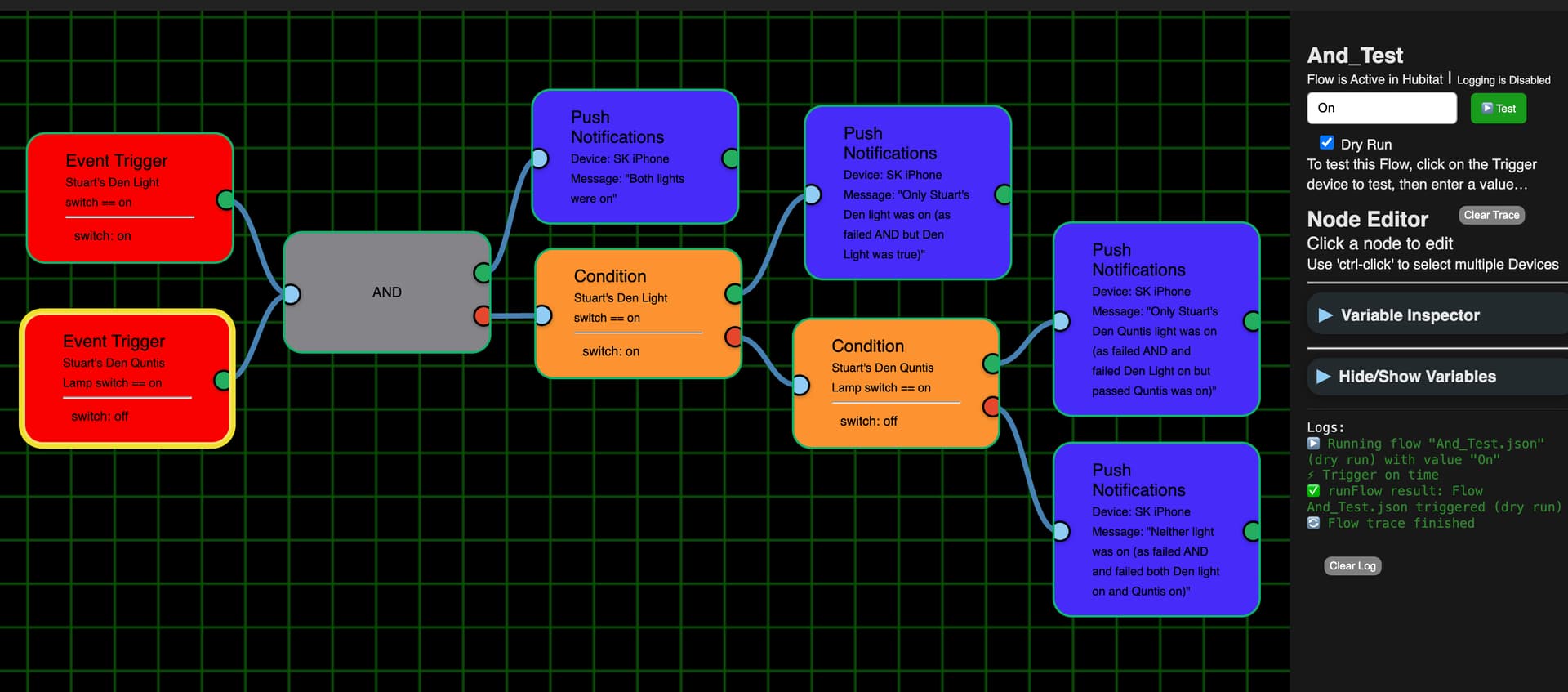
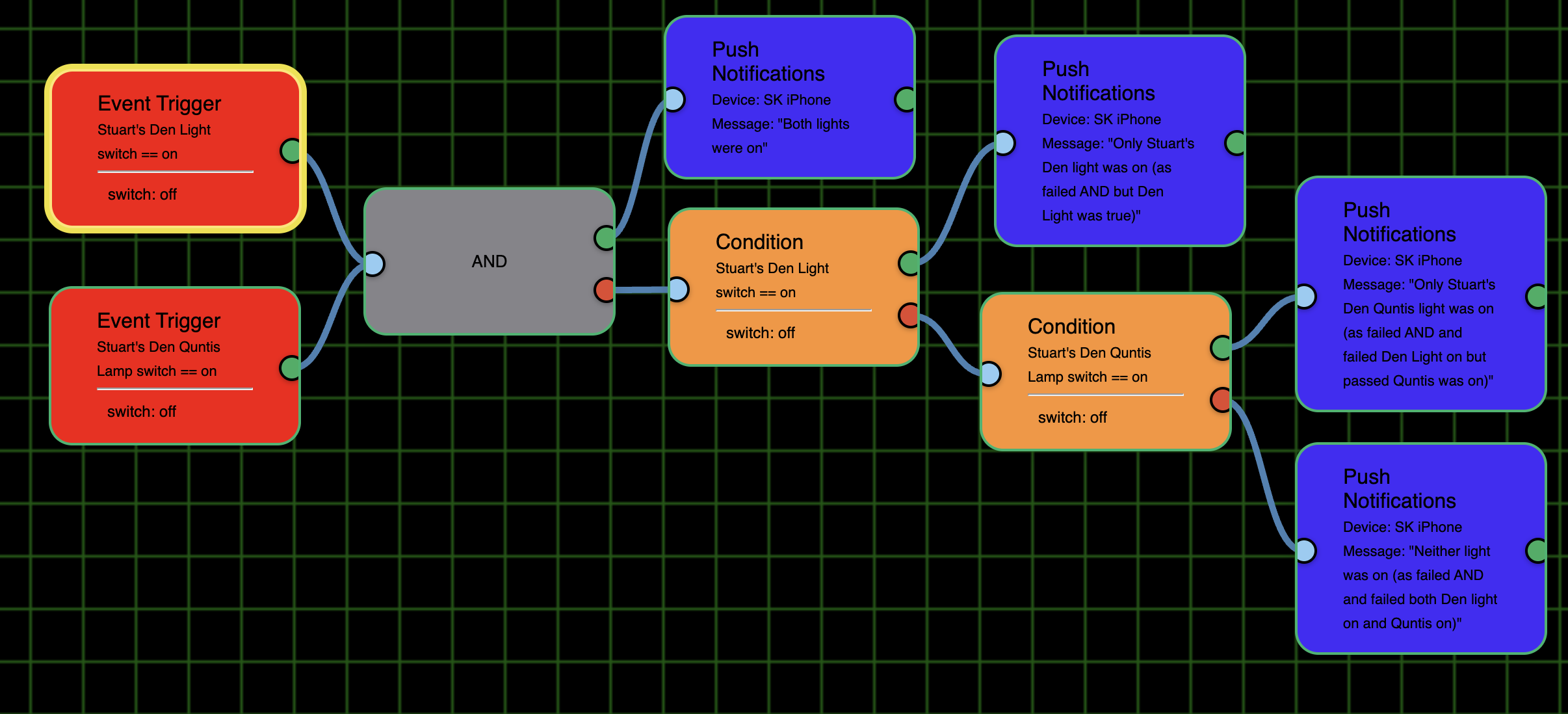
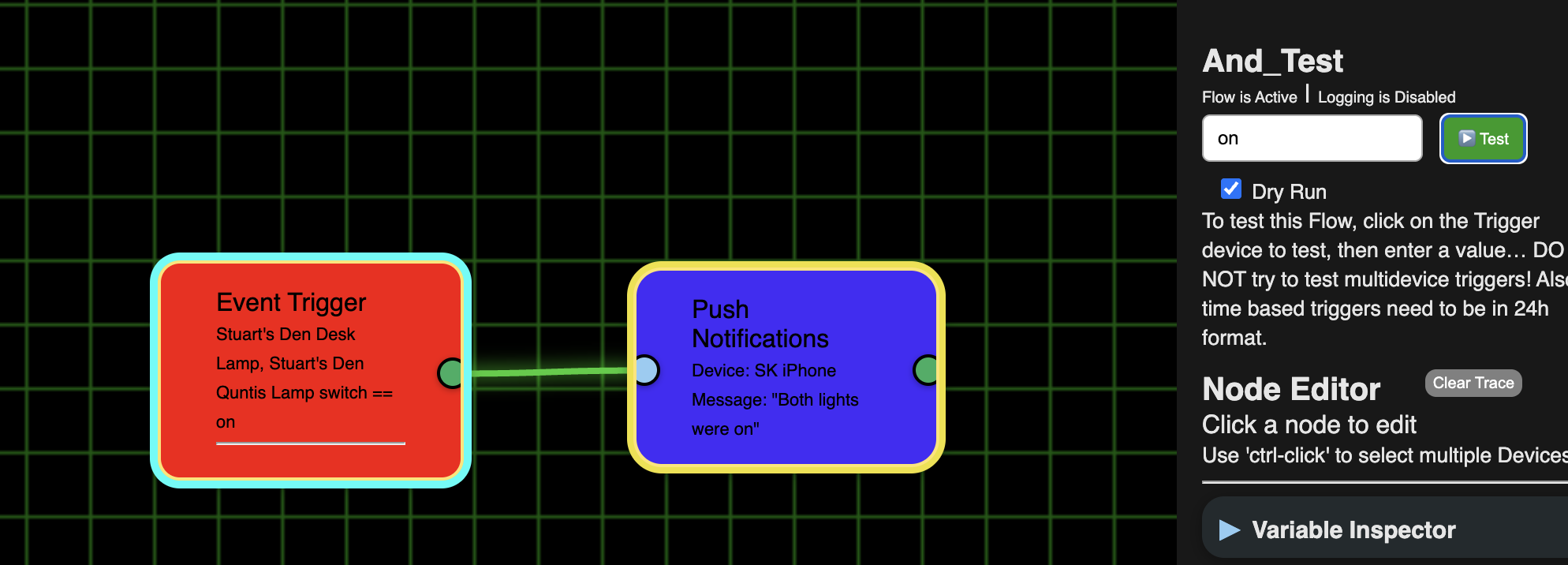
My "And" test doesn't look like it ran. I clicked on the top Trigger and entered "On" as the test value. As you see in the screenshot the bottom one ended up with the yellow outline.
How do I run a test with 2 or more triggers? (Especially if they were to have different values, e.g. one switch is on and the 2nd one off, or 1 switch turned on and it is after sunset, etc.)
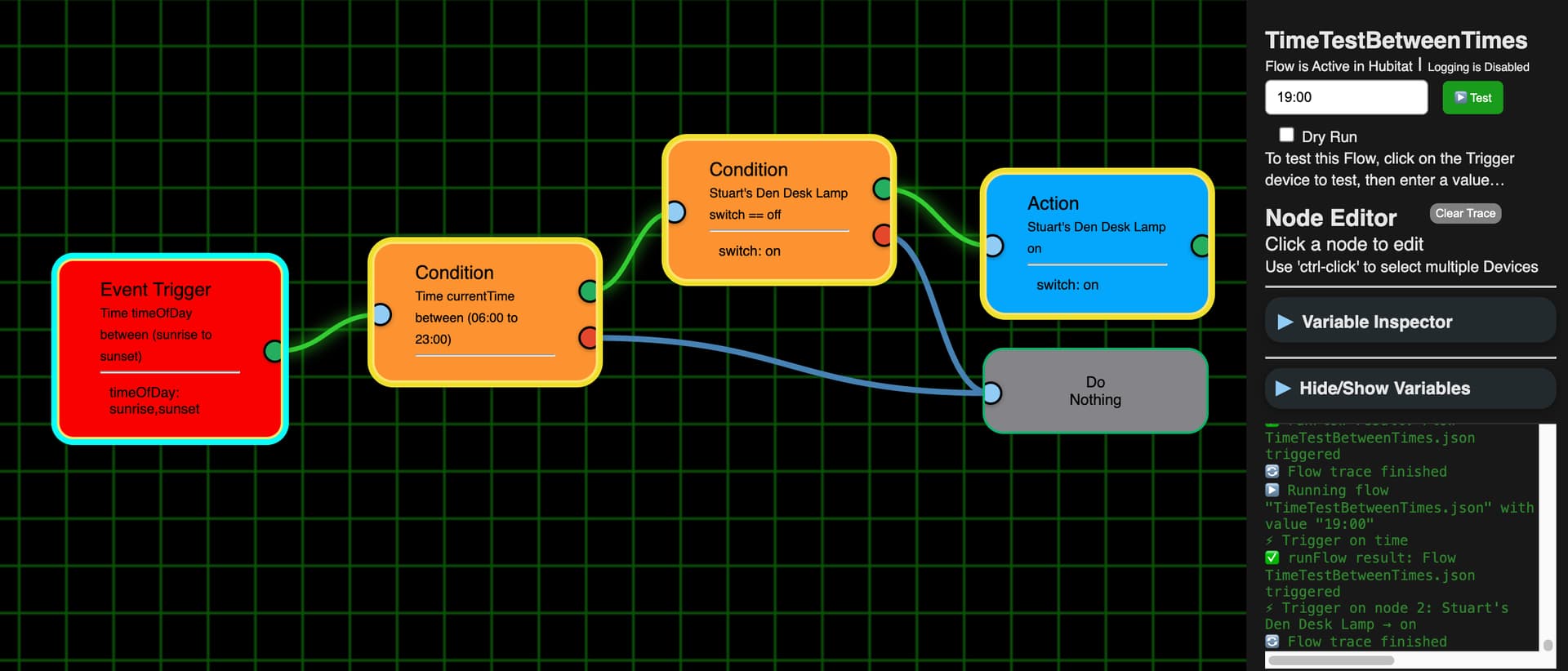
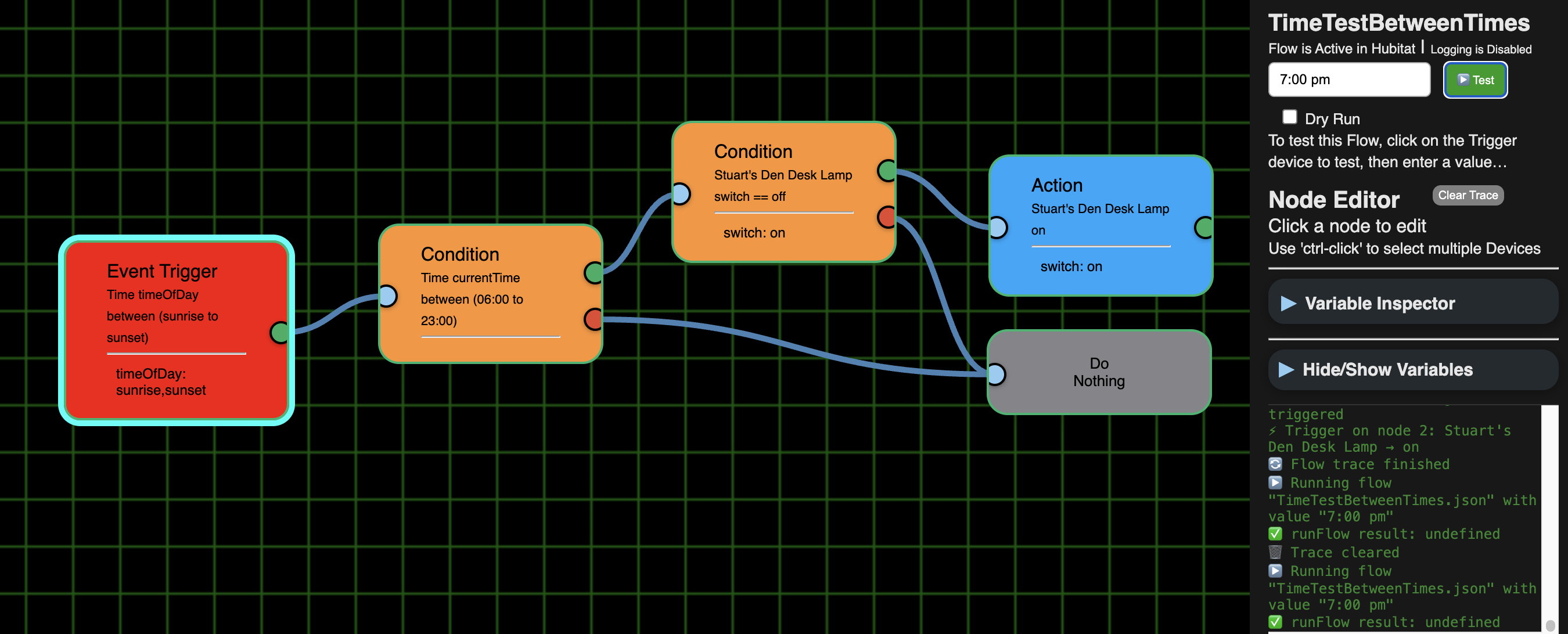
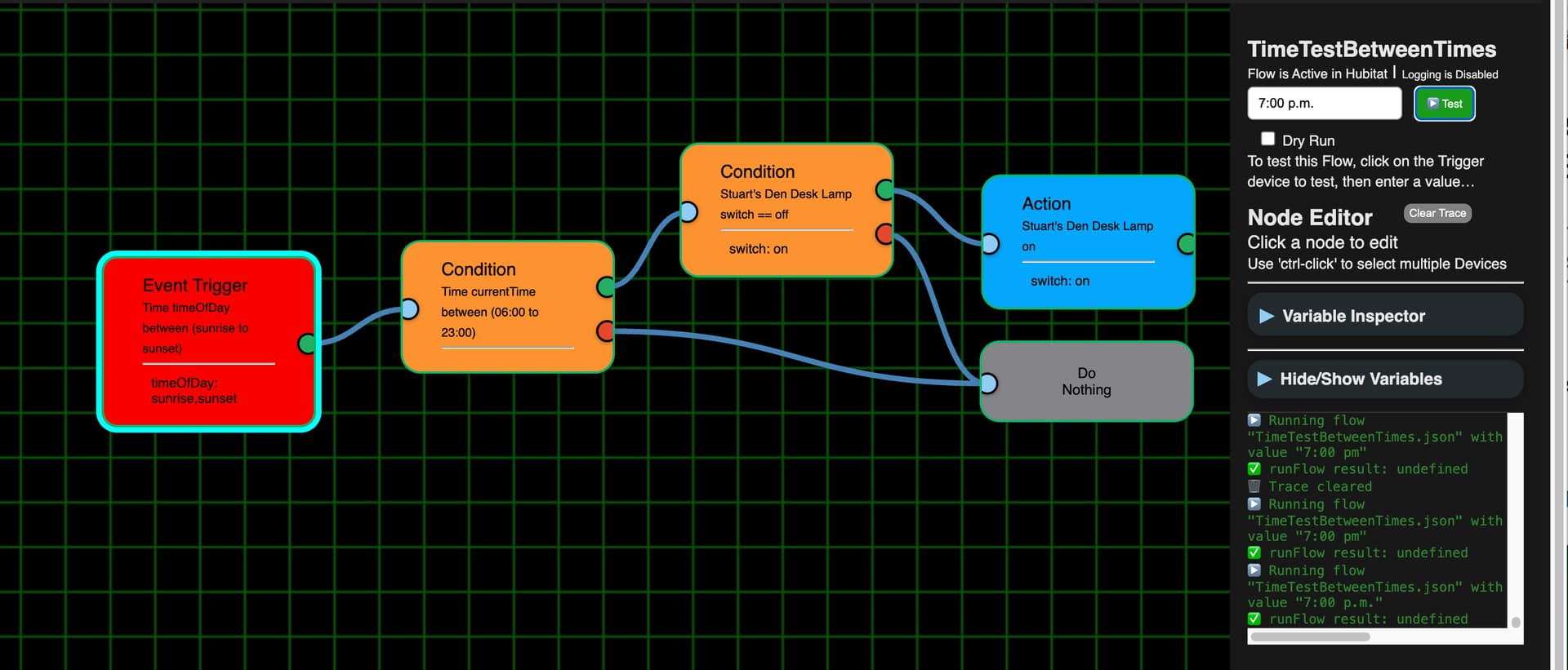
Time test ran properly with 8:45 but not with 8:45 am. Likewise, it ran properly with 19:00 but not 7:00 p.m.
19:00 worked:
7:00 pm (or 7:00 p.m.) did nothing:
Also, BTW, I like the Clear Trace button.
That's a broken flow so who knows what will happen 
When the Flow is first loaded, it shows the last run in Green, others have said it wasn't visible enough so I went with bright yellow for the live tracing. It doesn't matter what combo I went with, someone isn't going to like it, so I just went with what I like.
Not possible to test multi-trigger Flows right now. Maybe in the future.
Also Flows with Triggers that have several devices blows up the app when using the Test button. I'm working on that one right now.
All Time tests must be in 24h format. Need to make a note about that.
Keep plugging away!
As Lesley Gore might sing: It's my app and I'll color it as I want to, color it as I want to.
However, the mini-map isn't showing yellow:
And here the mini map turned the whole flowed into Condition and Action Nodes green, not staying orange and blue respectively with a yellow outline each.
I deleted the Condition and it's 2 Actions and then even renamed it, but it is still ignoring the Dry Run checkbox. So I don't know if there is a way to "repair" it so the Dry Run works as intended, i.e. it doesn't turn the physical Desk Lamp on and off.
I don't think ANDs are passing on the flow. Here both Trigger switches are off (top has yellow outline as it was the 2nd one I turned off):
Now top one on:
Now just bottom one on:
Now both on with bottom one left on and top turned on. Note that the link from the bottom one turned blue even though it had been green and that light was not turned off:
Turned off the bottom one but left the top one on. Note that the link from the top one turned blue even though it had been left on.
In none of the cases did the flow appear to leave the AND: links from green and red exits never changed color and no outline to either node connected to the AND node or beyond.
From all of this it seems that the app isn't evaluating 2 triggers properly.
Between Current Times as a Condition lost the 2nd time again:
Another, BTW, I ran the below using a "4" instead of a "5". It correctly showed that it failed the Trigger (in that the link stayed blue - (but I'd rather the link would have turned red to show it failed and/or a red outline around the Trigger node), but since I ran this test as a physical test (vs. a Dry Run) I think it should have changed the number below the line in the Trigger node to a 4.
Ver. 1.0.021 available - 'Repair'
- Removed 'and', 'or', 'not' - there just not needed.
- Fixed current time / between missing second input
Notes:
For and/or/not, these are build into Triggers and Conditions. Remember a Trigger is something that happens in time, no two things can happen at the same time. Now One thing or Another thing can both cause the Flow to run, but if you need both 'things' to be true, then you would use a Condition.
'Red' Triggers - When using the 'Test' button, it's not sending the value directly to the Flow, it uses the Trigger info (device/attribute) to send that test value into the data stream. If it matches a Trigger, Hubitat will grab it and run the Flow. If it doesn't match, it just ignores it and keeps looking at the stream for any given match. So color coding a Trigger node isn't possible because it never fails, it just isn't a match.
If two different type of Triggers are needed but both need to be True;
If two same type of Trigger are needed:
Getting rid of AND and OR nodes may make some flows a little more complicated, but I'm guessing it is making it vastly easier to program.
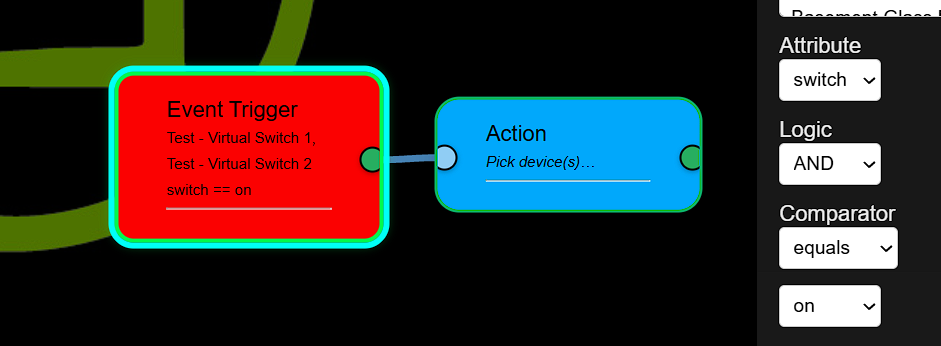
One BTW, I did a 2 device with the new AND method and saw it worked using "on":
But it didn't work with "On" or "ON". I think that is just something you need to cleanup internally making the input all lower case, much like converting am/pm to 24 hour time.
I also did a Save As and duplicated this, except as an OR logic. I couldn't figure out how to test it directly, so I made a couple of flows, one to toggle the Desk Lamp and the Other to toggle the Quntis lamp. When I would turn them on and off through the various combinations they worked. I don't know if it is possible, but it would be nice with you could put the AND or OR into the node itself so we could see which it was using
1 Like
Great! For the Day of Week though, we still cannot select days, like Sunday, Monday, Tuesday, etc. See the image below.
1 Like