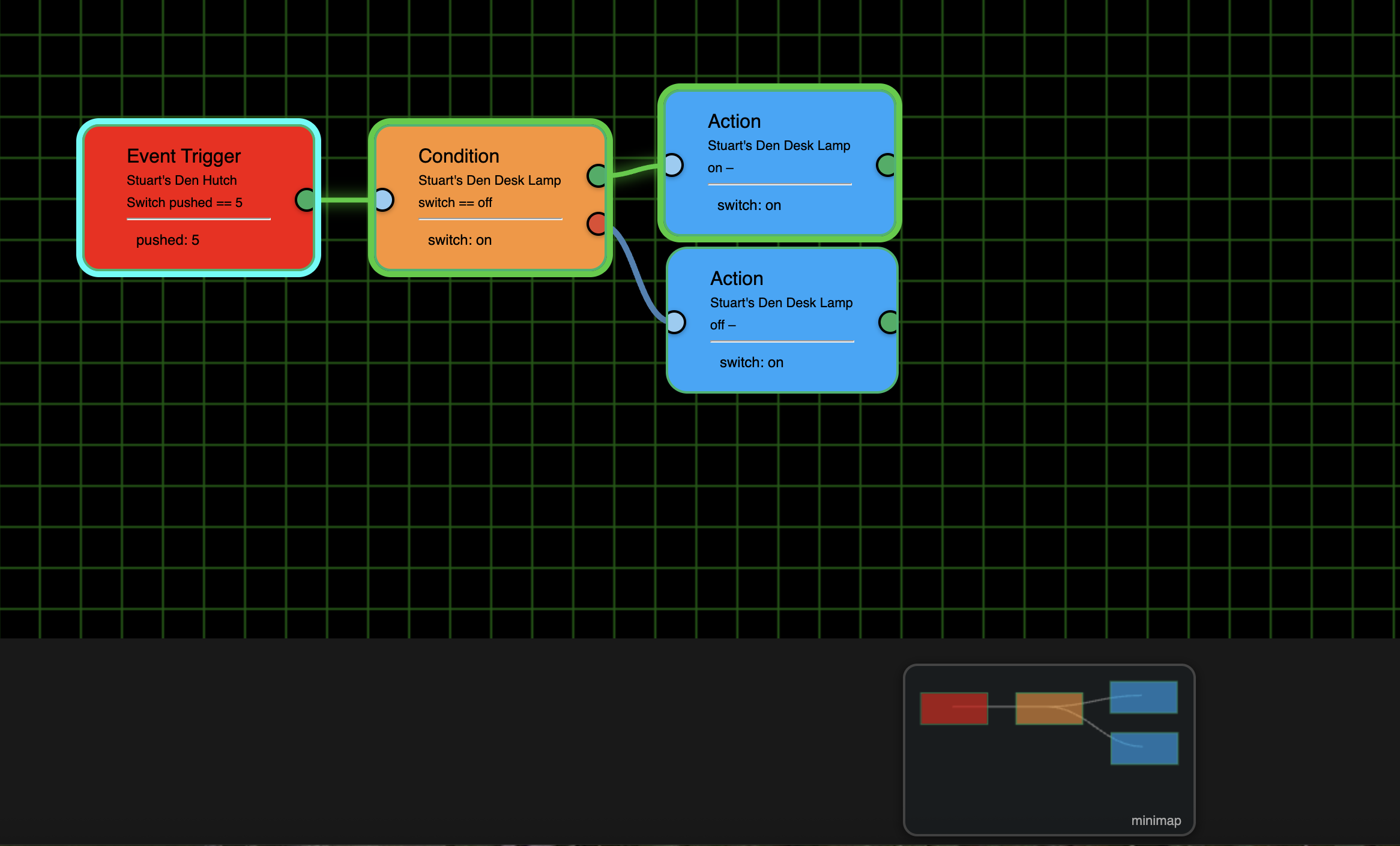
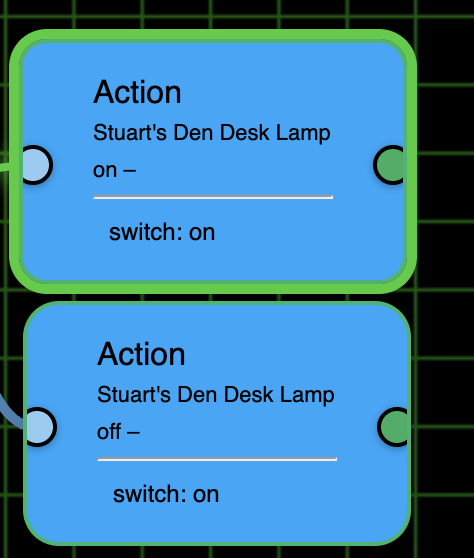
Ver 1.0.015 on Github...
- And, Or and Not removed
- Logic added to Triggers and Conditions for And/Or
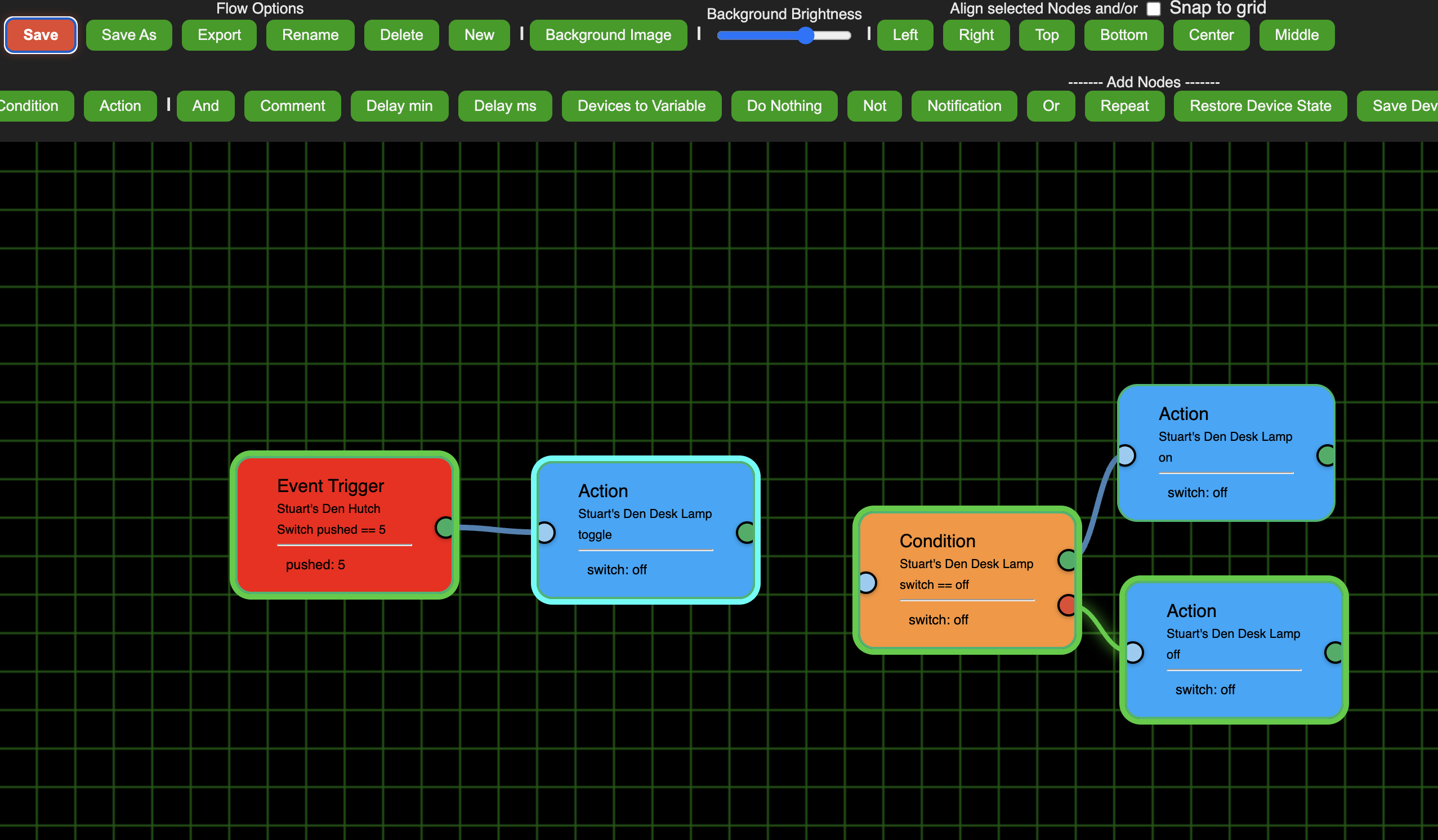
- Replace top row radios with buttons (and they auto load status)
'Repair'
... and I'm going back in! 
Ver 1.0.015 on Github...
'Repair'
... and I'm going back in!
Nice .. 
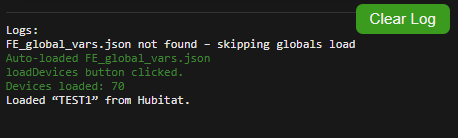
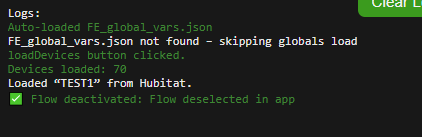
Sooo .. I my system it worked ONCE .. then same thing ..
If I deselect it always shows activated in the button and always green.
not sure why .. I wonder if you saved the state to a txt file on the hub.
test1.flow = active / deselected
test2.flow = deselected / selected
then it could just read from that and change the button green or red ?
But love the button way better Thanks !

Out of curiosity, why to we have to go into the FE1 app, click Done, which takes us back to HE Apps, and then go back into the FE1 app before going to the FE Editor every time we repair?
I am able to still activate, deactivate, and reactivate with the button in 015.
You don't, only the couple of times I asked that you do. 
I know, I'm working on that now. Also making the Test changes you asked for. Thanks
That's just a placeholder for Value, It'll be removed soon.

This is definitely something isolated within your system, since it's working for others. Will need to dig deeper. I used your exact code and then added another line in a different function to auto populate the status.
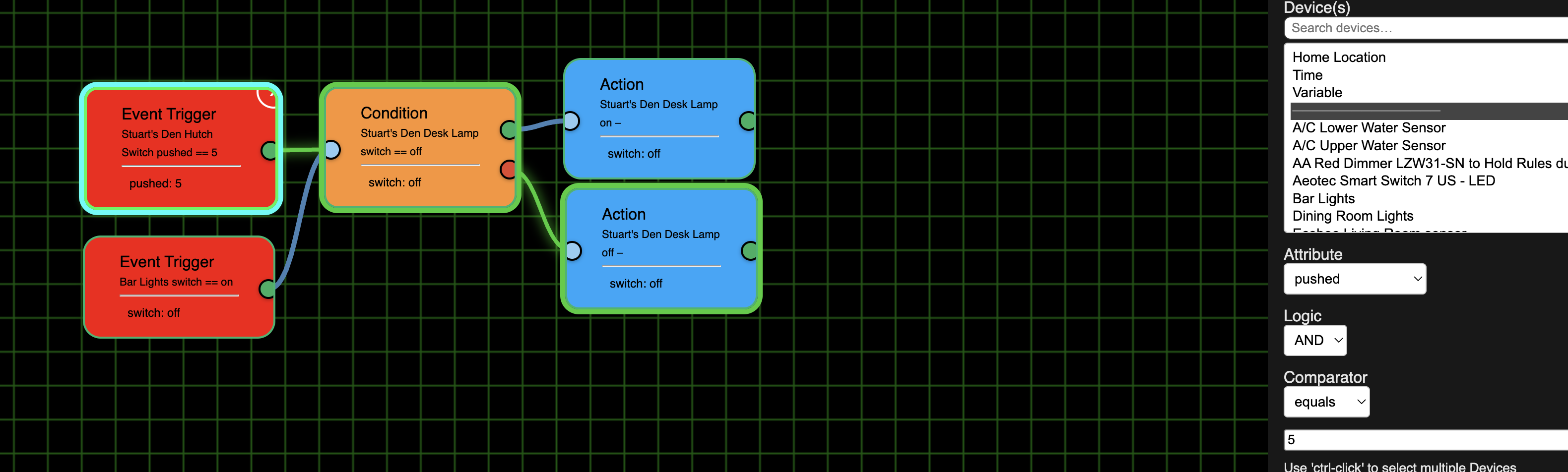
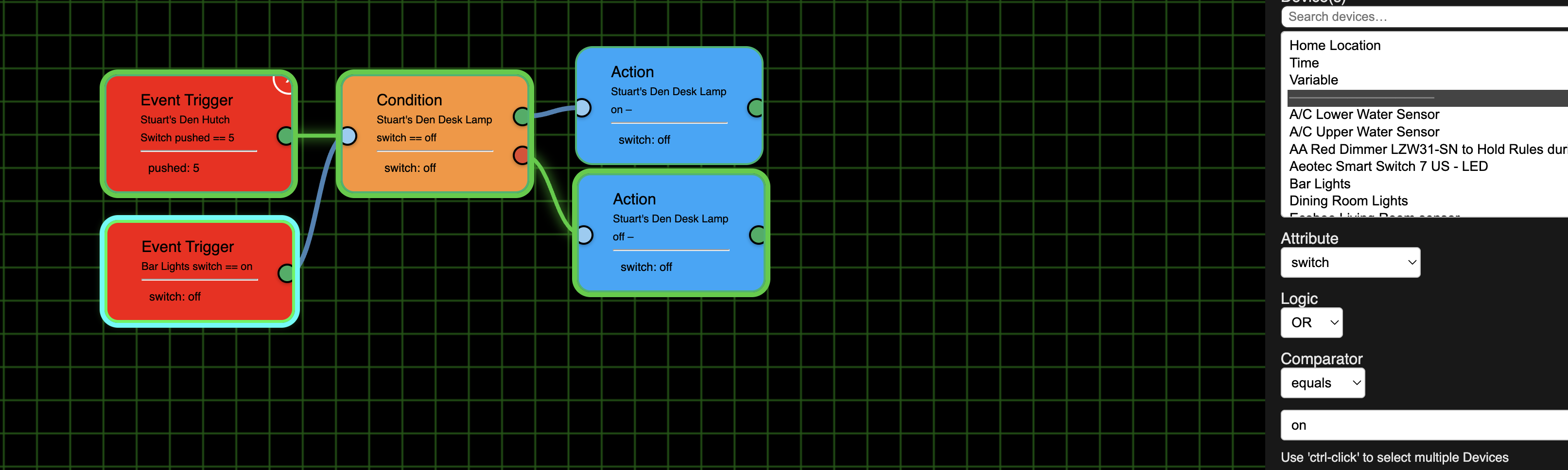
Not sure AND, OR, NOT, implemented correctly. I put in 2 Event Triggers and could set one to AND and other to OR. As I said in my original suggestion at 320, maybe consider 2 or more links to default to AND and leave the OR node. Otherwise, if you want to make it a parameter I don't think it would be a parameter of where it came from (here the 2 ET's) but where they are connected (here the left Condition anchor point)
Top ET set to AND:
Bottom one set to OR:
The logic parameter is only for the devices selected within that node. So if you only select one device then it has no purpose. But will be used when selecting multiple devices.
When adding multiple Triggers like you did in your example, it has always been treated as an 'or'.
Then you can use 'conditions' to route the Flow based on which one fired.
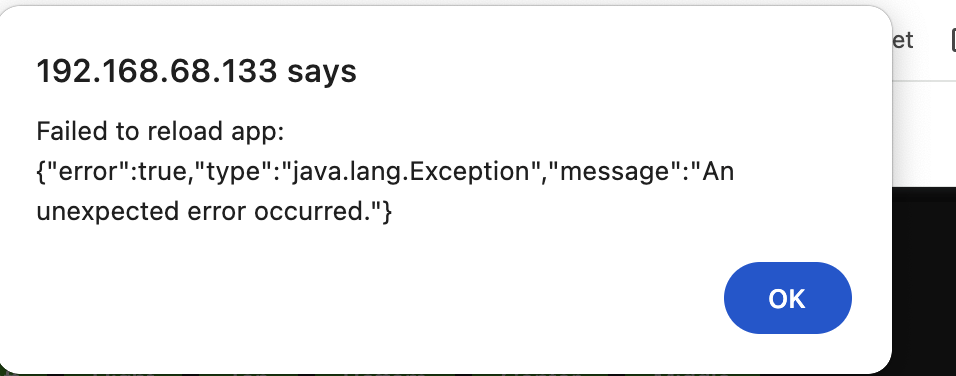
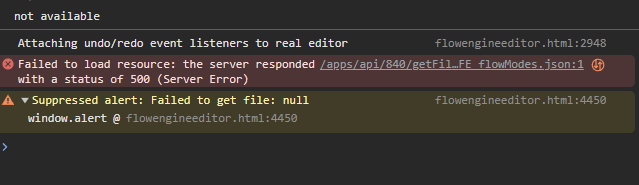
getting this hundreds of times - never stops in dev tools ..
guess it flooding system so it never update correct ?
Nope, you're just looking at the data going back and forth between the Editor and the App. Perfectly normal.
I think having the AND OR parameters appear if there is only one device is confusing. Plus, if they are treated as OR it will lead to having to have a lot more nodes and much harder to think about and create. You might say that the solution is to have multiple devices in one ET, but I think that only works if they are both something like switches and I want them both On or Off. It doesn't seem that will work at all for Switch A is turned on and I want the AND to be that it is to between Sunset and Sunrise.
BTW, I was trying to create an example Where Switch A was pushed AND it was between Sunset and Sunrise and I found that the Between is only bringing up 1/2 as an ET. Between is working for Conditions:
But let's pretend the bottom ET is between Sunset and Sunrise. I'm trying to create such a flow but it would be a real mess. I really can't figure out how I would have those 2 starting ETs flow into a Condition without having to flow into 1 or more conditions that are testing them again.
Now that I"m thinking about it even more, perhaps we do need both an AND and an OR node. Here is a use case: I want Switch A and then Switch B OR Switch C. I would have Switch B and Switch C go to an OR node that would then feed if True to an AND node that Switch A was directly connected to.
So I'm sorry to be the one to instigate you removing those Nodes, but I think it would be much better with them.
Another shot at this! Ver. 1.0.016
NOTE: I've been having an issue with the app OAuth changing on it's own. If this happens to you, you'll need to update your OAuth token and add the appId and Token in the Editor. If this happens to you, use the toggle within the app, then click 'Done' and come back into the app to see your new token. AT THIS POINT DO NOT HIT 'DONE'. CLICK ON ANYTHING OUTSIDE OF THE APP - DEVICES, APPS, SETTINGS, ANYTHING. JUST DON'T HIT 'DONE'.
You'll know if this happens, the Editor will start throwing error popups. Reload the page and you get a block asking for the appid and the new token.
Time to 'Repair'
No need to open the app after update
Give ver. 1.0.017 a try and let me know how it goes.
'Repair'
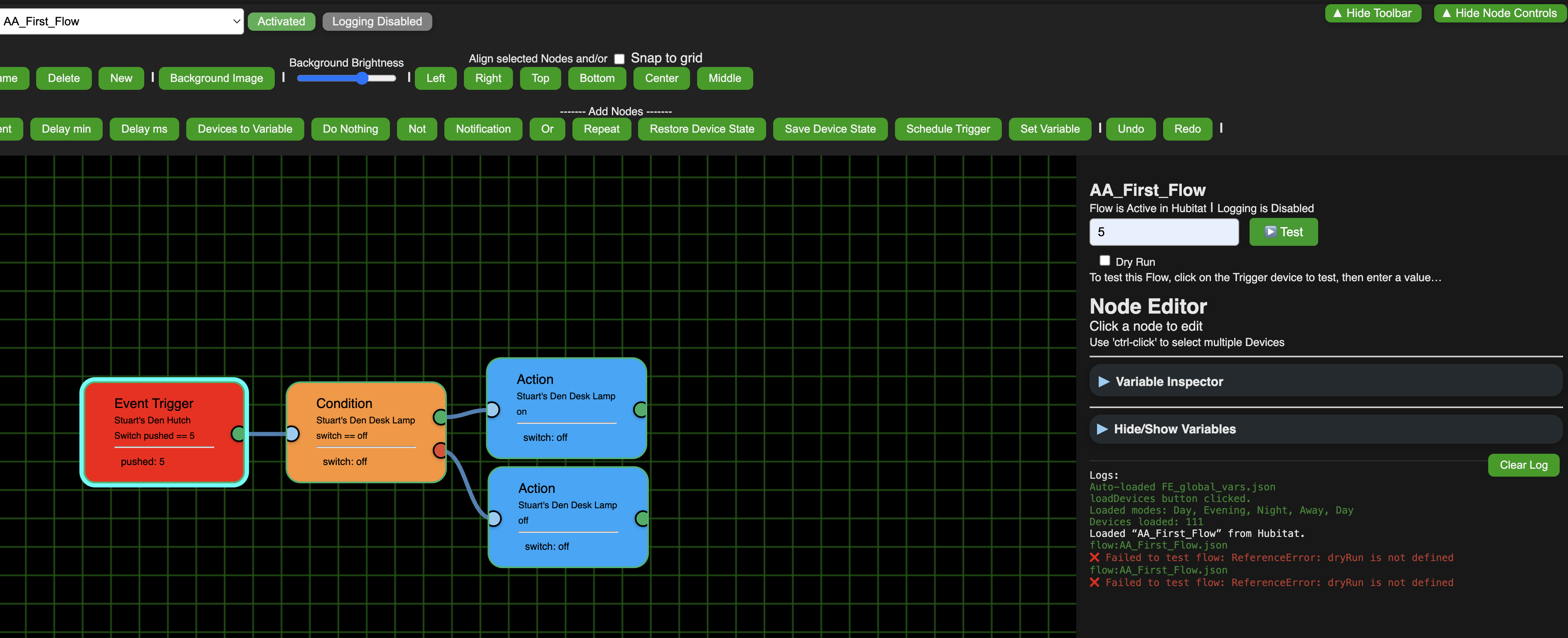
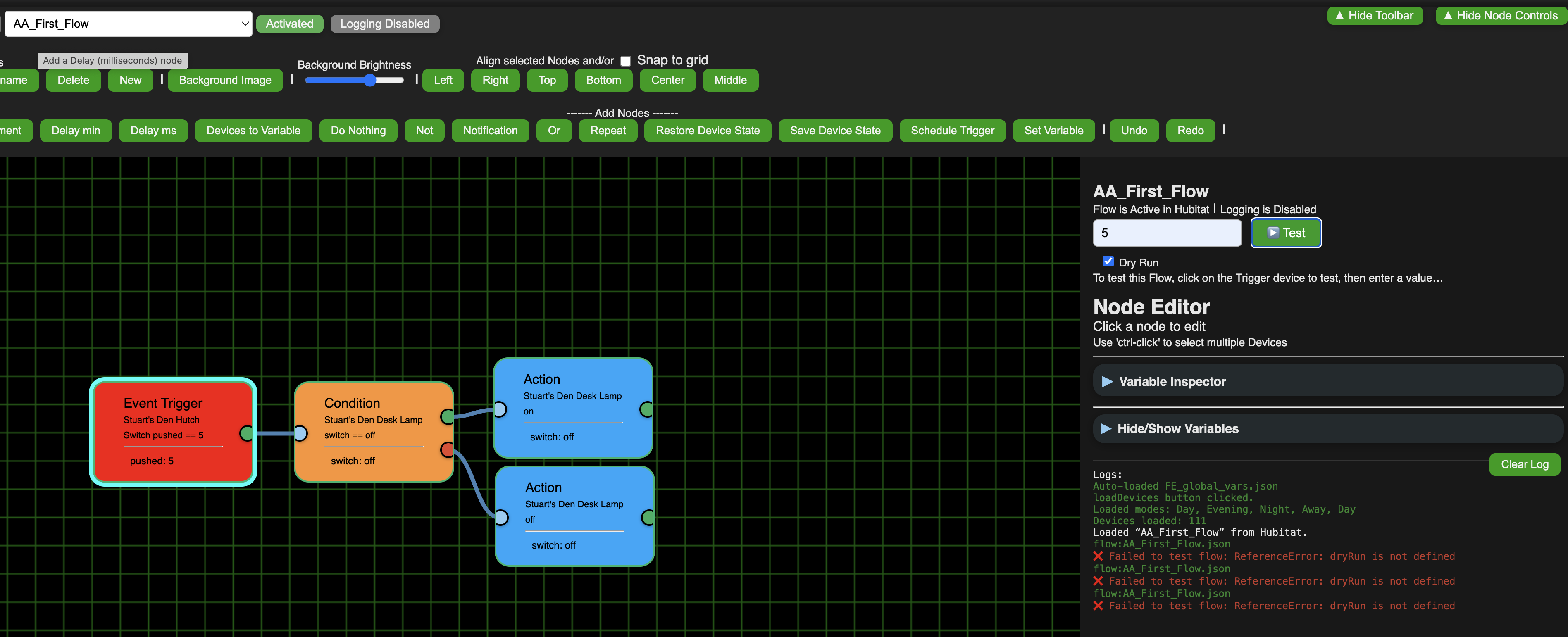
Nothing is working for me with or without dry run checked:
But I didn’t have to put in a new App ID or Token so it seem like a different issue
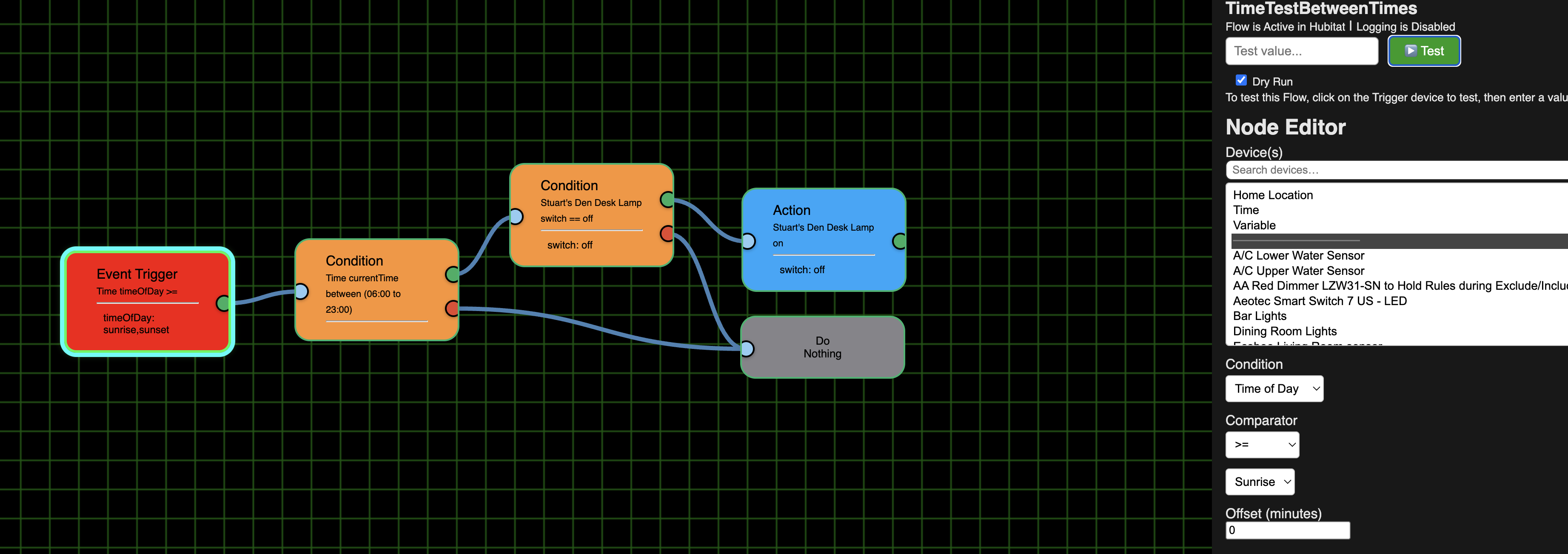
Time of Day >= Sunrise still doesn't have "Sunrise" above the line, and like "normal" switch flows, nothing is working. (But, BTW, this one never worked).
ver 1.0.018 is up
'Repair'
Basic flows working again. Mini map working too. YEA!
THANK YOU for adding the Dry Run: I think you should put next to Dry Run something like this:
Dry Run (Tests flow only. Actions not actually activated). Or maybe get rid of "Dry Run" and just have the label like Test flow only ...
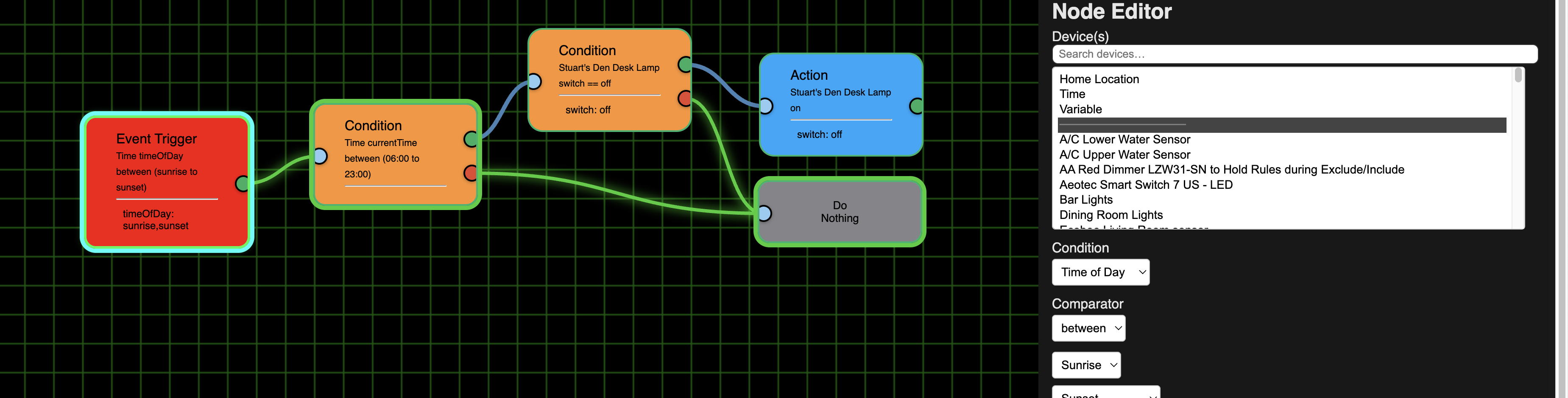
Time still not working. Interesting that when I had time test of >= Sunrise the "Sunrise" part wasn't there, but when I tried between Sunrise and Sunset they were there. (So at least the 2 times appeared for a "between" in an Event Trigger, Thank you for fixing that).
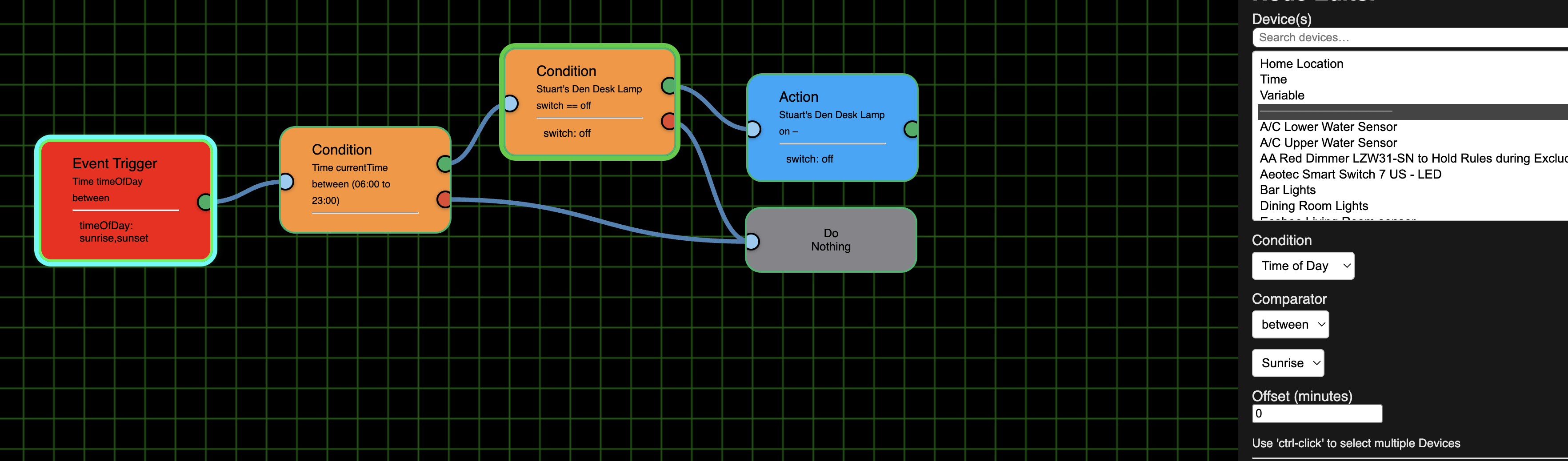
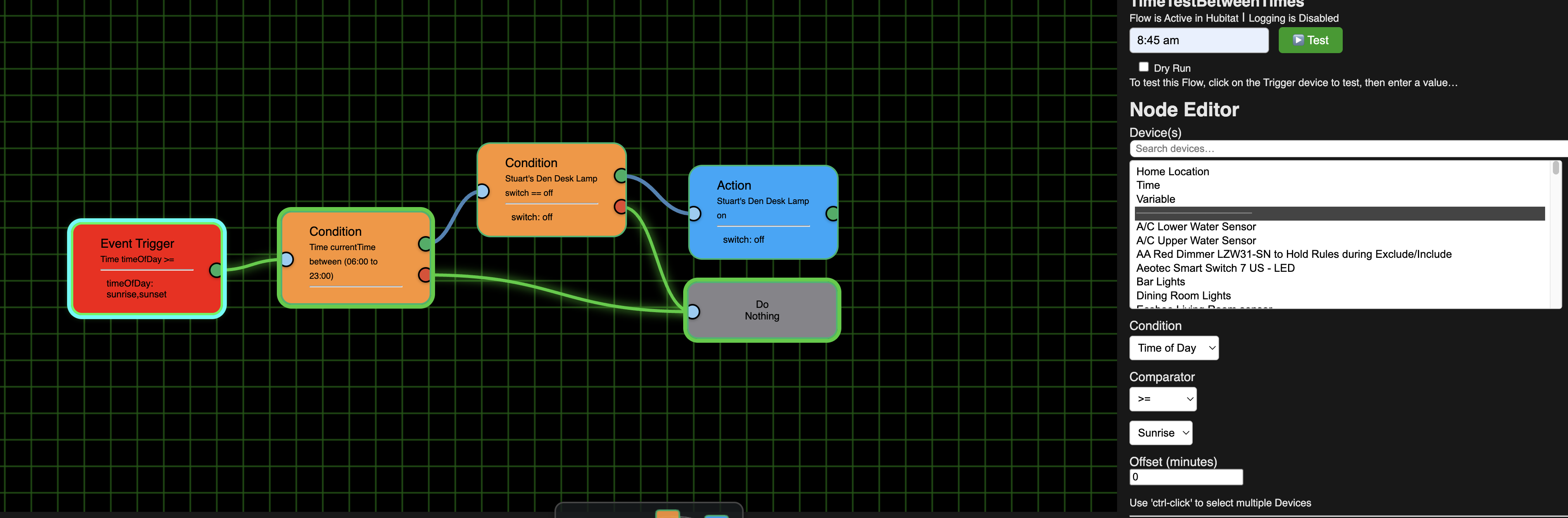
Between Sunset and Sunrise - does appear above the line. (But Condition still failed using variations on 8:45 such as 08:45, 8:45, 8:45 am. What is the "proper" way to put a time value in? (though you should internally convert them all to the correct format so users don't have to worry about that. Otherwise we'll need a tooltip or something to show us how it should be formatted))
ET selected and 8:45 a.m. failing the condition:
Condition Selected and 8:45 a.m. failing the condition:
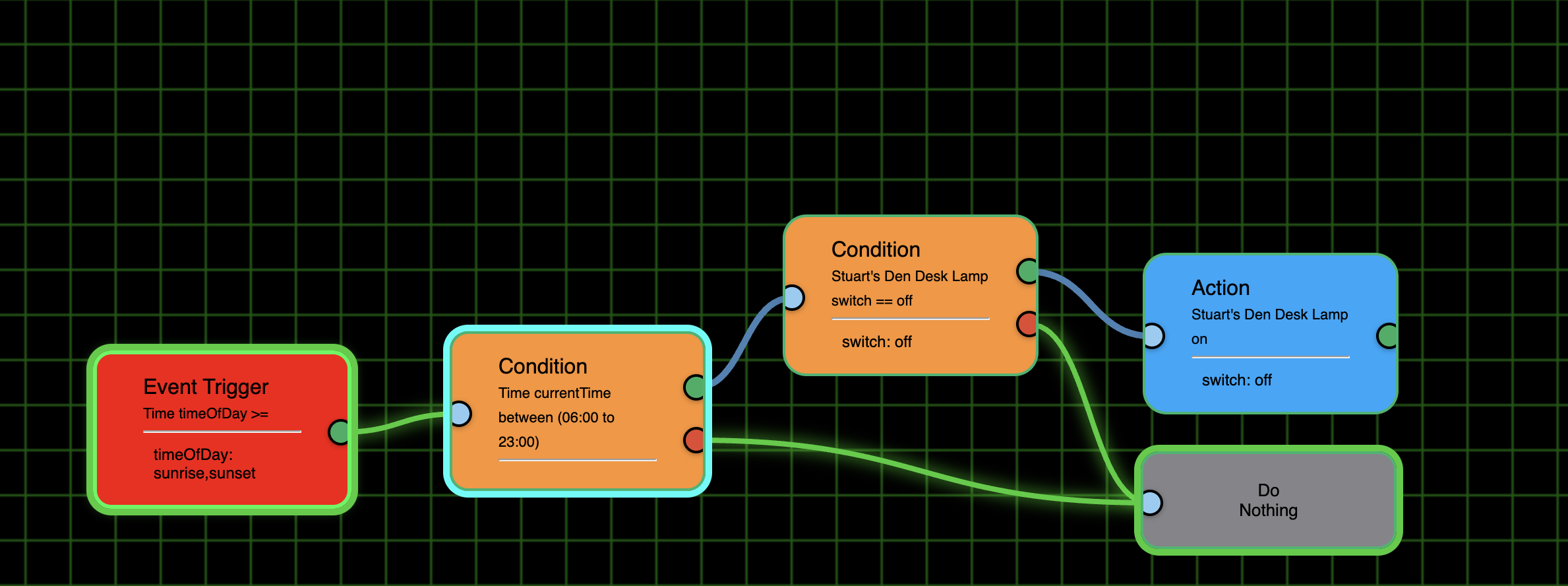
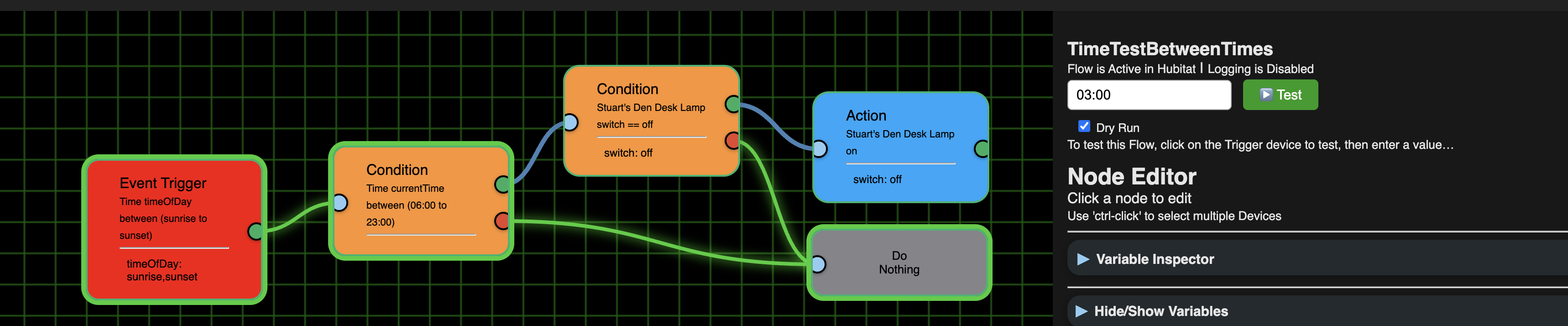
Conversely, I tried various combinations of 3:00 a.m., which should have failed the Event Trigger, but as you can see here, it passed it. So I'm guessing times aren't working at all.
Testing 3:00 a.m. but Event trigger has green outline and green link to Condition which also has a green outline, but the ET was between Sunrise and Sunset.
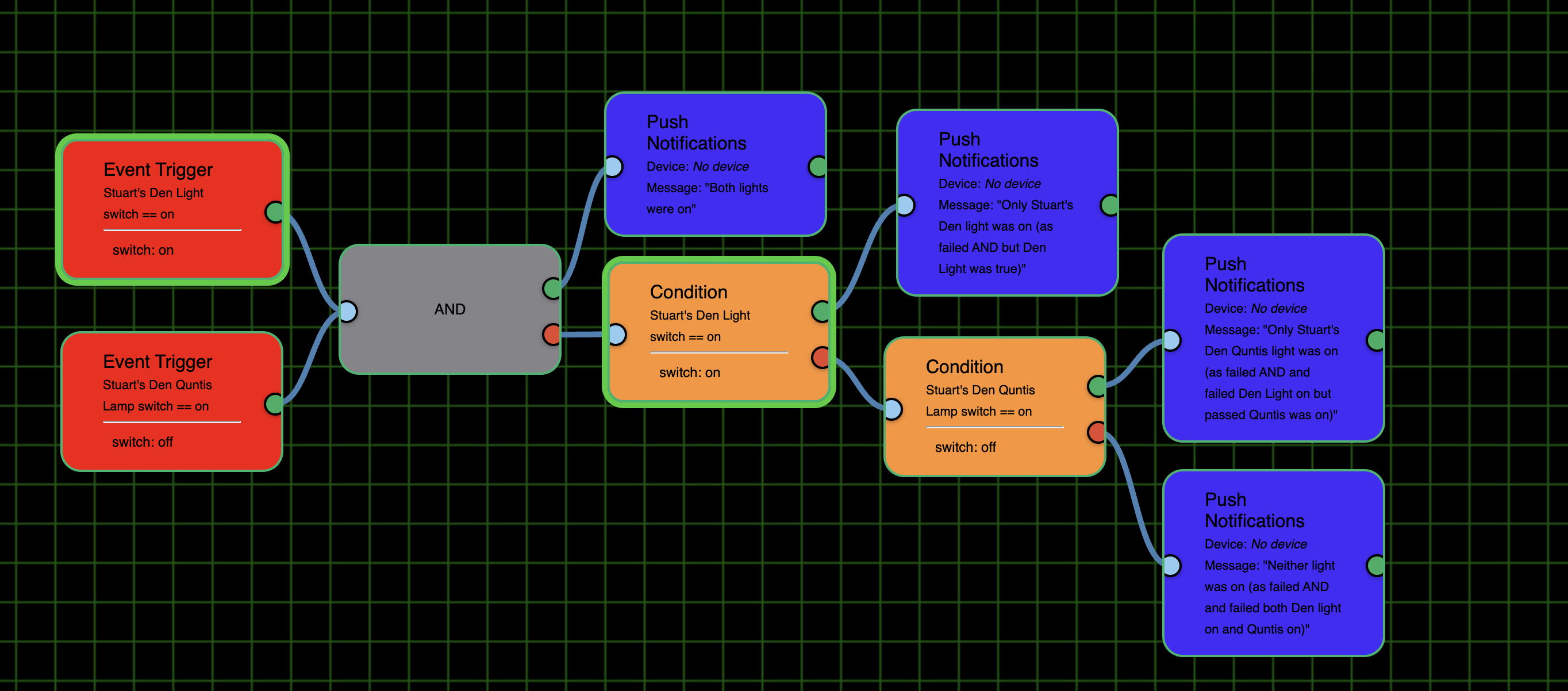
I ended the False flow path with a Do Nothing. I realize that the green link and outline around it showed the flow, but I think it would be nice if the Comment node could have an entry and exit point so I could put in an explanation without using a Notification. Here is a more complex flow I built to test AND and then used the Conditions for the "or" logic. I put in the Notifications at the end so I wouldn't have to figure out what each path meant if it was the path taken. I would have preferred to have used a Comment instead as I don't need/want a notification for this test.
Maybe as I didn't pick a device initially no notification would be sent, which would do the same thing then, I guess, as my Comment suggestion. However, I noticed that once a device was selected there was no way to not select a device after that. So if you want to use Notifications with no device instead of modifying the Comment node, please make No Selection a choice in the Devices combobox. (As a side note, this is the new one I created but can't test until the Activate button is fixed).