I assumed as much for when we have to "Snap to Grid" on, but it seems to do it even if it is off.
It has to, it keeps the connection lines connected, even if you move a tile or two.
Mea culpa! I accidentally had 2 flows turning Stuart's Desk Den Light on and off. When I deactivated one the flow worked just fine. SOOOOOO sorry for any time you spent chasing that down.
Is there any way for us to rename a flow?
When I right clicked on the Trigger it gave me an option to save the sub-Flow. I see it did that:
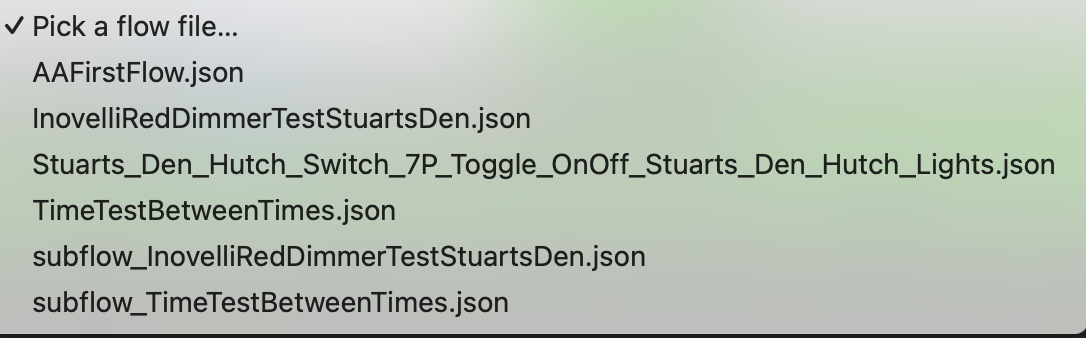
What is that? Why would I want to do that? And how do I delete the sub-flow, and for that matter, any existing flow?
All will be revealed in time. To delete, just go to your File Manager and delete it, just like any other file.
[quote="bptworld, post:246, topic:153843"]
All will be revealed in time. [/quote]
Oooh! I love the mystery. Who knows what upgrades lurks in the minds of men? The Shadow does!
What is the file path?
Settings/File Manager
Got it
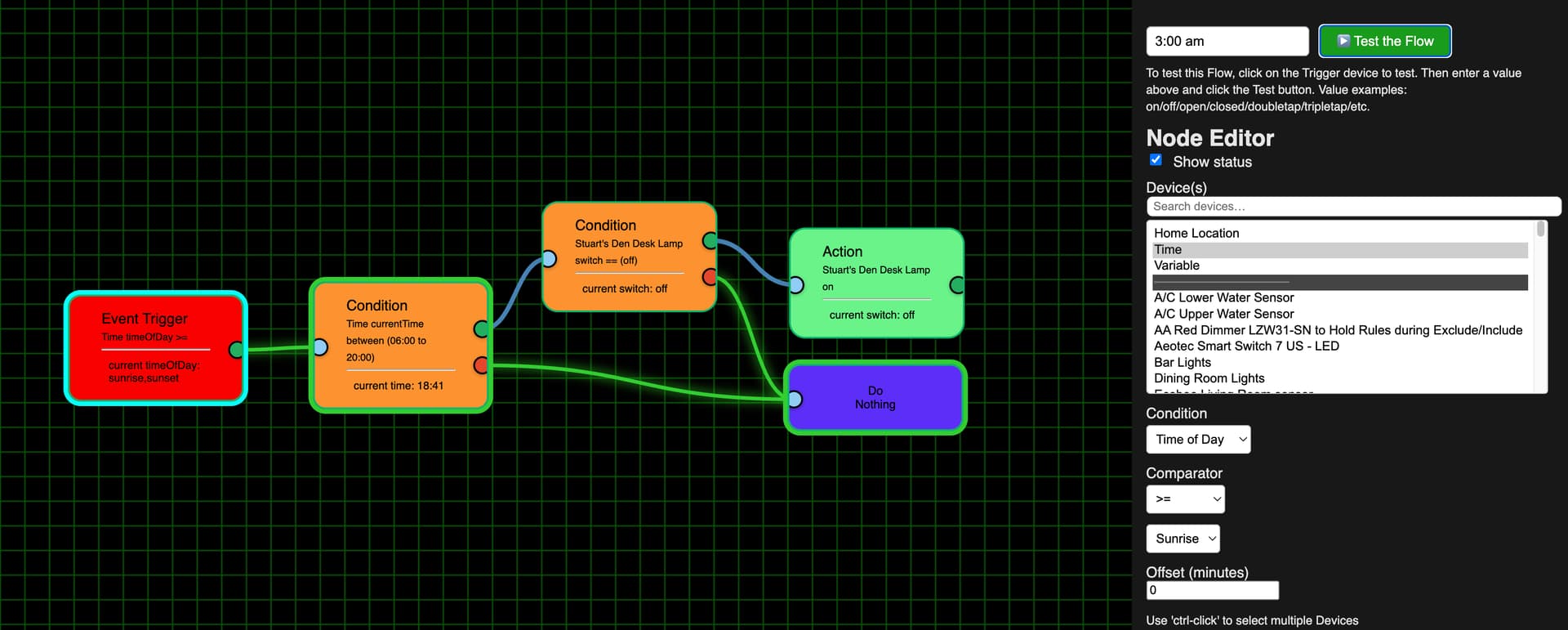
One more note about the >= Sunrise and the if between 6 am and 8 pm test. I tried testing for these combinations of 3 am: 3:00, 3:00 am, 03:00, and 03:00 am. Sunrise today was 6:35 am so the Event Trigger should have failed. However, I'm getting a green link between the Event Trigger and the 1st Condition and there is a green outline around the first Condition for all of those tests. (I'm just uploading one of the time screenshots as the results were all the same)
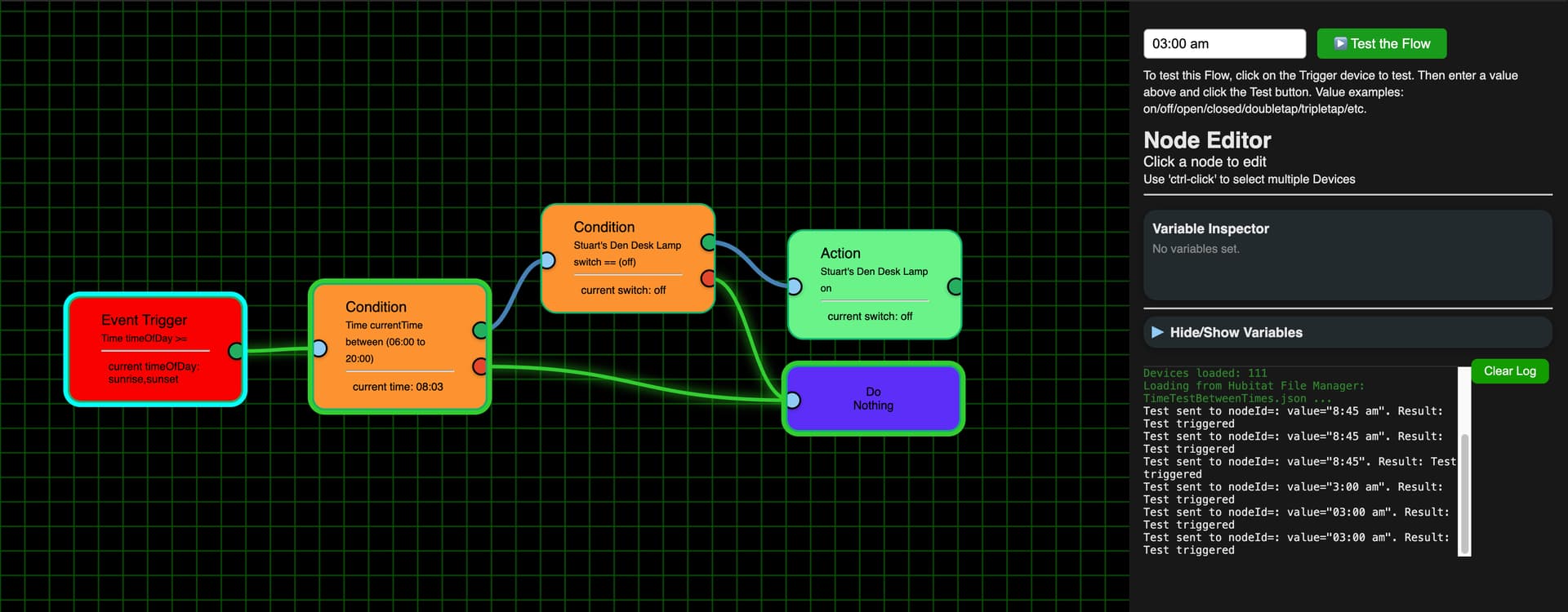
Here is the log for that one:

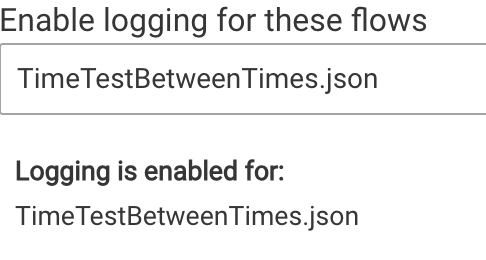
Just to be sure I didn't make the same mistake of having conflicting flows I only had this one enabled:
Also, BTW, if a flow is active should it be working like "normal" Hubitat rules? I'm asking because I ran this test just before and after 8 am, so it should fired by itself.
This app is great!
Just a couple of things:
- could the repeat function have a setting where it stops upon a certain event (door is locked or light is turned off, etc)?
- If I want to change my background back to the default, there isn't an easy way to do it, from what I can see.
Thanks!
Rafael
1 Like
Had a bad bug in the latest version, rolled back to a previous version. Please do a 'Repair'.
Thanks
- Still working on time stuff
- Will look at Repeat until x feature
1 Like
New version available 1.0.001 - yes, the ver changed! Still has some issues but it's getting close.
'Repair'
1 Like
NICE JOB 
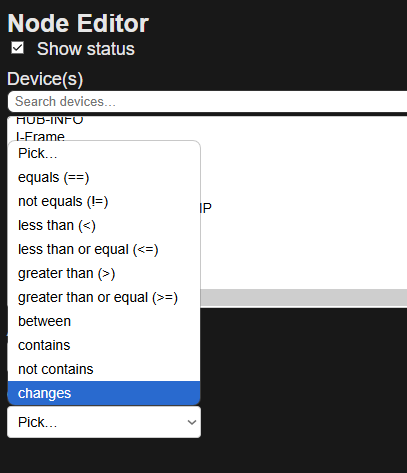
Just a note about door contacts would be nice if the had a open/close
in the drop down list .. just a thought
Never mind I guess .. if you pick : equals == < then it shows open/closed.
I did a repair and see I am on version 1.0.001. I'm not sure if it included a fix for the time issues, but I'm still finding that Sunrise isn't appearing above the line for the Event Trigger and testing 8:45 am still shows it passed the 1st test (i.e. it was after sunrise) but then failed the Condition test of being between 6 am and 8 pm:
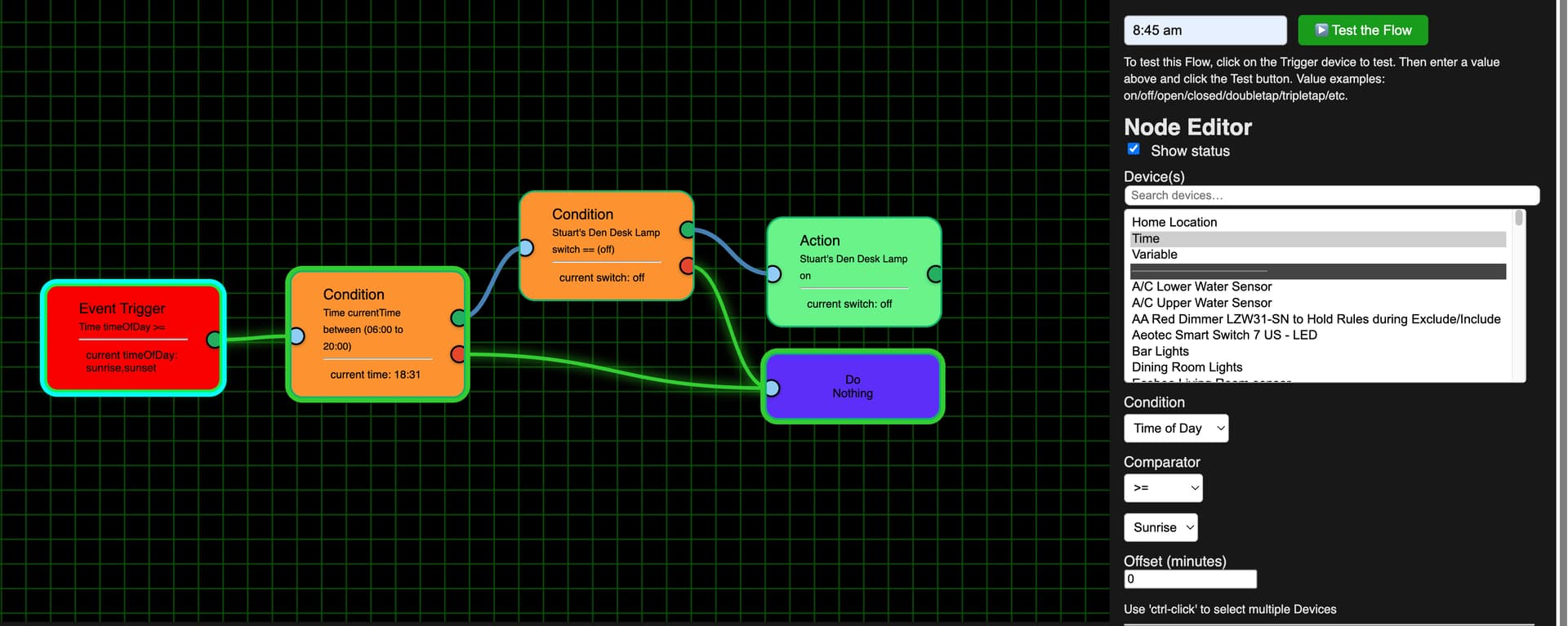
I also tested 3:00 am again, which should have failed the Event Trigger as it was before Sunrise, but that is still passing the test as seen in the green link and the green outline around the Condition:
Here are the 8:45 am logs:

Here are the 3:00 am logs:


Nobody panic, lol... New version on Github 1.0.002.
- Lots of under the hood changes
Still Outstanding:
- More time fixes coming
- Repeat until x feature
'Repair'
1 Like
I'm a bit confused on how to make changes. I was in a flow and changed the Action tiles and clicked the red Save Flow, which then turned green, but it didn't seem to be working. When I closed the Editor tab on my Chrome browser and then clicked the Flow Editor link at the initial screen and then loaded the flow it worked. Hopefully this is a small bug that needs to get worked out.
Also I went to the first FE screen and changed which flow was active:
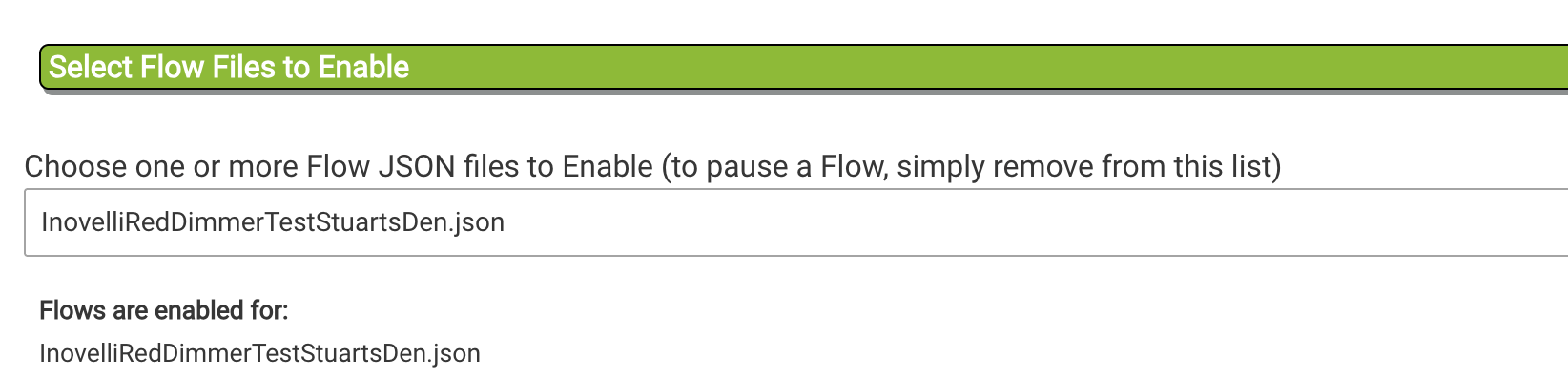
But when I went into the Editor and loaded the flow it said it had to be be activated:
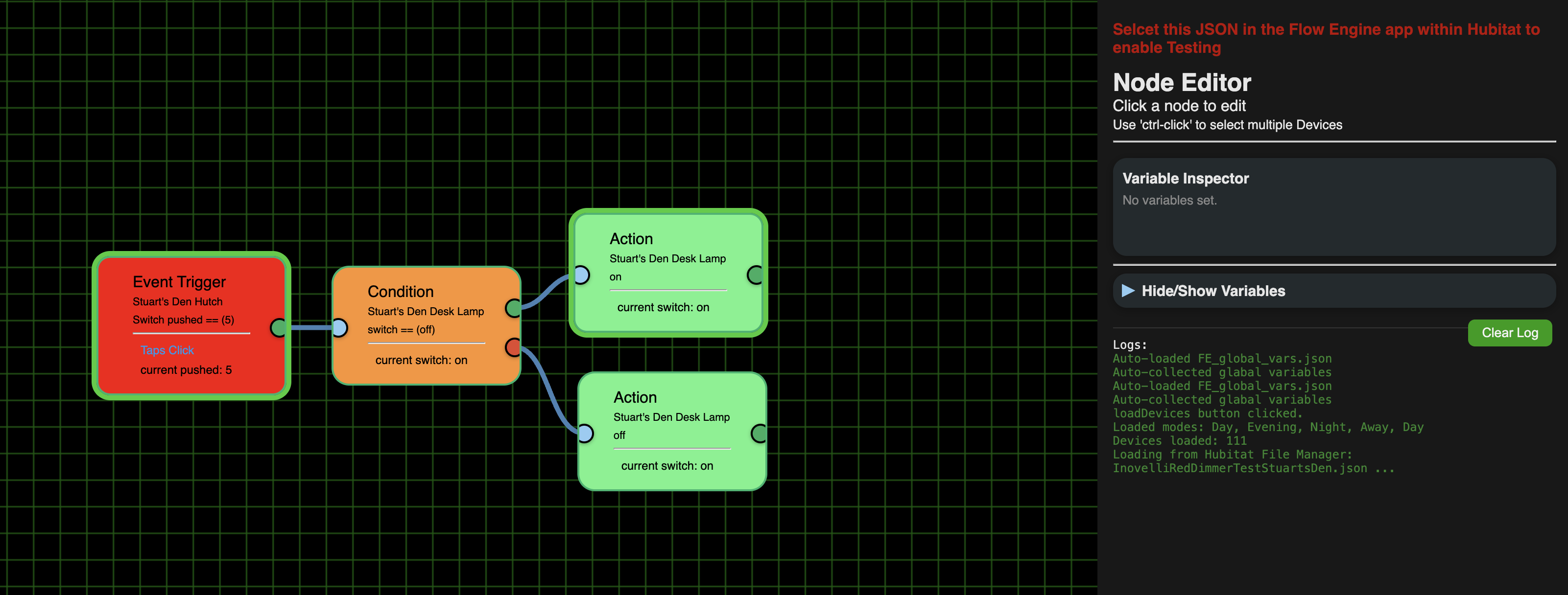
I had to close this tab, the click the Done button that took me out of FE and back to the Hubitat Apps screen. I then had to go back into FE and then back into the Editor. I hope you can do something about this.
1 Like
For some reasons the Event trigger for these 2 flows are different (1st one only has "current pushed: 5" below the line while the 2nd one also has "tap clicks" below the line. Additionally the 1st one has a green link from the Event Trigger to the Condition tile and there is a green outline around the Condition tile while the Tigger-Condition link in the 2nd one is blue and there is no thick green outline around the Condition) even though they should be exactly the same:
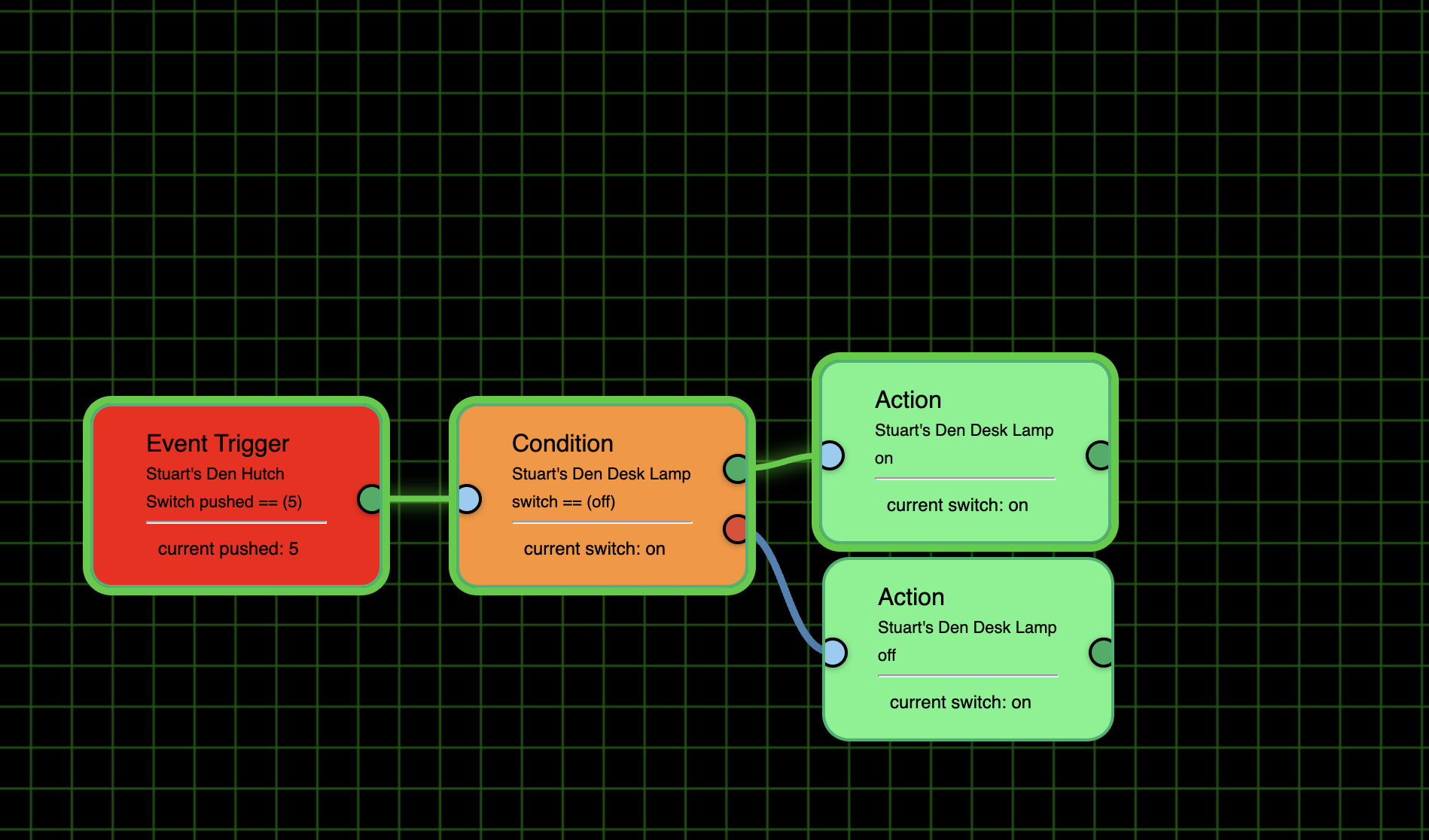
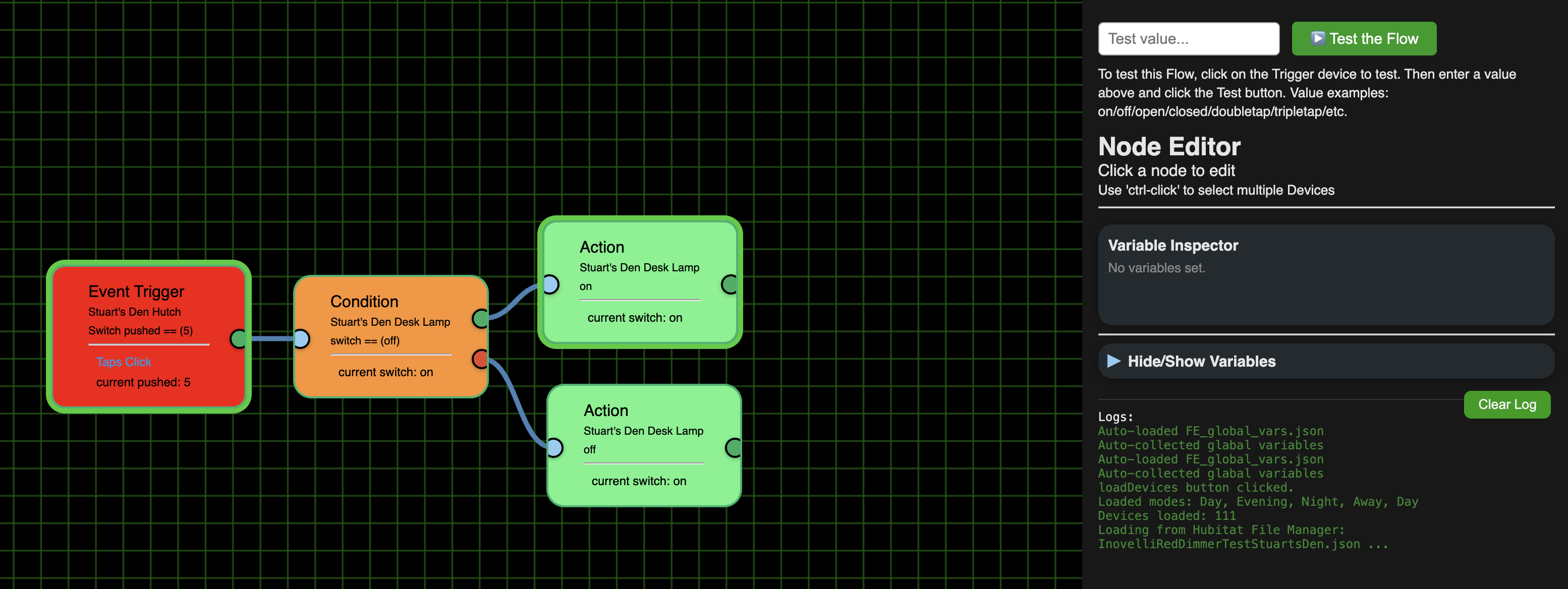
Just as an FYI I had enabled each flow one at a time when I did the above screenshots.
New version: 1.0.003 on Github
- Added Activate/Deactivate Flow buttons to the Editor
- Added Enable/Disable Flow Logging buttons to the Editor
- Broke controls into two sections and added buttons to hide/unhide each to make more work space
- Added statuses above 'Node Editor' panel displaying the Flow status and for Logging status in Hubitat
- Added other misc. visual enhancements
What does all this mean... Once you install the Flow Engine One app on Hubitat, there is no need to open it again. The Editor UI can take care of all of this. Now if you wanted to select/deselect several apps/logging at once, the app is still there for you to do so.
ie.
- Install Flow Engine One app like you always have by hitting the 'Done' button
- Now open the Editor (again, like you did before) at this point I suggest you bookmark the Editor. That way you can get back to it without even opening up Hubitat.
- create/open a Flow like you always have.
- Form here you can 'Save' your changes, Activate/Deactivate the loaded Flow (make it available to control things in Hubitat), Enable/Disable the loaded Flow Logging.
- ---- Just like you used to do in the App! ----
NOW, I can get back to getting all the Time options working! 
'Repair'
2 Likes