When I installed this, the device driver selected doesn't work. HE thinks it's a contact sensor. Any suggestions on what driver I should install? And can you point me to installing the driver? I'm trying to use the MMwave features. thanks
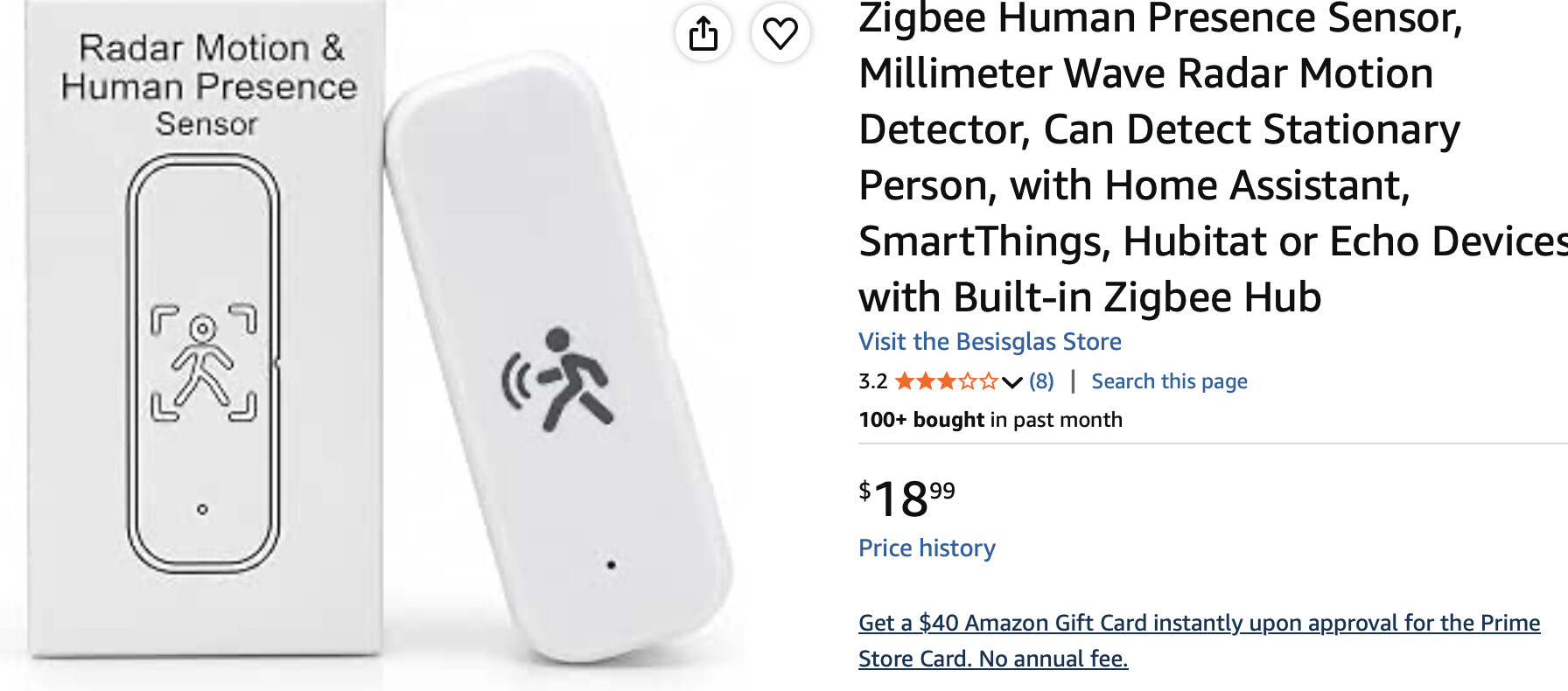

I have two of them and I'm using the built-in Linkind Zigbee Motion Sensor driver successfully.
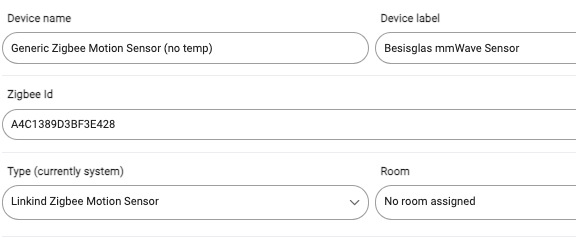
It's not a sophisticated device, but for very specific areas, it's ideal for my use. Since I cannot change it's settings, I need to use it in places where those settings match my need.
I put one in my livingroom because it's a large area with multiple PIR sensors today. The mmWave sensor augments my lighting by delaying Off. In other words, PIR sensors set the lights ON while it takes both no PIR and no mmWave to turn them OFF.
As with any device that needs it's driver manually changed, I went through the suggested steps..
- Use the Device driver to clear out states, etc. (Press all the delete things buttons.)
- Switch to the Linkind driver and click Configure.
resulting in a clean set of States:
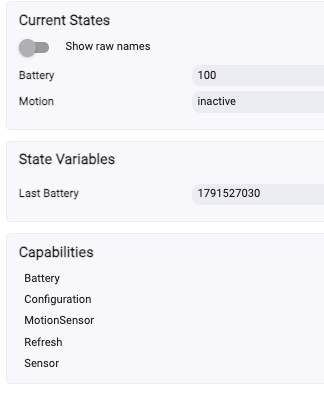
Like ALL of my mmWave devices, it pumps out false states. (2am and 3am motion/cleared log entries) and thus I use them only in concert with a PIR.
Thanks for the user case and insights. I've decided to try the Aqara FP300 instead. Looks like HE just released a bunch of new drivers for it. My usage is for my garage lights. I currently use a simple door sensor to turn lights on and then off automatically after 3 mins. Problem is sometimes, somebody is still in the garage. FP300 will keep lights on. Again, I appreciate the help.
This is exactly how I tried using it. In a small restroom next to our office that has two PIR sensors and this Besisglas sensor. If someone sat motionless for > 2 minutes, all three sensors would indicate a lack of motion and the lights go out.
I got around it by using this sensor to trigger a virtual motion sensor with a longer timeout.
I only got them in the past week and perhaps my long term reaction will be different, but at first blush, they work adequately, for me. You've made me suspicious though 