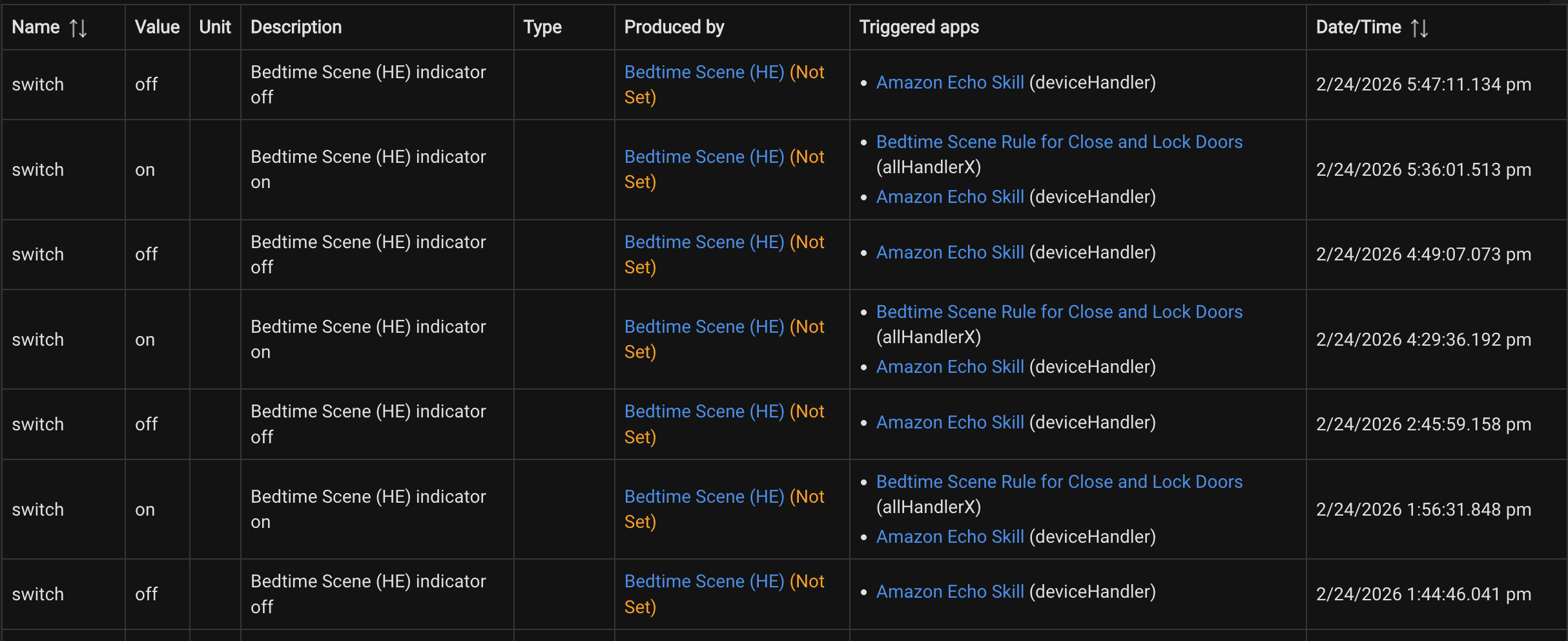
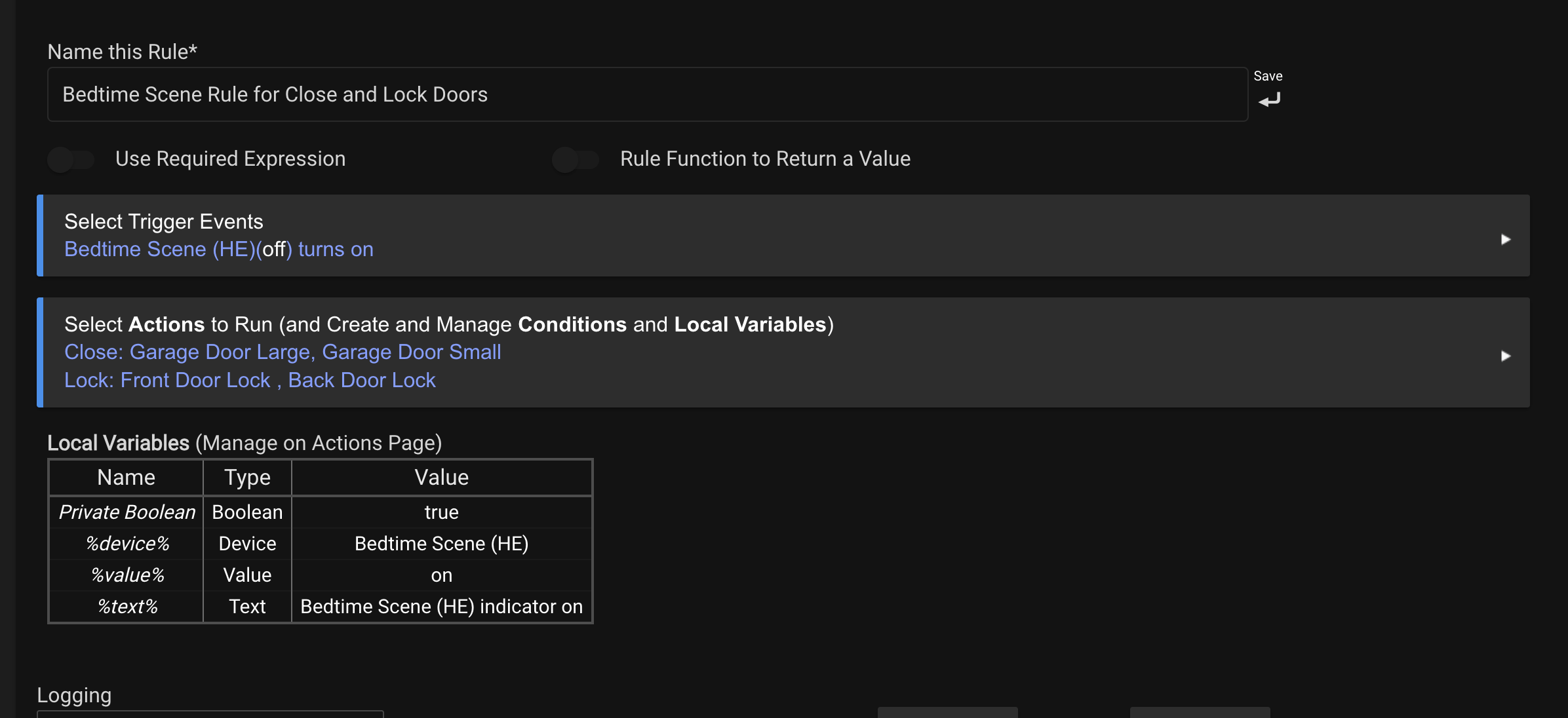
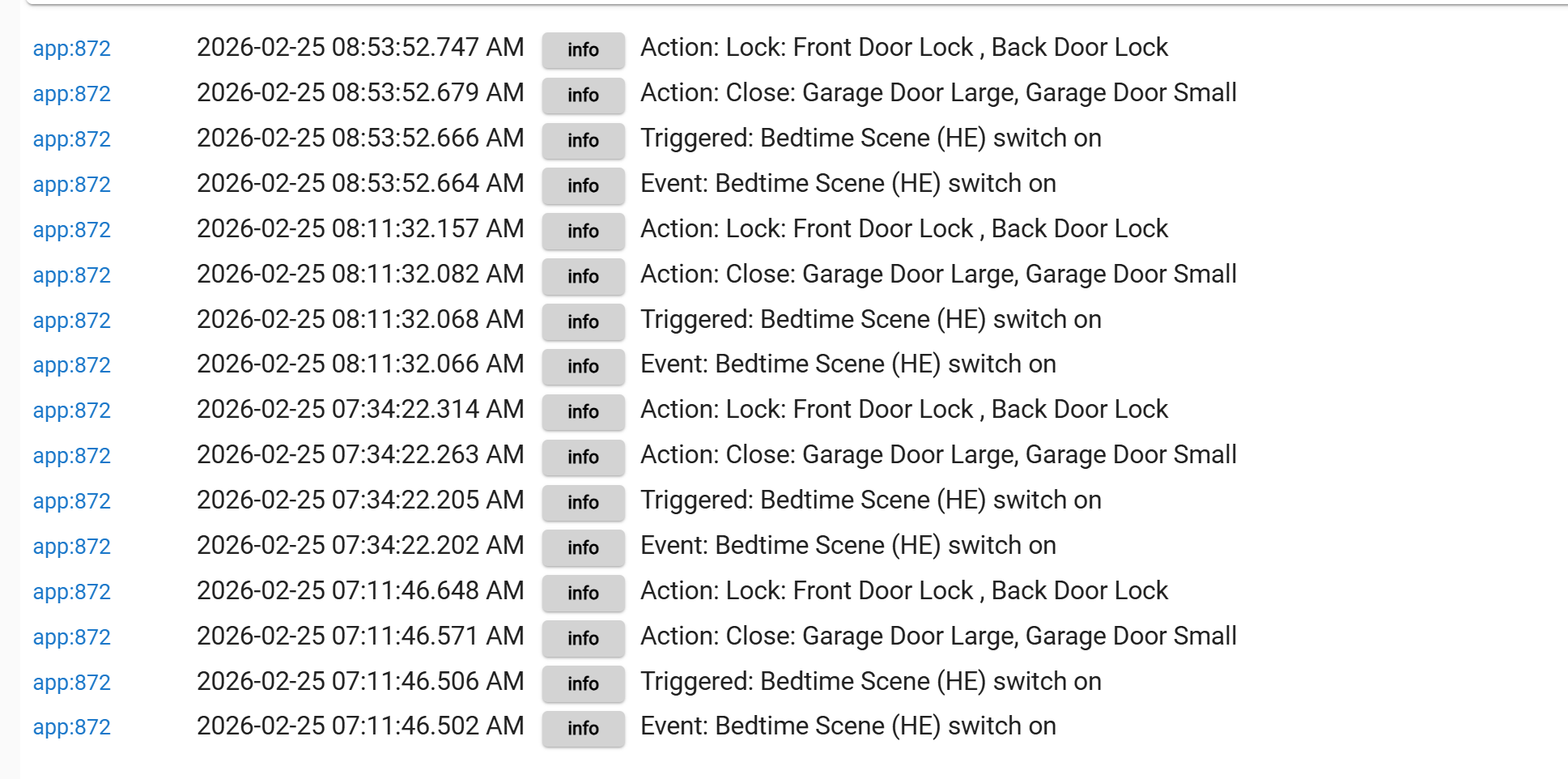
I noticed this recently.
The garage door would close and the doors lock right about evening time.
There should not be anything triggering this but it does.
I noticed this recently.
The garage door would close and the doors lock right about evening time.
There should not be anything triggering this but it does.
Is the Activator switch (connector) shared with the Amazon Alexa Skill? Asking because Alexa has an annoying habit of using "Hunches" to do things you didn't initiate. Recommended always turning off that feature in the Alexa app.
I'm assuming you're using Room Lighting or Groups & Scenes app, as well as Rule Machine.
Yes,
I use that to say " Alexa Goodnight" when its time to run off and go to bed...
It has been in Alexa for awhile and this is a recent issue but who knows...
Can you disable "Hunches"
To disable Alexa Hunches, open the Alexa app, navigate to More > Settings > Hunches, then select the Settings gear icon to toggle off suggestions or specific automatic actions like lighting and thermostat adjustments. You can also disable them by saying, "Alexa, disable hunches".
It is now disabled (Thank You) --- let me see what it does tomorrow. I notice it about the same time after I get home for a bit, then it triggers.
I'm assuming you're using Room Lighting or Groups & Scenes app, as well as Rule Machine.
Yes, missed that question:
Using Groups & Scene
Same here on Alexa. Some definitely weird interactions on alexa routines. Also argues with me, tells me I am wrong, and points out my faults in interaction with "her". Sort of like being married.
im not going to disagree with that. My plan is to move to Siri and Homepods. I have started the process for slowly moving away form Alexa and virtual switches doing other things. The Airplay app works great so now I can get announcements for certain rules from Apple TV.
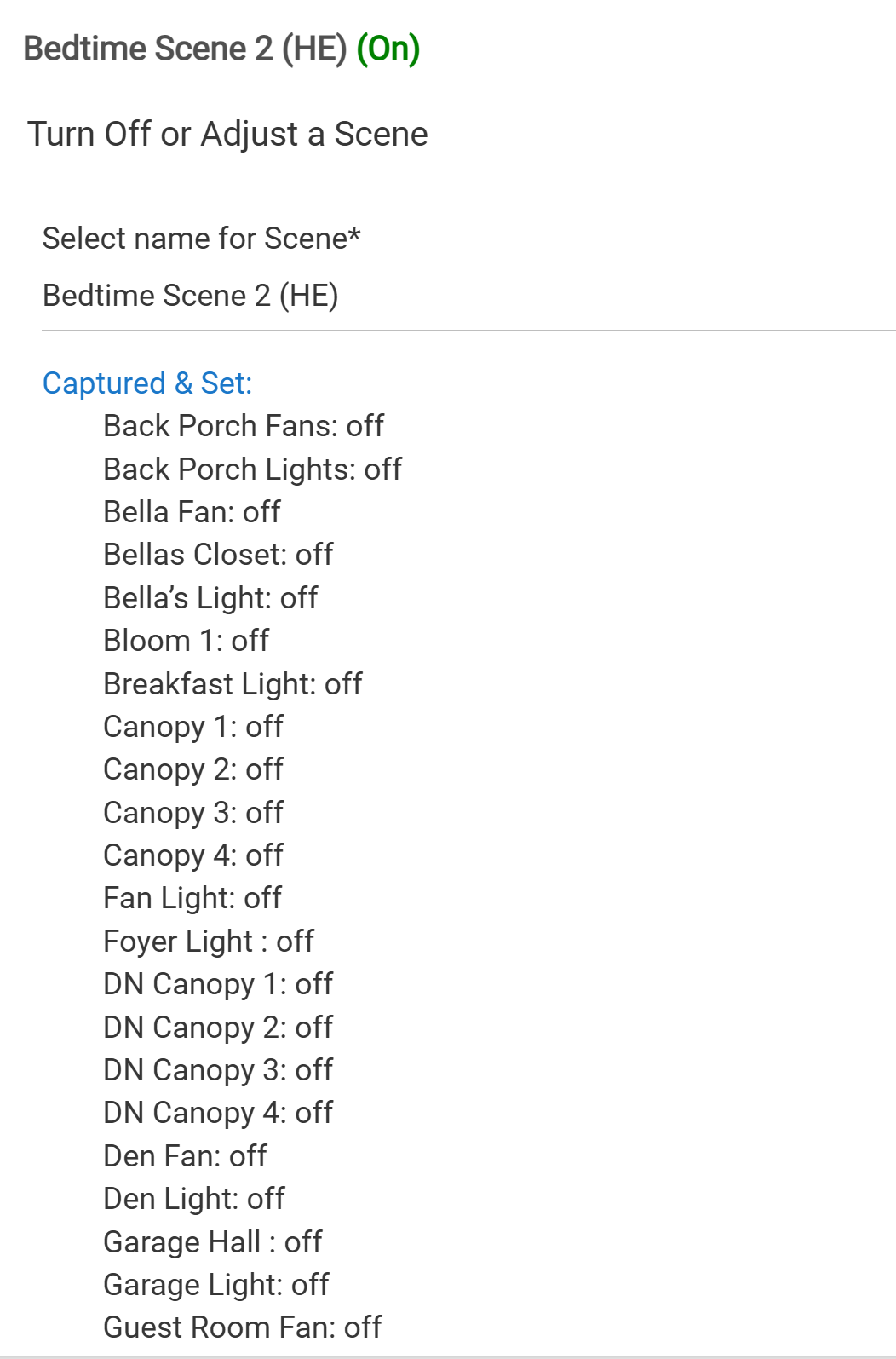
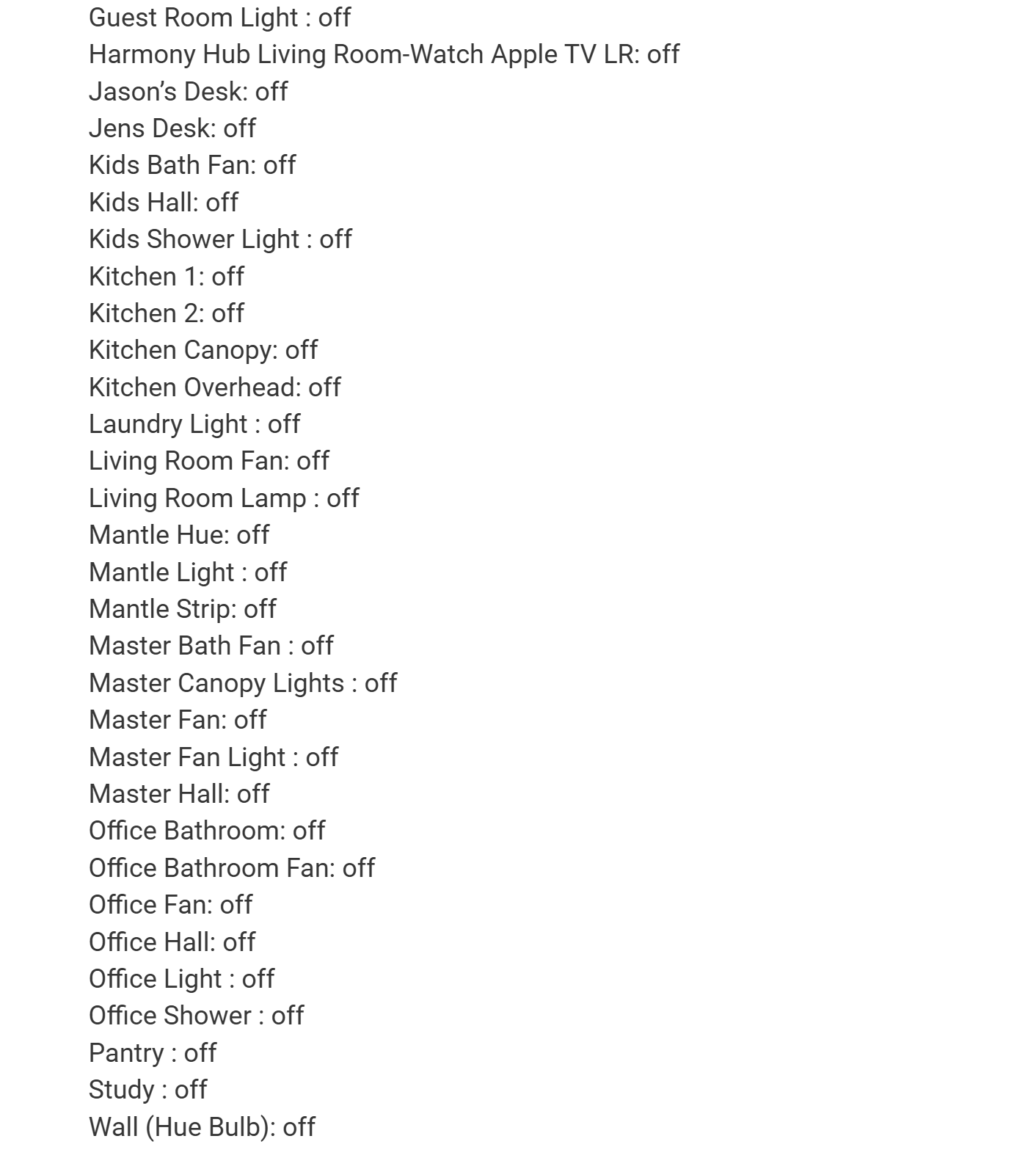
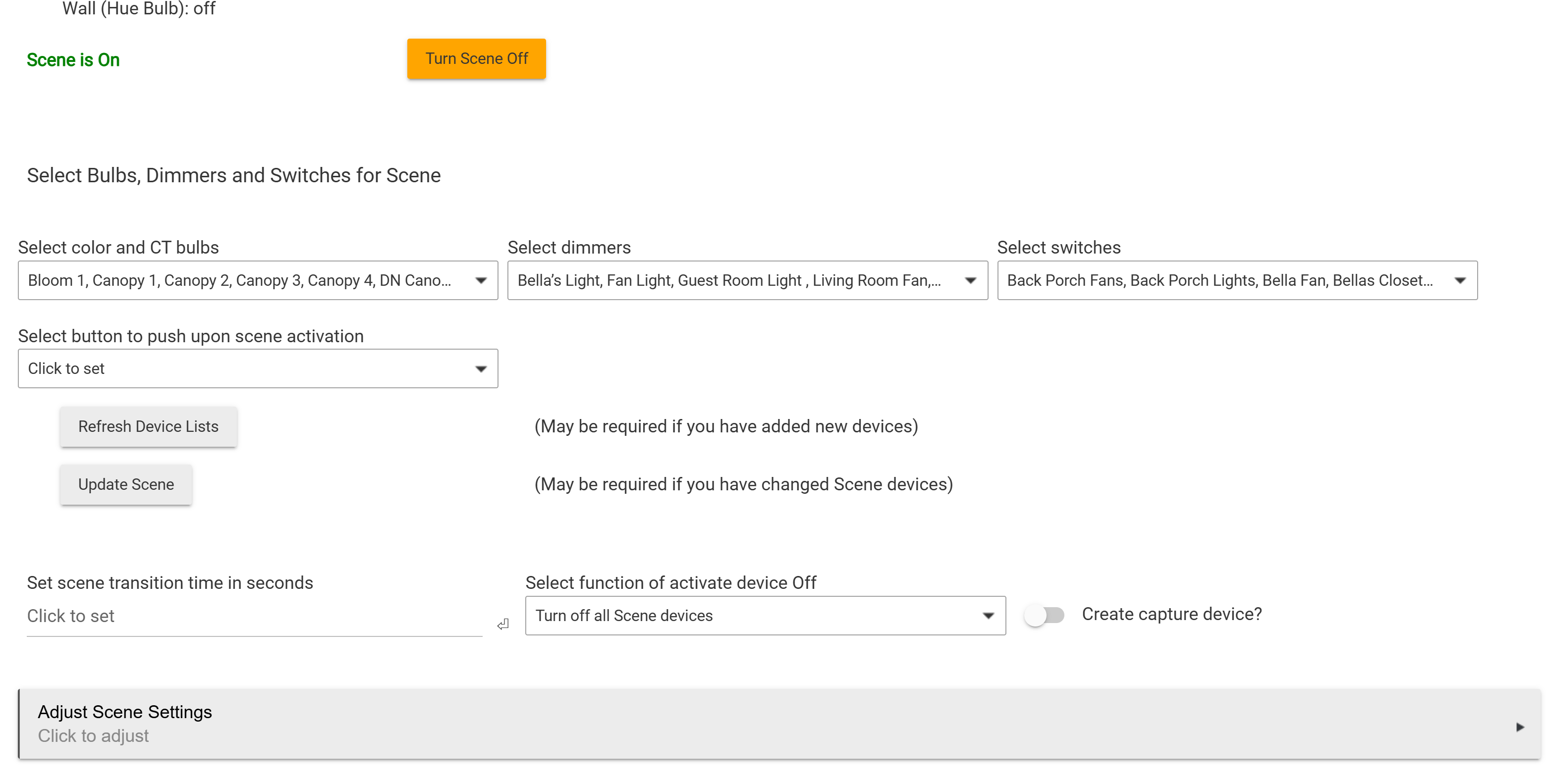
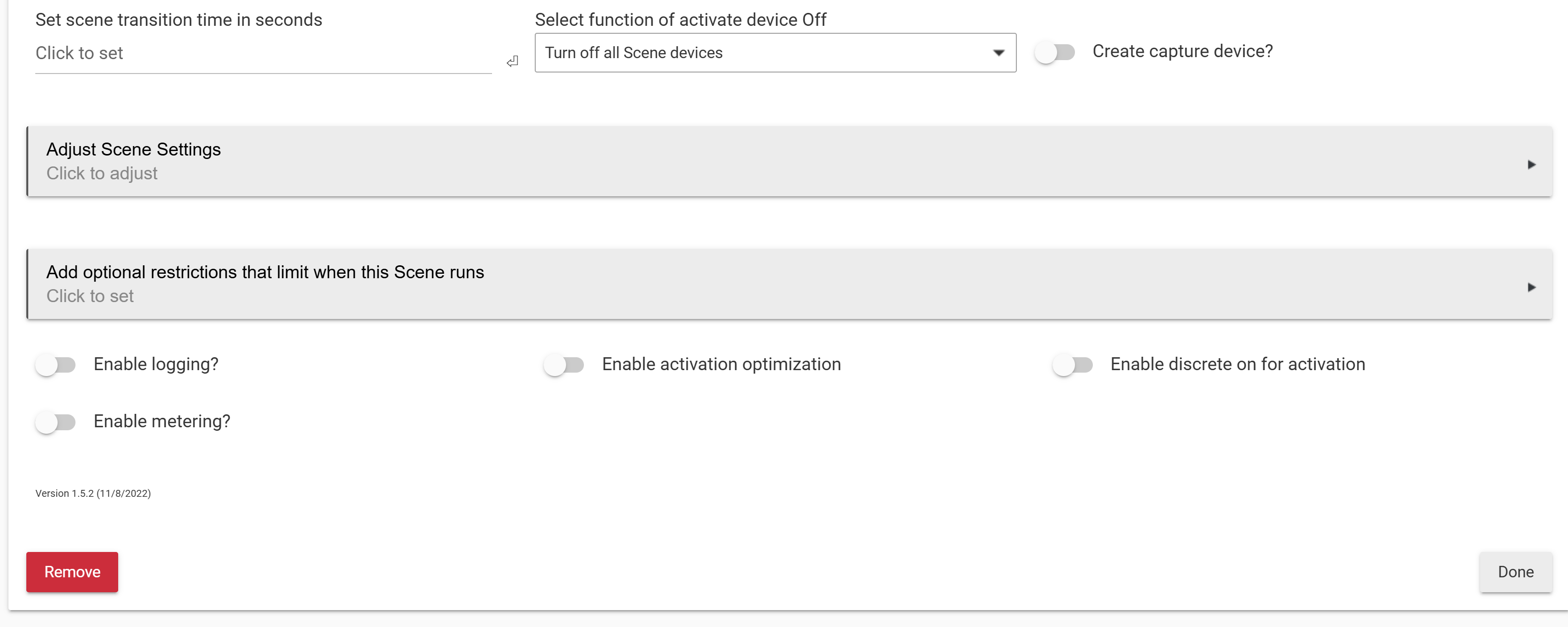
I think at this point it would be instructive for us to see a screenshot of the scene as it appears in Groups & Scenes.
I had another scene that was almost identical but it was for goodbye and did a few different things. I did not see this kind of on/off events. So i rebranded the goodbye scene to the new Goodnight scene and punted the other one.
Going to test that one today . Finished it.
Hey, I just opened my driveway gate via Siri and CarPlay. Lol.
I have all my notifications on Airplay now. I had a little problem with it when one notice came right after another-the timing caused it to play music even though it was turned off. I figured a workaround, if this becomes a factor for you. For me it was a driveway gate and garage doors
I found the culprit.
Previously, when a scene was activated (for example, “Bedtime Scene”), it would set all devices to the defined desired state. In this case, it turns off all the lights in the house.
If a device was later turned on—or otherwise did not match the defined state—the scene status would change to “Not Set.” This condition would remain until the scene was manually activated again.
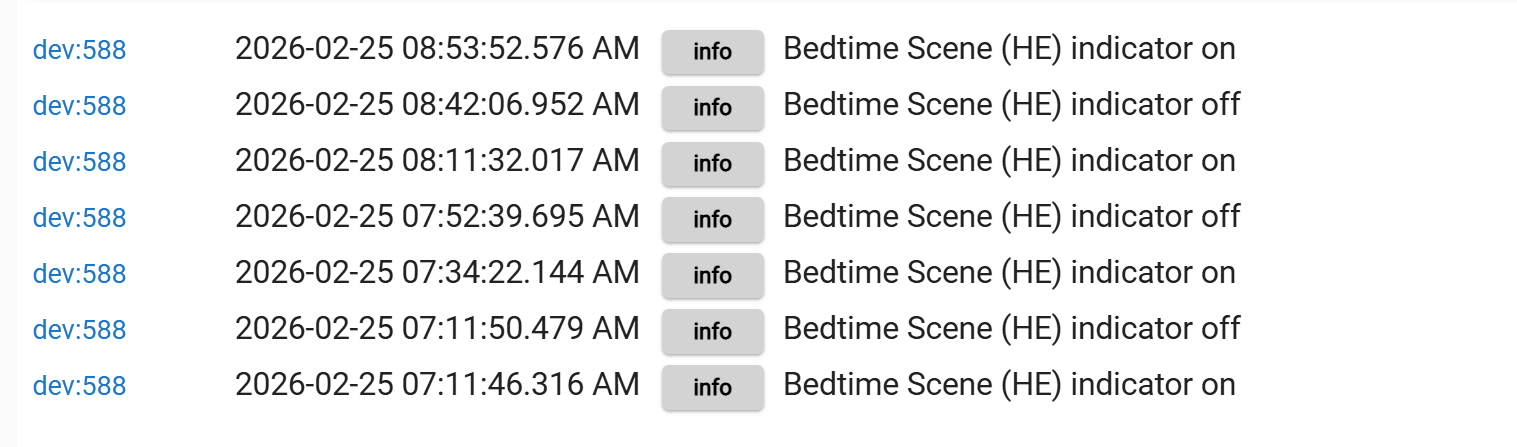
However, I noticed that when all devices once again match the defined state of the scene, the system automatically recognizes the scene as active. This appears to be what is generating the periodic on/off log entries.
My issue is this causes other issue with garage doors and door locks.
Maybe this is how its suppose to act and i just never had the issue.
I thought that once the scene reverted to " NOT SET" it would remain in that condition until triggered again.
Glad you found the issue. Really underscores the importance of having Room Lighting's "Indicator" status set appropriately for each use-case.
Can you please elaborate on this a little more? Setting Indicator Appropriately for each use-case?
I have since switched to a Virtual switch (Bedtime Scene Switch) to trigger the Bedtime Scene instead of the scene indicator.
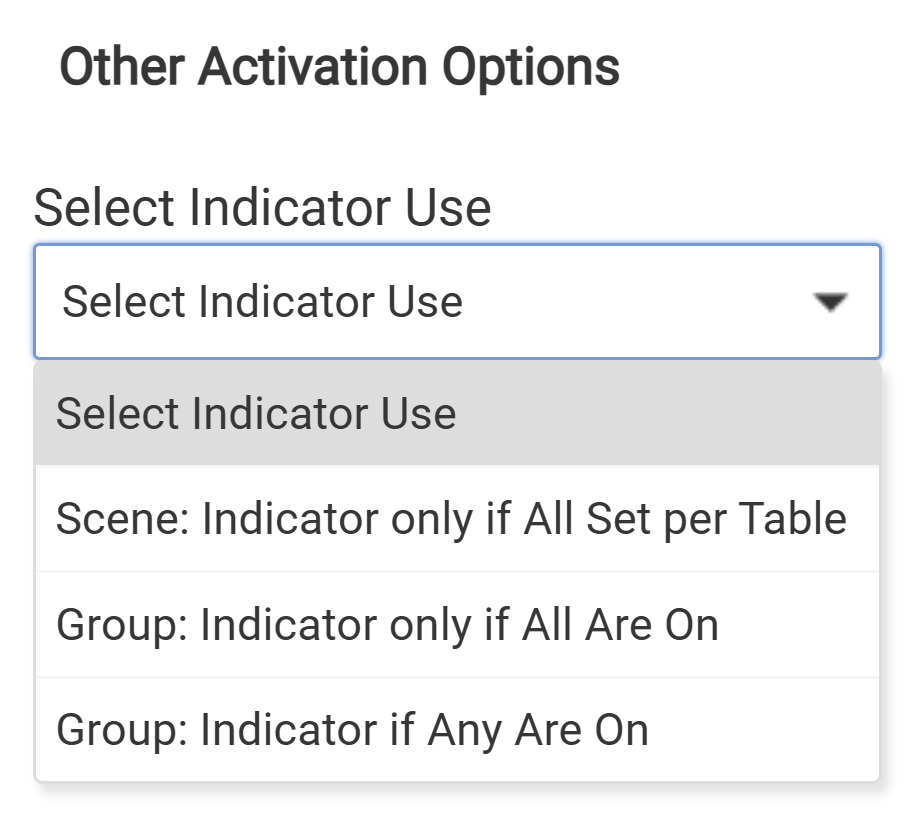
I may have used the (older) nomenclature "Indicator" from the Groups & Scenes app, referring to how a particular Scene is shown to be Set or Not Active. RL tucks this away as an option under Means to Activate Lights ► Activate Lights Options ► Select Indicator Use where you find three distinct settings:
Judicious use of these can avoid certain unwanted behavior(s), such as the Indicator "switch" going active when you hadn't intended it to.
You've now avoided all that by picking a different device to monitor, so all this is moot. I just wanted to bring it to your attention in case you develop new scenes and want fuller control.
Ah. Got it. Thank you !
Download the Hubitat app