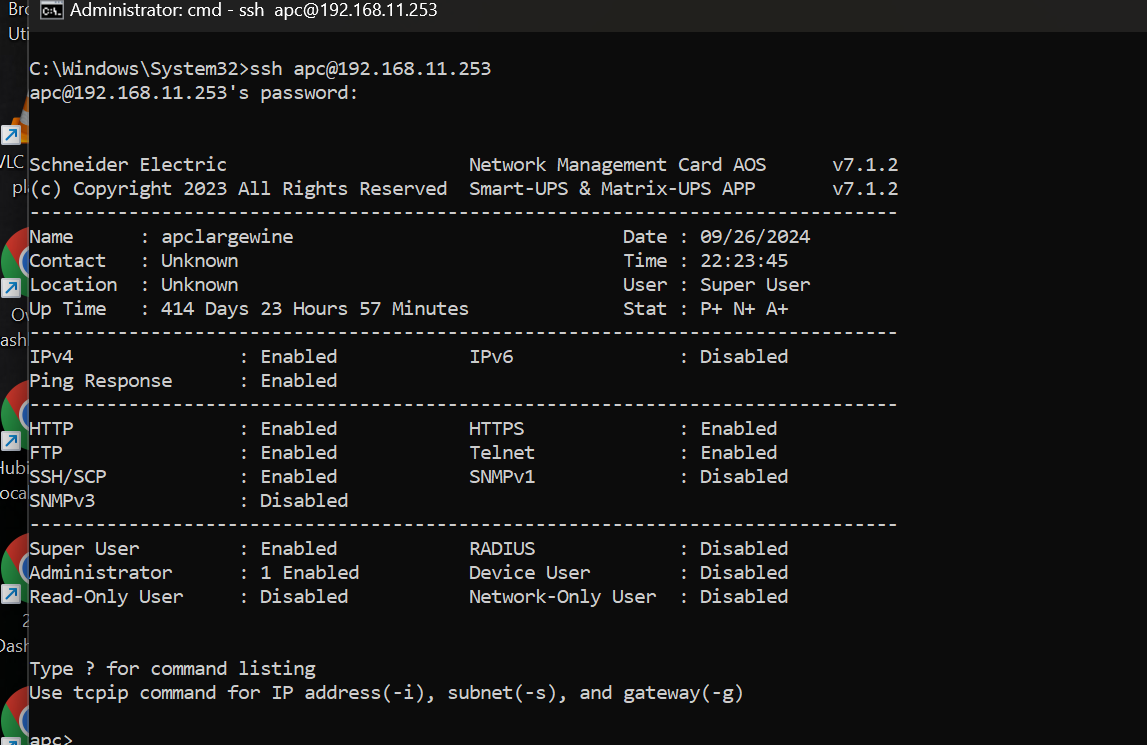
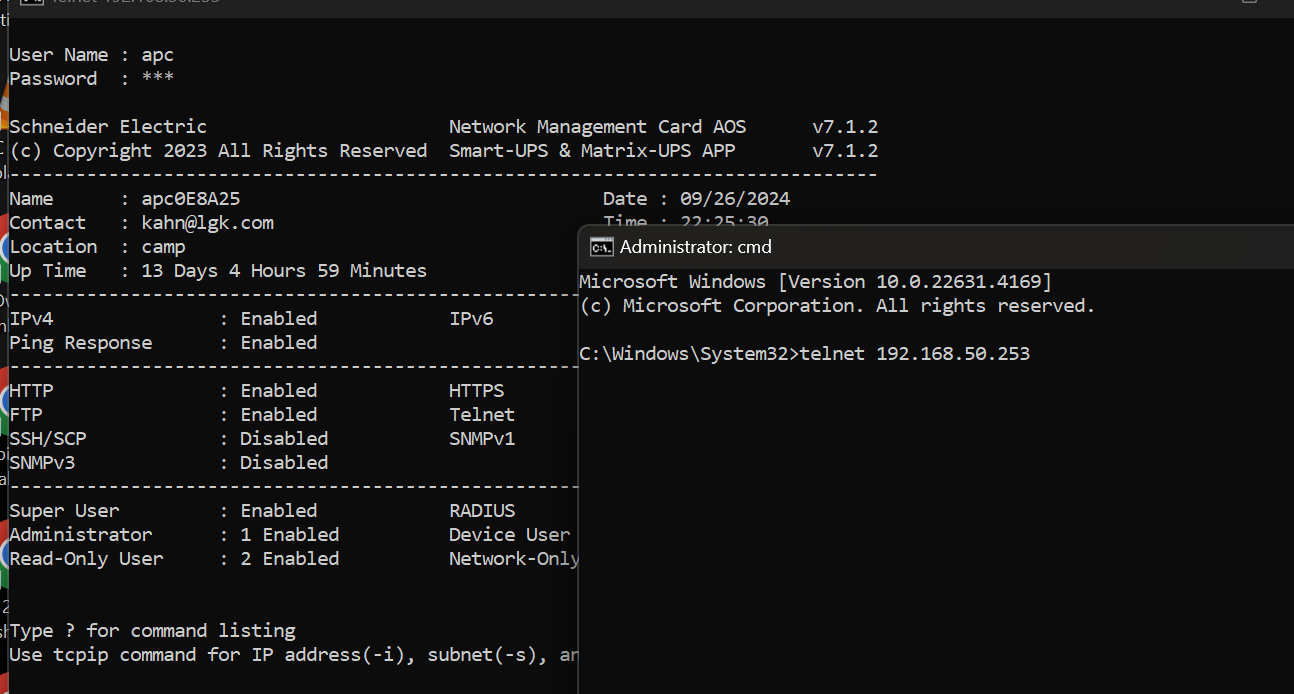
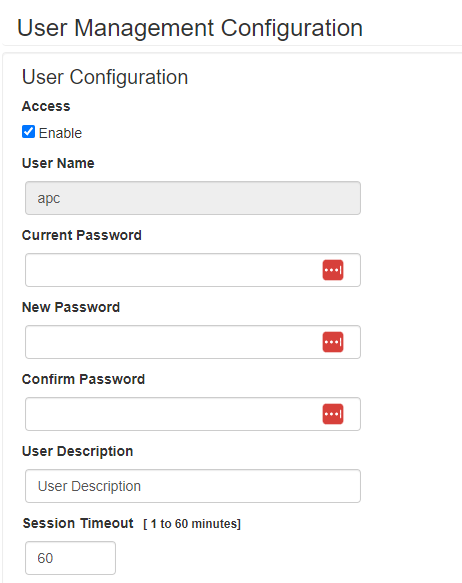
No the ups logs you out within like 30 secs and often on off commands immediately. So needs to log in each time.
I have duplicate/two commands for each option... as it was not overly reliable. The second could be causing the failure message as it logs a failure trying to send the cmd when it is already in that state. You can try removing one or just ignore it. I will test more fully when i get home near my ups's end of may.
I will also look at setting timeout and playing with trying to stay logged in with a timer.
Finally taking the plunge (hey it’s only been like two years )
Going the route everyone suggested — buying a used SMT (I’m going rack mount) without a battery. And buying the battery separately.
However, I’ve actually got a line on an SMT3000. My understanding is that it’s basically the same as the SMT1500, but with greater capacity (keep more wattage running longer). Assuming this is right, I can’t see why this awesome integration wouldn’t work with the 3000 as well, correct?
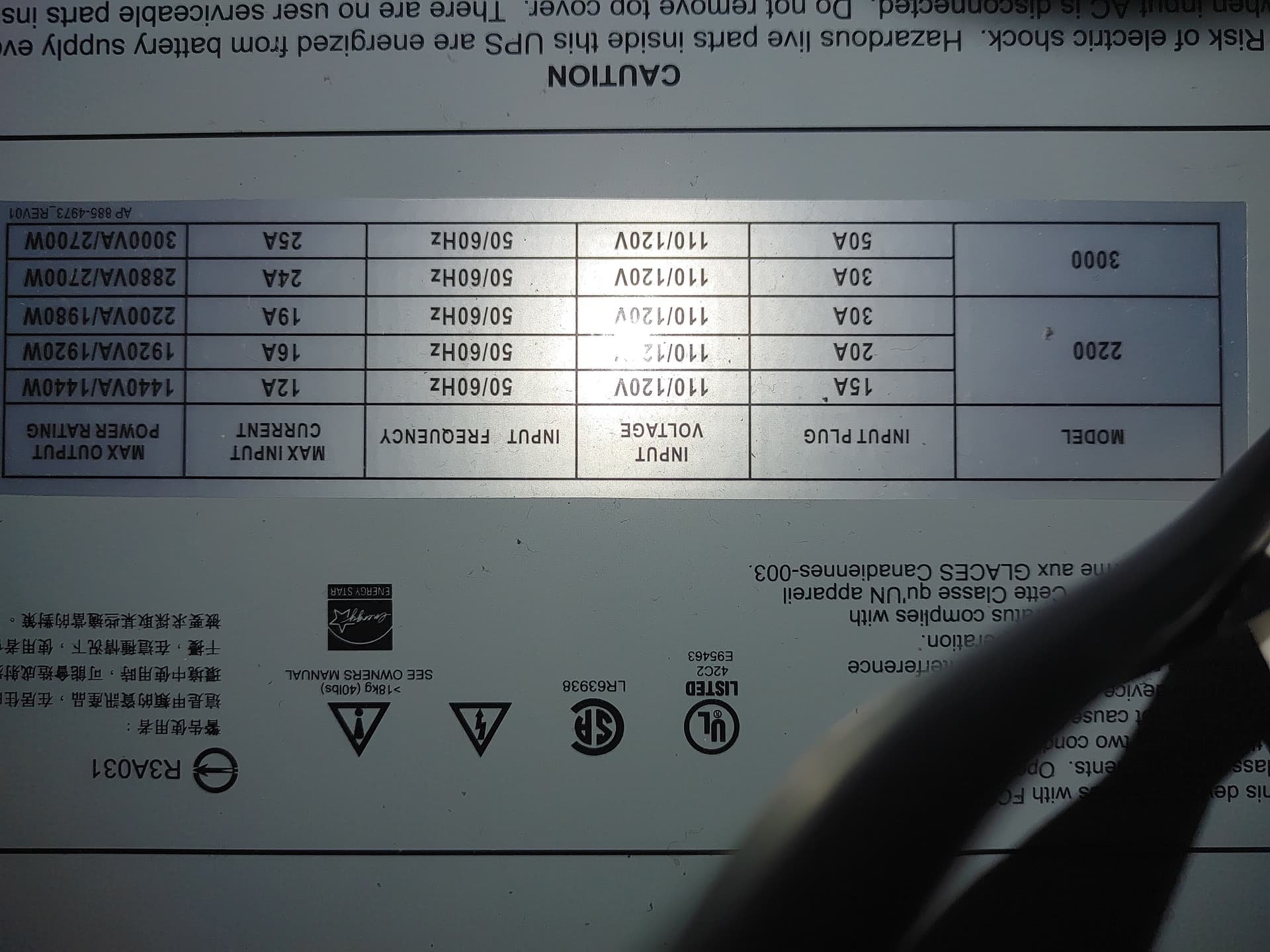
be careful as far as i know anything above 1500 is a different 30a plug. L5-30p and you will need an adapter for a normal us outlet and not get much better performace than a 1500. Unless you put in a higher amp outlet. And many are 208v
The best you can do at 120v is put in a 20a circuit and you will get slightly better performance than 1500 but a true 30a circuit will likely use 220v
I have done the same with an.smt2200 and get this
Here is the performance you can expect. See with a normal 15 circuit you.dont do any bettwr than a 1440 or 1500. This is a pic.of the label on my smt2200
A good point but the 3000 is more efficient than the 1500 per %load, which is what got me to thinking: If you have the load (which I do). It could be worth it.
However, @kahn-hubitat’s comment about circuit size has pushed me off this plan anyway. Thanks guys.
EDIT: And I’m a new owner of a used SMT1500RM2UC. Thanks everyone for the guidance!
Installed my new SMT1500RM2U this evening. Went pretty smoothly. After activating SmartConnect on the hardware itself, and then adding the OP's device driver, I haven't been getting current states to populate in HE. Which makes sense since the logs show connection refused.
Review of the above thread suggests to me that I may not have Telnet enabled. Which led me to want to pull up the NMC interface. Problem is I can't figure out how to access the NMC's UI. I can go to Schneider's web site on the cloud and see my UPS (wow, their website is about as bad as I've ever seen), but I can't seem to figure out how to access the NMC locally.
I have the IP address from my router -- so I figured I'd put that URL in a browser, but no joy. Any pointers from the brilliant minds in this community? TIA...
What net card model. Are you sure the ip is correct. Usually i have to use the reset button on the card to get it initially working. If u r sure and can ping it try ssh and enable web and telnet.
The SmartConnect port on the unit is for the APC cloud service only as far as I know. You would need something like an APC AP9640 management card or other similar model.
Hey guys, I ended up getting an NMC2 and have been struggling for the last couple days to access it. I can see from the LCD display on the front of the unit that the UPS can see the NMC (Model AP9631), but I can't seem to assign an IP address so I can manage it.
Decided I needed to upgrade the UPS firmware since I purchased the SMT1500RM2U second hand via eBay. Who knows how old it is. Firmware upgrade went fine, though it turns out you need Windows and a serial cable to execute.
So now I can get the IP address for the UPS itself no problem, and can see my UPS on their cloud SmartConnect web interface, but APC support claims that I should have a completely separate IP address for the NMC. Is that true? Just seems funky, even though I have both the UPS and the NMC with separate ethernet cords back to my main Unifi switch.
FWIW my router software shows both the UPS IP (which I configured using the UPS' LCD interface on the front of the unit) as well as the NMC IP, but the latter is an out-of-DHCP-range IP address that I can't access (10.44.6.111). APC support seems to think that there should be a separate option in the Configuration menu to set the NMC IP address (in addition to the option to set the UPS IP address). Again, this just seems funky. Was that your experience?
After four frustrating hours with APC support, their answer was to ship me a replacement SMT1500 and a NMC3. I'm a little worried that the NMC3 won't work with this integration though.
As you can no doubt tell, I'm spinning a bit. Would appreciate any advice from the wise minds here!
You need to reset the card button in back .. long hold till.lights go out. then ssh to card and enable web telnet etc.
Also if it is getting an ip u can plug directly into it from a pc with hard coded ip on same subnet. And again ssh in and enable telnet and web and either enable dhcp or hardcode ip and subnet and gateway. Also recommend disconnecting older smartconnect rebooting ups then u may be able to configure card from ups interface.
ssh is built into wndows.. command line in command prompt.
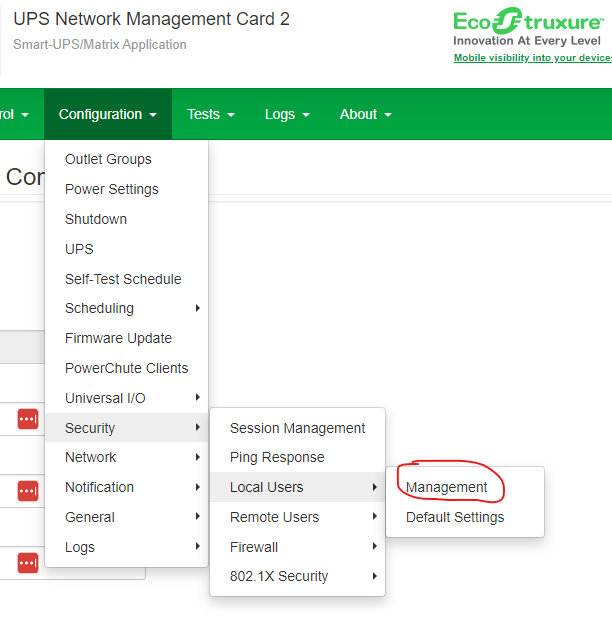
the menu is not called nmc as i said you probably need to disable the other interface first then it just is configuration/network. set ip etc.
i stand corrected it is nmc under config on older firmwares.. but in order to even see that option you need to set menu type to advanced first!!!!
Man, I really really appreciate the tips. Seriously.
I do have the menus set to advanced, so I don't know why I'm not seeing the NMC IP option under config. APC support was stumped by this too. I'm going to unplug the old/cloud ethernet, reboot the unit, reset the card, and try again with the LCD-based menu.
If that doesn't work, then I guess I learn how to ssh from Windows CLI.
Well I reset the NMC but still no access via config menu or dhcp IP in my router software. So I’m trying to SSH from Windows 11 CLI.
Here’s what I tried:
I set a fixed IP address on the Windows PC
Ran serial cable from PC to UPS (USBA to USBA)
Ran terminal as administrator
Then wanted to issue “SSH name@host”, using APC as name and the out-of-range IP address from my router interface as host.
But it’s not working. Any idea what I’m doing wrong?
ssh wont work if you cannot ping it.. as i said you need to hard code a network setting to same subnet as the one currently on the card on either a laptop or desktop.. and plug rj45 in direct from pc to apc card then once you can ping the ip .. try ssh.
not a serial cable an rj45 from pc to apc.
also some of the older 9631 firmwares dont have ssh so also try telnet to the ip from a command prompt once the rj45s are connectred
When you say “hardcode a network setting”, I assume you mean I should change the network settings on the windows PC from dhcp to manual and then set an IP address in the dhcp range that the nmc will inherit? Or set the IP address on the pc to the odd out-or-range IP address that the NMC already has (per my router software). That address is unpingable.
 )
)