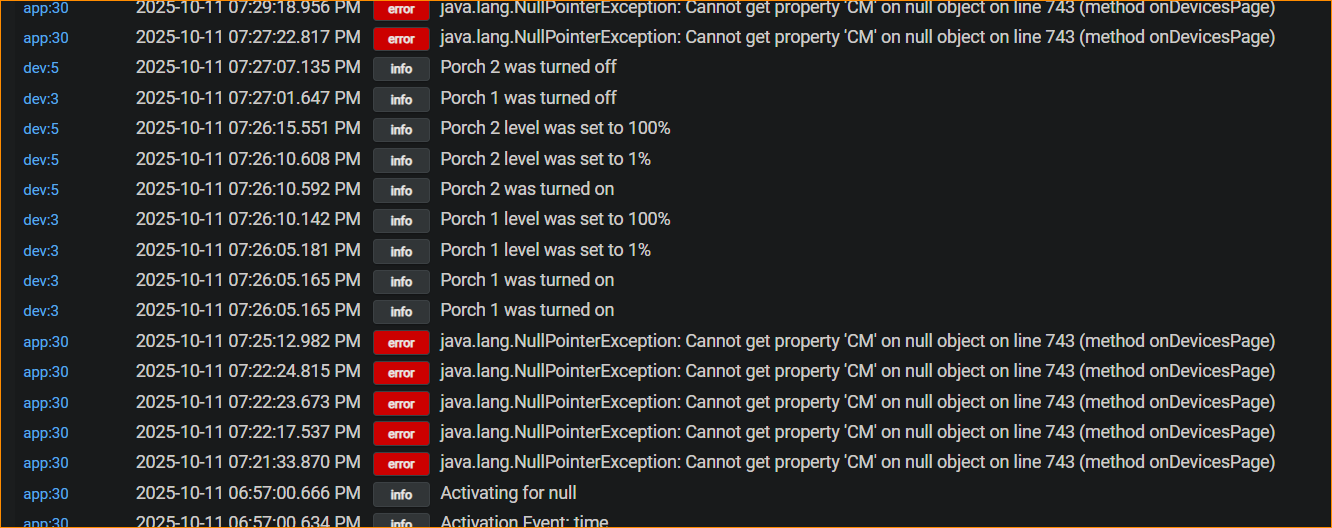
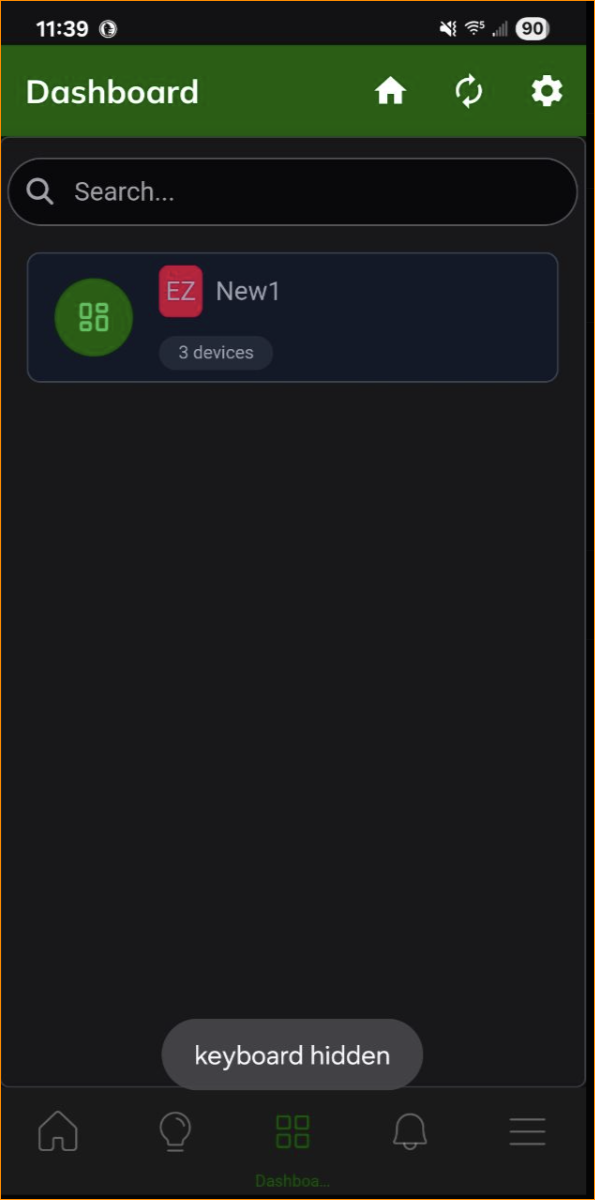
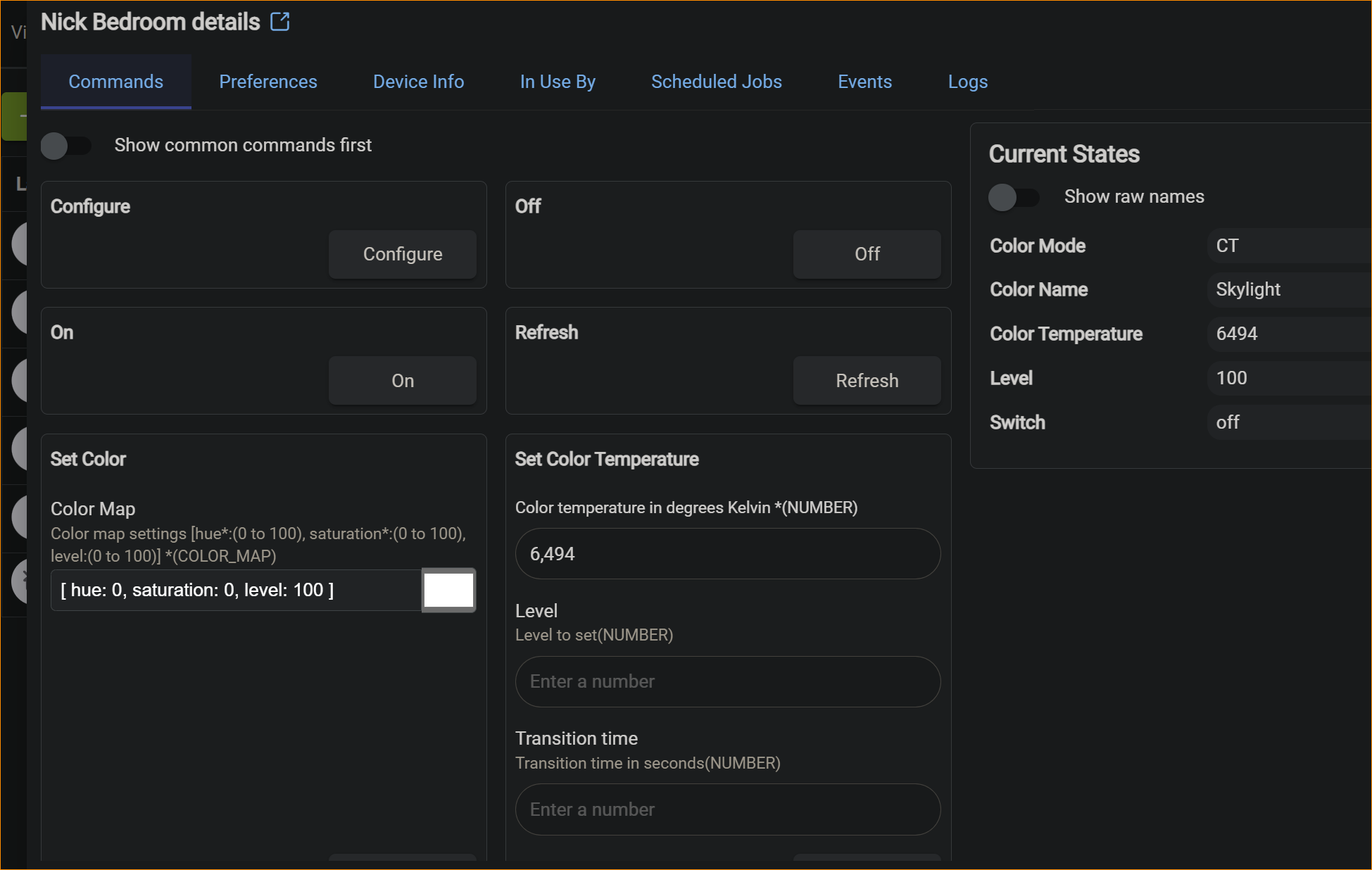
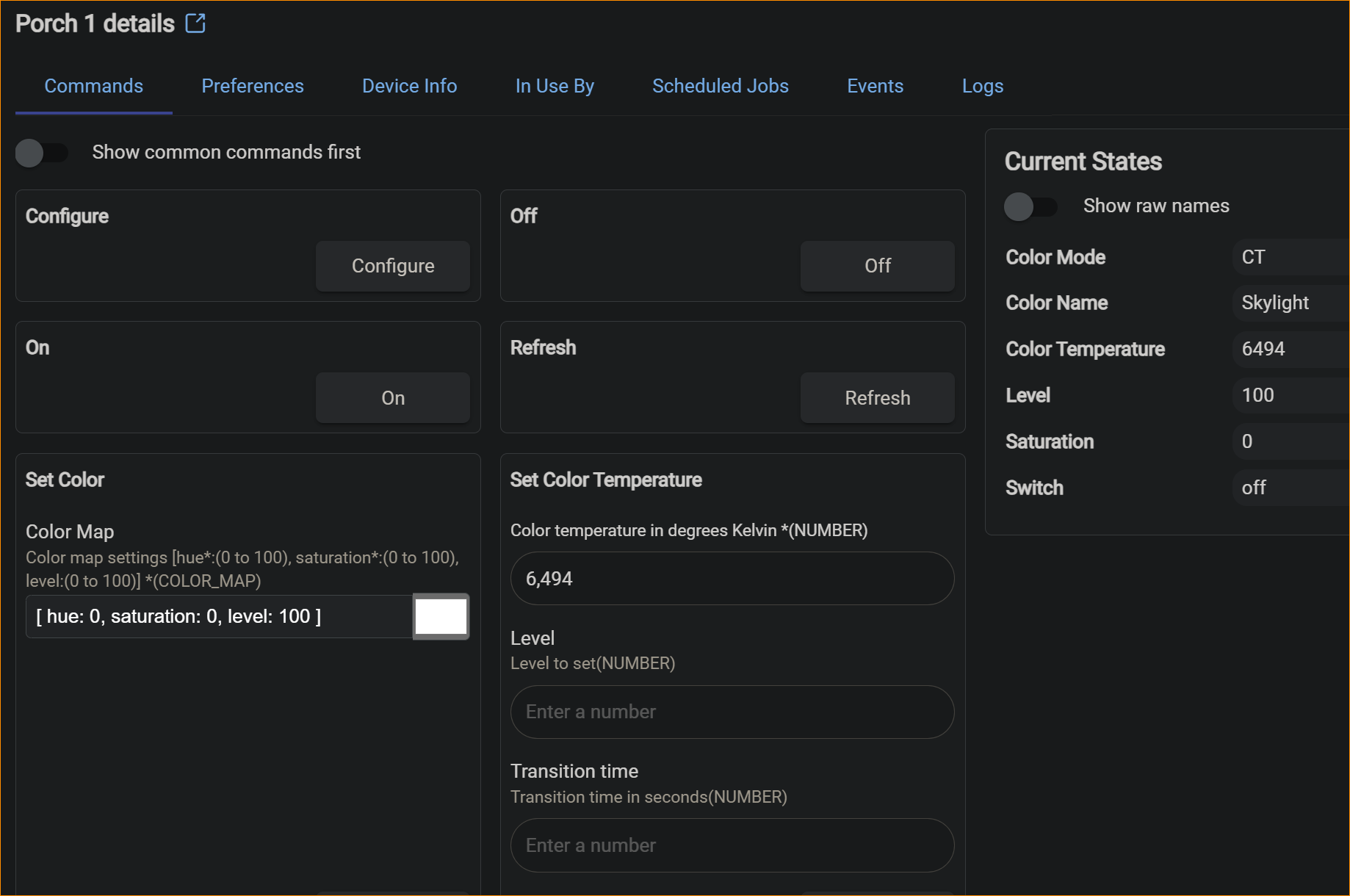
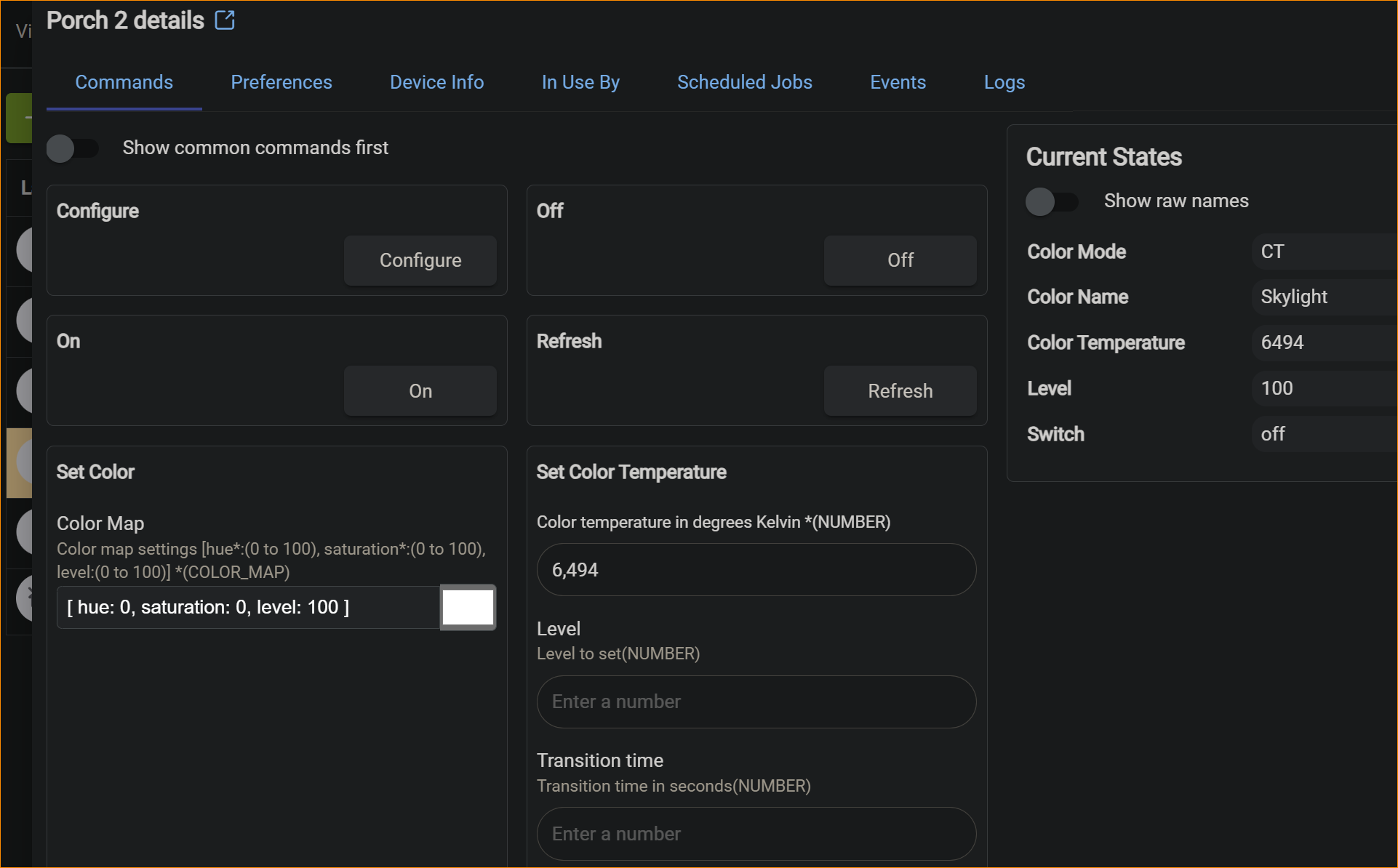
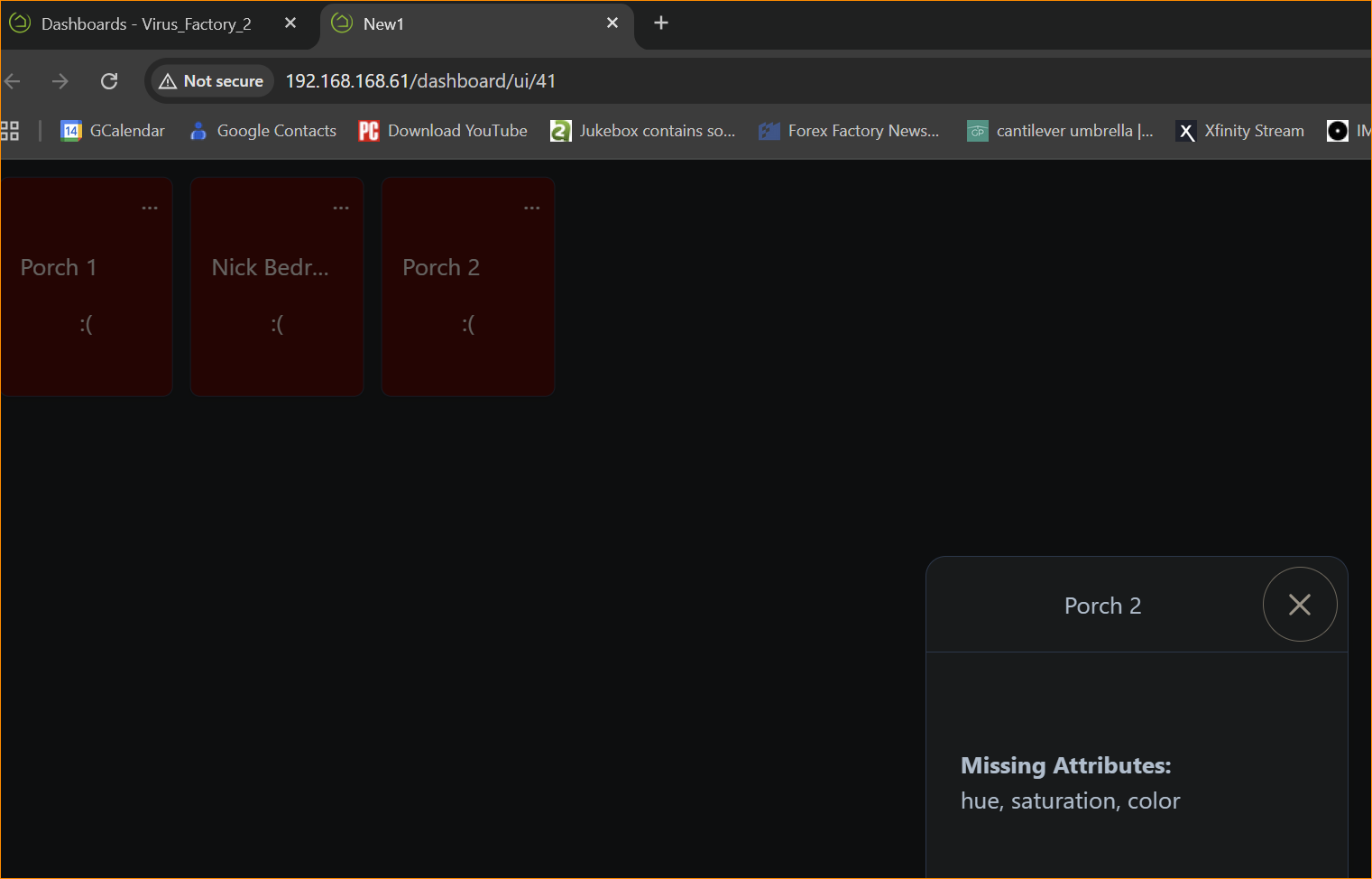
Hello..
Newbie owner with Hubitat C8 Pro running 2.4.3.133 on a hardwire connection to home network.
I used the search option on this forum and there is a stunning number of articles over the past 6 months, none of which mentioned the problem I am having.
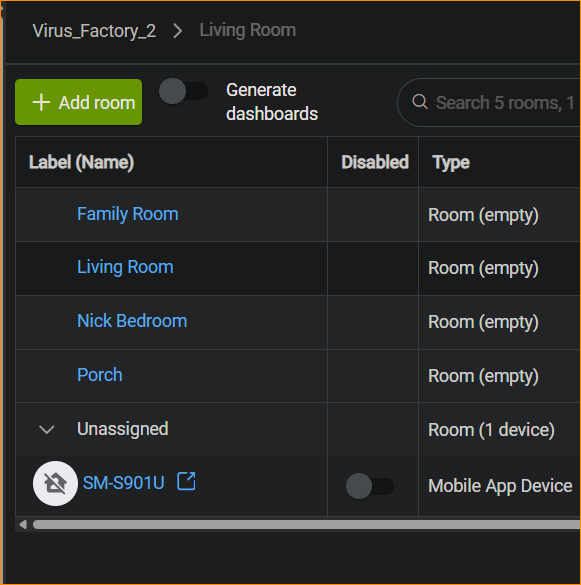
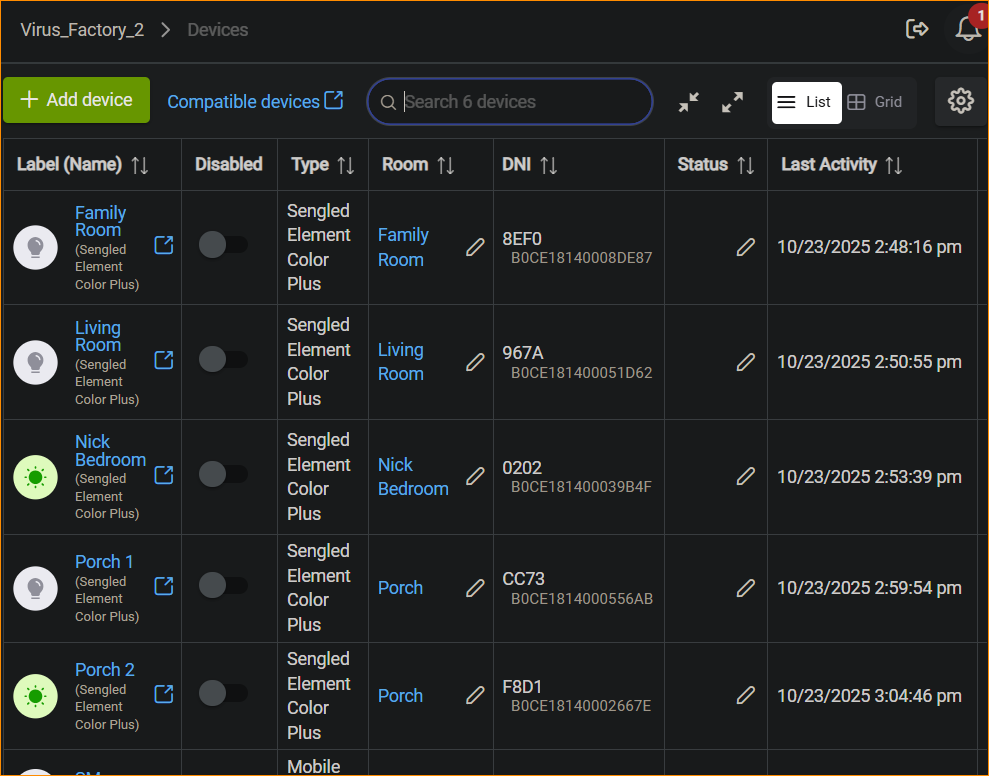
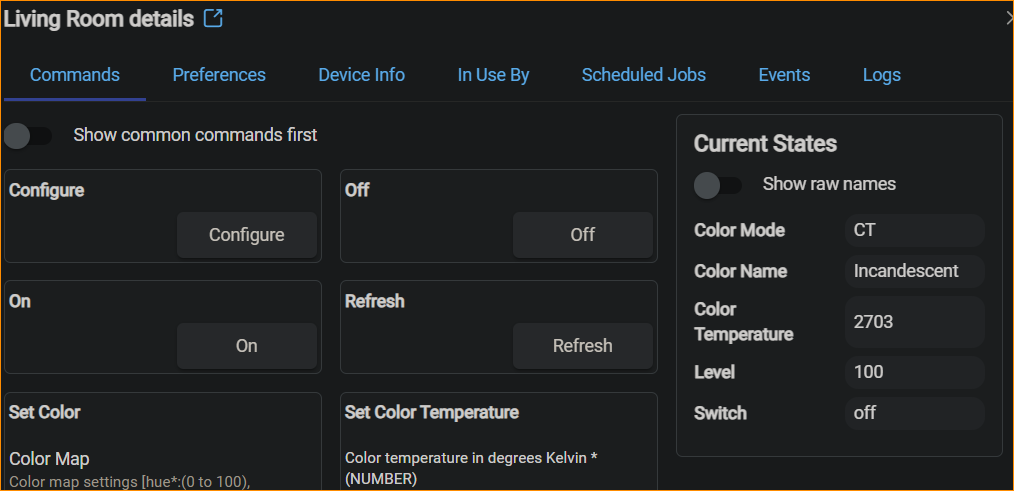
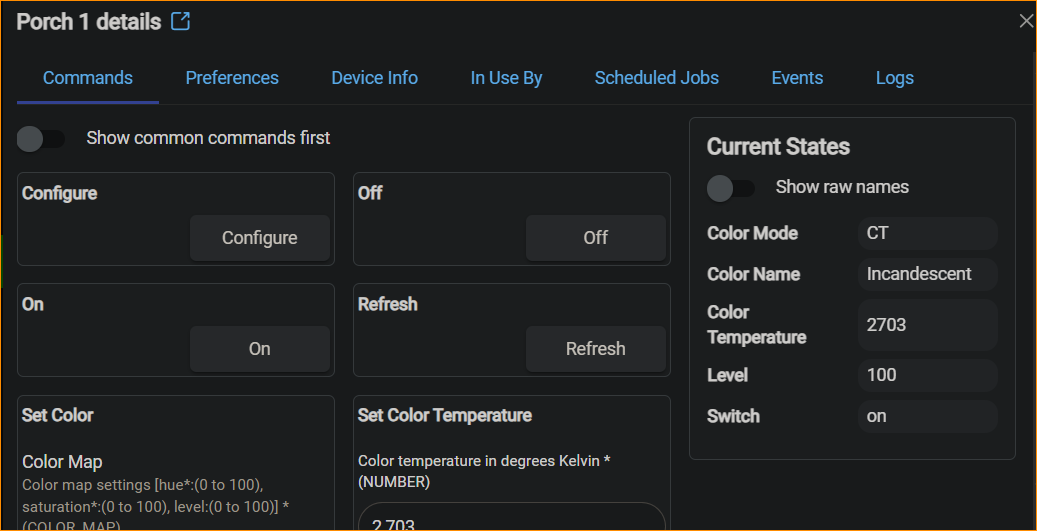
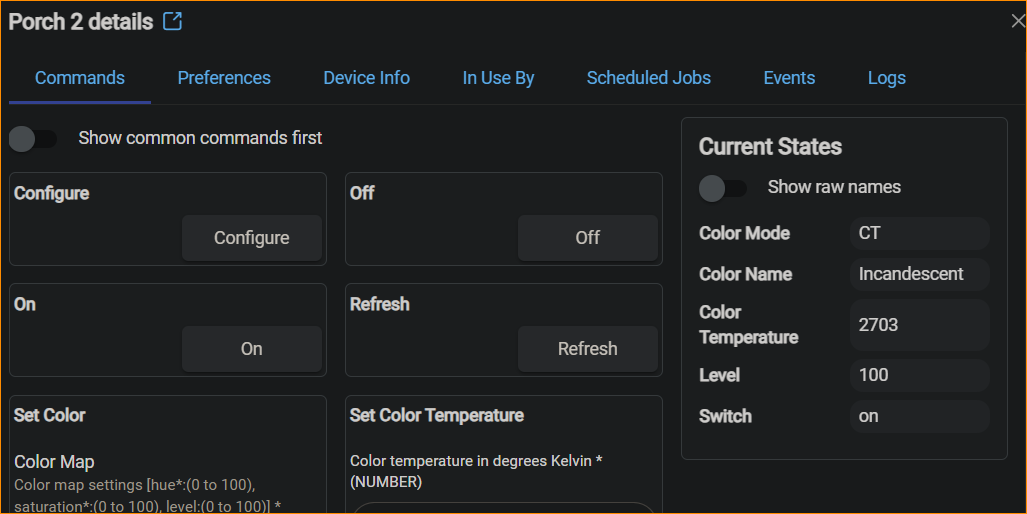
I have been using the web interface over the local LAN to configure the C8 and I'll admit that the learning curve and quantity of reading and trial/error has been significant. With all that said, I do have 5 SengLED E11* bulbs configured into the C* as devices, created rooms to put them in and then used Room Lighting to establish on/off time periods for the bulbs and created a Dashboard with one device in it. Things seem to work overall. There is a few glitches found that will be dealt with later.
This topic is about the Android HE app, version 2.1.3.42 (372) running on a Samsung S22 with the latest Verizon update.
If I put the phone on WiFi to internal network all the devices show up just fine.
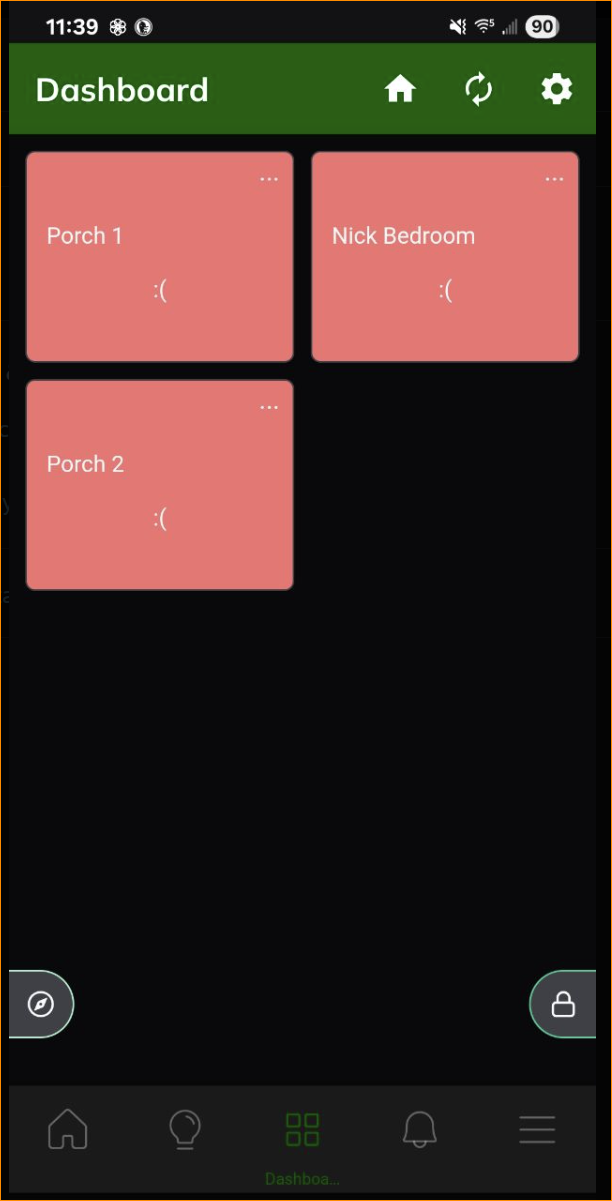
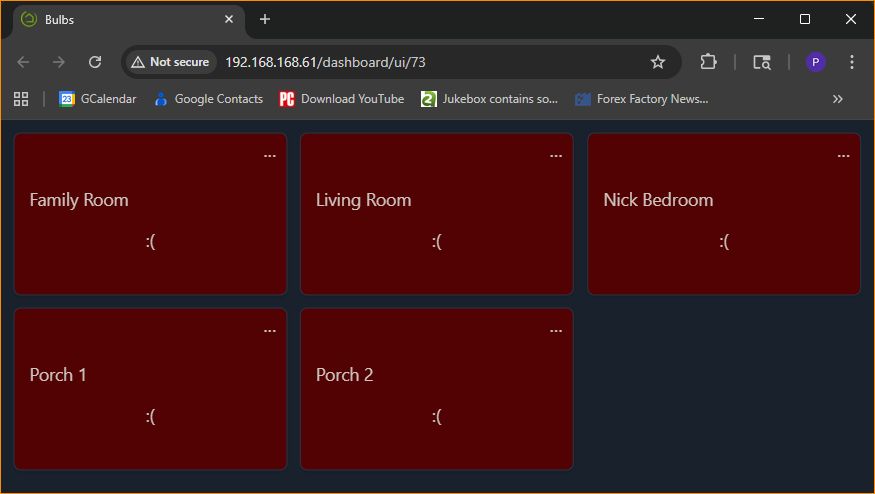
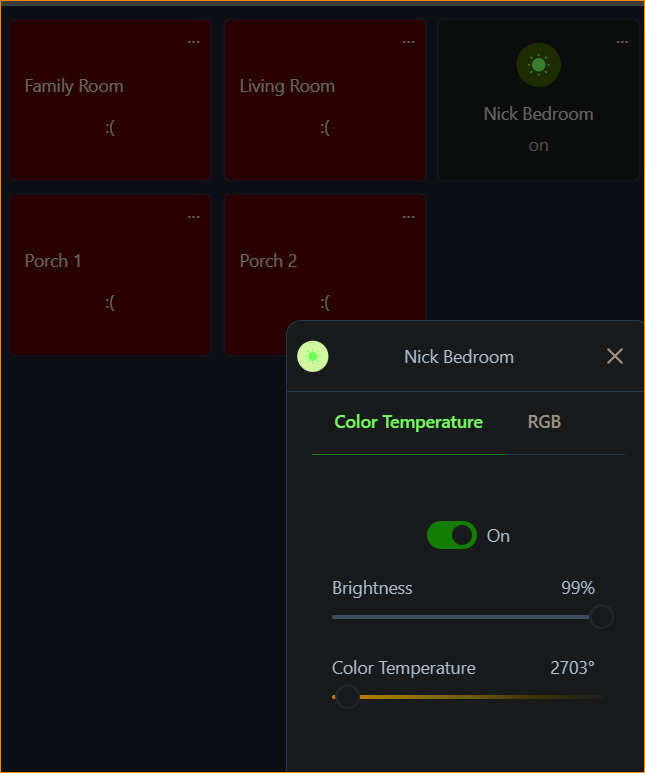
When I switch the phone to 4G/local Verizon network and start the Android app I get the following being displayed.

The documentation says to touch the upper left corner to change the state of the bulb which I do for the 'Family Room' icon, which is the bulb itself. The 'FR_RL' is the activator for the 'Room Lighting' rule I created. In my case, touching the upper left corner does nothing at but cause the icon to do a quick blink.
The only place I can touch on the Family Room icon is the 3 dots which gets me a window that lets me change the bulb between RGB/CT, Brightness and Color Temp as well as an On/Off Slider.
If I touch the On/Off slider, I can turn the bulb on/off while on 4G Verizon network!
Should the upper left corner allow me to turn it on/off?
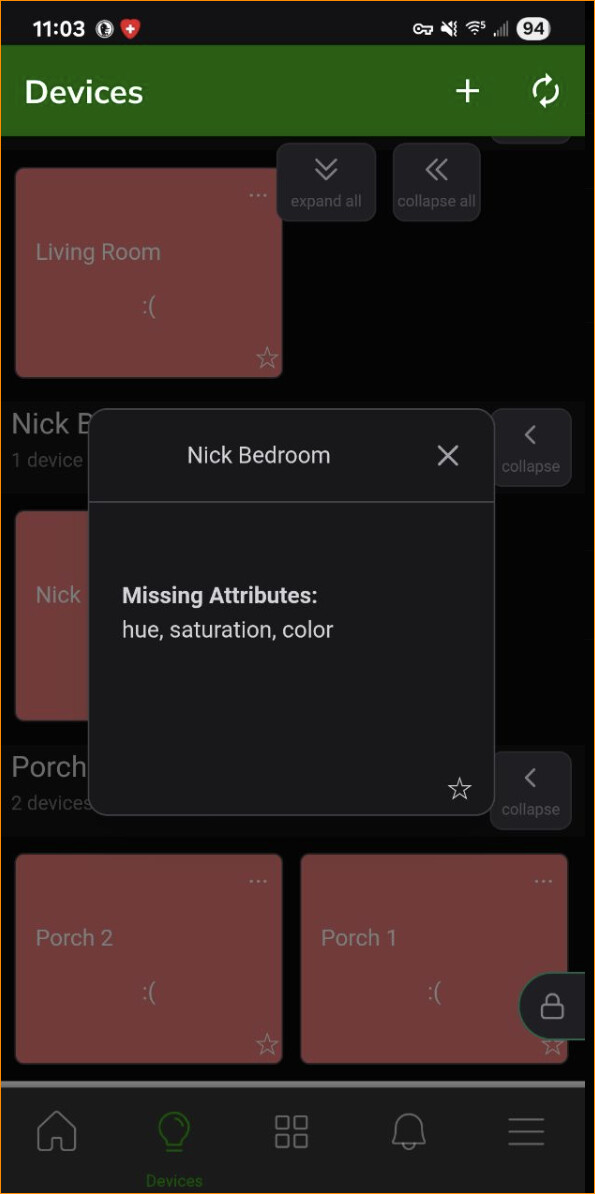
Why do a lot of the icons show up as pink and a sad face icon?
Shouldn't this all work from the phone app while on a 4G/Verizon network?
My thanks for your help on this!
Paul