Trying to use the integration and after installing the app. I'm sending a test Speak or test Play Text I get a popup on the paired selection with a 4 digit pin. I don't see where to enter this pin. I can't find it in the documentation.
can you screenshot the device page? (use windows snip)
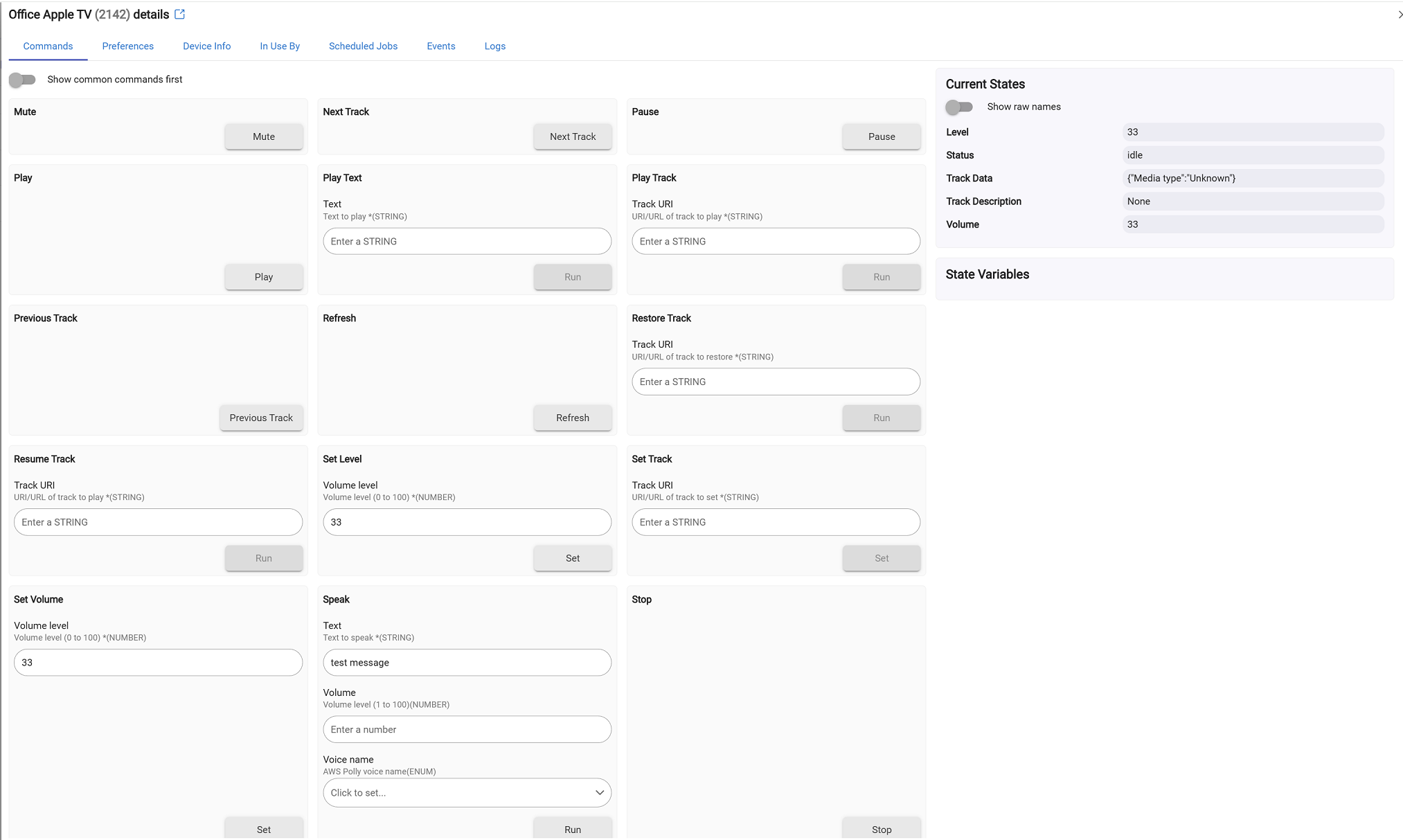
When I send a test message, I get the AirPlay Code on the apple tv. The logs show dev:21422025-10-02 11:26:34.405 AM - error
Internal error occurred
Interesting. Do you have a homepod to test this on? (Wondering if the Apple TV is different in the way it's handled)
Good call, the Homepod works fine, just the Apple TV's, maybe the latest TVOS broke the app.
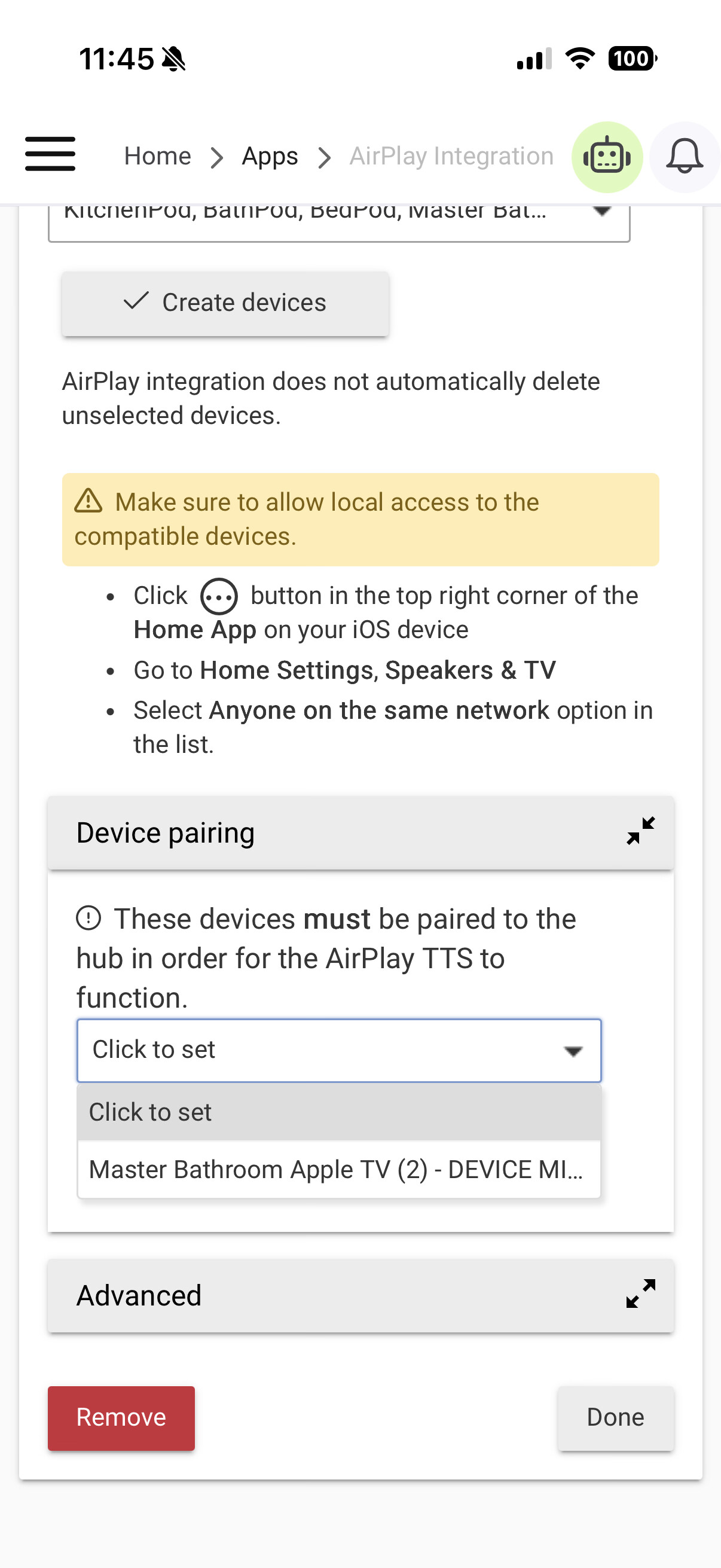
I’m trying to remember how to do this.
@gopher.ny , I’m not selling anywhere to enter the airplay code, as you can see in the screenshot. I’m not using the integration, so I deleted it, rebooted the hub, and reinstalled; same situation. My Apple TVs and HomePods all show up. HPMs work, ATVs popup with a pairing code when I try sending a test text, but there is nowhere to enter the code.
Checking that...
Edit: bug, to be fixed in the next build.
2 Likes
Trying test Airplay Device on Dashboard. Volume control works but Music Player Tile not displaying Current Track. Tile also missing the Play/Pause and Mute buttons. Track Skip Buttons and Volume slider work. Correct track information and play/pause work from the Devices page, so Hubitat seems be getting the information.
Hey @gopher.ny,
Has this been addressed? I'm having the same issue and just found this thread.
Thanks!
Long story short, I'm having an issue with Homekit Integration and being remote. My post here:
While testing this, I dropped back to version 2.4.2.154 and had the airplay issue. In trying to test some more, I updated back to 2.4.3.173 and the airplay issue went away, but the Homekit issue returned.

