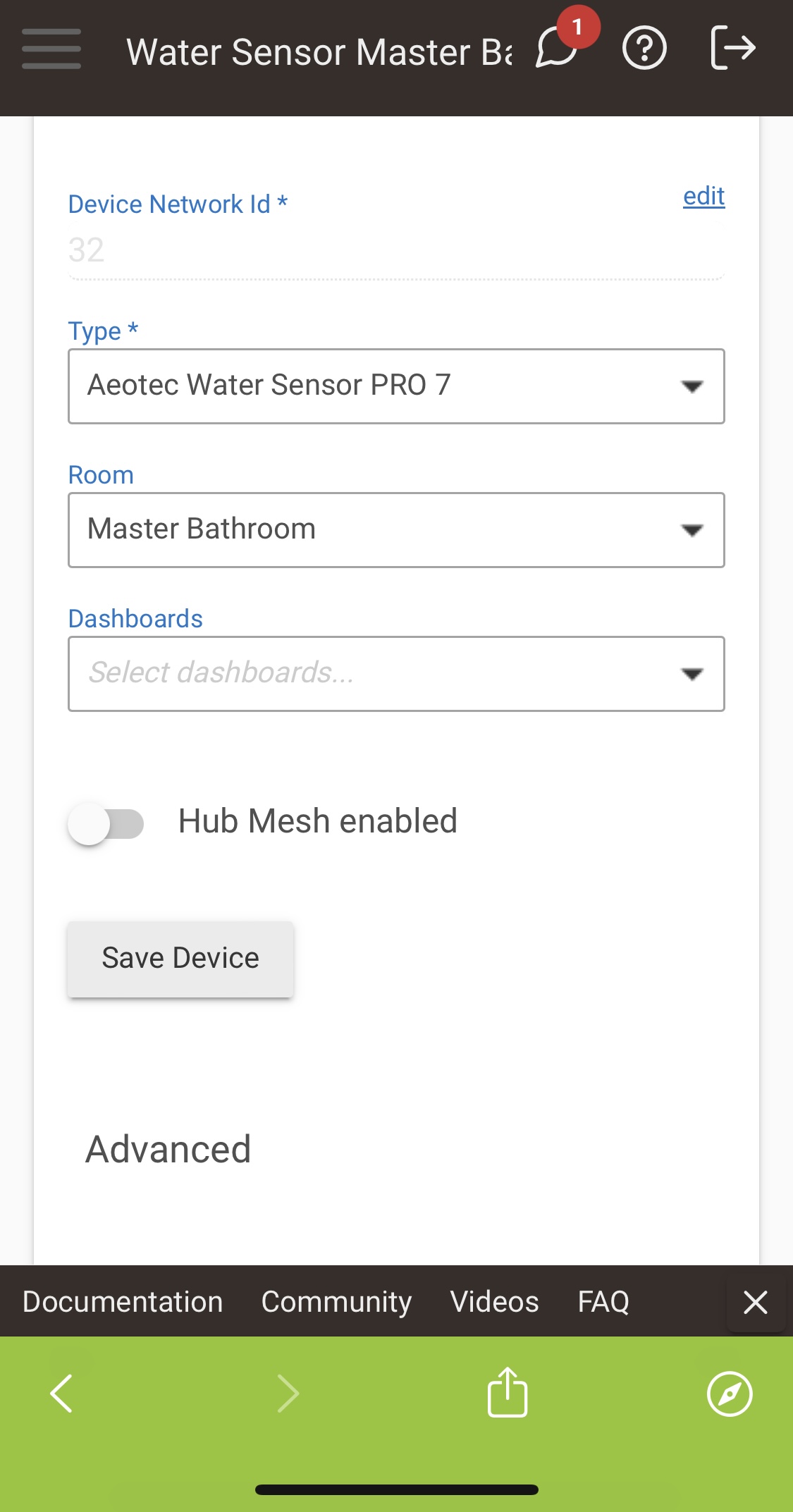
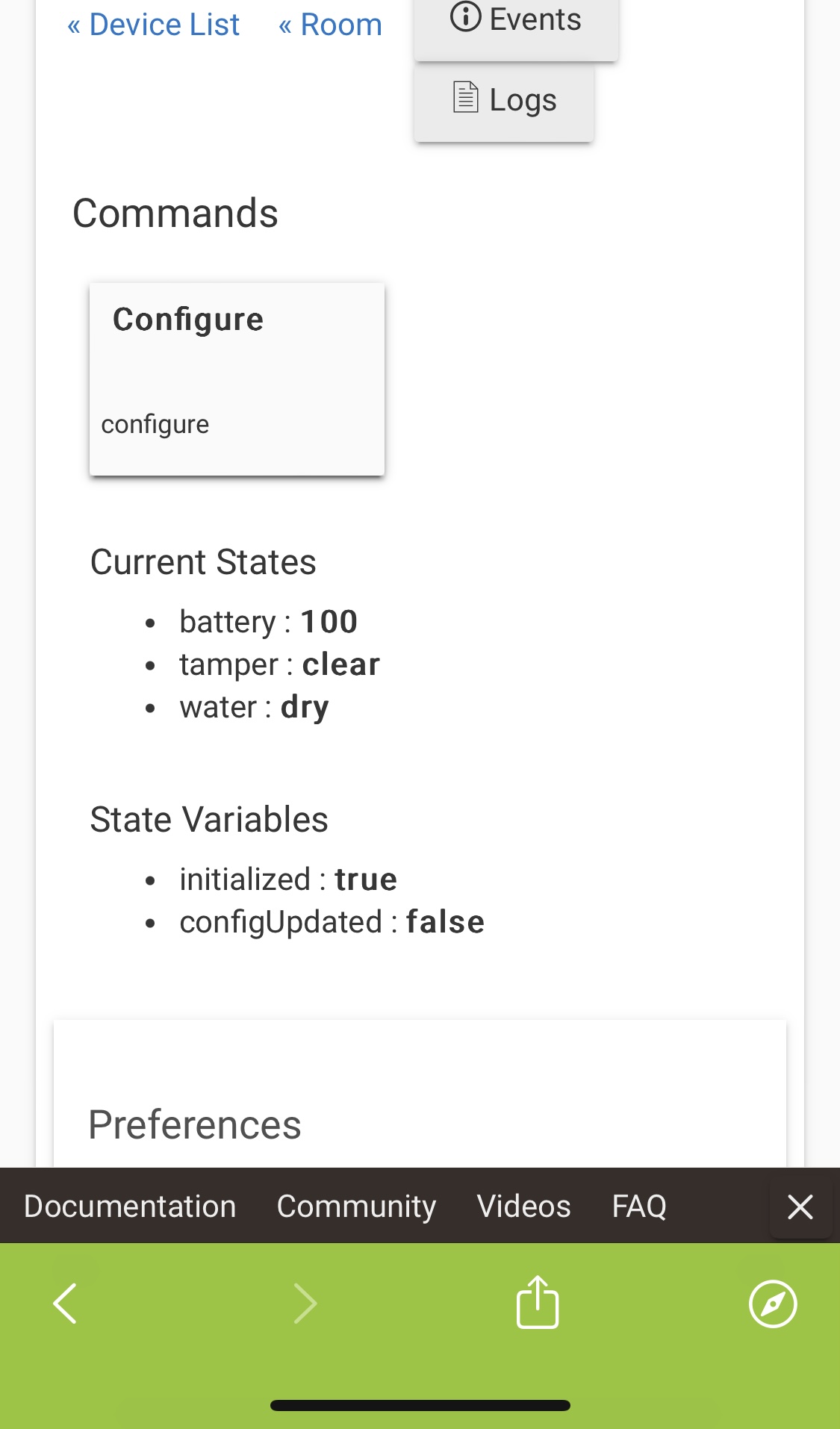
Have two of these, and they seem to report back different things when i set them up versus over time.
They used to show dry/wet in the status, but now I get 
Current States
- battery : 100
- humidity : 68
- tamper : detected
- temperature : 60.0
is there a different drive for these? I am looking for the wet/dry which it has the probes for, but hubitat doesnt show that as an option, so I assume none of my rules will work.
Use generic water sensor driver. The generic contact sensor driver should also work...
I am not getting any attributes at all using the generic zwave water sensor. Is that what I should be using?
There’s no commands for that device type..
pick aeotec water sensor 6 then click configure
I actually see Aeotec Water Sensor Pro 7. Selecting that seems to work but now there are two component sensors, sensor 1 and 2. Not sure why. Are there two sensors and what’s the difference between them?
1 Like
Does that have a plug in extension option of some sort?
I just installed one of these, in a bathroom that can get cold in the winter.
The Good: it reports temperature and humidity and battery %.
The Bad: it doesn't report wet or dry.... despite being a water sensor. I tried it on Aeotec Water Sensor 6, and Generic Z-Wave Water Sensor. No luck reporting wet or dry on any of them. Just Temp, Humidity, Tamper, Battery.
The ironic: all but one of my 8 year old Aeotec Z-wave sensors that I used with my Wink, still work fine with Hubitat. And were easier to add to Hubitat than this overpriced pretender! The one DSB45 that was faulty still had working water detect, but no longer reported the battery %. And took a long time to do inclusion with, so I replaced it before it got worse.
If anyone knows more about this, I'd like to hear. That and tomorrow I'll probably splash some water on the probe, and see if it triggers. If it doesn't, I still have a couple unused trusty old DSB45's that just work, and cost way less than the 7 Pro!
Weird but wonderful. Switching it back from Aeotec 6 to the 7 Pro driver did fix it to show water.
Thanks!
Whenever you change drivers, click configure. That's likely what needed to be done...