I have a Hubit C5 with a Simply Automation Rule controlling a AEOTEC Smart Switch 6 and a Zooz SmartPlug. Tonight when I went to turn on the fans connected to them it did not respond. I noticed that the Aeotec Smart Switch had a rainbow led which indicates it is ready to be paired with the hub. I unpluged this from the wall and then was able to connect to the Zooz plug. So I have the following questions:
I have been using the Aeotec for several years with no issues. Why all of a sudden does it think it needs to be connected to the hub?
If the Aeotec was having issues why was this effecting the Zooz Plug?
How do I remove it from the hub? I tried the normal way of excluding the device but that did not work. I tried to Force Remove but that did not remove it either.
Are these plugs near each other (i.e. could it be a proximity-related issue [power blip on that circuit/branch or whatever])?
Were any other z-wave devices acting flaky, or just those 2?
What exactly happened with the Zooz switch in all this -- did it just not activate when it was originally supposed to? Or was it completely unresponsive until you unplugged the Aeotec? Just trying to figure out how the Aeotec going wacky would then somehow affect the Zooz (since it shouldn't).
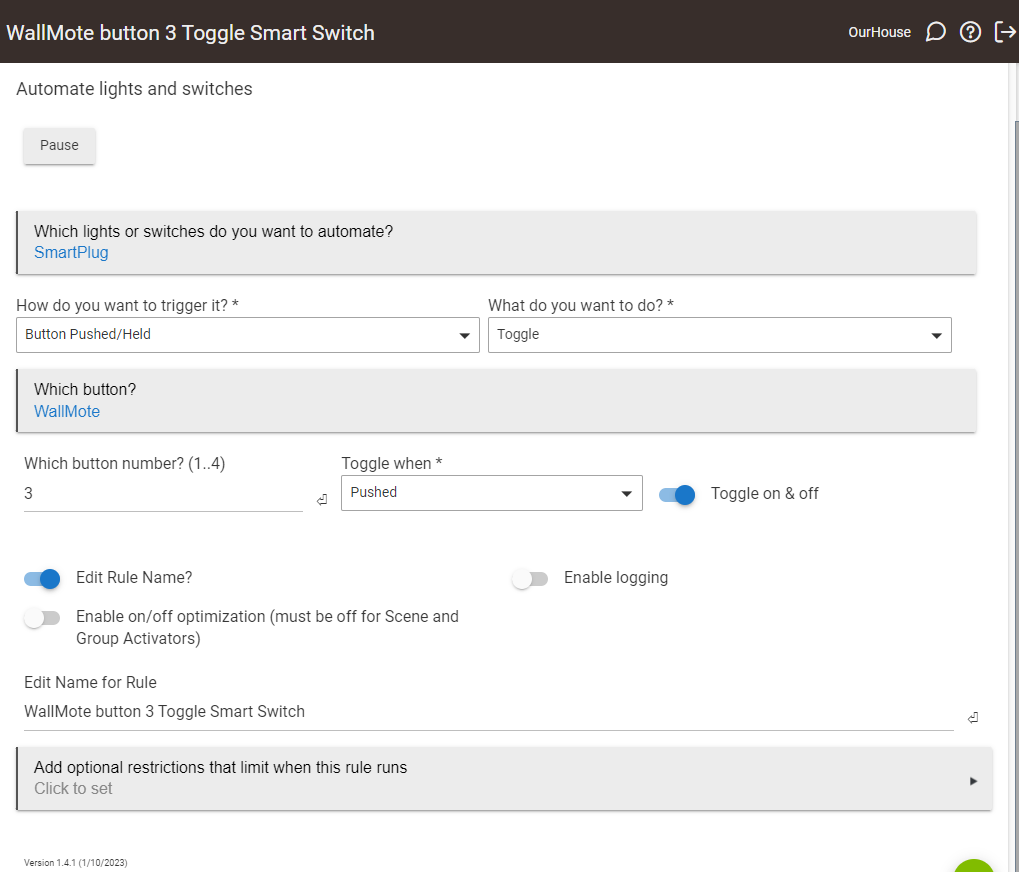
Can you post a picture of the SAR rule setup just so folks here can help ensure there are no issues in that?
The plugs are on different sides of the same room about 20' apart. Over the winter I had one on each side of the bed controlling the electric blanket with no problems.
All other devices were working fine.
When I pressed the switch on my Aeotec Wallmote nothing happened on either smart plug. When I tried to turn them on from the device page I could get the Zooz to turn on once but then would not turn off. It was not untill I unpluged the Aeotec that the Zooz started to work normally.
Attached is a screenshot of the SAR but at this point I have removed the Aeotec from the rule.
How do I remove the device from the Hub since the device indicates that it is no longer connected? The force remove did not work.
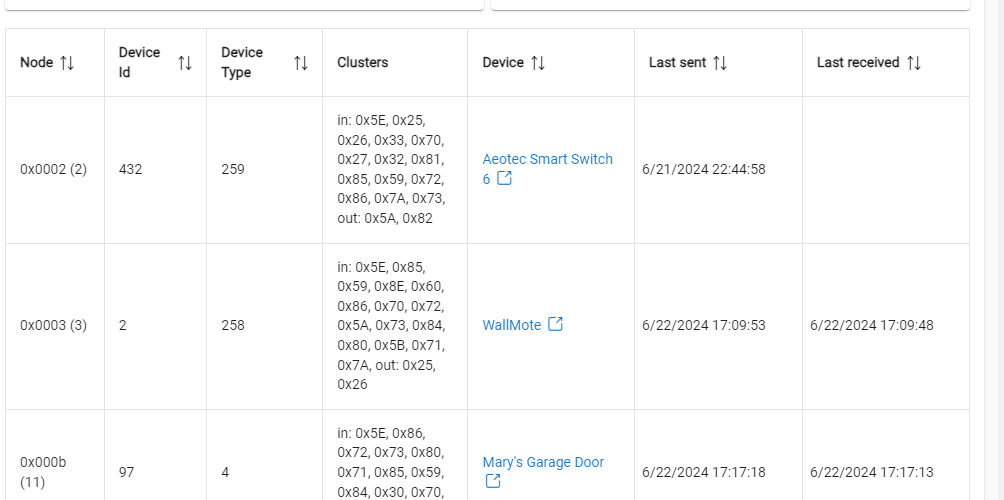
If you post a screenshot of your full Z-Wave Details page, folks may be able to help spot clues there, and be able to recommend best way to remove the Aeotec.
Here is the Z-Wave Detail for the Aeotec Smart Switch 6 that I need to remove that will not remove by using the force remove method. I would appreciate someone indicating how this can be removed.