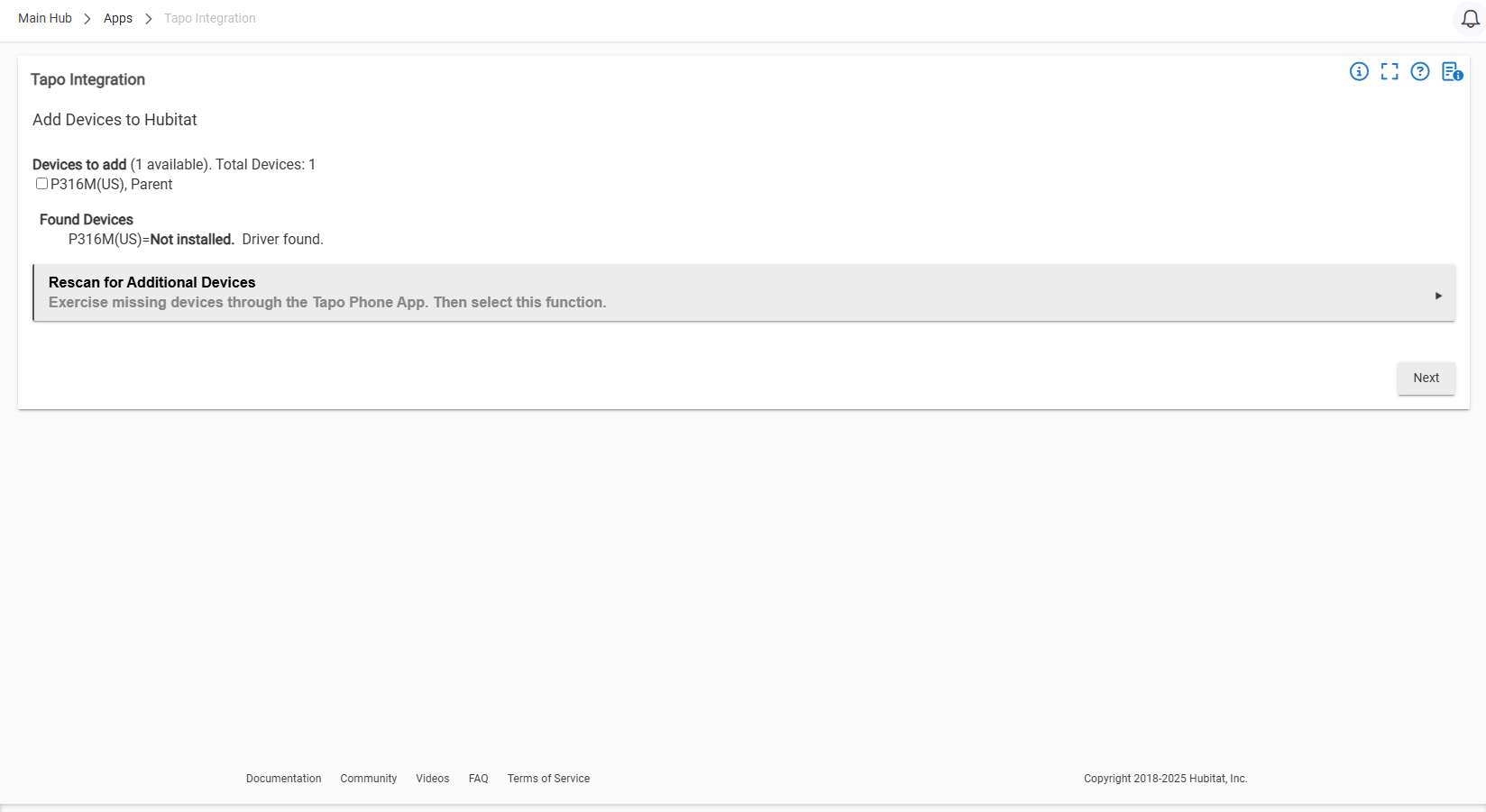
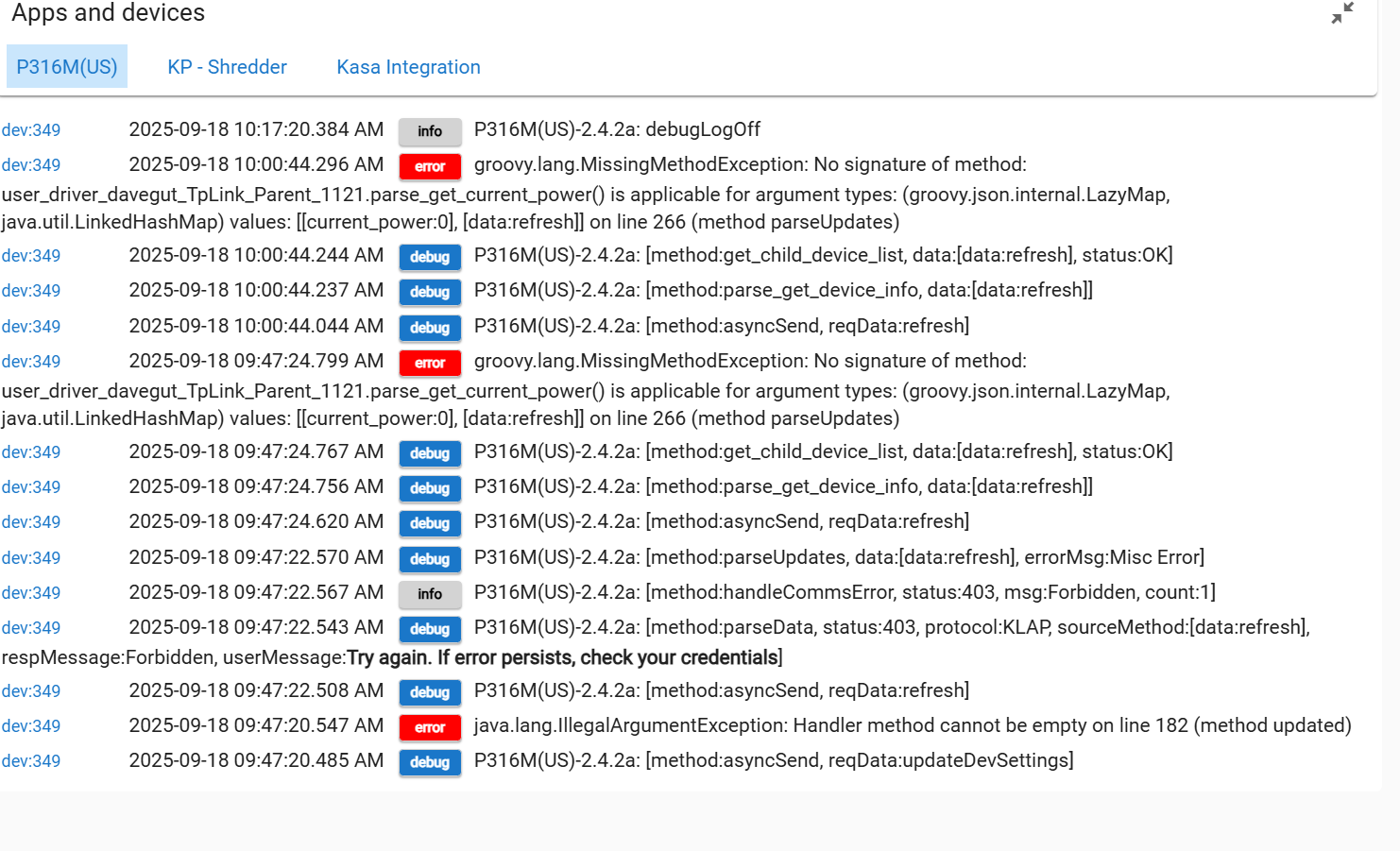
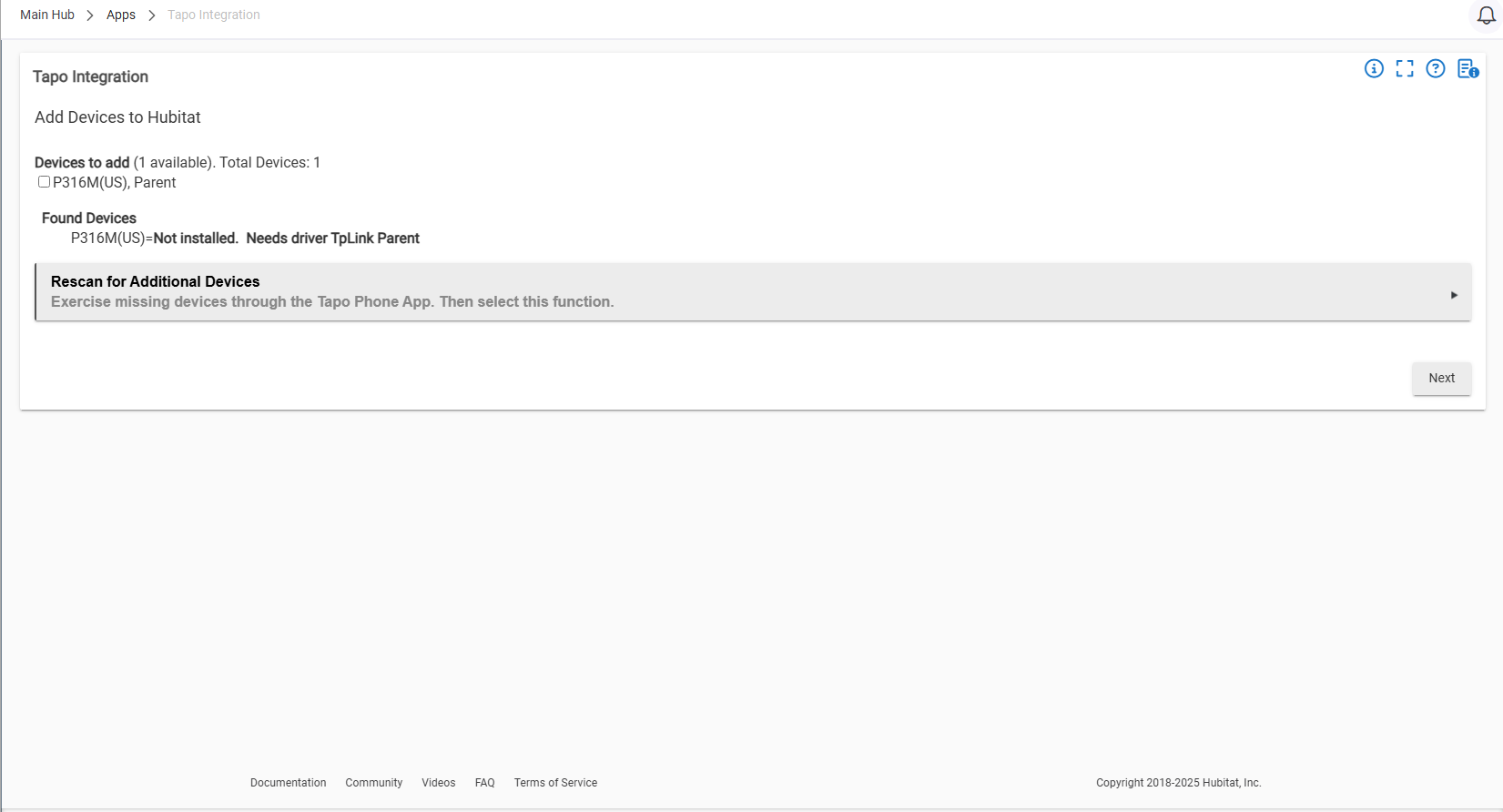
Trying to add a TP-Link/Tapo P316M matter power strip via the Tapo Integration app to HE. The parent is found, but does not install because it cannot find the driver.
Help, please.
Trying to add a TP-Link/Tapo P316M matter power strip via the Tapo Integration app to HE. The parent is found, but does not install because it cannot find the driver.
Help, please.
You need to add the driver (via HPM or download). Driver is "TpLink Parent" (just like the message). You will also need to download the associated children for the individual outlets. In your case, it would be tplink_child_plug (handles em plugs and USB outlets),
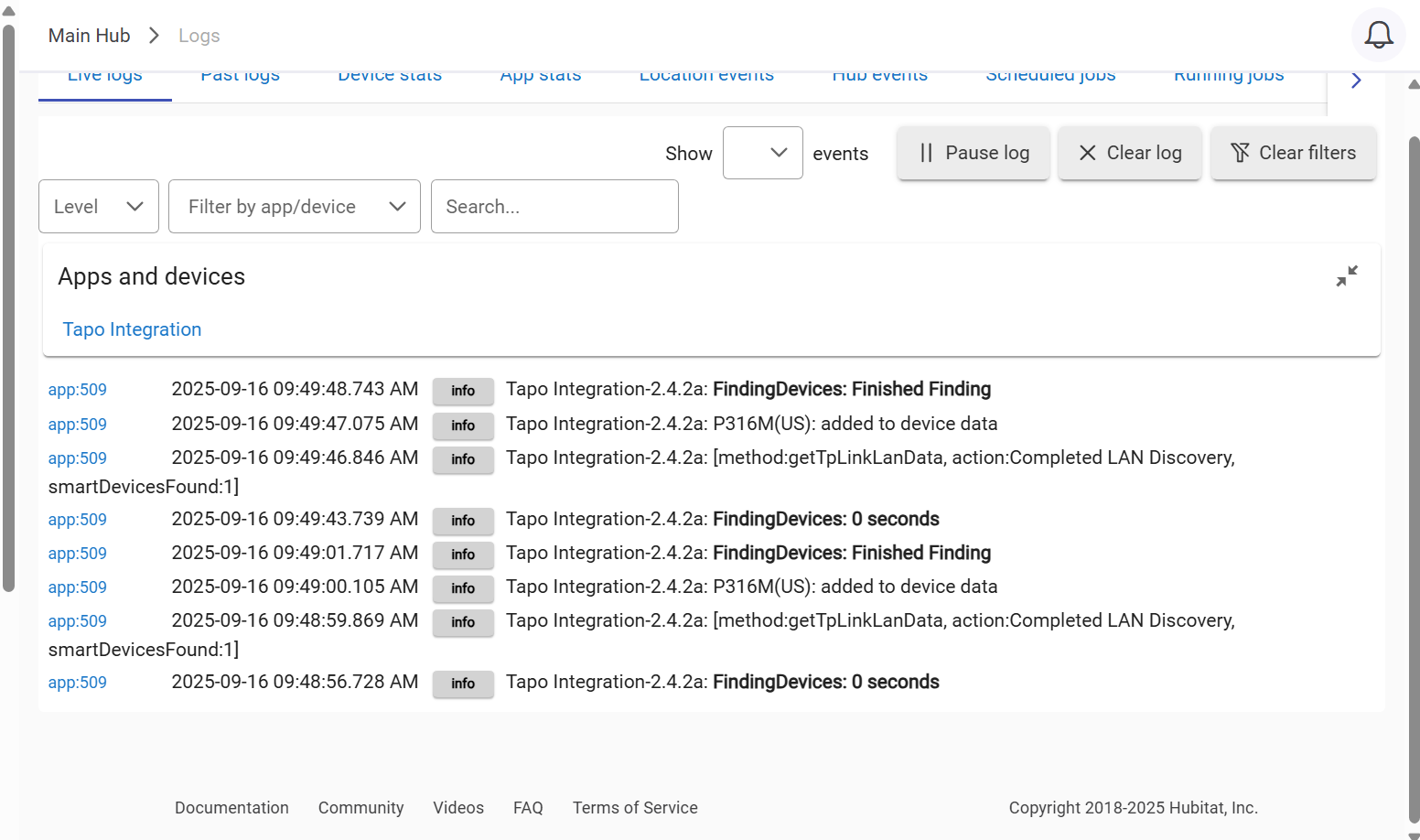
I was able to install Topo Integration. TpLink Child Plug & TpLink Parent are installed in Dev Drivers code folder. Topo Integration in installed in App code folder. I scanned to install the power strip and came up with the following :
How do I install the driver?
Just select the device from the drop-down and select next.
The parent will be installed and about 1 minute later the individual plugs will be installed. (automatically).
In the rare event they do not install automatically, the preference page has a option "install children".
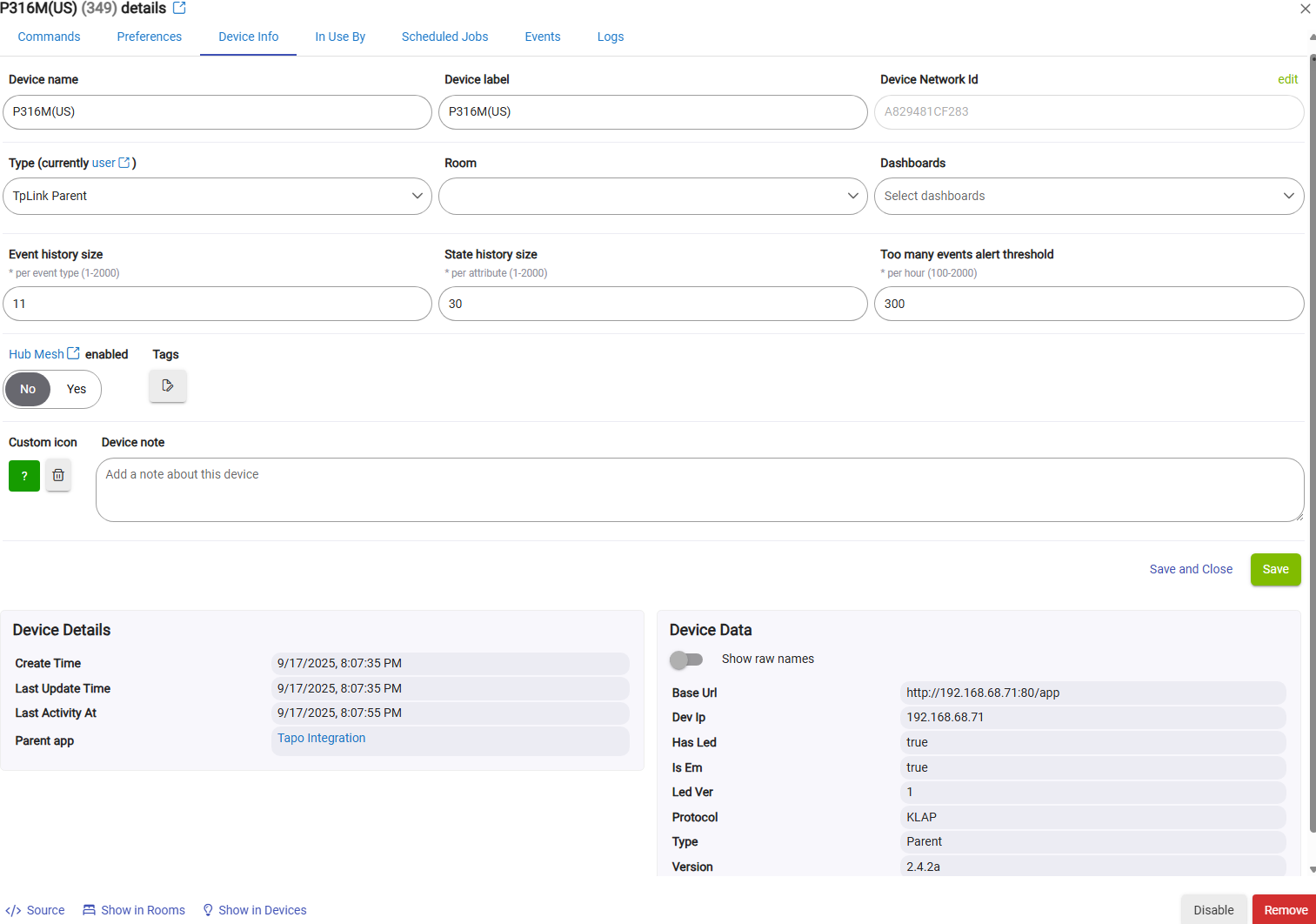
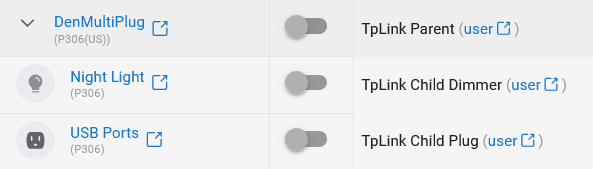
Once installed, the child devices will appear on the devices page as children.
example w/o drop down on devices page:

After pressing the ">"
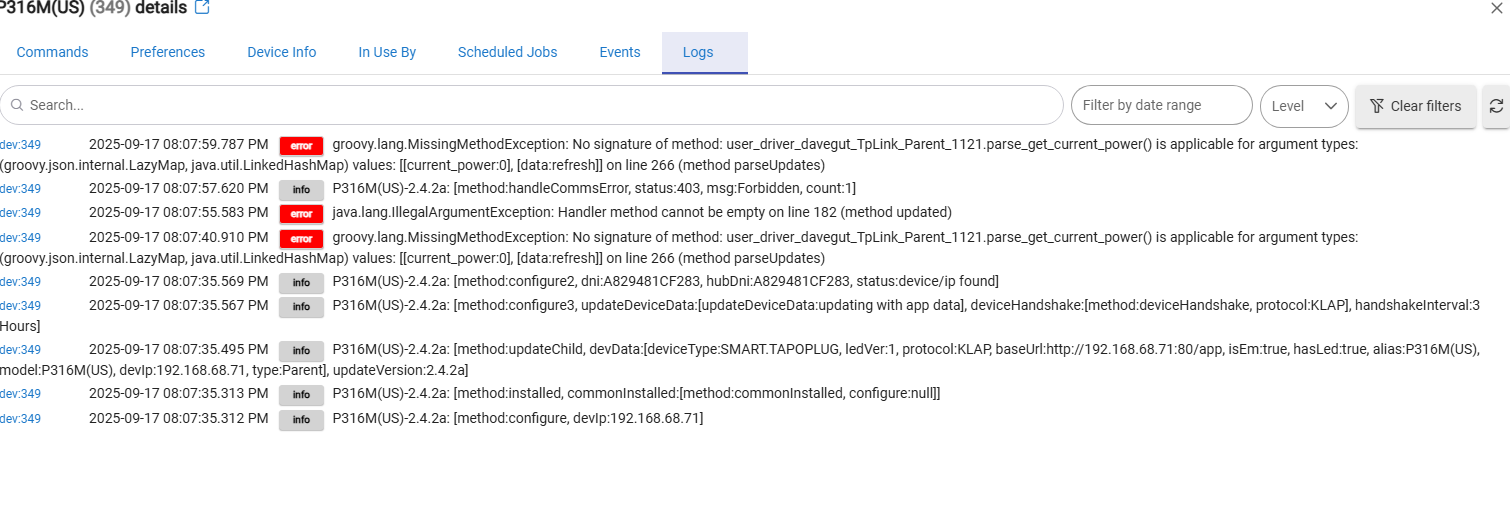
An error in the EM processing killed the device installation. To get you going,
On the preferences tab, select
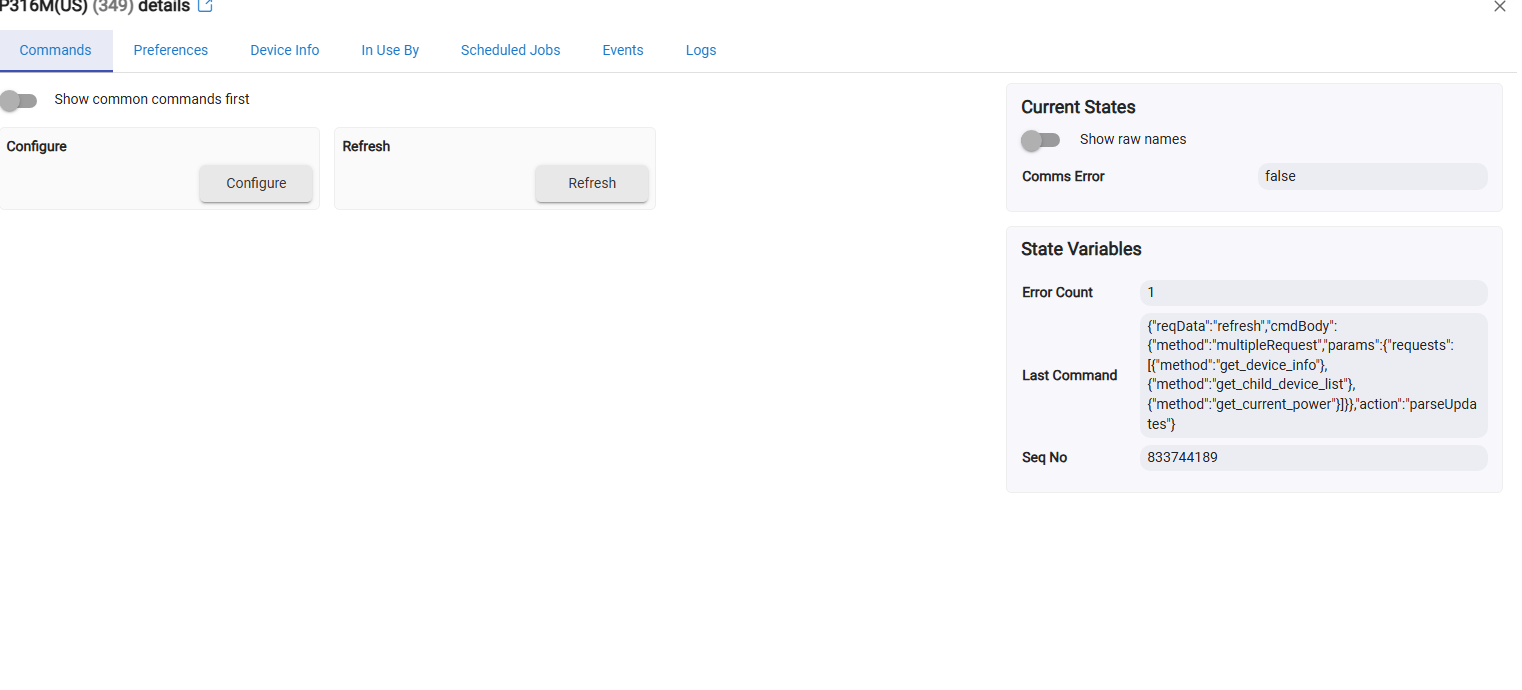
After adding the devices, on the Parent, select the command "configure" and send me the logs in text format. (Just copy the lines and paste. I will create the parsing). You may not get any errors this time (good) - but that points to the error in your post.
Dave
I was a little confused about adding child devices, so I clicked the clicked the "Install Child Devices" toggle to off than clicked it back to on. Below is a cut and paste of the log:
It will take me over the weekend. This is (unfortunately) the first EM multiplug. The error in configure is probably causing your issue.
That's fine, no hurry. I can use the power strip via the Tapo App. Sorry to cause the problem.
djgutheinz was able to find the error. Updated code via HPM and all is good. Thank you very much for your time and effort....
I just got one of the 316M power strips. I’ve tried to read through everything to make sure I’ve got everything right. I have confirmed that it’s in the Tapo app and I can control it there. I’ve gone into my router and given it a static address. I’ve used Hubitat package manager to install the Tapo integration. I have made sure that I have downloaded the two drivers that are needed, the parent and child ones. I run the Tapo integration. I enter my credentials, which I understand those aren’t needed for the login to Tapo? I have a couple of Tapo cameras that are connected to the Tapo app as well. The integration is only finding one of my cameras and not finding the power strip. When I look at the log, I can see the name of the power strip in the log, but I don’t really know what I’m looking at there. When it doesn’t find it, I go back into the Tapo app. I turn the switches off and on a couple of times making sure that all are on. When I’m done go back to the Tapo integration and choose the re-scan and it still does not find the power strip. What am I missing???
Current status: awaiting user for data.
Below is my test on a P316 this AM.
3:  [app:4976] 2025-11-23 07:11:18.557 debug Tapo Integration-2.4.2a: [method:addToDevices, Den Utility:[devIp:192.168.50.200, deviceType:SMART.TAPOPLUG, protocol:KLAP, model:P316M(US), baseUrl:http://192.1xx.50.2xx:80/app, alias:Den Utility, type:Parent, ledVer:1, isEm:true], dni:A829481xxxxx]
2:  [app:4976] 2025-11-23 07:11:18.295 debug Tapo Integration-2.4.2a: [parseKlapHandshake:[devData:[udpPort:4e22, type:SMART.TAPOPLUG, model:P316M(US), baseUrl:http://192.1xx.50.2xx:80/app, dni:A829481xxxxx ip:192.1xx.50.2xx, port:80, protocol:KLAP, status:OK]]]
1:  [app:4976] 2025-11-23 07:11:14.160 debug Tapo Integration-2.4.2a: [udpPort:4e22, type:SMART.TAPOPLUG, model:P316M(US), baseUrl:http://192.1xx.50.2xx:80/app, dni:A829481CEF66, ip:192.1xx.50.2xx, port:80, protocol:KLAP, status:OK]
Wha the logs indicate (from the 3: Successful device data attainment and added to app devices data.
1: Poll for device success
2: Connect to device success
3: Device internal data via Tapo API successfully parsed and entered into app's device data. Ready for next step.
Thank you so much for taking time to respond.
Long story short I got it working.
Long story, I decided to clean the slate and start fresh with the whole Tapo integration. Using HPM I uninstalled it and rebooted the hub, created a local and a cloud backup, there was a new hub FW version available so I went ahead and did that. Did another back up just to be safe, rebooted the hub. Checked drivers and apps codes to make sure both had been cleaned of any Tapo entries. Went back into HPM and re-downloaded the Tapo integration. Made sure the correct drivers were marked. ( which I thought I had done all of this yesterday correctly and it did not find the plug.). Logged into my Tapo account and updated the password to make sure everything was clean. Once the integration was loaded, I entered the Tapo credentials searched for the devices, and dang, the strip showed up this time. (I swear to you, I did all of this yesterday and it didn’t find the plug). The plug installed correctly. The child devices are showing and everything looks good to go.
I have seen it before to someone. Oh, me.
Just Curios, if it's a Matter device, why aren't you using Matter instead of the Tapo integration?
The Matter integration gets the state of the device back instantly if you change the state on the device directly or through the Tapo app.
I tried on my personal P316M. It loaded the parent as device.
It came back as Device Type "device". No child devices (the 316 has three outlets).
I tried the Generic Matter multi-point switch - no go. Then the Generic Matter outlet. Works ONLY plug 0 (first plug) - but does that nicely; however, still no children.
Trying to learn here for the Tapo users (I work the community app - I can identify Matter-capable devices but have not figured out how to determine if they are already installed.
Tapo Robovac (3): No response from device.
Tapo Hub (H200): Can install; however, no functionality.
I have two different models of the tapo and kasa matter outdoor 2 outlet devices and hubitat created parent and child devices for both of them.
I know. Results are sometime sketchy.