C-8 Pro running 2.4.2.160. Nothing new – I’m confused - again. I thought just a little while back the name of the game was to not use connectors for hub variables. So I redid my dashboards to use the global variables directly and deleted all the connectors. All my dashboards work fine that way except now I wanted to add a new global variable to a dashboard - and I now can’t find a way to do that – except by making a connector to be a device which then can be added. It appears that ONLY devices can be added to a dashboard, not variables. What happened to being able to add global variables as well as devices to a legacy dashboard? Is bringing back connectors really the way to go now?
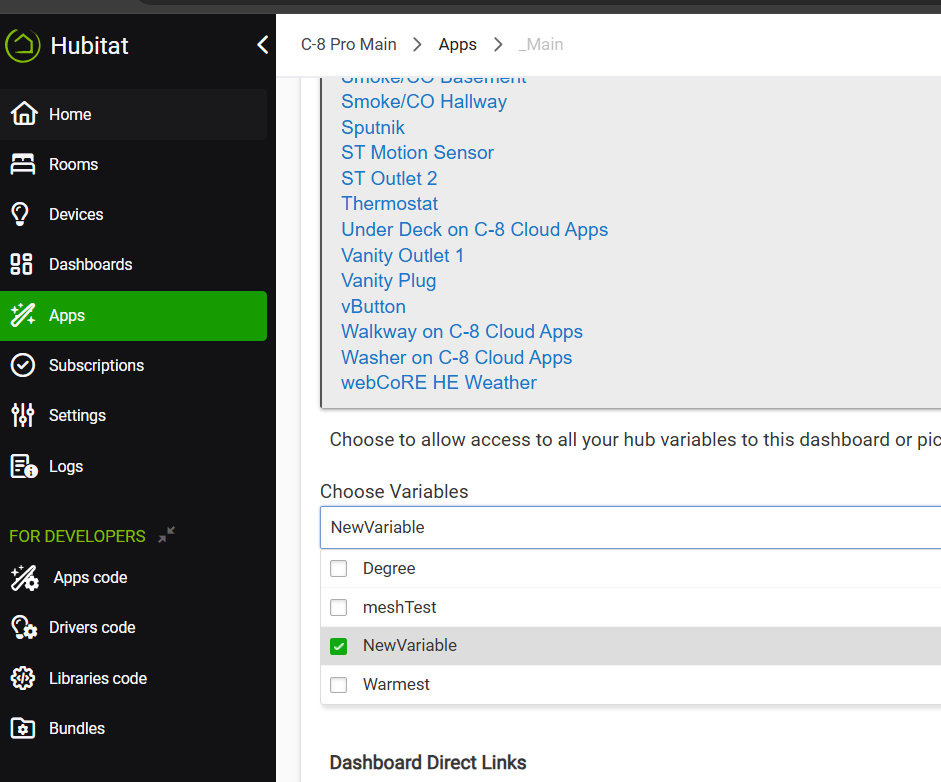
You should be able to add your variables using this option. I have several dashboard with many global variables.
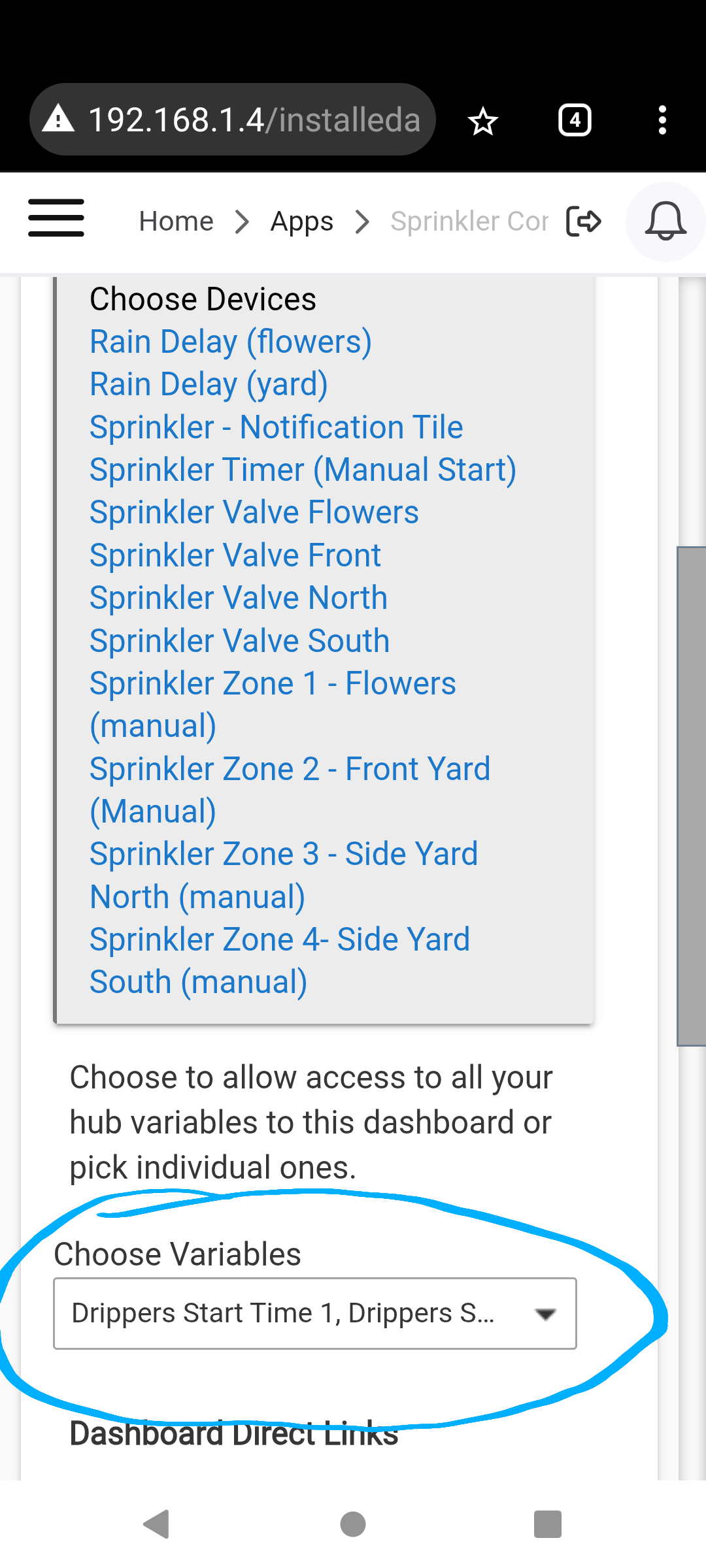
I don't get that option using Firefox or Edge as web browsers on a PC. Nor using the iOS app. I have several global variables already in dashboards and working. But I can't seem to add any new ones - not sure what platform version this happened on but with the past few months.

Yes, but before that list is available for Variables, you have to populate it - or assign the global variables you want to use in a particular dashboard. That's the part that I am now missing - it used to be there along with devices on the Dashboard app page, but now only Devices are allowed to be assigned or edited to a legacy dashboard.
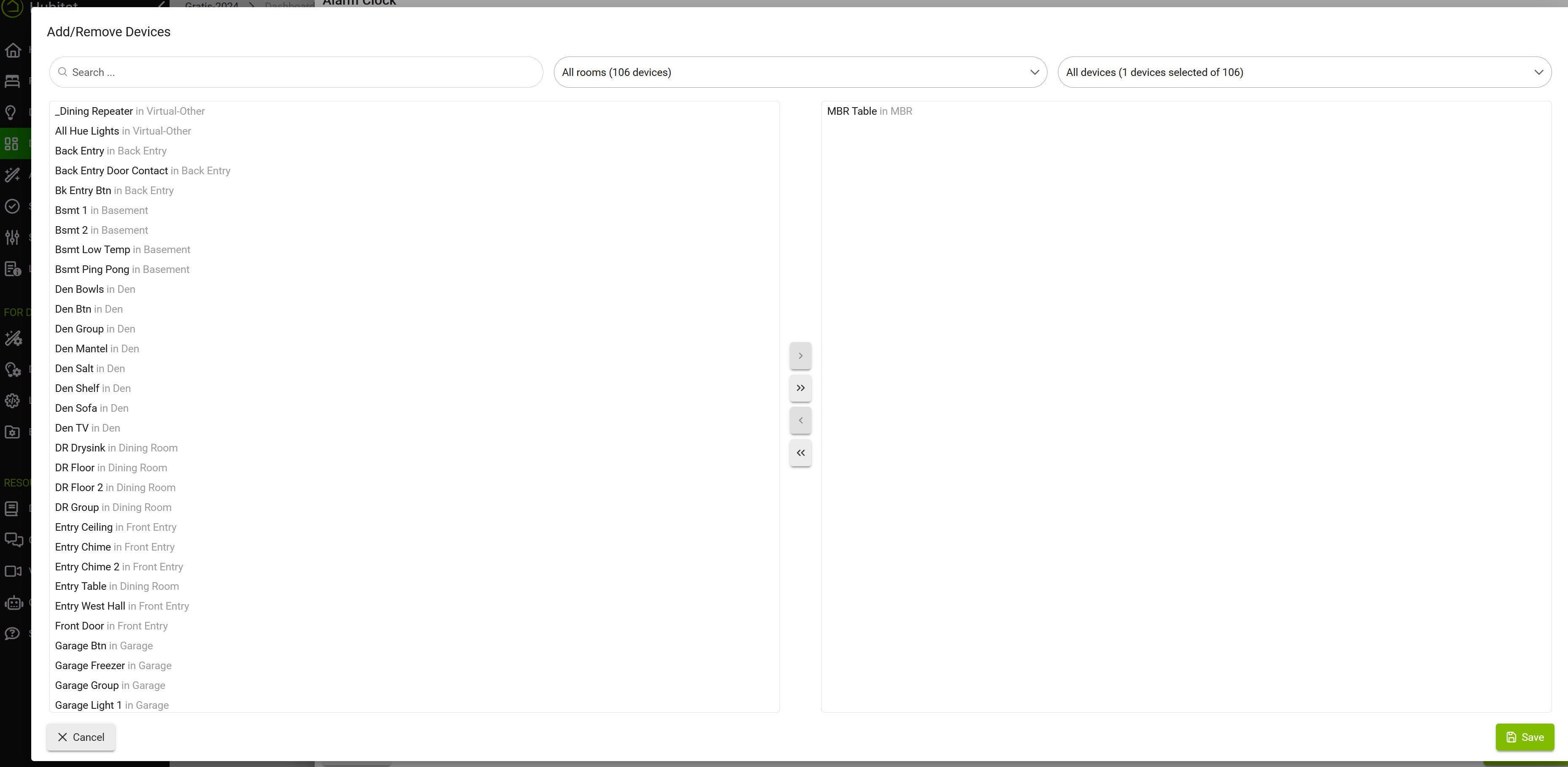
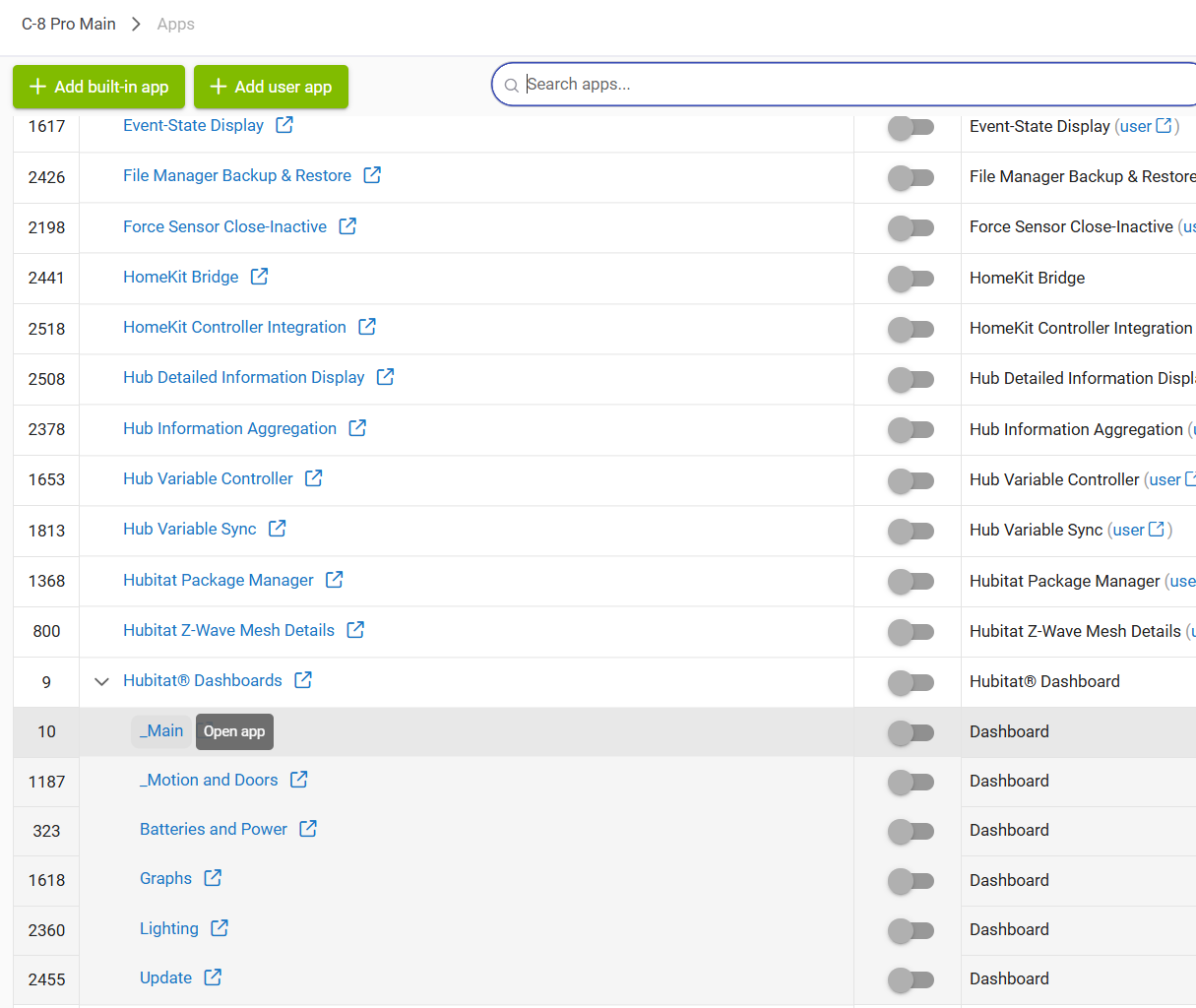
Need to go to the Hubitat Dashboards app, select the child dashboard app you're interested in and then scroll until you get underneath the devices:

Sorry, when I do that, it only shows the variables that I have previously assigned to my dashboard under earlier, but recent, firmware. It does NOT show ALL my global variables to pick from. What I want to do is add more variables to that list - and as far as I knew, that was with the dashboard app. What am I missing?
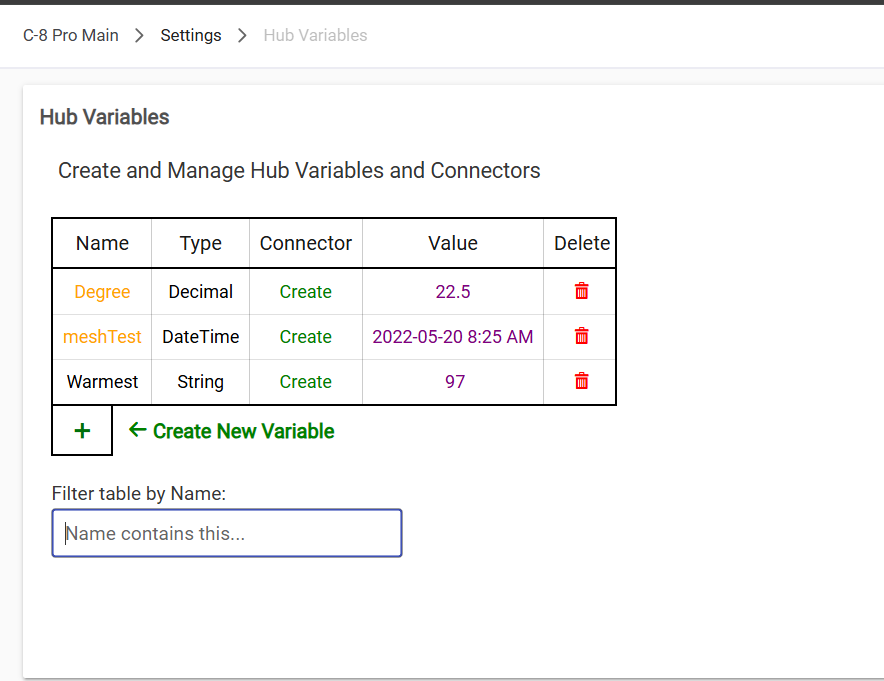
No, sorry, I know how to make variables and have quite a few. But if you will, please add a NEW hub variable - and then try to add it to a legacy dashboard. It's that 2nd part I don't have the ability to do anymore - unless I make it a device aka connector. And I thought that wasn't the way to go.
Or add a global variable to a brand new legacy dashboard...
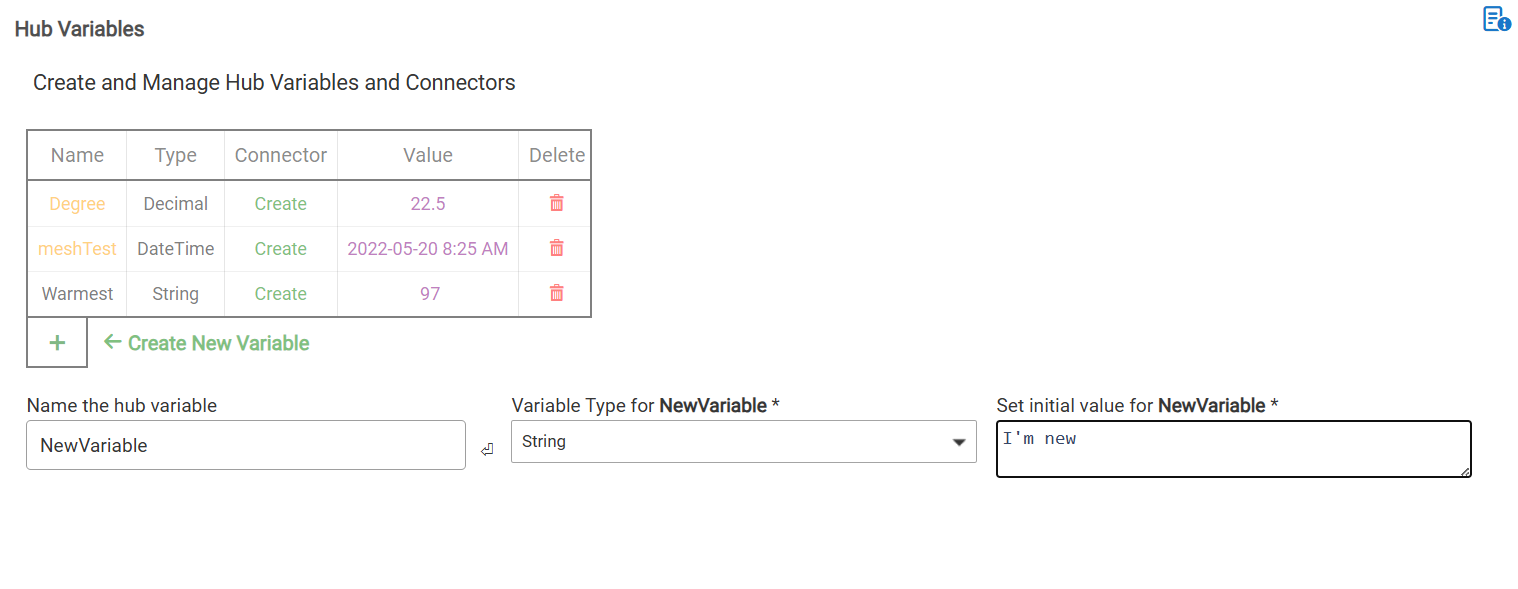
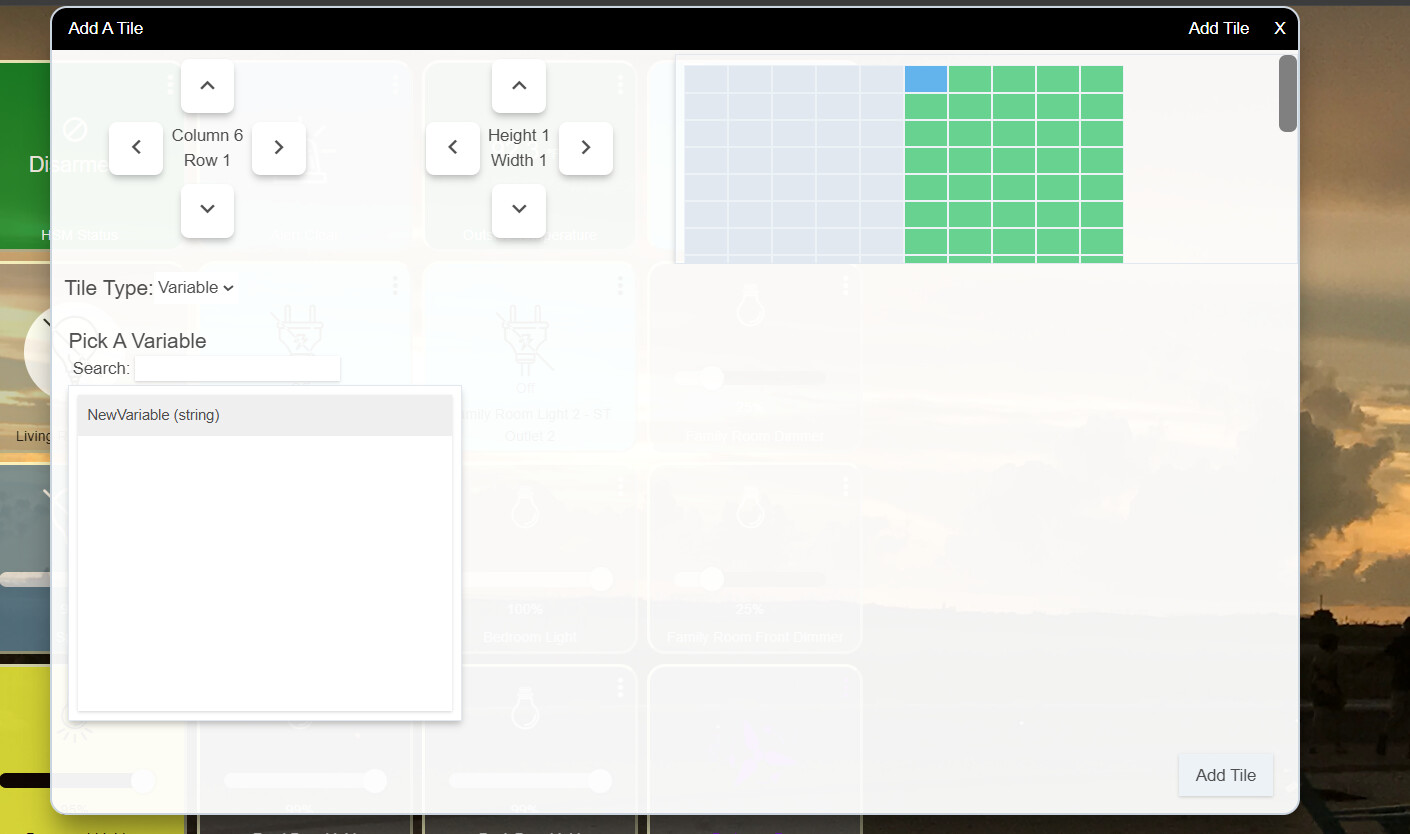
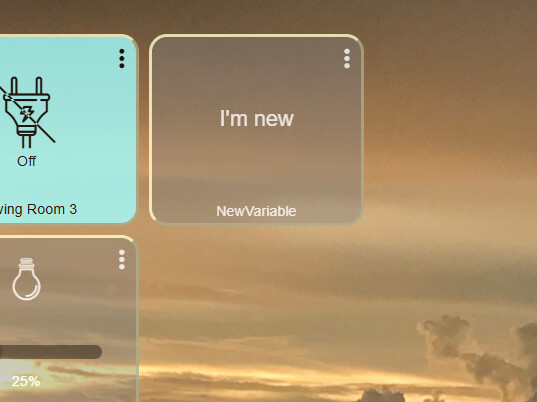
Thanks @thebearmay for picking this up. I got caught up working on another project.
1 Like
Clicking the dashboard "Open App" was the trick. It's not where I expected it. Thanks!!
2 Likes