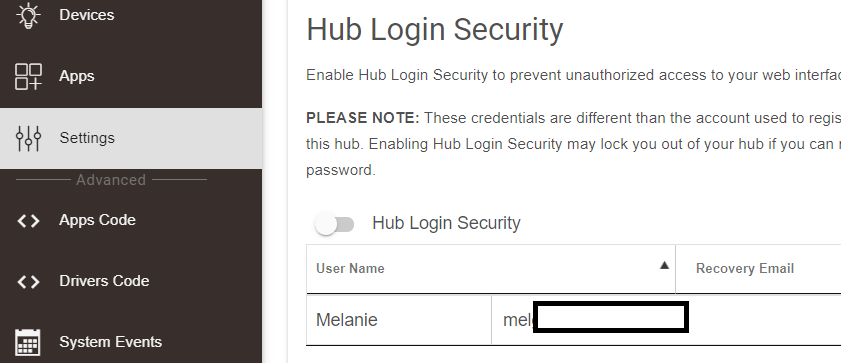
New user, added wife as a user in my "Hub Login Security" section, just clicked add user, and filled in the details.
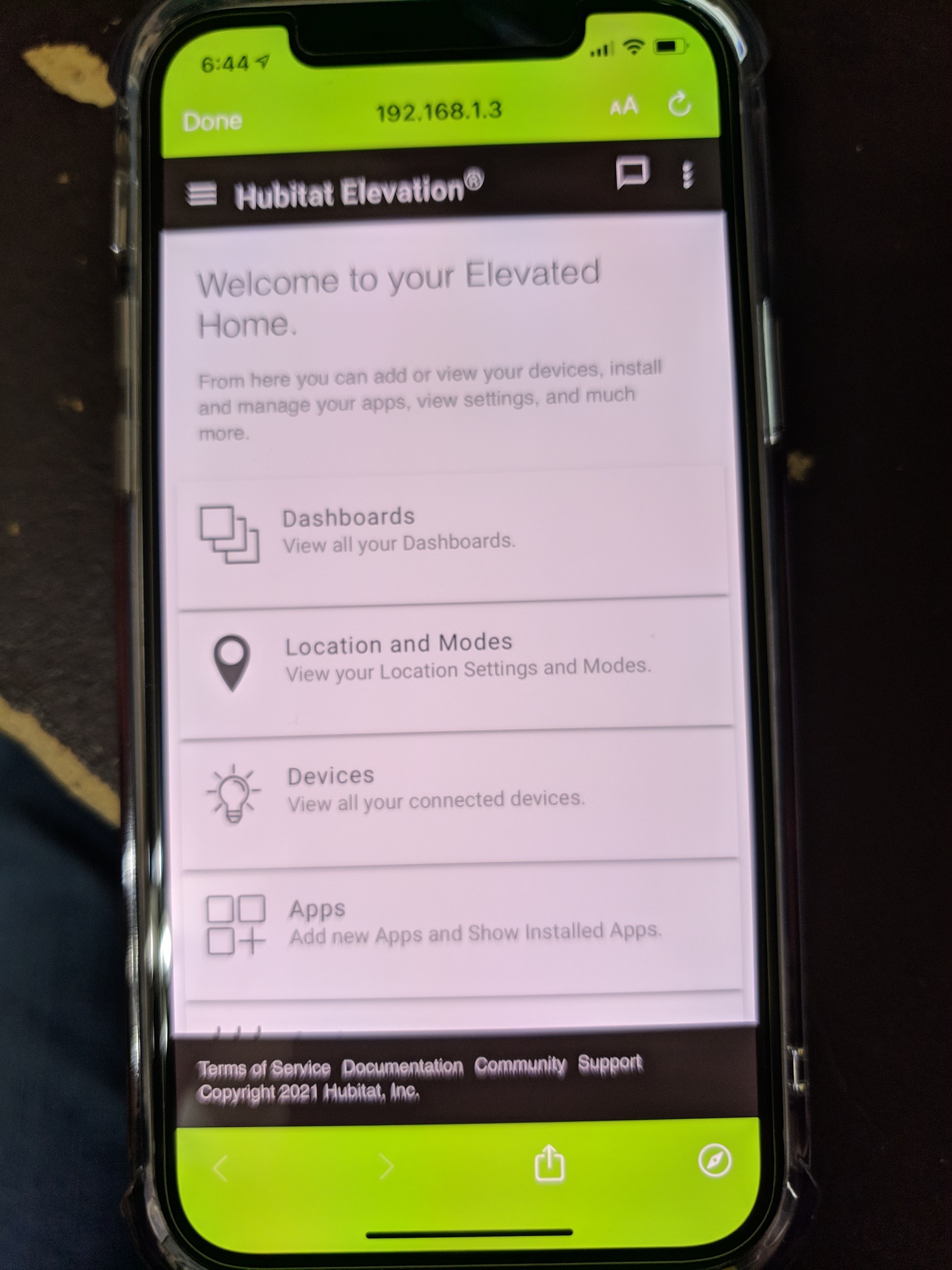
Installed the Hubitat app on her Iphone, clicked on find hubs, search, and selected our hub, and then it takes her right in as an admin instead of a user with full access.
My phone is android, when I use the app on my phone, I only get access to mobile presence geolocation and dashboards, why is her iPhone app not doing the same?
I've been doing IT SysAdmin work for 25 yrs, and this has to be the worst implementation of user management I have ever seen, it's like they intentionally mislead you in the GUI.
You can add multiple presence devices to your admin account, for as many devices you install the app on. As previously mentioned, you just need to select add new device during set up. Regarding users, the "Hub Login Security" has only one account. And if the login security is enabled, those specific credentials must be used to connect to the hub. Please be aware that those credentials are saved locally on your hub, and are not the same as the credentials used to log into the mobile app. You don't need to create a separate account for your spouse if you use your admin account to log in on her phone.
that's honestly not an excuse. i've been doing sysadmin work for significantly less than 25 years but i didn't have an issue. i think you referencing the accounts and not devices document lead to the confusion
edit: sorry if that sounds snarky, was not the intention. at the end of the day, it's new tech, and there's a learning curve. thankfully there's an active community to help fix most issues you might come across. for the things the community can't help with, the devs are also here. we'll just chalk this up to frustrates oversite and we're here for any other issues/help/guidance you might need, and defintely look forward to your interactions as well
it could be a little bit clearer, but thankfully not terrible to execute. i set my wife up a while ago, and after the initial "selecting my mobile device on her phone then realizing it kicked me off" moment, i set myself back up the. took my time on hers to actually read the screen and it (at least to me) felt pretty intuitive. obviously ymmv
one thing i love with the HE staff is any/all suggestions are taken into account. if you can present a better wheel, definitely do so. at the very worst they'll explain why it can't be implemented, but at the best you'll either learn the way to do it (may be an oversight) or they'll try to incorporate it into a future update
Awesome, sorry, not trying to be whiny , thanks for listening to your user base !
Has anyone also mentioned it may be more intuitive to select your devices visible in your dashboard by putting that functionality in the gear icon on you active dashboard ?
Because you mention "any clear path", I am indicating several options that work well below.
On iOS, Apple Home + Hubitat's HomeKit integration is easy to setup and very reliable. Geofency and Locative also work well, albeit the setup is slightly more involved.
On Android, I have used Owntracks in the past; there may be other solutions as well now.