I get these annoying messages - and I don't think i have a way to stop them.
They are accurate - I have a zone motion which is an aggregate motion and when I walk past the bathroom it triggers this
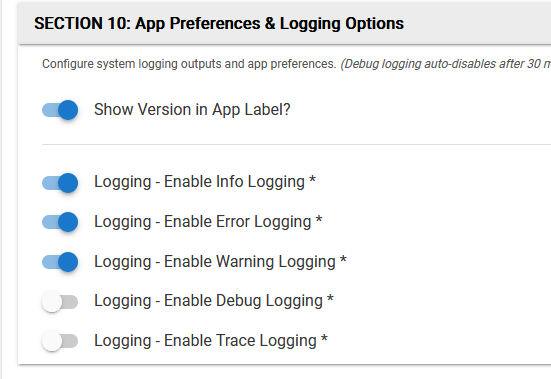
I'd like to ask that the app get the option either as a whole, or per child to control the logging - similar to something more like more robust apps? Not necessary requiring all of this but I think it gets the idea across.
Your screenshot doesn't show any built in app. Are you sure this isn't something custom that one of your AI agents built and the solution would lie in your own code? Or maybe you aren't showing the same app as your log entries?
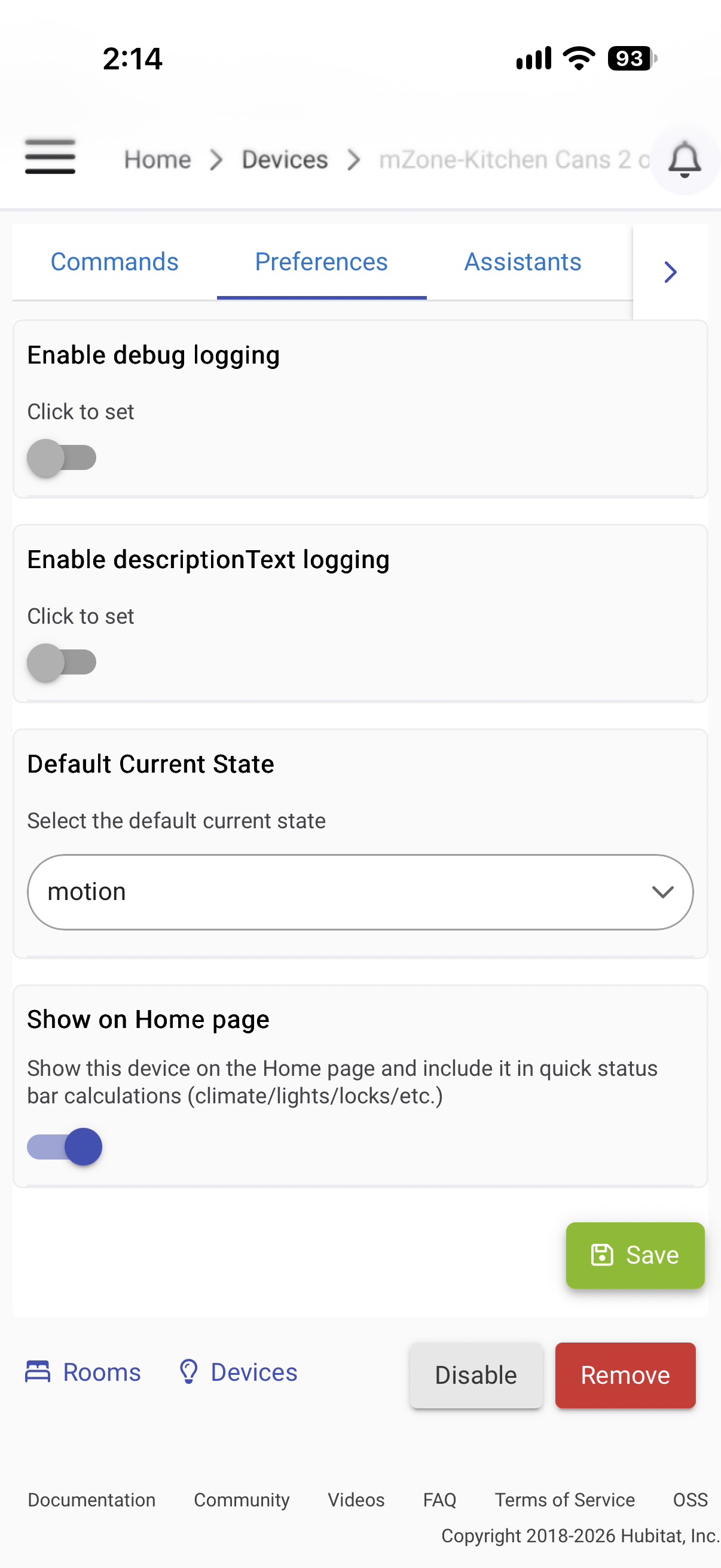
In the built-in Zone Motion Controller (which, again, looks different from your screenshot), this kind of message is suppressed when debug logging is disabled, so if you just have some wires crossed, that should do it.
You're right. I've been using this for years and there is no way to stop the 'warn' message. In the end I just wrote a WC piston to stop the unwanted message.
So. hung by my own petard I guess. Because I'm on 2.4.4.156 I don't get HE fixes - this I guess looks changed in future versions? I don't really get 'turn debug off' to turn off warnings but I'll give it a try.
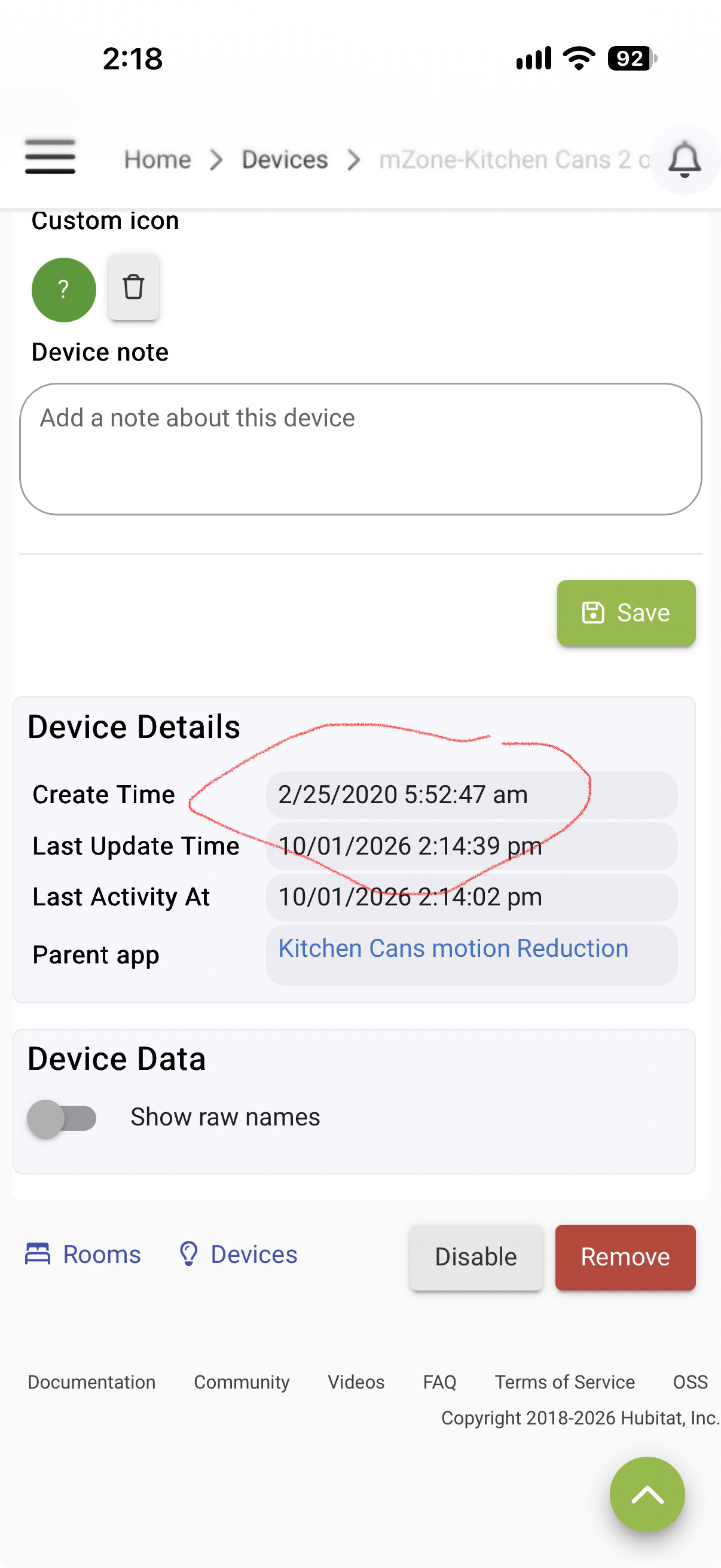
I may just cook up my own app for this. I've had this Zone Motion Controller for years - never even thought about where it came from - but it is definitely a System app FWIW. I checked the hub / public repo hoping I could just grab it from there and add my desires - but alas no joy.
I have 8 motion zones, 2 being motion reduction zones and absolutely nothing in the logs from them. I also have disable debug logging turned on in the app, as well as info and debug logging turned off on the motion device page
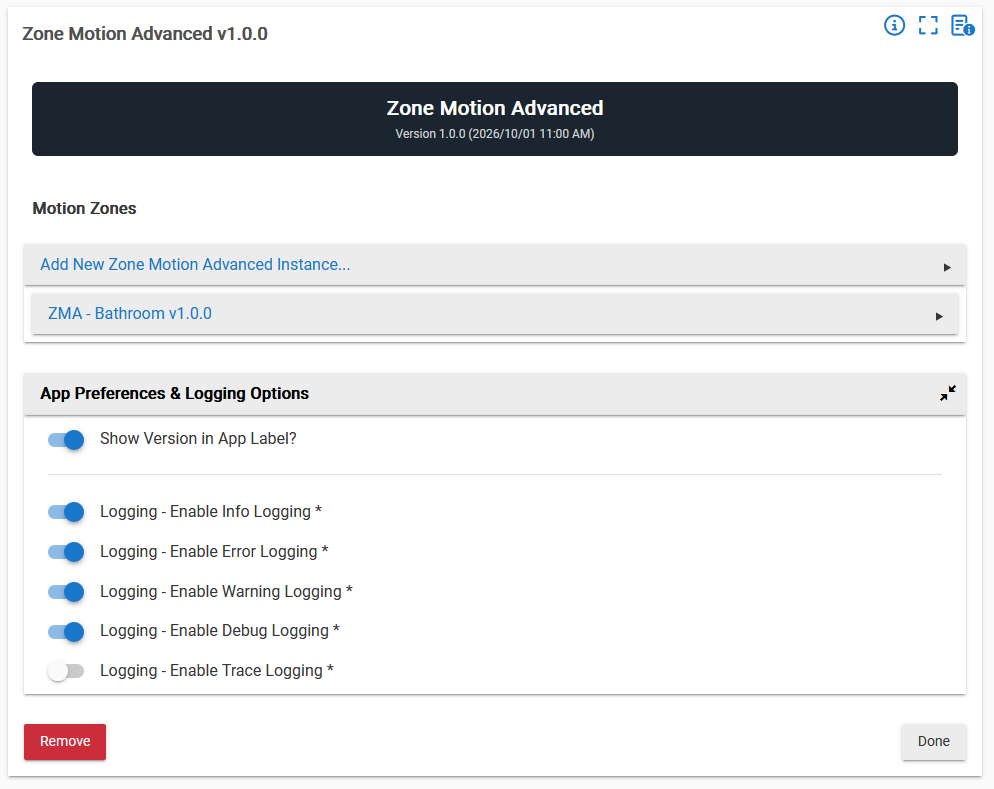
honestly, (and this isn't bragging, it's astonishment). With one command and 3 screen caps I got an app up, and functional in a single pass using my new best friend. The command was:
I want to make an app. it will be called Zone Motion Advanced. It will have children so a generic virtual motion driver I think will be needed. The app will be designed for Hubitat 2.4.4.156 using groovy. use the template I just provided to help start this. It will have version and changlog info in the comments that will always be kept. The Parent will simply manage the children. Each child will create a unique virtual motion device. The Child options will be like the picture. Aggregation type will have these conditions:Any motion sensor will activate this zone.
The Activity Timeout is started after all motion sensors become inactive.
This zone will deactivate when the Activity Timeout expires, and no further motion was detected. False motion will have these conditions: When at least the Minimum Active Threshold number of motion sensors become active within the Activation Window, the zone will activate.
This zone will deactivate when all motion sensors become inactive. Triggered will have these conditions : This zone will activate when any motion sensor becomes active within the Activation Window.
The Activation Window is enabled by the Trigger Devices(s).
The Activity Timeout is started after all motion sensors become inactive.
This zone will deactivate when the Activity Timeout expires, and no further motion was detected.
I've uploaded screen caps for a basic model to follow. Go when you're ready. maintain changelog history.
That was all it took to reproduce what a real program could do! My new replacement app has all the features I wanted
It would also be helpful to know which specific app this is, as I don't recognize the screenshot and can't find any built-in app that appears to match (nothing I can see in Zone Motion Controller). I don't have this problem with a False Motion Reduction child of Zone Motion Controller, for example, using the settings I described above, though it will write a similar log entry without the setting I mentioned.
It seems like the OP may have posted a partial screenshot of logs from zone motion controller, and a partial screenshot of his own custom app (or the custom app an LLM wrote based on his natural language prompt).
ETA: I would think your suggestion to turn off debug logging in zone motion controller is the simplest fix for this. Not sure why a new feature would be required at all.
I was thrown by the word 'debug'. For me, debug is not warning and I had no idea that both were (I've not tested it) affected by the toggle. Glad this is a non-issue.
As mtk said - my first screen was from my logs showing the 'warn' then in the later posting was a screen cap of my changes and new replacement app. Regarding the question about making use of an update - so. lets see. how to answer without offending anyone.
I never expect anything to happen with feature requests I make. I submit them so others can also have a 'oh, that guy saw that issue back on that day too', as well as just a way to try and be helpful to HE in case they agree. Many times in the past it would start dialog that I learned from, even if the request was never going to ever be addressed or considered. I can think of a number of bravenel interactions that moved me forward.
Also - just because I'm currently .2.4.4.156 doesn't mean I will always be. once or twice a year I push forward - although this last one about a month ago sent me scurrying back. I'm more comfortable without the need to toy around anymore. thats just me.
That isn't unreasonable between updates, if your hub is just rolling along and you are not poking at it. This summer I didn't have the time to work on automations and I didn't need new devices, not to mention my C8 was living on the edge for CPU and Memory if I did poke at, so I just recently went about six months without an update. The hub would take over an hour to recover if I did updates.
I finally did my Pro migration recently, and I let the migration do the platform update. It all went off without a hitch.
Too bad there is not a better way, but you can search in the platform release notes here to see if you feature has been implemented:
I think it is great you make feature requests, it can't hurt to ask. However, you can search the release notes for just the platform releases between where you are and present, to see if it got addressed, then giving you a reason to do the update.
I guess in this case, you could have looked backwards.