Yes they are both on the same vlan. I started to go down that path a little earlier. I also checked that there are no rules preventing them from working. Nothing is showing up in Unifi's flow tracking which i believe means it isn't even getting to the router to track. All Layer 2 I believe.
The gear involved in the communication is Ecobee <> U7 Pro Wall <> Flex 2.5 Switch <> Flex 2.5 8 POE <> Hubitat. Everything has the Home_IOT vlan assigned. In my house everything wifi is connected to the Home_IOT network.
Next question... Do you have Home Assistant running? If so, try connecting your Ecobee to HA using its "HomeKit Device" integration. This is just a test to see if the problem is specific to Hubitat or not.
I wanted to announce i finally got it working. After the last firmware update I tried again and once again it failed.
I finally got some time alone in the house and performed a complete factory reset of my Ecobee Thermostat. It finally worked after that. So it does appear something in the Thermostat internal configuration was the problem.
This isn't a great solution, but ultimately it wasn't a Hubitat problem to resolve. Thank you all for the suggestions.
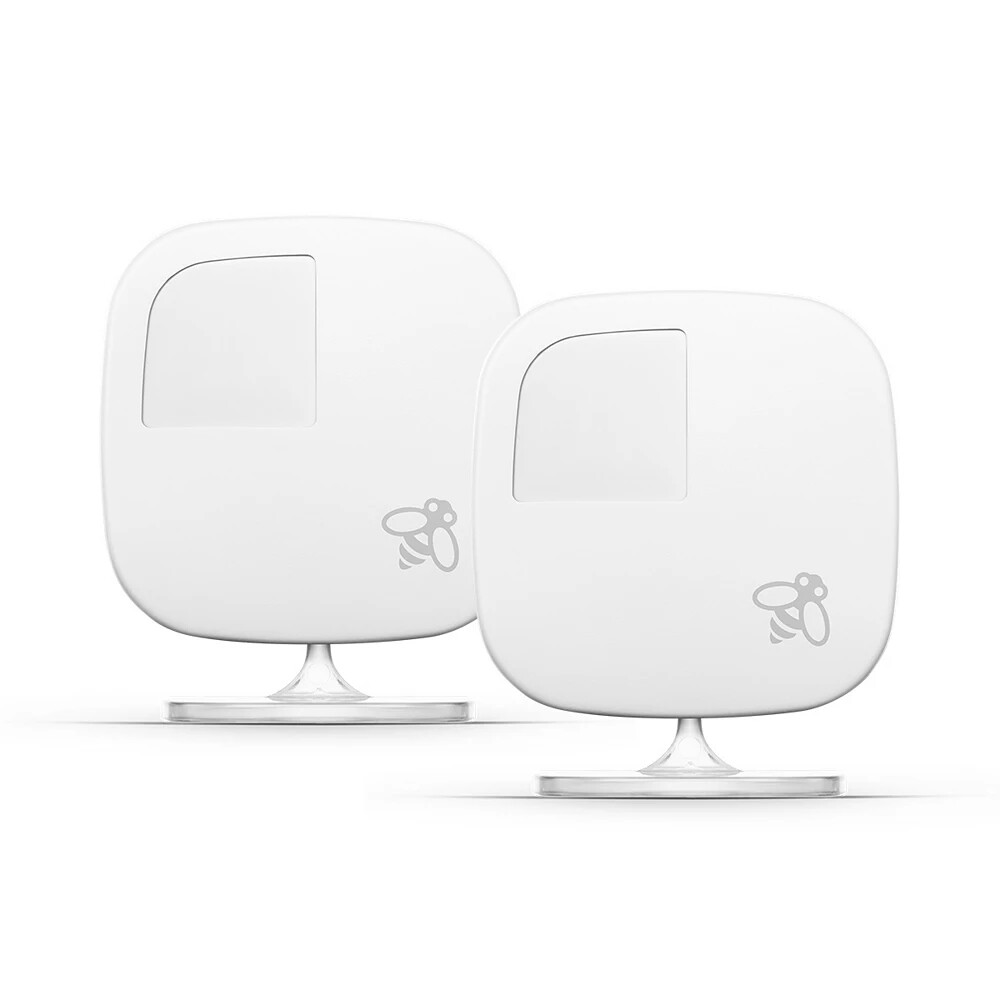
Ok so here is a new issue. I have 3 of the room sensors to provide better comfort for the house. When i initially got the Thermostat added I didn't have all 3 connected. I waited a bit and two of them showed up, but the third one never did. As i was scanning here to see how to add them, I saw where @gopher.ny mentioned to add them you needed to remove all of the Ecobee stuff and then add it back.
So i went to try to remove the ecobee Thermostat device that was added and then the sensor devices that were added so I could add them again. I guess that I shouldn't have. It wouldn't add back. I had to do a complete factory reset again and start all over.
This time I factory reset the thermostat, and removed it from Hubitat. Then all i did was complete the initial setup, register the Thermostat and add the sensors back. It failed again and would not add back into Hubitat.
I did get it added back finally though. I had to perform another factory rest and then setup without any add on sensors. That seemed to work th is most recent time.
I have added the sensors back and reconfigured all of my programs in the Ecobee app. Is it possible the Add-On Sensor is causing the source of the problems i am experiencing. It is the same sensor that was missing when i first got it paired and is still missing. It is the sensor that came with the Thermostat originally. The two add-on sensors i got are working fine.
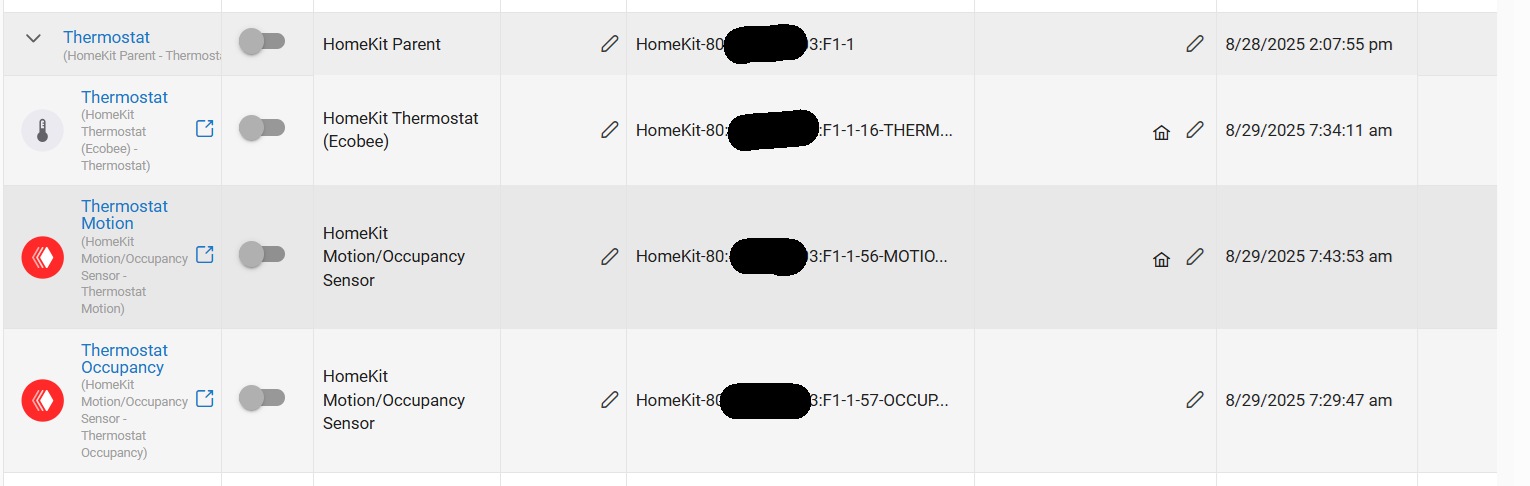
It appears like a part of thermostat, the thermostat itself got extra motion and occupancy sensor capability. Which... the thermostat itself doesn't have, right? Right?..
Still doesn't explain the pairing trouble happened, but one thing at a time.
Yep that is my understanding that the Ecobee 4 does have motion and occupancy detection. Just like the add on sensors. Or are you saying the Ecobee 4 is showing a extra set of motion Occupancy values.