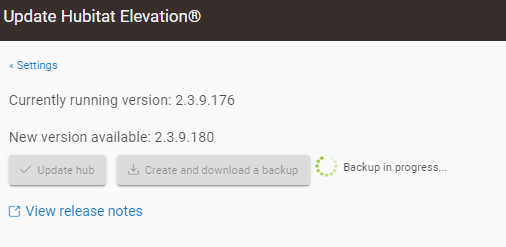
Ok, so they are infact communicating with the servers. For giggles, shut down the hub, and unplug for 30 seconds. Power back up and click check updates.
While I wouldn't discount it, I'd want to do some more investigation before stating that..... I can only think there could be some kind of general networking issues, potentially on the platform version you were previously running, rather than something Z-Wave related affecting your ability to detect or download a platform update. Unlikely errors can occur, but....
Ultimately, glad you got it resolved.... Nice work @rlithgow1
I know very little about this.
However, the Z-wave connected hub became a problem when adding devices to the dashboard after a long period of use, and there was an update problem.
My colleague also had the same problem with updating only Z-wave connected hubs among several hubs.
This part, whether directly or indirectly, seems to be related somehow, so I think it needs to be investigated.
I'm inclined to add more to my last comment, but I feel it will come across in the wrong way.... I still don't feel like a handful (or less) of people who use Z-Wave and have issues in applying updates corresponds to Z-Wave being a reason for the update issue.... Just my opinion....
Has nothing to do with Z-Wave devices because the hubs that had this problem on my side, one of them had no Z-Wave devices and the Z-Wave radio is actually off on it. I'm pretty sure it has more to do with some of the updates being pushed lately to try and resolve network issues. When my main hub did this, it could not even communicate with any internet devices like Alexa, it's like it just could not see the internet at all yet it could ping adresses outside the local network, very weird behavor that a reboot could solve.
In this regard, there are cases where it stops during the booting process and does not proceed. I have to solve it with a soft reset, but it's very burdensome.
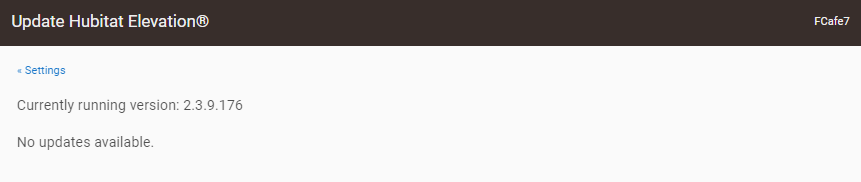
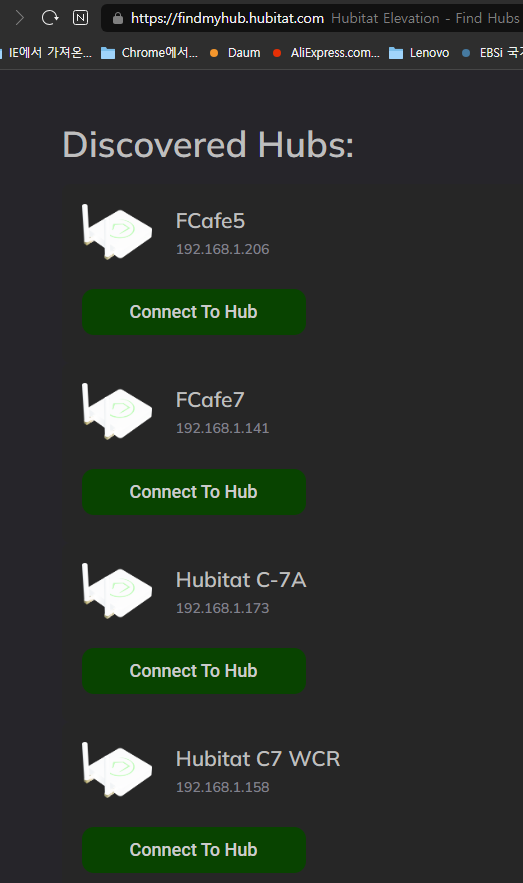
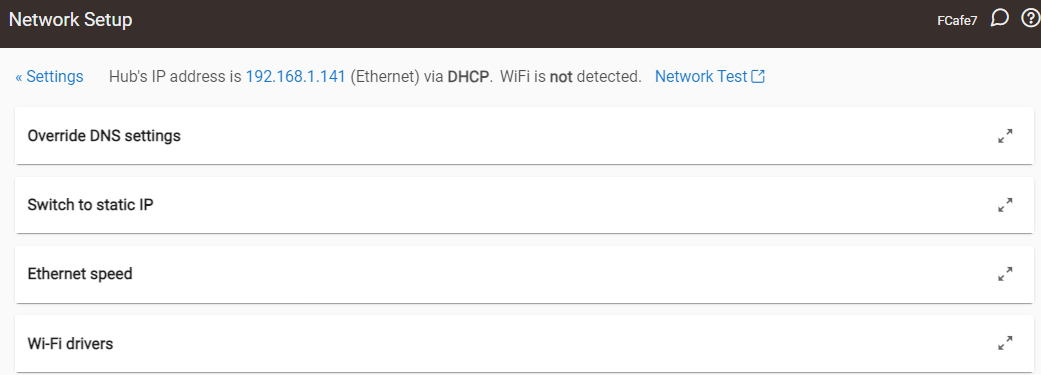
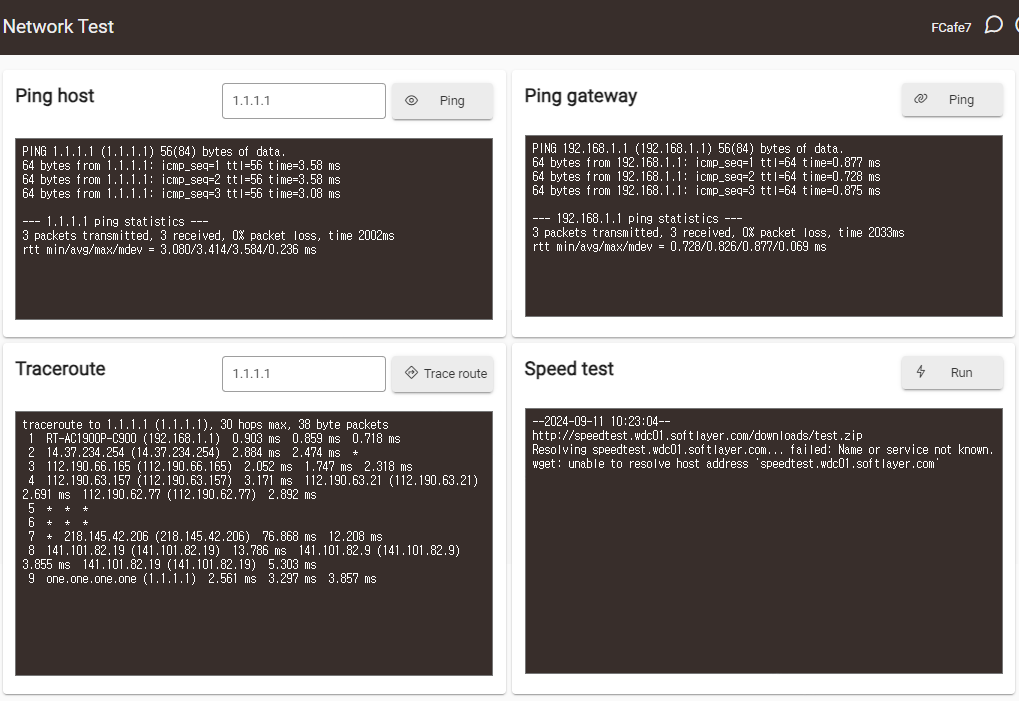
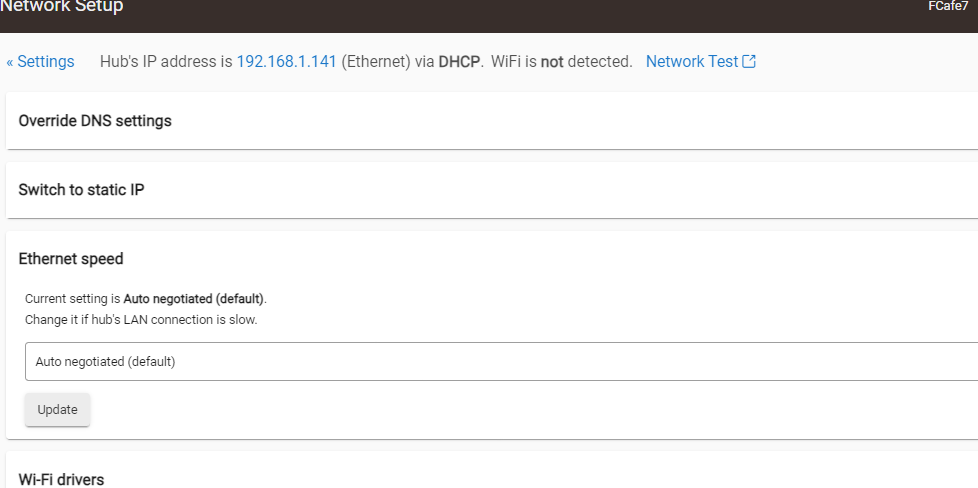
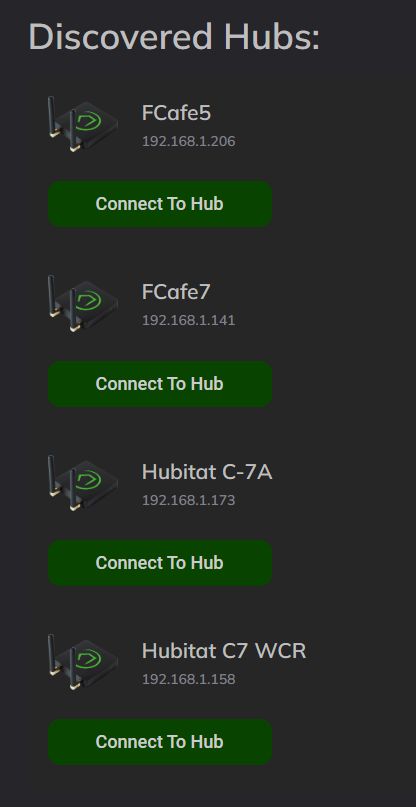

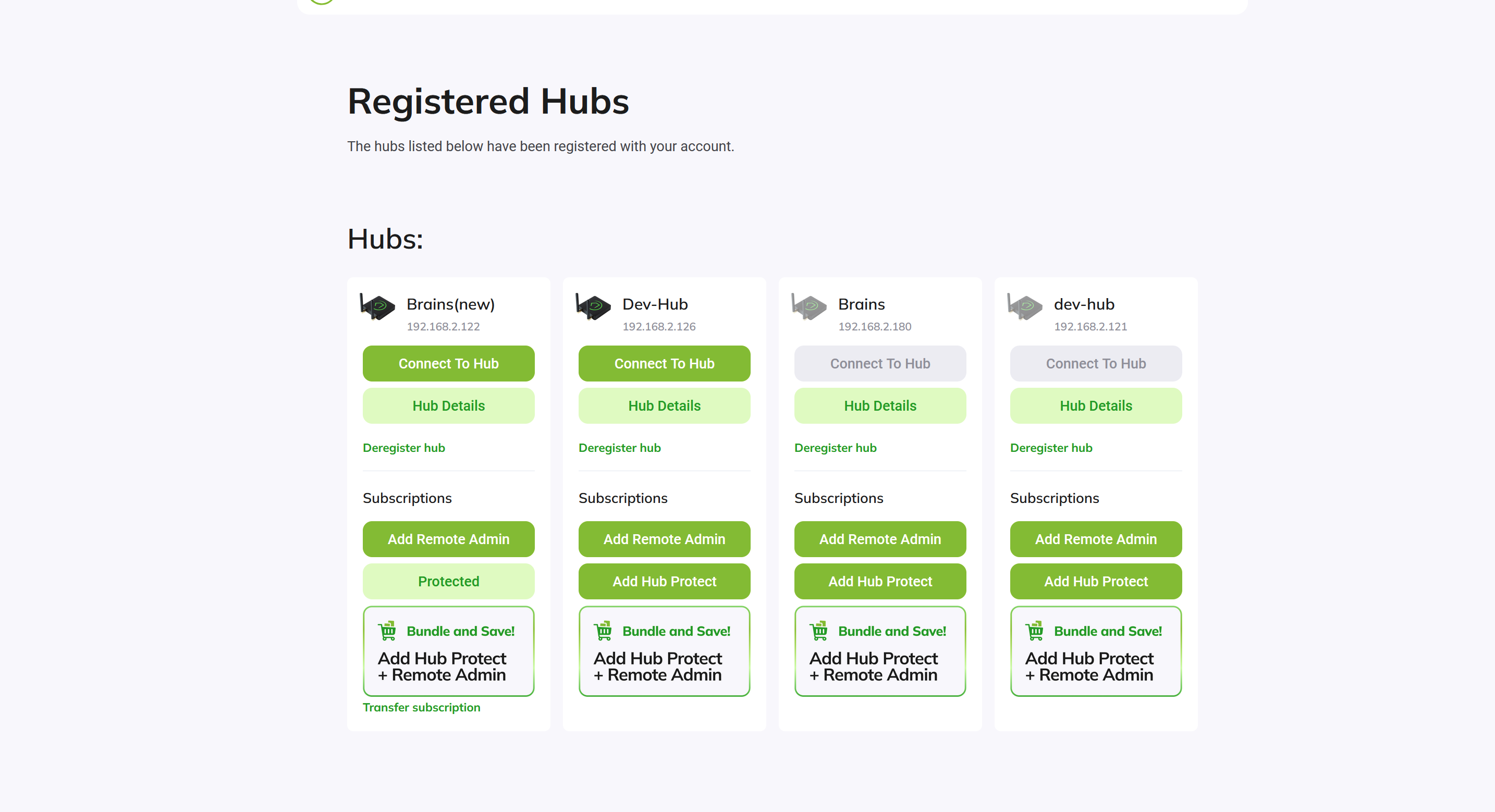
 , had same thing happen to me a few times in the last updates.