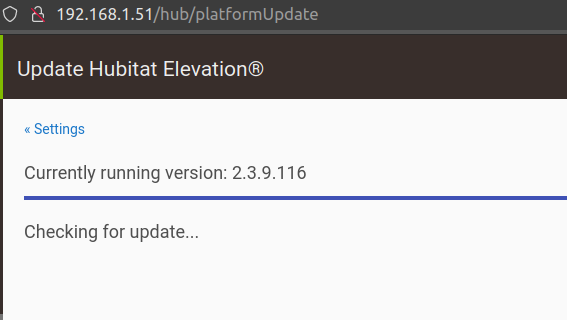
Currently running version: 2.3.8.140
New version available: 2.3.9.135
Download failed.
Just a Note to anyone having a problem ..
I tried to update and got that error ..
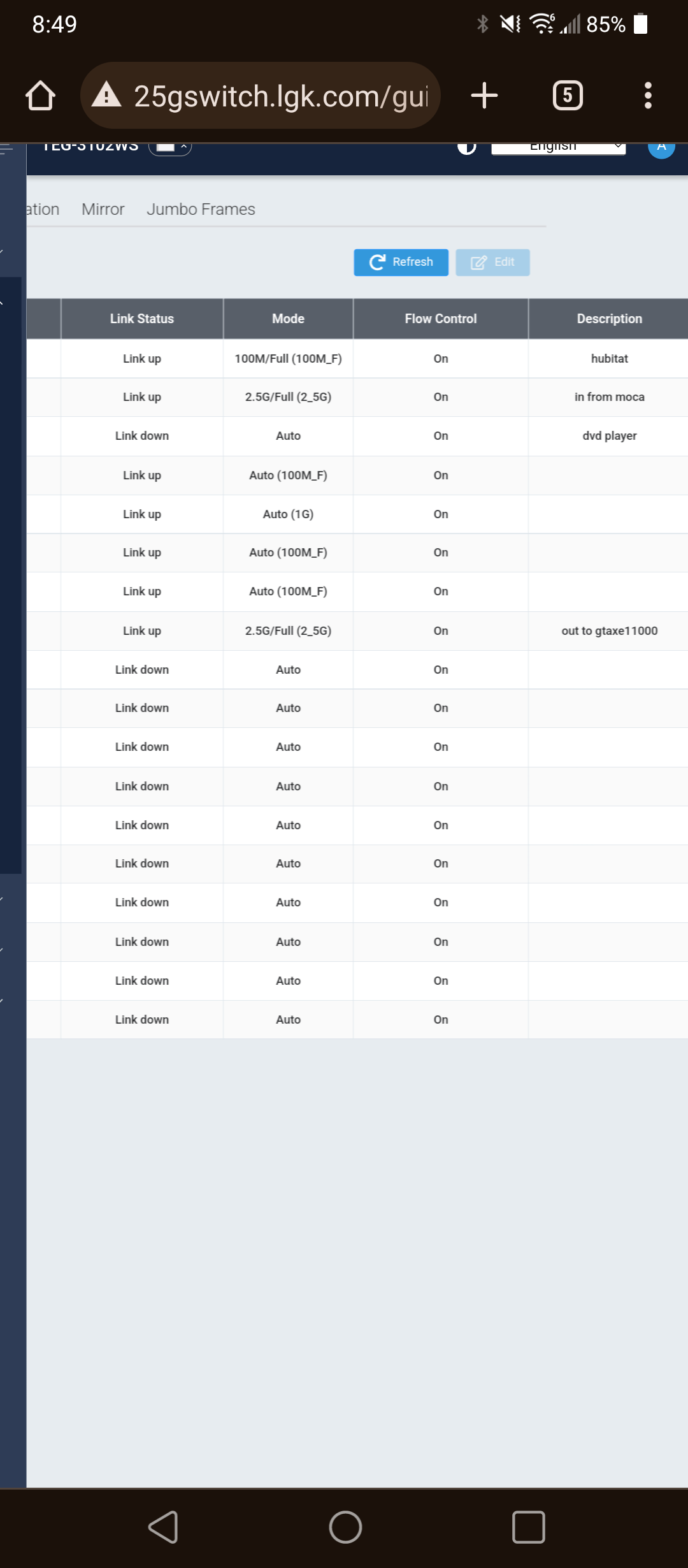
I had to change the network speed from fixed to auto < this fixed it.
Weird part is normally I have it always set to fixed 100 < because updates never work on auto LOL
Anyway .. If problems change it and try again ..
For me it was the same initially, then after 3 tries I just reboot and try again letting the browser quiet until the process finishes... and done! it automatically update.
and believe me ... my speed is a nightmare.
This is fairly well known. It should always be set to auto. It allows the network device and the switch to mutually agree on the best protocol and speed. This doesn't happen when set to fixed.
Auto is buggy and doesnt work correctly at least for me. Whenever my switch rebooted it would
loose connectivity. Nothing else on the switch had issues.
I just did the update and it rebooted up fine except I lost all my devices and apps. I rebooted the hub but no change. I was thinking it was a good thing I did a back up before the update so I just did a restore and hopefully that would fix it. Nope. The apps screen and devices screen were blank when I went to them. By chance I clicked on the "Clear" button up on the top right of the device screen and bingo, all my devices appeared. I did the same on the apps screen and it they appeared as well.
Hope this helps someone else as I was starting to get a little freaked out. This has never happened before.
You on 116, which has a unique but now well-documented bug. You need to go back to any previous version (beta or otherwise), and then do the update from there.
Use the Diagnostics Tool to downgrade to the most recent release before 2.3.9.116. Please be sure to create and download a backup beforehand, just in case. After downgrading, simply upgrade to the latest release. If all goes as it did for me, you should be good to go. If not, then you can restore the backup that you made beforehand.