Can you screenshot the logs and show us? We have little to go on without them.
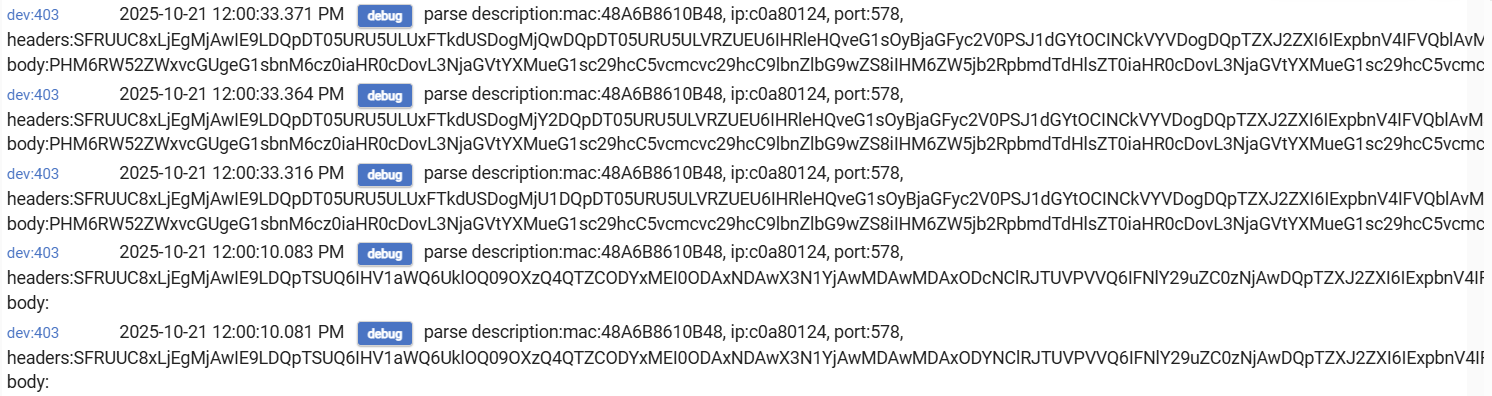
You should be able to turn off Debug and turn on Info in preferences for the devices and select “actions” in the rule.
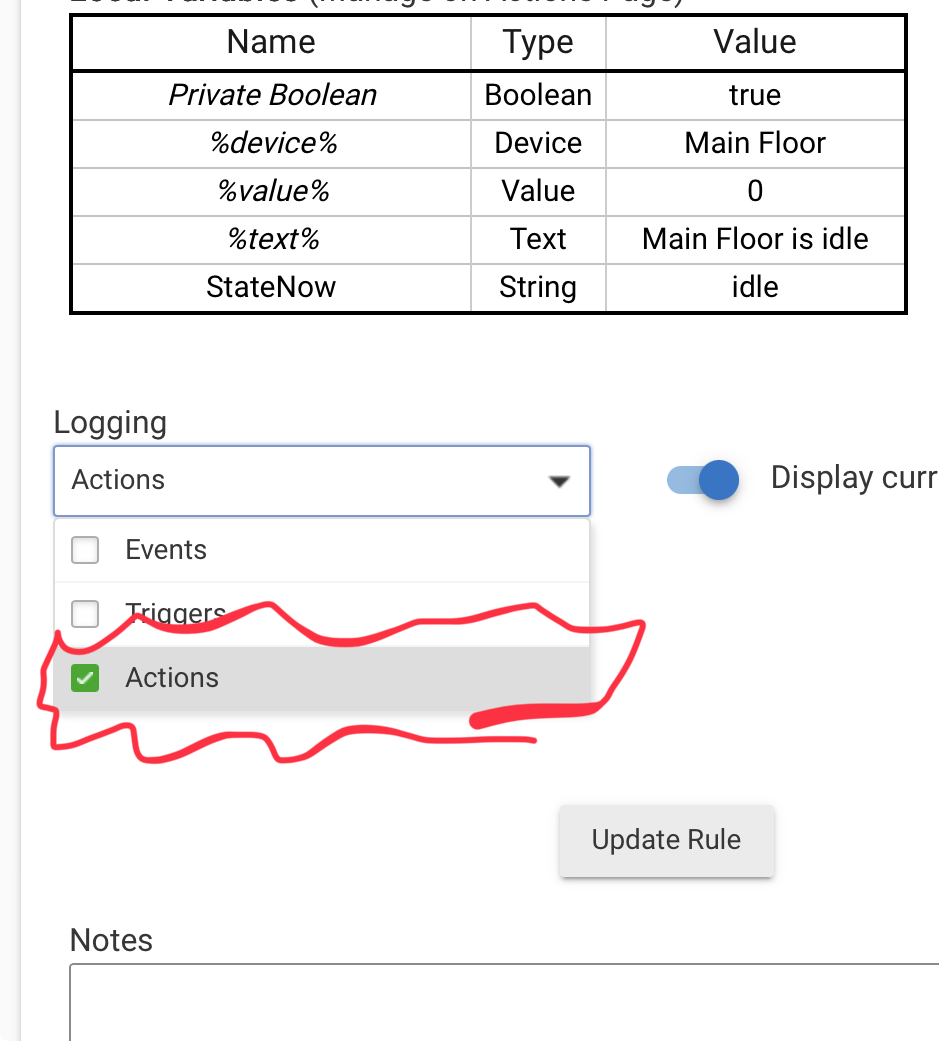
Don’t forget to save preferences in devices and “Update Rule”
I figured out how to see the logs the way John_Land showed them. But they show that all operations were completed as desired. And yet the volume still doesn't get reset.

I'm going to try to add another play action after the volume reset just to see if that is necessary to force the volume change to happen. Am not holding out hope.
Never mind. I figured out how to see the logs the way you see them.
Never mind. I misread log.
How long does the track play? More than 30 seconds?
That added play action didn't make the volume reset either. Will answer your other question in a minute.
The track play length is 10 seconds. In normal operations it is supposed to play four times every fifteen seconds. I guess that means it happens every 5 seconds. I can further tweak that to get more of a gap between iterations, but shouldn't really matter.
I suspect (educated guess) that the Sonos needs to be “idle” when it receives the set level command.
I don’t know now if the Sonos has events for busy/idle.
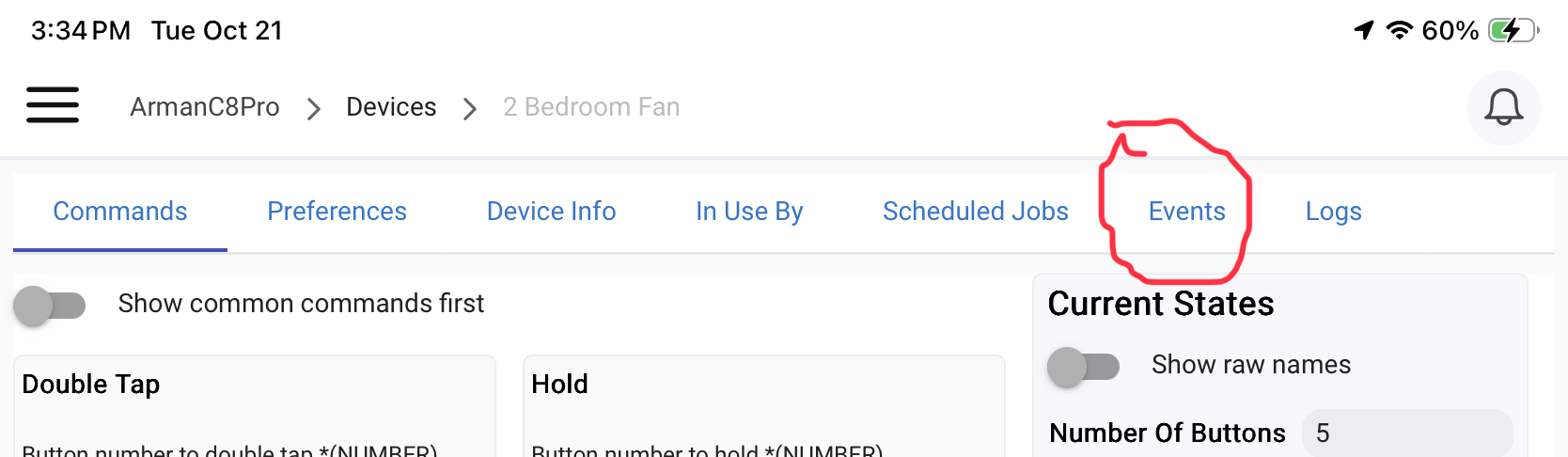
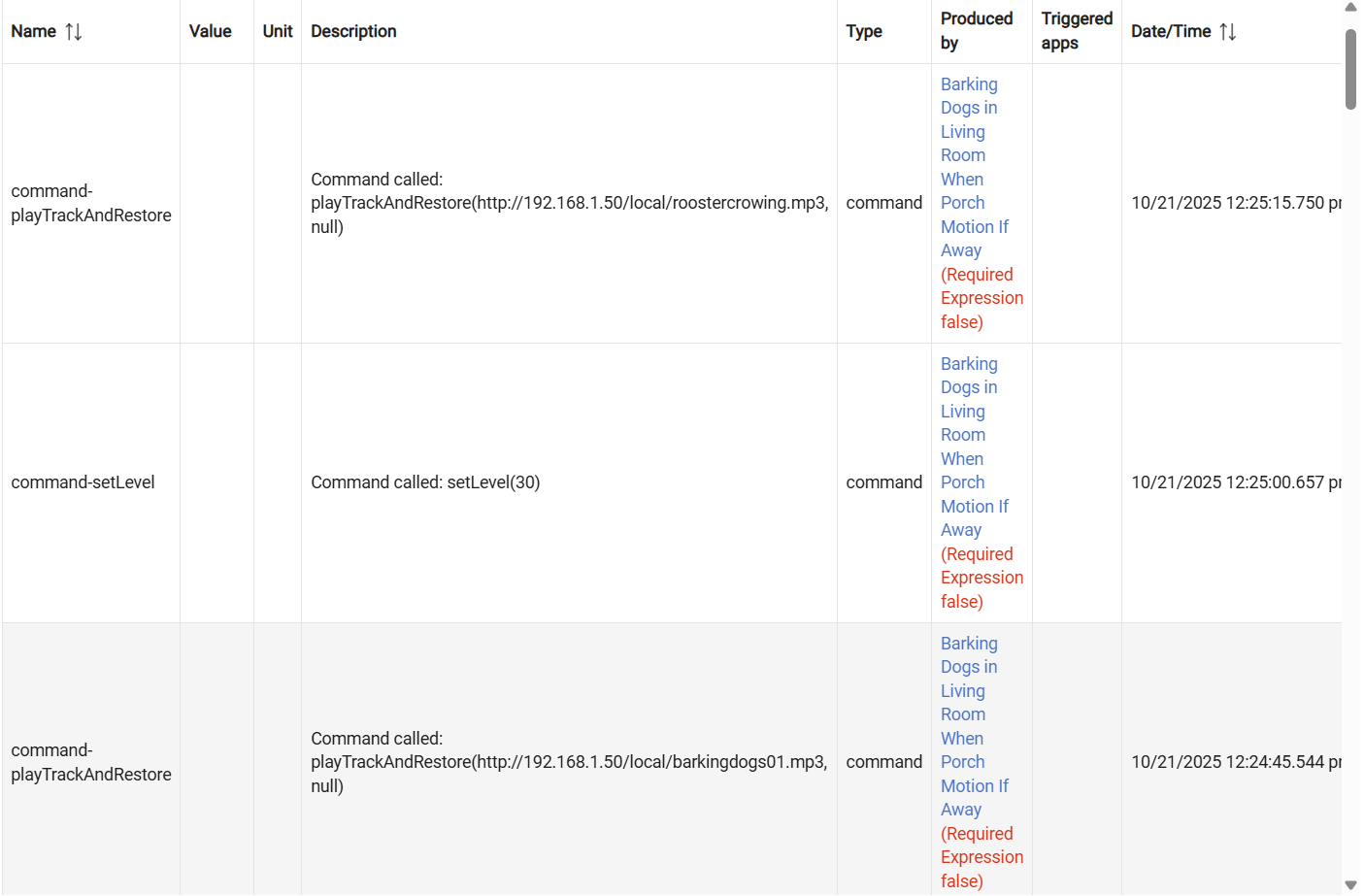
Can you screenshot Events for Sonos.
Not sure how to get Events for Sonos on my screen to do a screenshot.
I don't know Sonos, but for my Google Nest Minis, I need to wake them up with an "initialize" command before setting a volume level. Example:

I looked back further in the events and I see no busy/idle event.
I notice an "Initialized" log entry a few times but it's nothing I am consciously doing, and it seems to be unrelated to my test actions.
I will try to put an initialize action prior to the last volume set action.
Ok, just to be sure.
- The setLevel 80 works every time
- The dogs bark every time
- The setLevel 30 NEVER WORKS
Correct?
Yes.
I admit I don't know how to do an initialize on the Sonos Living Room device. I see how to a Refresh on that music player. I will try that. But how do I do an "initialize"?
UPDATE: the Refresh didn't help any.
I would now try the other 2 volume setting actions in addition to the one you are using for the 30 level, but put a few second delay between the 3 actions. Just to see if it takes Sonos some time to respond and to test whether the other Action forms might work (since the loop is no longer a possibly confounding factor).


