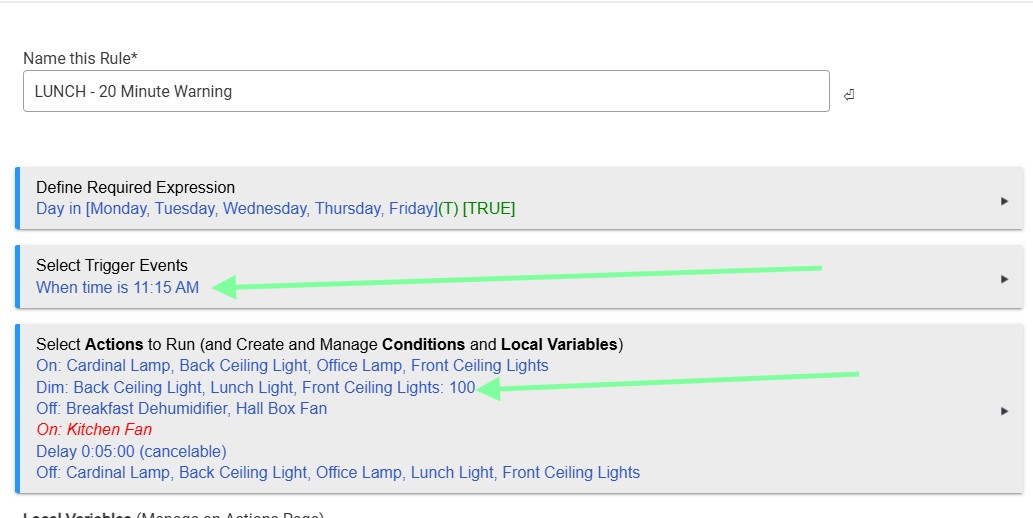
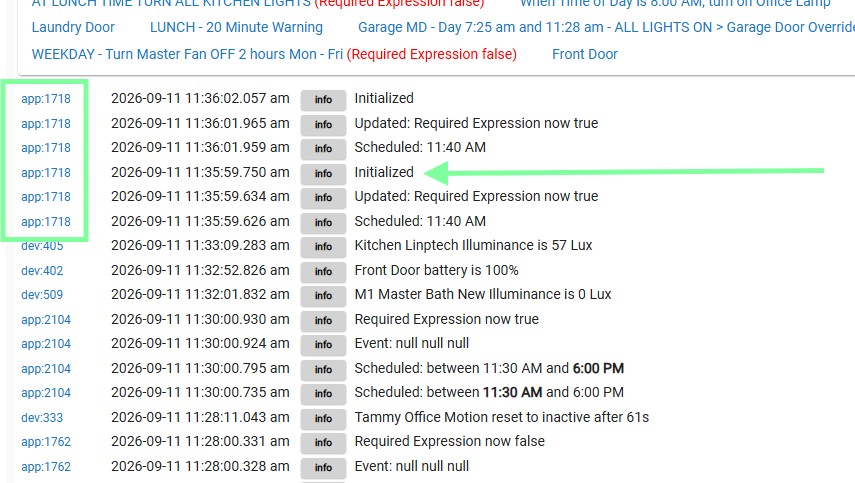
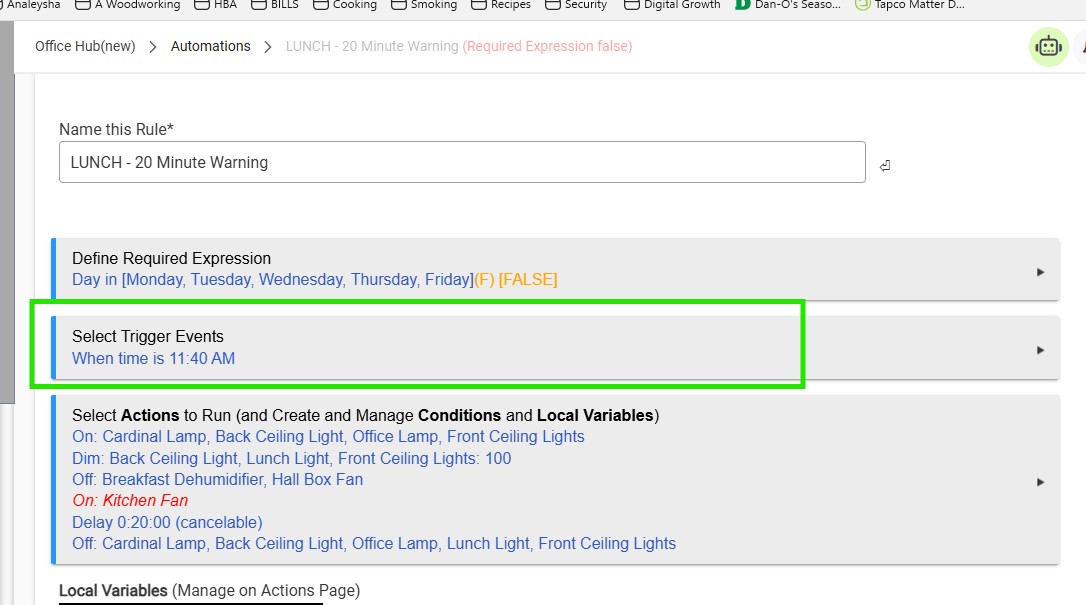
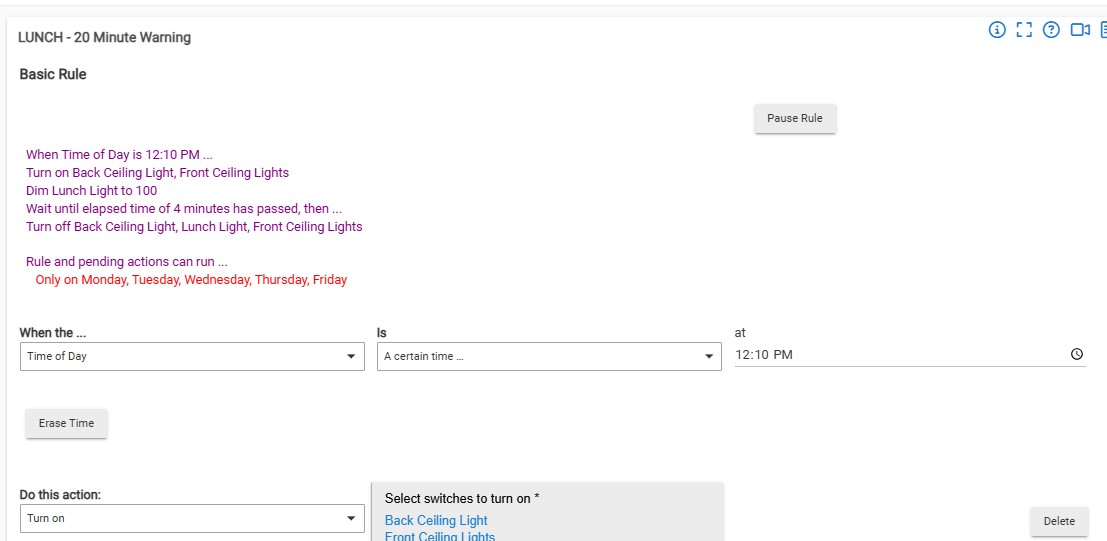
Rule 1718 has worked for years - no problems and now all the sudden it stopped working.
Any idea why?
Here’s what I would do:
I did this already so I will try rebuild database.
Thank You!
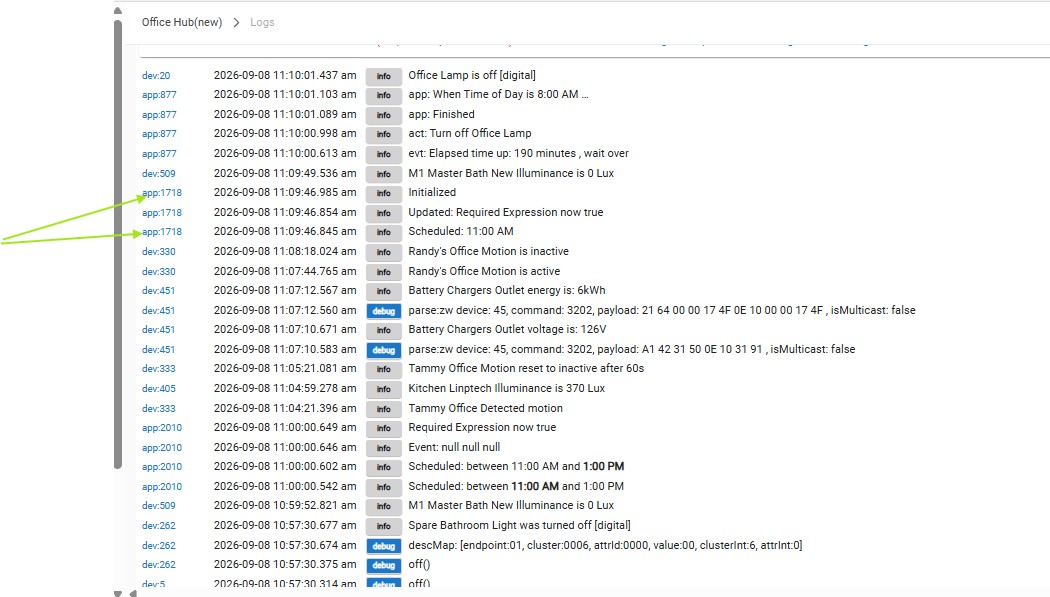
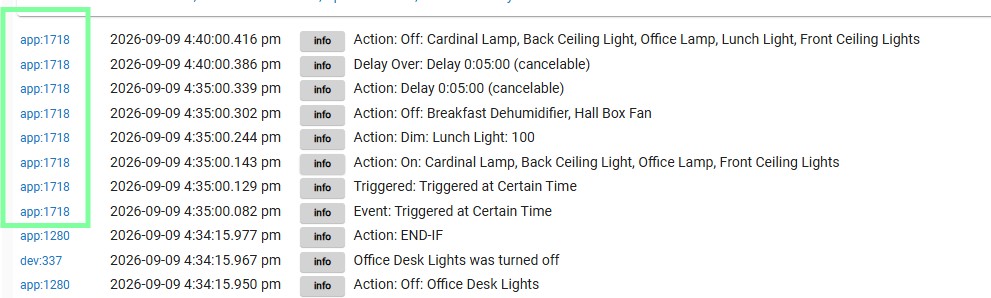
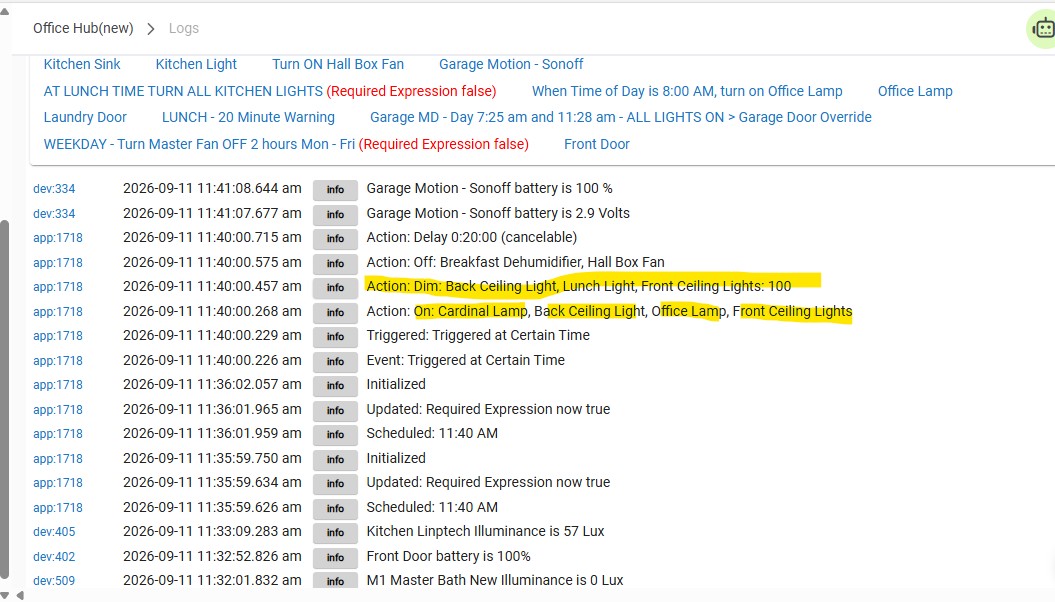
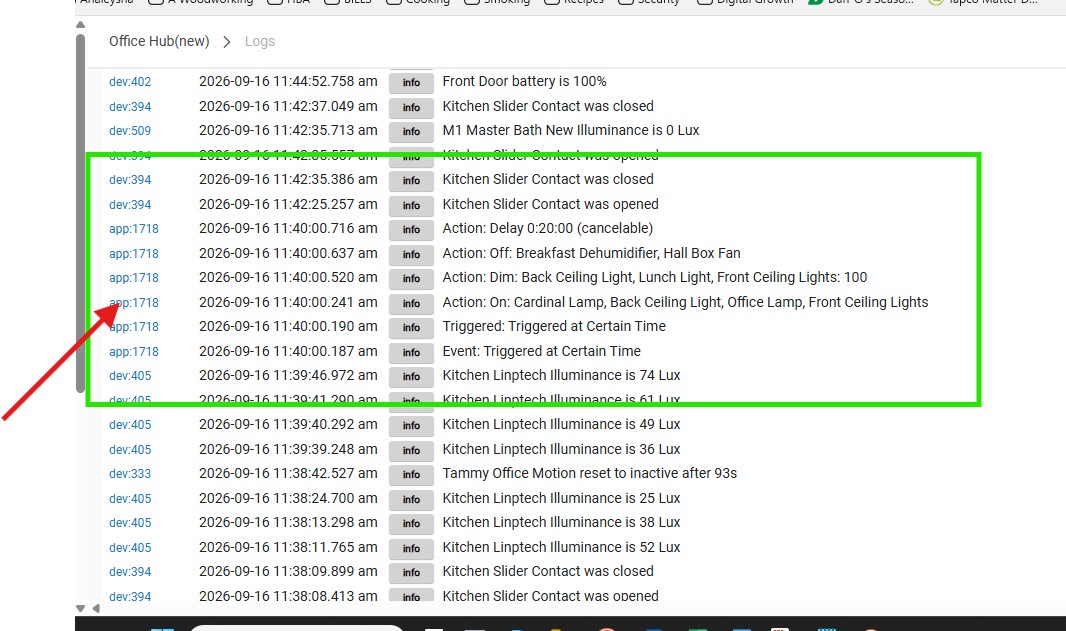
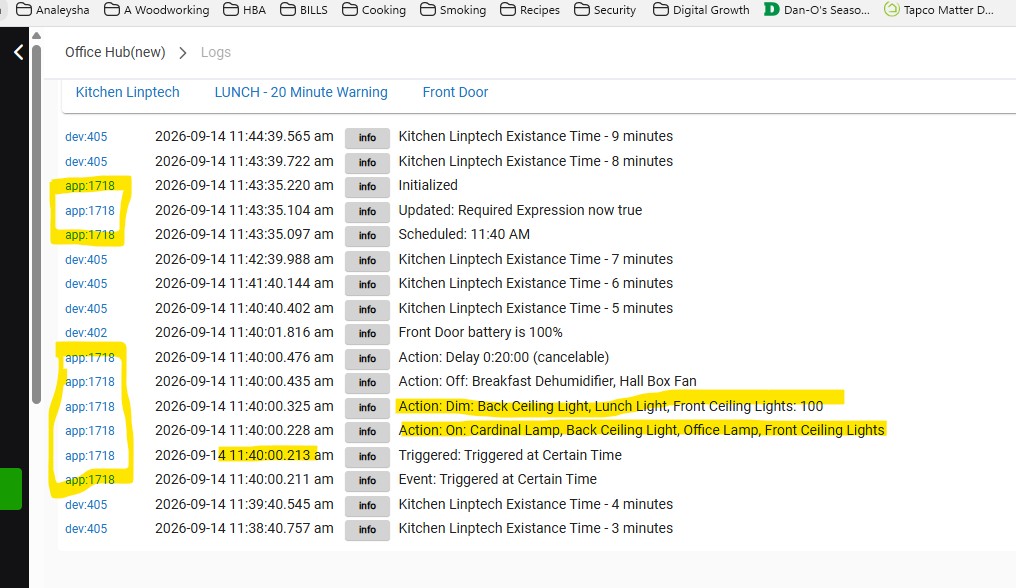
Looks to me according to the log every light should of come on. However not one light came on.
I did this. Not sure if this means anything when I did a advanced rebuild after well over an hour it never rebooted. I did a do a shut down and then powered down the hub for 5 minutes. I think someone said something about ghosting before could that apply here?
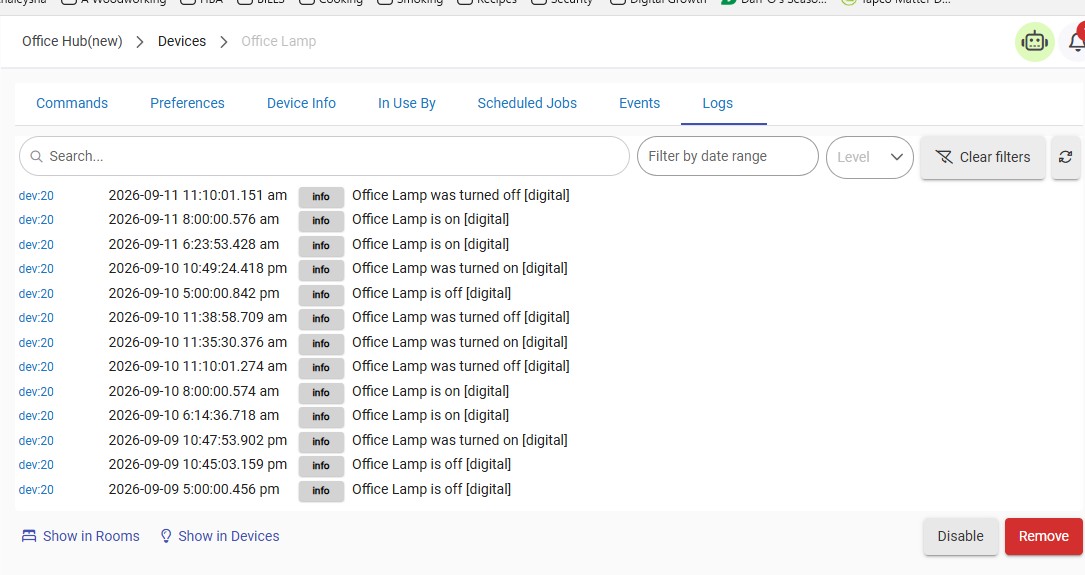
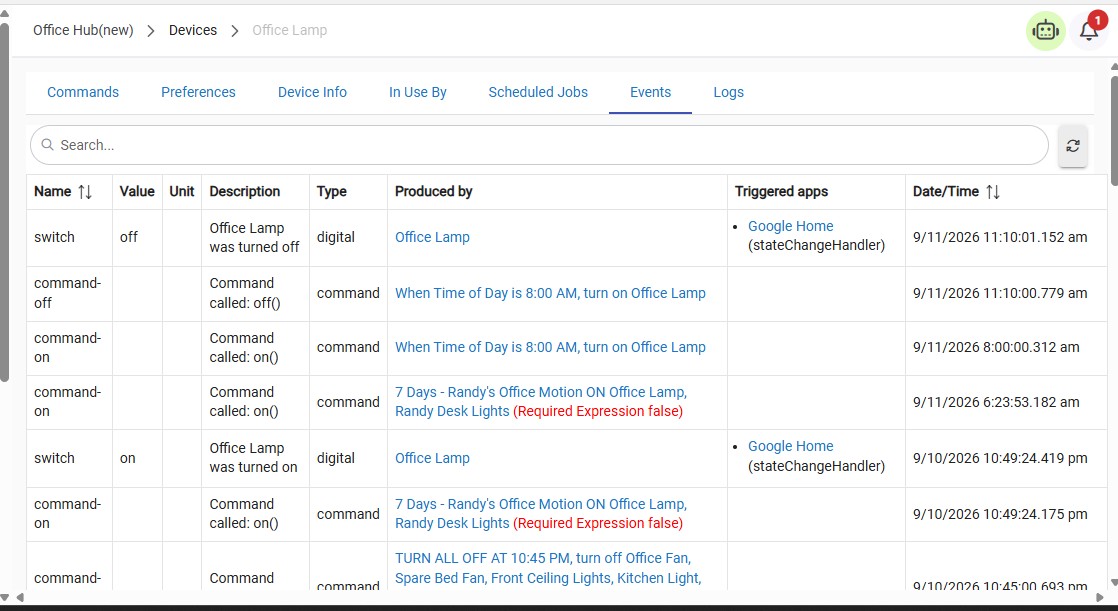
It’s odd that the logs indicate the rule ran but that the devices didn’t actually respond. They do respond when you send the same commands via the device screen I assume?
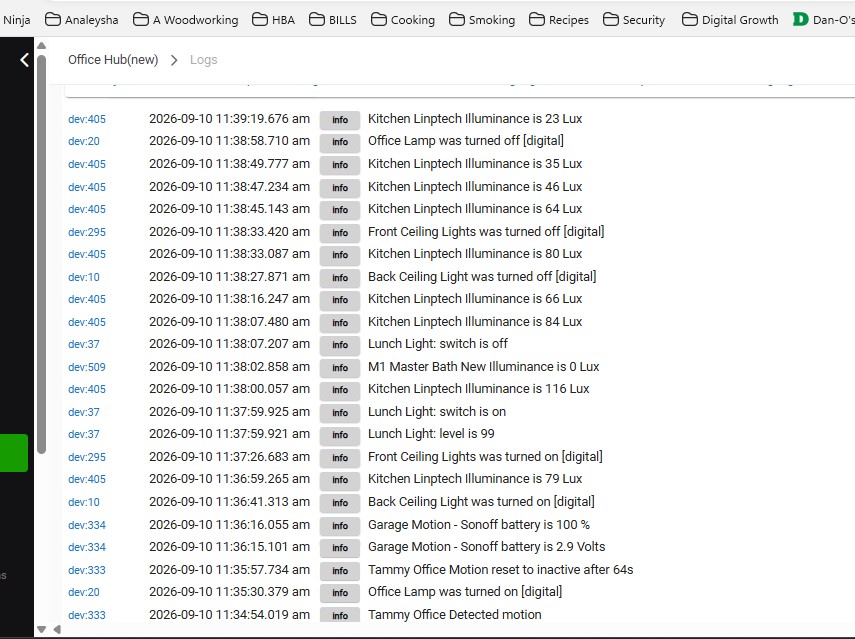
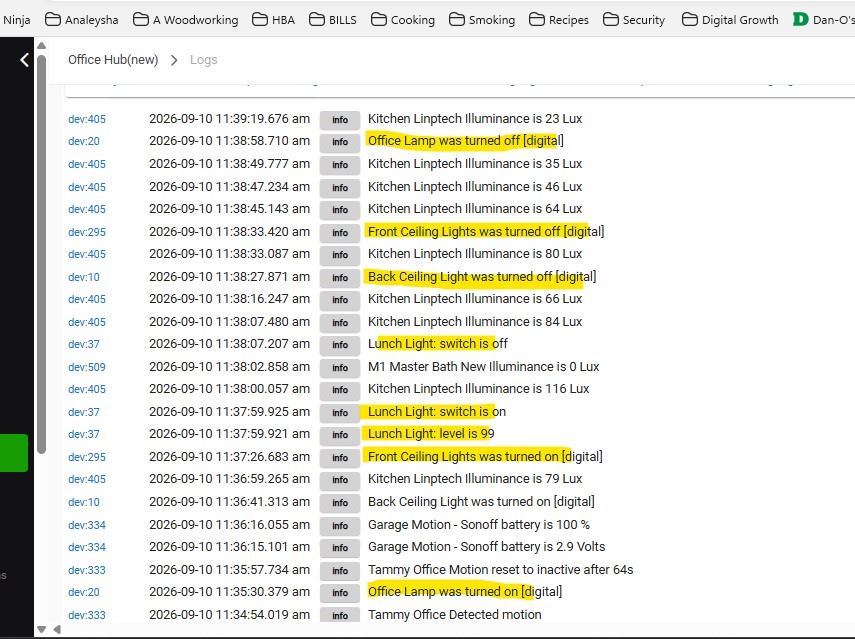
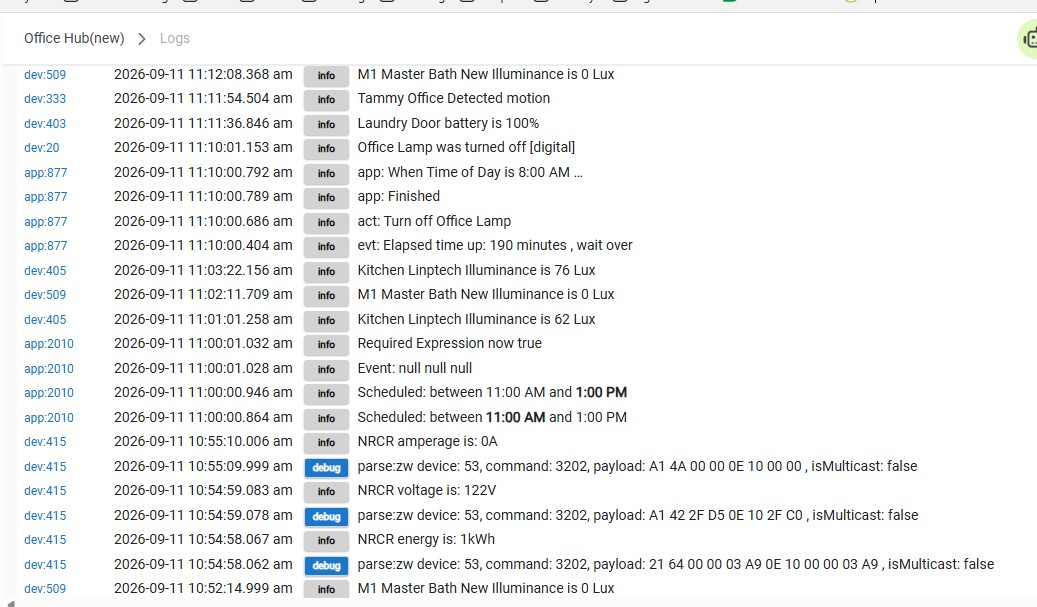
Can you share a screenshot of your logs at 11:15? Looks like you shared the same screenshot, one with the highlights and one without.
Your rule is set to trigger at 11:15, but your logs are after 11:30… Do you have logs before / after 11:15?
This is Wednesday 9-16 (above)
This is Monday 9-14 (below)
The lights did not turn on. I do not understand how they can show in the log that they are turning on? And of course they are not turning on. Did something happen to my hub? Is there someplace else I can look? I have been out in Florida for about 5 years and this rule has always worked. Perhaps it is only 4 years old. Any way if anyone can shed any light on this (no pun intended) I would so greatful.
When I’ve seen this in the past, it was typically due to a communication issue with the devices. It could be a Zigbee or Z-Wave issue.
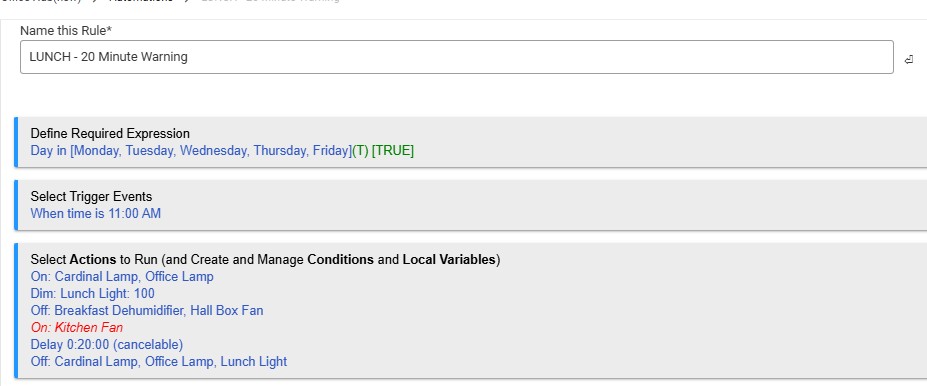
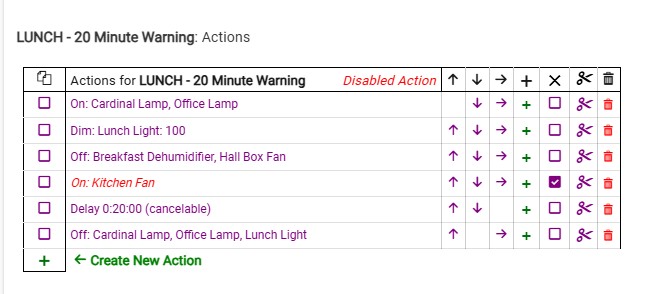
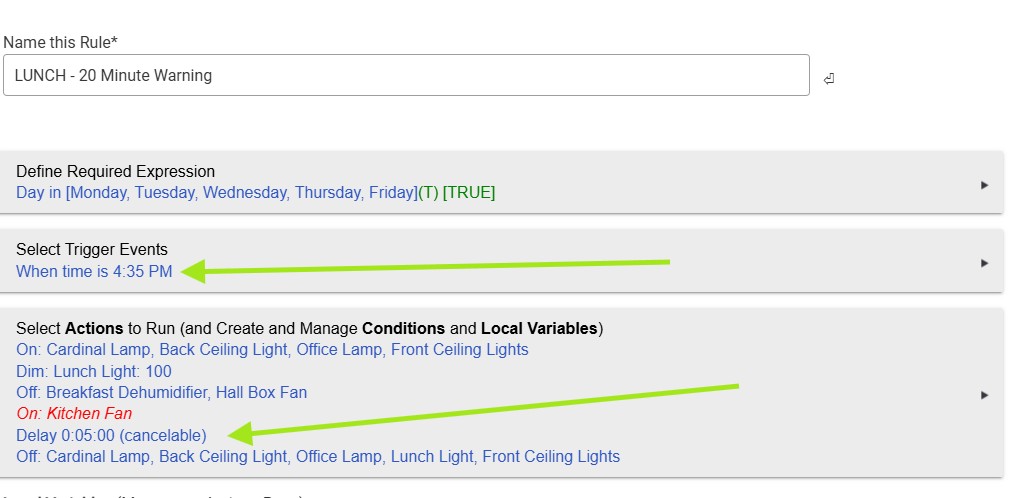
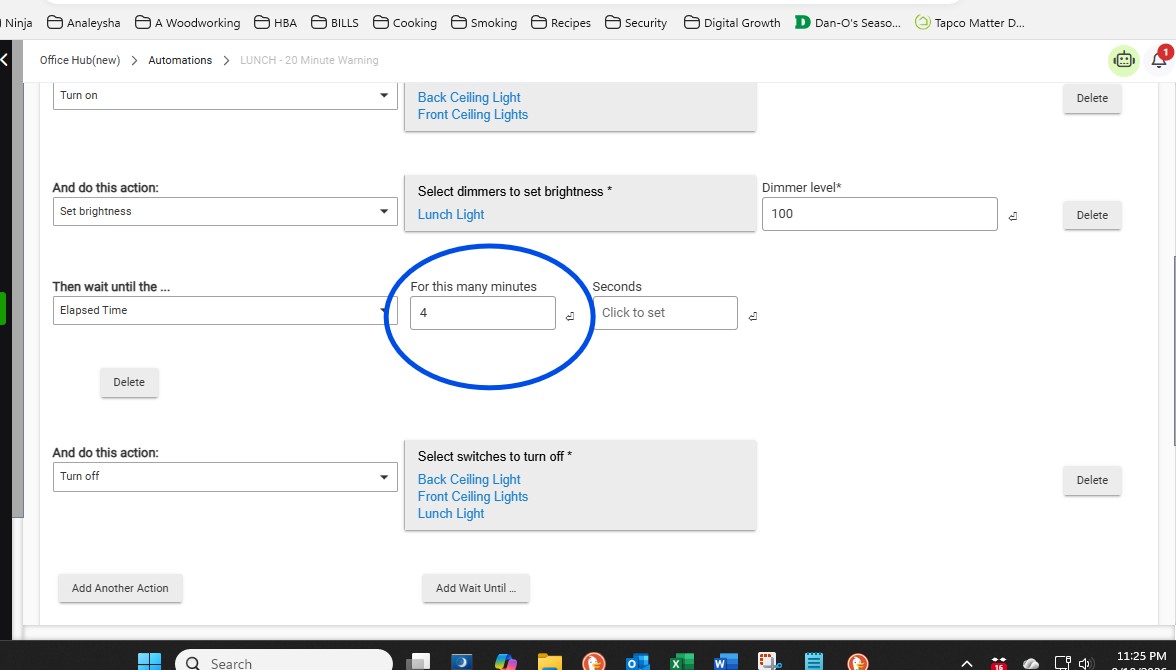
Made a new rule 2143 and it did turn ON and OFF "Lunch Light" it was one that I could not get to trigger in the old rule 1718. Question: if one of these Z-wave device is bad "On: Cardinal Lamp, Back Ceiling Light, Office Lamp, Front Ceiling Lights" would that stop the entire rule from running?
In the new rule 2143 has the " Back Ceiling Light, Front Ceiling Lights and Lunch Light" so I am wondering if the lamp module for the Office Lamp or the Cardinal Lamp would stop rule 1718 from working?
The new rule too is a basic rule not sure if that is a thing. Only set it for 4 minutes for testing - but it worked GREAT! Not a big deal until something so simple does not work.
It sounds like you’ve been able to isolate the issue to that one device. Typically, one device not working shouldn’t impact a rule.
If the device works sometimes, it might be that the signal going to it is not strong enough. A repeater can be added between it and the hub to help with that.
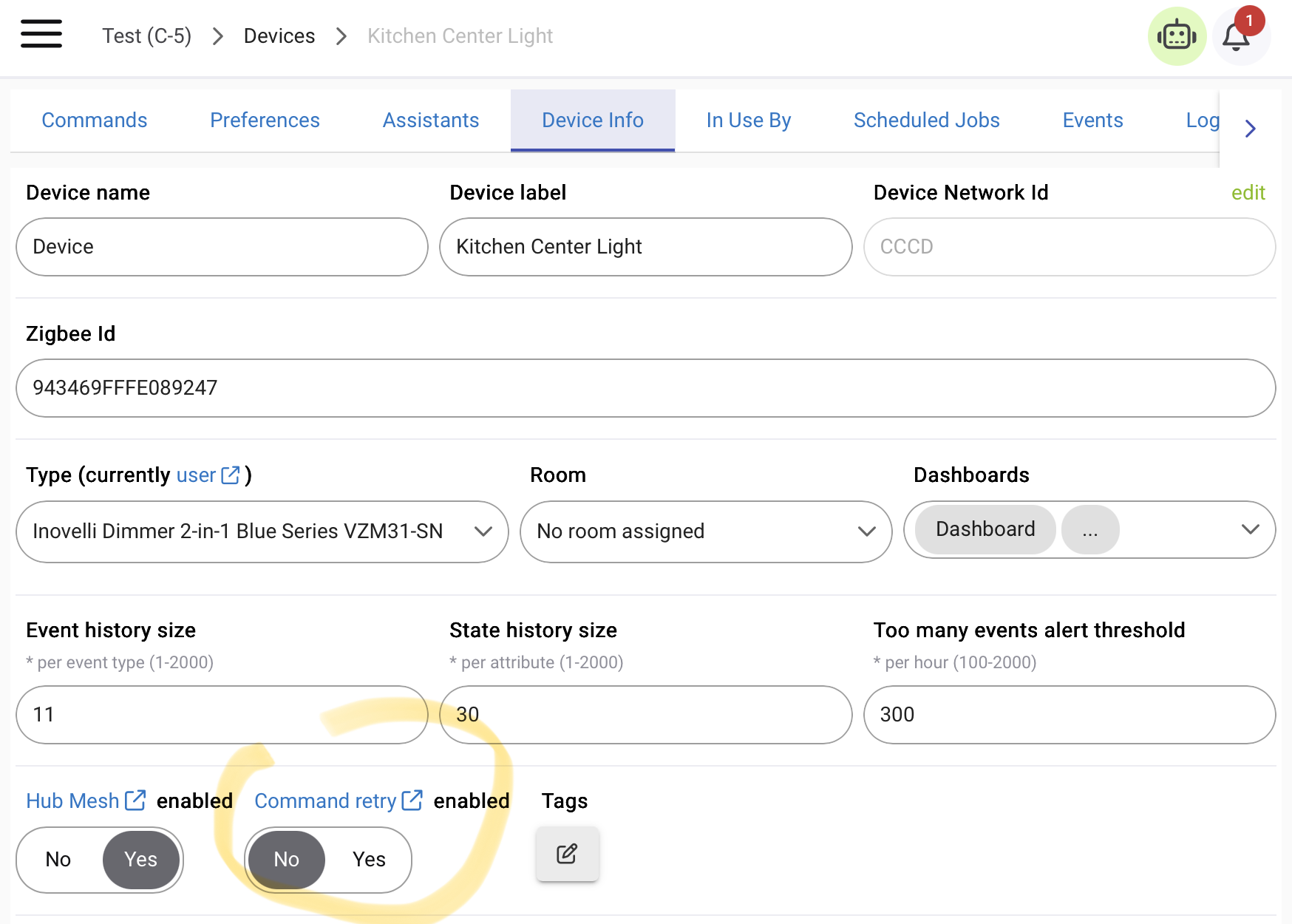
Devices also have a toggle that will trigger some retries if the command didn’t initially work. Might be worthwhile to toggle it to on for this device:
I have two Zooz Zen 15's that I use to cut cameras on and off. I have a rule that cuts them on based on modes:
At Night - turn on one of the two
When away, Turn on both
When mode changes from one of the above to anything else, turn them both off.
I had a strange issue where the night rule turned the one on, but in the morning it did not turn off.
What I found was the other camera would occasionally fall of the network. I could individually control the working one, and the other one did not respond until I power cycled it.
My rule had the off command for both devices grouped together in one action. With the nonworking camera in the same action, it would not work. I changed it to separate actions, and it would work fine. (Then I changed it back to use as an indication that I needed to power cycle the other switch LOL. Also, it wound up being a a firmware issue that got corrected).
So, my experience is that one item out of a group in a single action being bad WILL cause the action to fail (making it look like the rule failed). But, if they are separated into separate actions, the other actions will continue to work.