1.40 is the latest for the 700-series Z17. The Z17 release notes are here. If none of the 1.30 or 1.40 updates described there are relevant to your setup, then there's no reason to update.
If you do need to update any z-wave device these days, then just use the built-in updater instead of the methods described in this thread.
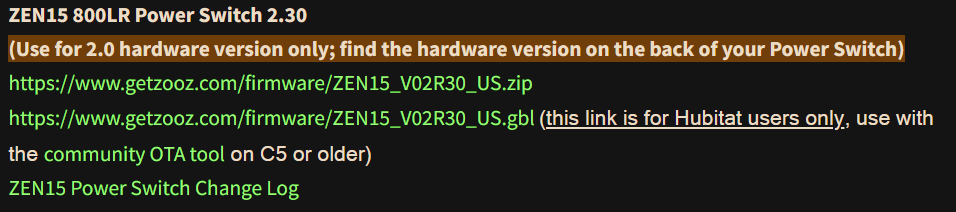
I have used this before with success on my Zen11's but I tried this on my Zen15 power switch and the 2.30 FW doesn't take.
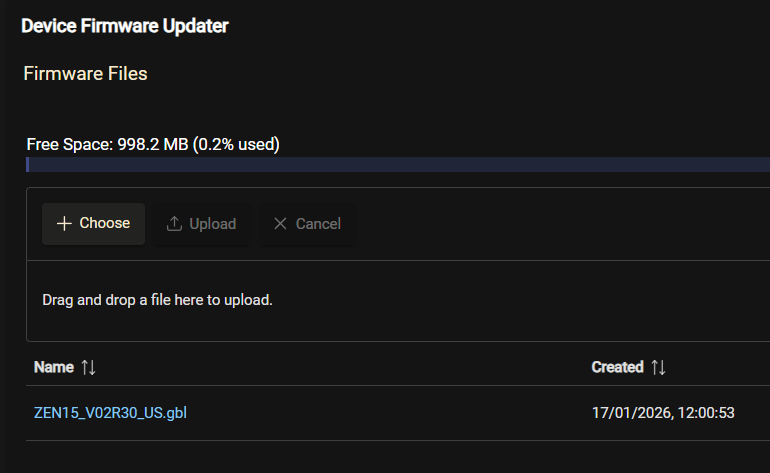
Uploads fine and comes back Done.
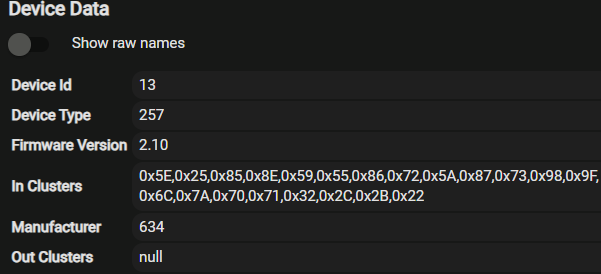
I wait for a reboot and tried a power cycle but it's unchanged - 2.1.
I have the 800LR version so I'm pretty sure I have the correct file.
I'm using the zip and not the gbl for C5 and older.
Ideas?
But you replied to an old thread regarding the "driver" updater.
If you turn on debug logging on the device itself you may get more detailed info in the logs at the very end, but be warned it will log A LOT of stuff so you probably wont be able to watch the live logs (may lock up your browser).
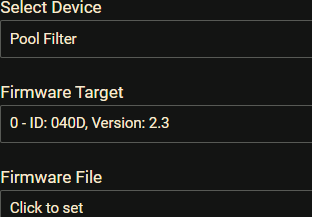
ALSO - you do know that the firmware version on the device details does not always magically update by itself right? Greatly depends on the driver, if ever does version checks. If you go into the updater app and switch to a different device then back to your target device it will query the version again and show it to you.
Sorry, went back and saw a Split message.
I did expect the driver to delay an update.
I'll try the Debug on and see what I get. The Split topic is closed.
EDIT: Tried your suggestion of changing device in the app and then going back.
Worked a treat, thanks.