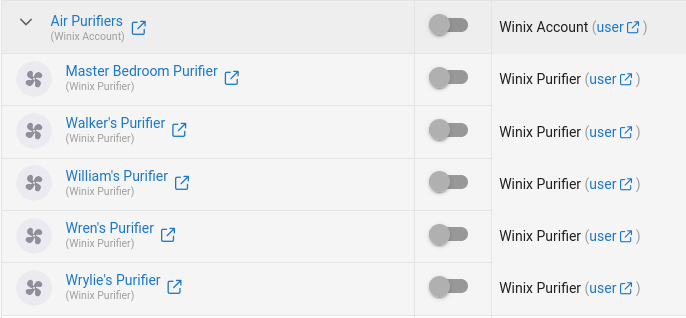
This driver lets Hubitat control and monitor Winix air purifiers through Winix's cloud API.
Driver repository: GitHub - sethkinast/hubitat-winix: Hubitat device driver for Winix air purifiers · GitHub
Features
- Fan speed control / Auto mode
- Brightness control for the LED panel
- Plasmawave on/off
- Child lock on/off
- Filter life tracking
- Ambient light sensor reporting (some models)
- PM2.5 and air quality reporting (some models)
- Speed / brightness restore on power on (instead of always resetting to default)
- Standard Hubitat
FanControlandSwitchcapabilities, so purifiers show up correctly in Google Home and Alexa integrations without any extra configuration
Tested models
- C545
- C610
Other Winix purifiers that use the same A0x/S0x attribute codes should work too. If you get one running, feel free to open a PR adding it to this list.
Installation
- Add both drivers to Hubitat:
- Create a new Virtual Device (Devices -> Add Device -> Virtual) and set the driver to
Winix Account. You only need one of these no matter how many purifiers you have. - Open your new
Winix Accountdevice and enter the secondary account's email and password. - The driver will log in and automatically create a
Winix Purifierchild device for every purifier on the account.