WaterGuru Dosing Advisor is a Hubitat app that reads your WaterGuru pool device and tells you how much of which chemical to add. It can also run a liquid chlorine pump through a smart plug, if you want that. I wrote it for my own pool, where it has been running the chlorine pump since late September.
It builds on bdwilson's WaterGuru Integration, which creates the device this app reads, so install that first. Thanks to bdwilson for the integration, and for merging a few of my fixes upstream along the way.
Why I wrote it
WaterGuru aims for about 3 ppm free chlorine, whatever your stabilizer level. With CYA in the 30s or higher that is too low, and for a pool that is turning green it is far too low. The advisor sets the free chlorine target from your CYA (0.115 x CYA, the Trouble Free Pool model, or a SLAM level if you turn SLAM mode on) and calculates how many millilitres of your liquid chlorine to add. For pH, TA, CH and CYA it passes WaterGuru's own product advice through, with generic formulas as a fallback.
What it does
- A dose recommendation after every new WaterGuru sample, sent to any notification device (Pushover, Telegram and so on), plus an optional daily summary.
- A dashboard tile per pool with the status, the recommendation, the readings and the tank level.
- An estimate of how many days until free chlorine falls below the algae floor, based on the loss measured between your samples.
- A chlorine tank estimate with a low-tank warning.
- Optional pump control (see below).
What's in the repo
Along with the apps, I've included:
- A bill of materials for the whole dosing setup, with the parts I run.
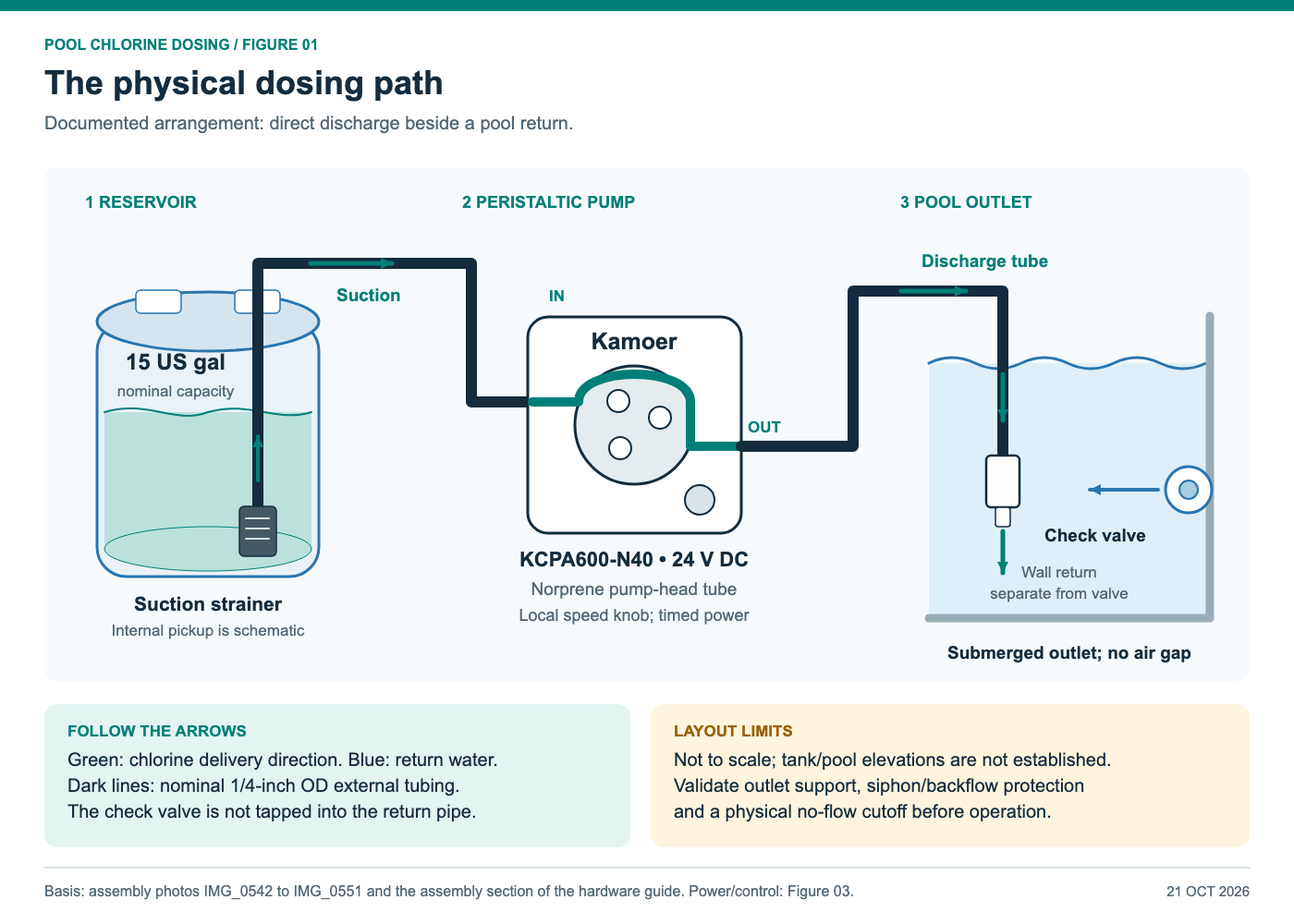
- Assembly instructions for the pump, step by step: reservoir, suction pickup, pump mount, discharge line and power, then calibration and commissioning.
- The Pump Power Profiler, an optional app that logs the pump plug's power for each run to File Manager and warns when the steady power drifts.
- Grafana charts: a collector that stores the WaterGuru readings in InfluxDB, and a dashboard you can import, with pH, free chlorine against the CYA-based target, chlorine usage and tank level.
Pump control (optional)
Every pool starts in ADVISORY mode: it calculates and notifies, and never touches a pump. Two more modes can run the pump:
- APPROVAL: each dose waits until you press Run the pending chlorine dose now on the app page.
- AUTO: a fresh, valid sample can start the pump on its own.
Before every start the app checks the sample age, the pH range, the single-dose and daily limits, one AUTO dose per day, an evening time window, the tank estimate and a circulation interlock. A start only counts once the plug reports ON and real power draw. Three separate limits end every run: the app's maximum runtime, an independent emergency cutoff, and the plug's own auto-off timer, which still works when the hub is busy or restarting.
I'm using a Kamoer KCPA600 peristaltic pump on a Zooz ZEN05 outdoor Z-Wave plug, pulling liquid chlorine from its own reservoir into the pool return. The hardware guide walks through the whole build, with diagrams and photos.
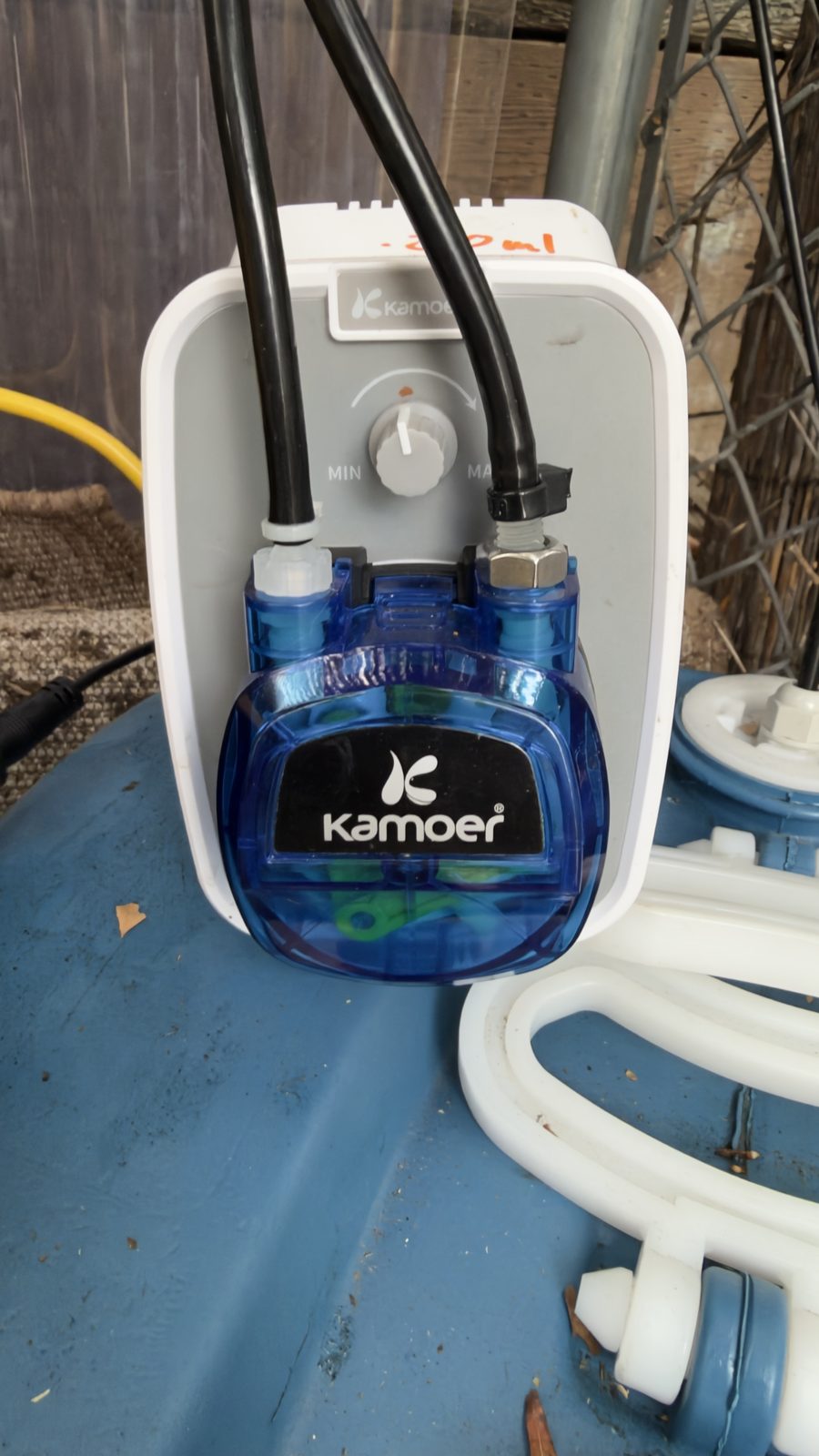
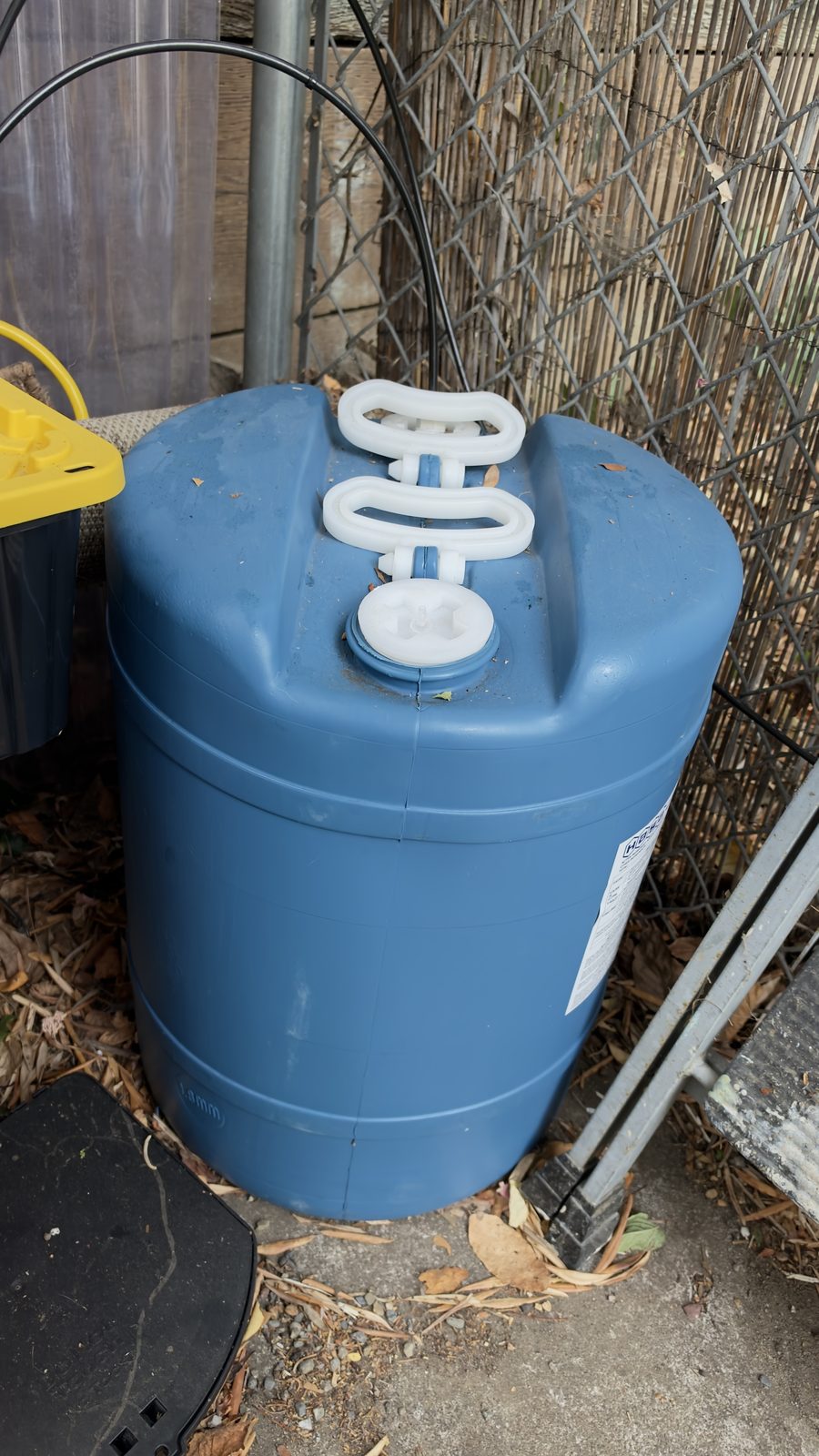
The pump, and the chlorine reservoir it draws from.
Install
You need Hubitat platform 2.3.0 or newer, the WaterGuru Integration installed and working, and a notification device.
The package is not in HPM's keyword search, so install it from its manifest URL:
- In Hubitat Package Manager, choose Install, then From a URL.
- Enter
https://raw.githubusercontent.com/chsbusch-dot/hubitat-waterguru-dosing-advisor/main/packageManifest.json - HPM installs the parent app, the pool app and the tile driver, and offers the Pump Power Profiler as an option.
The software guide also has the manual install. Then go to Apps > Add User App > WaterGuru Dosing Advisor, choose Add a WaterGuru pool, and pick your WaterGuru device and a notification device.
If you plan to connect a pump, read the Safety section first. Calibrate the pump rate by weighing a real run, because the pump's rating is not its real rate. Then run in APPROVAL for a few doses, compare the next readings with what the app expected, and only then switch to AUTO.
Docs
- README: overview, Safety, Disclaimer
- Software guide: every setting, the dosing modes, the dosing model, faults
- Hardware guide: my pump build, from parts to commissioning
- Grafana collector: optional history in InfluxDB and Grafana
Please read before you build
This app can run a pump that puts liquid chlorine into your pool, and every dose it gives is an estimate. Test your water yourself before you add chemicals. The hardware guide describes my build, not an engineered or certified design. Liquid chlorine can burn skin and eyes, and mixed with acid or other pool chemicals it can release toxic chlorine gas. If you build or run this, you do so at your own risk. Details are in the Safety section and the Disclaimer.
Feedback
The current version is 2.5.1, under the Apache 2.0 license. Questions and reports are welcome here or as GitHub issues. If you try it with your own WaterGuru, I would like to hear how its numbers compare with your test kit.