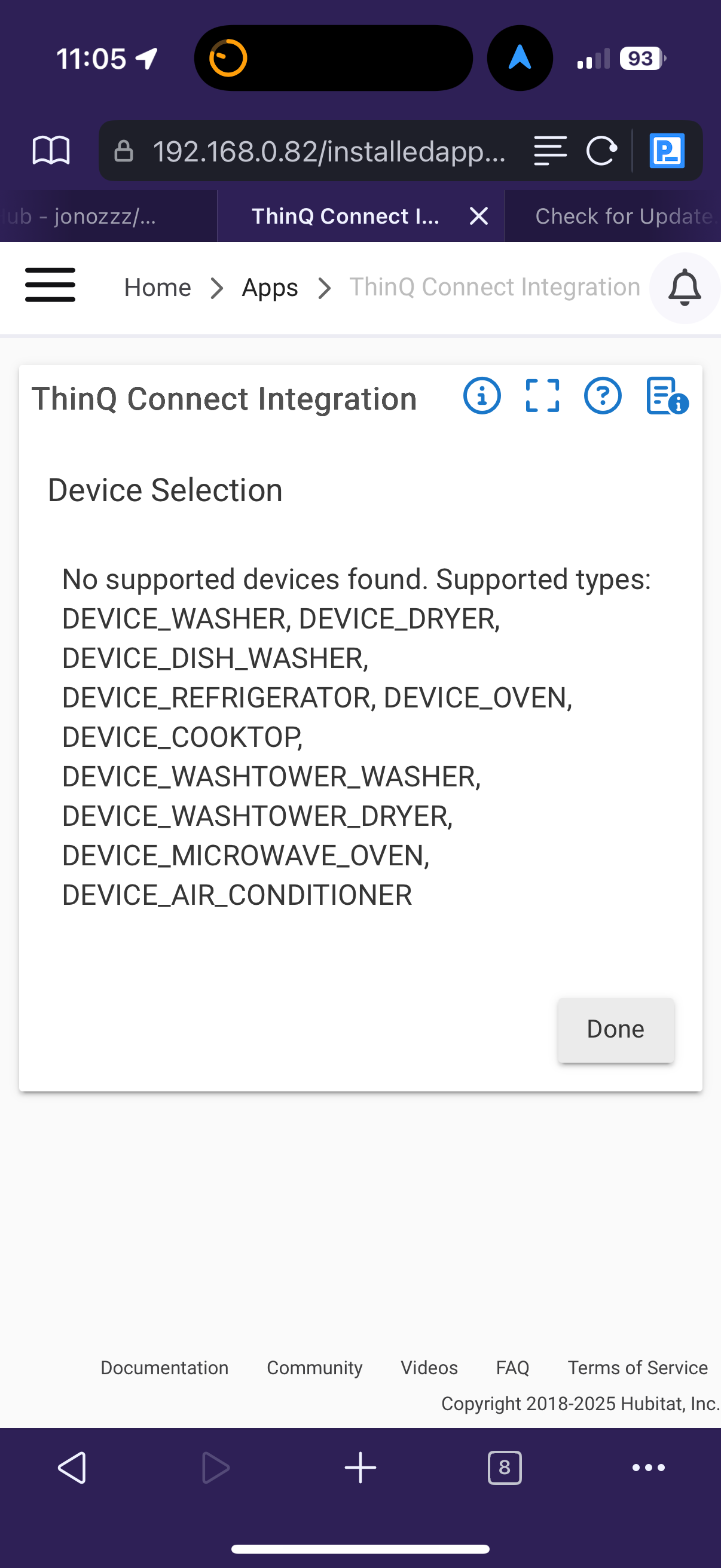
Sorry I have been MIA. I have been working pretty much everyday and just did not have the time to look at this. Finally did today. I reloaded the driver. Here is what is not working:
Setting the Temperature is working but I need to enter it in Celsius. Then I found on the Preferences page a toggle to use Fahrenheit. It was enabled but I went ahead and toggled it of then on again and now I can set temp in Fahrenheit. The Current Stats though still report temperatures in Celsius.
Delay Start and Delay Stop. These are the errors when doing that:
dev:2722025-11-05 15:47:44.107
error
java.lang.UnsupportedOperationException: Cannot use intdiv() on this number type: java.math.BigDecimal with value: 1 on line 608 (method setDelayStart)
dev:2722025-11-05 15:51:04.835
error
java.lang.UnsupportedOperationException: Cannot use intdiv() on this number type: java.math.BigDecimal with value: 60 on line 621 (method setDelayStop)
Here is the App log:
app:6902025-11-05 17:21:47.302
debug
ThinQ Connect Integration API POST success: 200 - [messageId:ed94d32890ad4d2ab38c24, response:[:], timestamp:2025-11-06T01:21:47.016689]
app:6902025-11-05 17:21:46.879
debug
ThinQ Connect Integration apiPost(/event/59696a4f6fbcd1e91d57903995a5a258fec0ea37c71ef35008d7bd3fdbccc3aa/subscribe, [expire:[unit:HOUR, timer:4464]])
app:6902025-11-05 17:21:46.876
debug
ThinQ Connect Integration API POST success: 200 - [messageId:1fd07619a82d4f99821808, response:[:], timestamp:2025-11-06T01:21:46.551254]
app:6902025-11-05 17:21:46.446
debug
ThinQ Connect Integration apiPost(/event/e4021498e5c0aacbf4fcac803f75c2ca85f3177419bd074ca206ba2b7d74f097/subscribe, [expire:[unit:HOUR, timer:4464]])
app:6902025-11-05 17:21:46.440
debug
ThinQ Connect Integration registerPushNotifications()
app:6902025-11-05 17:21:46.355
debug
ThinQ Connect Integration apiGet(/devices/59696a4f6fbcd1e91d57903995a5a258fec0ea37c71ef35008d7bd3fdbccc3aa/state, [airConJobMode:[currentJobMode:ENERGY_SAVING], airFlow:[windStrength:HIGH], filterInfo:[filterLifetime:0, usedTime:250], operation:[airConOperationMode:POWER_OFF], runState:[currentState:NORMAL], temperature:[currentTemperature:19, targetTemperature:22, unit:C], temperatureInUnits:[[currentTemperature:19, targetTemperature:22, unit:C], [currentTemperature:66, targetTemperature:72, unit:F]], timer:[relativeStartTimer:UNSET, relativeStopTimer:UNSET]])
app:6902025-11-05 17:21:45.996
debug
ThinQ Connect Integration apiGet(/devices/59696a4f6fbcd1e91d57903995a5a258fec0ea37c71ef35008d7bd3fdbccc3aa/state)
app:6902025-11-05 17:21:45.994
debug
ThinQ Connect Integration getDeviceStatus(59696a4f6fbcd1e91d57903995a5a258fec0ea37c71ef35008d7bd3fdbccc3aa)
app:6902025-11-05 17:21:45.949
debug
ThinQ Connect Integration apiGet(/devices/e4021498e5c0aacbf4fcac803f75c2ca85f3177419bd074ca206ba2b7d74f097/state, [airConJobMode:[currentJobMode:ENERGY_SAVING], airFlow:[windStrength:HIGH], filterInfo:[filterLifetime:153, usedTime:97], operation:[airConOperationMode:POWER_OFF], runState:[currentState:NORMAL], temperature:[currentTemperature:20, targetTemperature:22, unit:C], temperatureInUnits:[[currentTemperature:20, targetTemperature:22, unit:C], [currentTemperature:68, targetTemperature:72, unit:F]], timer:[relativeStartTimer:UNSET, relativeStopTimer:UNSET]])
app:6902025-11-05 17:21:45.601
debug
ThinQ Connect Integration apiGet(/devices/e4021498e5c0aacbf4fcac803f75c2ca85f3177419bd074ca206ba2b7d74f097/state)
app:6902025-11-05 17:21:45.599
debug
ThinQ Connect Integration getDeviceStatus(e4021498e5c0aacbf4fcac803f75c2ca85f3177419bd074ca206ba2b7d74f097)
app:6902025-11-05 17:21:45.567
debug
ThinQ Connect Integration cleanupChildDevices()
app:6902025-11-05 17:21:45.565
debug
ThinQ Connect Integration initialize()
app:6902025-11-05 17:21:45.529
debug
ThinQ Connect Integration updated()
app:6902025-11-05 17:21:43.308
debug
ThinQ Connect Integration [deviceId:59696a4f6fbcd1e91d57903995a5a258fec0ea37c71ef35008d7bd3fdbccc3aa, deviceInfo:[alias:Livingroom Air Conditioner, deviceType:DEVICE_AIR_CONDITIONER, modelName:WIN_056905_WW, reportable:true]]
app:6902025-11-05 17:21:43.304
debug
ThinQ Connect Integration [deviceId:e4021498e5c0aacbf4fcac803f75c2ca85f3177419bd074ca206ba2b7d74f097, deviceInfo:[alias:Jeremy's Air Conditioner, deviceType:DEVICE_AIR_CONDITIONER, modelName:WIN_056905_WW, reportable:true]]
app:6902025-11-05 17:21:43.292
debug
ThinQ Connect Integration apiGet(/devices, [[deviceId:e4021498e5c0aacbf4fcac803f75c2ca85f3177419bd074ca206ba2b7d74f097, deviceInfo:[alias:Jeremy's Air Conditioner, deviceType:DEVICE_AIR_CONDITIONER, modelName:WIN_056905_WW, reportable:true]], [deviceId:59696a4f6fbcd1e91d57903995a5a258fec0ea37c71ef35008d7bd3fdbccc3aa, deviceInfo:[alias:Livingroom Air Conditioner, deviceType:DEVICE_AIR_CONDITIONER, modelName:WIN_056905_WW, reportable:true]]])
app:6902025-11-05 17:21:43.139
debug
ThinQ Connect Integration apiGet(/devices)
app:6902025-11-05 17:21:43.137
debug
ThinQ Connect Integration getDevices()
app:6902025-11-05 17:21:39.684
debug
ThinQ Connect Integration apiGet(/route, [apiServer:https://api-aic.lgthinq.com, mqttServer:mqtts://a3phael99lf879-ats.iot.us-west-2.amazonaws.com:8883, webSocketServer:wss://a3phael99lf879-ats.iot.us-west-2.amazonaws.com:443/mqtt])
app:6902025-11-05 17:21:39.578
debug
ThinQ Connect Integration apiGet(/route)
app:6902025-11-05 17:21:39.577
debug
ThinQ Connect Integration getMqttServerFromApi()
app:6902025-11-05 17:21:37.128
debug
ThinQ Connect Integration apiGet(/devices, [[deviceId:e4021498e5c0aacbf4fcac803f75c2ca85f3177419bd074ca206ba2b7d74f097, deviceInfo:[alias:Jeremy's Air Conditioner, deviceType:DEVICE_AIR_CONDITIONER, modelName:WIN_056905_WW, reportable:true]], [deviceId:59696a4f6fbcd1e91d57903995a5a258fec0ea37c71ef35008d7bd3fdbccc3aa, deviceInfo:[alias:Livingroom Air Conditioner, deviceType:DEVICE_AIR_CONDITIONER, modelName:WIN_056905_WW, reportable:true]]])
app:6902025-11-05 17:21:36.629
debug
ThinQ Connect Integration apiGet(/devices)
app:6902025-11-05 17:21:36.622
debug
ThinQ Connect Integration testApiConnection()
app:6902025-11-05 17:15:06.882
debug
ThinQ Connect Integration processMqttMessage(Jeremy's Air Conditioner, [deviceId:e4021498e5c0aacbf4fcac803f75c2ca85f3177419bd074ca206ba2b7d74f097, deviceType:DEVICE_AIR_CONDITIONER, pushType:DEVICE_STATUS, report:[temperature:[currentTemperature:20, unit:C], temperatureInUnits:[[currentTemperature:20, unit:C], [currentTemperature:68, unit:F]]], serviceId:40de70e488a1891a475039f6, userList:[US2107190938841]])
app:6902025-11-05 17:06:10.339
debug
ThinQ Connect Integration processMqttMessage(Jeremy's Air Conditioner, [deviceId:59696a4f6fbcd1e91d57903995a5a258fec0ea37c71ef35008d7bd3fdbccc3aa, deviceType:DEVICE_AIR_CONDITIONER, pushType:DEVICE_STATUS, report:[temperature:[currentTemperature:19, unit:C], temperatureInUnits:[[currentTemperature:19, unit:C], [currentTemperature:66, unit:F]]], serviceId:40de70e488a1891a475039f6, userList:[US2107190938841]])