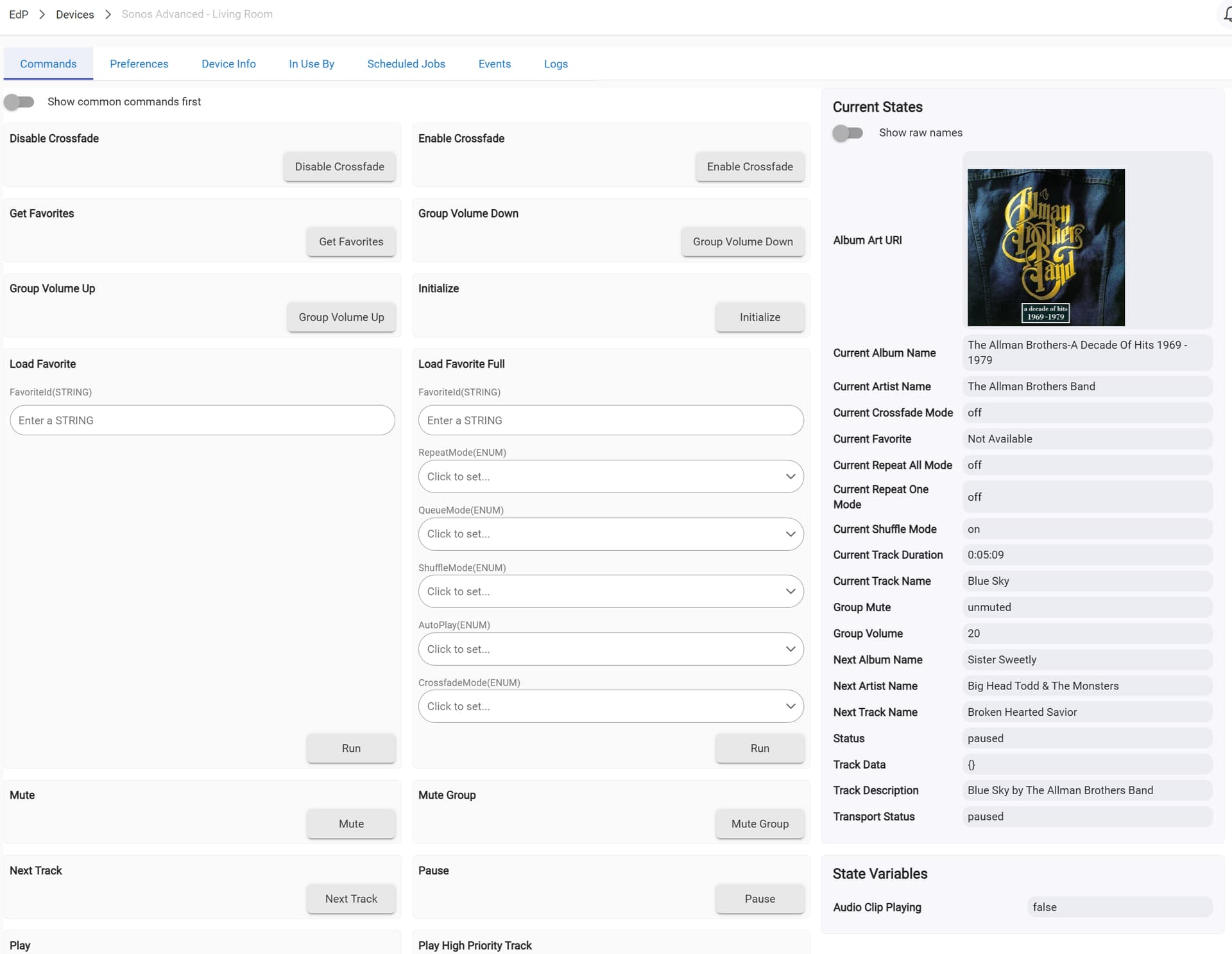
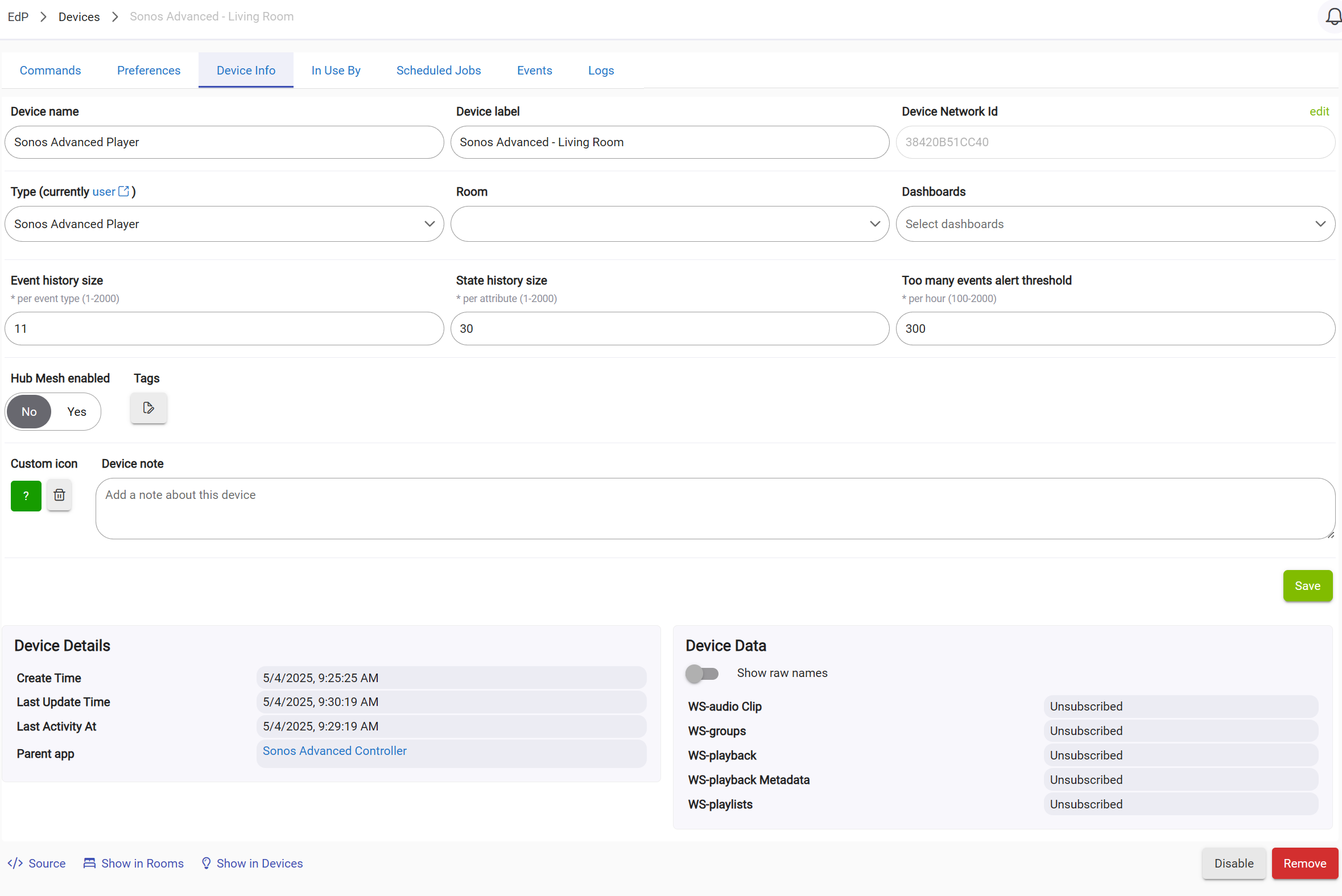
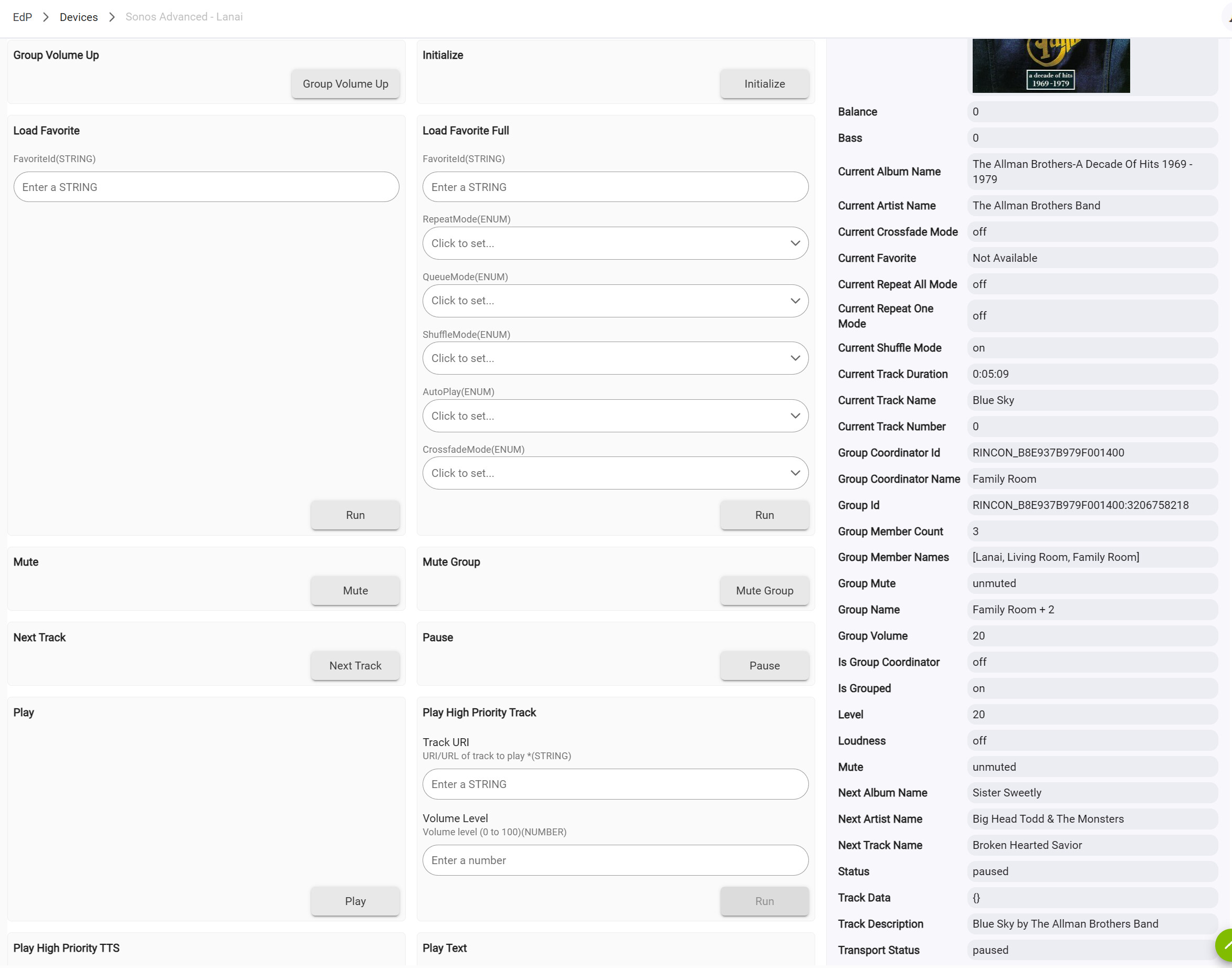
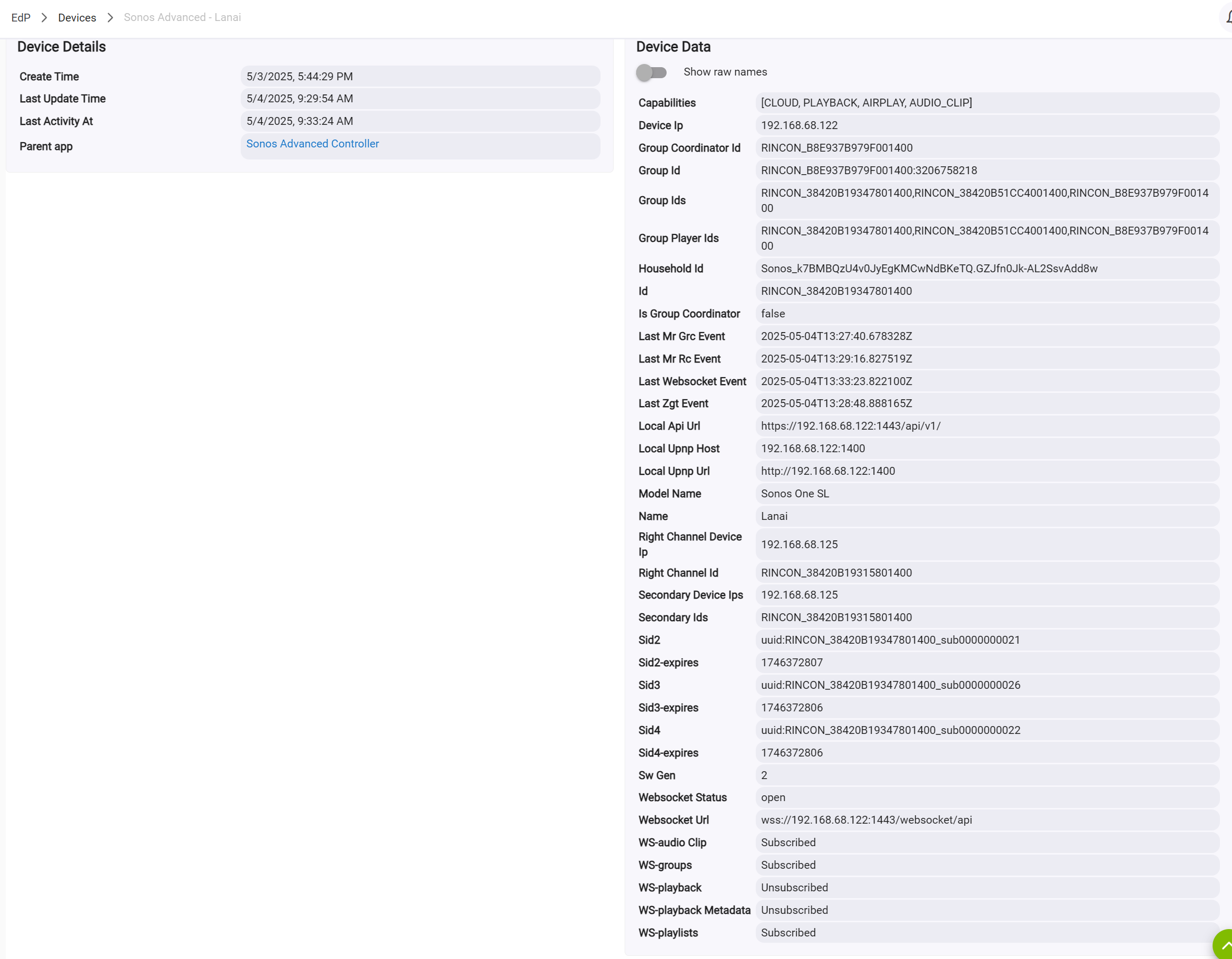
Hello All, finally cut over to Sonos Advanced Integration. Nice app! Took me a few tries to get all my speakers pairs found, but now have all 3 pairs as devices. Family Room, Living Room, and Lanai. Have initialized them all. Problem is that when I try to add all 3 pairs to a group, only FR & Lanai show up. LR does not. And when I got to the LR Device page it looks - different. See attached screen shots of the Command pages and Device Info pages (note FR and Lanai look the same).
For reference they are both Sonos One SL models. All work fine within my Sonos app. Commends from the Hubitat Device menus for FR and Lanai work fine. Command to LR do not.
The app seems to have issues adding more than 1 or 2 Sonos speaker child devices (regardless of pairs) at any one time.
I was able to get all of my Sonos speakers added by literally discovering, creating, and testing (using the TTS functionality) NO MORE than 1 or 2 speakers at a time.
This has the additional benefit of identifying the left vs the right speakers in a pair. (In identifying the speakers in the app as part of "discovery", there's no differentiation or identification of the left or right in a pair.)
Even adding 1 or 2 speakers (and resulting child devices) at a time can run into problems.
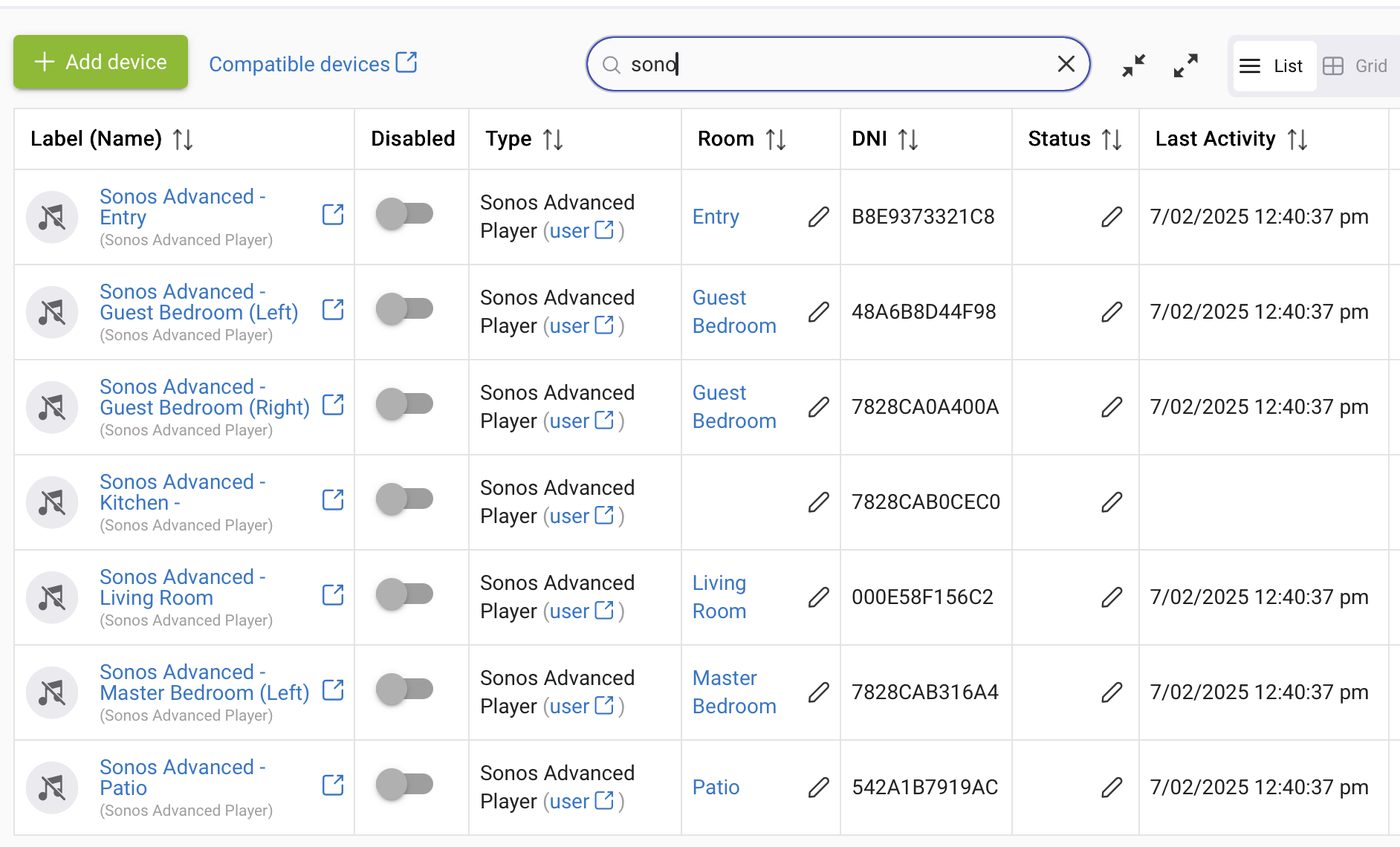
The easy way to see if a speaker was added correctly is to look at the "Last Activity" field for the device.
If the timestamp is "blank", the speaker WAS NOT added correctly.
See my "Kitchen" speaker in this picture for an example:
Another test to see if a speaker was added correctly is to try and update any of the device info. If you cannot successfully save the changes, the speaker was added incorrectly.
Manually delete the child device and go back through the Sonos Advanced app discovery process to try and add again.
One other item to note (that I'm still trying to diagnose) is that if a TTS message is sent to an older Sonos Play:3, it mutes ALL music playing through ALL of the other household speakers (a combination Play One, Move, Playbar, etc.) until the message is completed. Afterwards, the various speakers unmute and continue playing properly..
I really love this Advanced Sonos Virtual Device. I have used it for some time, but the other day, a brown-out caused my FIOS Router to lock up, requiring me to reset it to factory default.
Since then the Advanced Sonos’s became “flaky” - they would “group” on command, but no longer “mute” on/off nor change volume.
I tried all kinds of things to get it to work. I tried re-creating the virtual Sonos’s from your app, but it didn’t recreate all five of them, so I kept trying until all 5 “took”. Unfortunately when it dropped one of them from Hubitat, it removed them from my many rules.
I got it to work again, but really didn’t look forward to rewriting all the rules.
So I decided to restore my Hubitat to a time before this problem.
The resultant virtual Sonos’ are flakey again.
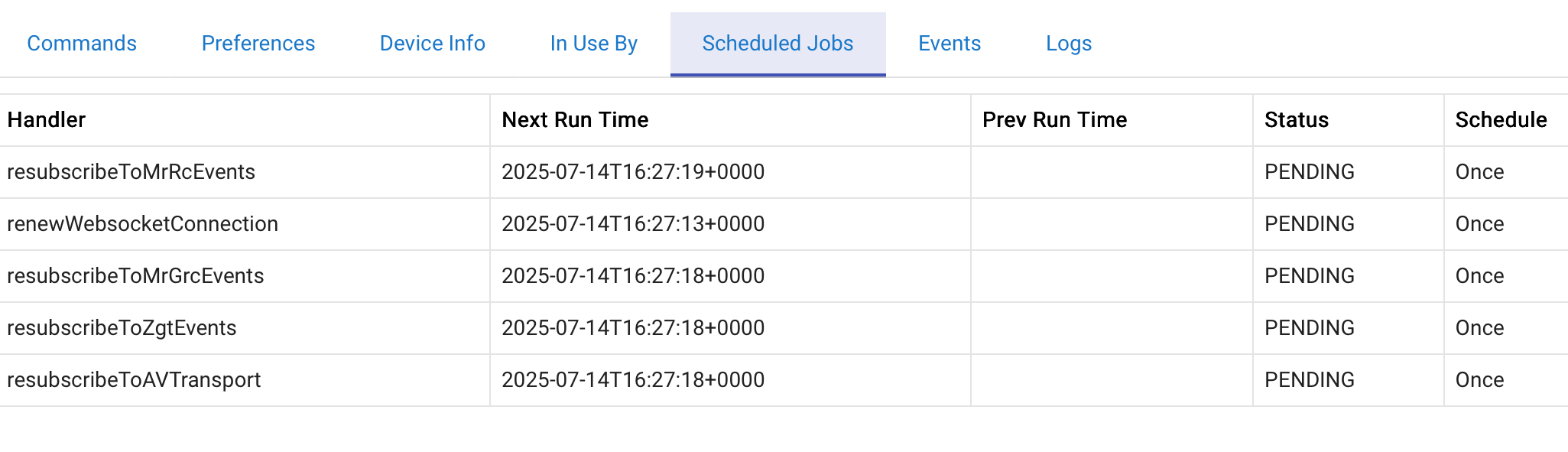
One advanced Sonos’ agenda always has an entry like:
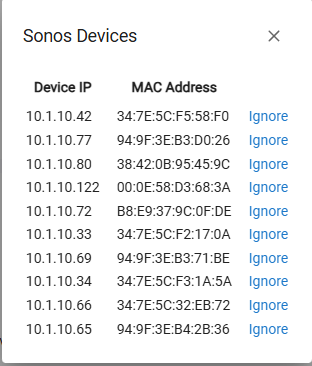
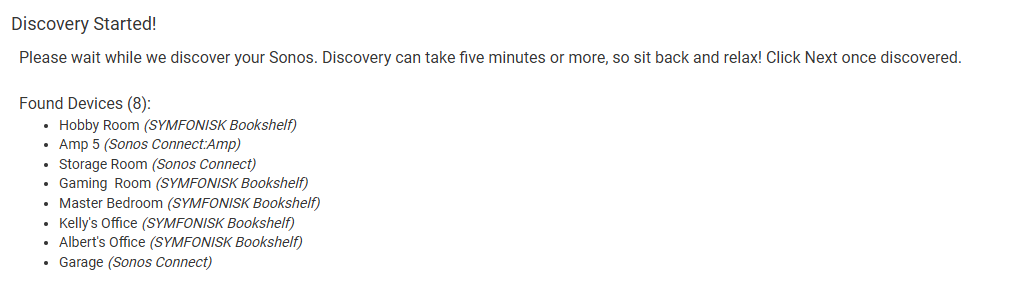
So I am having an issue. Hubitat and Sonos on same network, and it only discoves 8 of the 10 devices that I have. Is there a way to manually add the missing devices? They show up in my Sonos Phone App, and verified they are all on the same network, and all have a fixed IP addres.
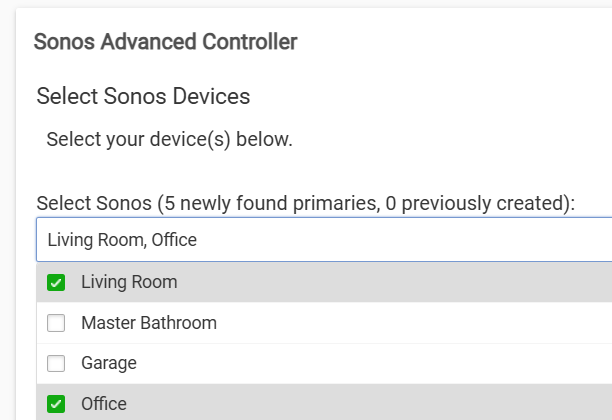
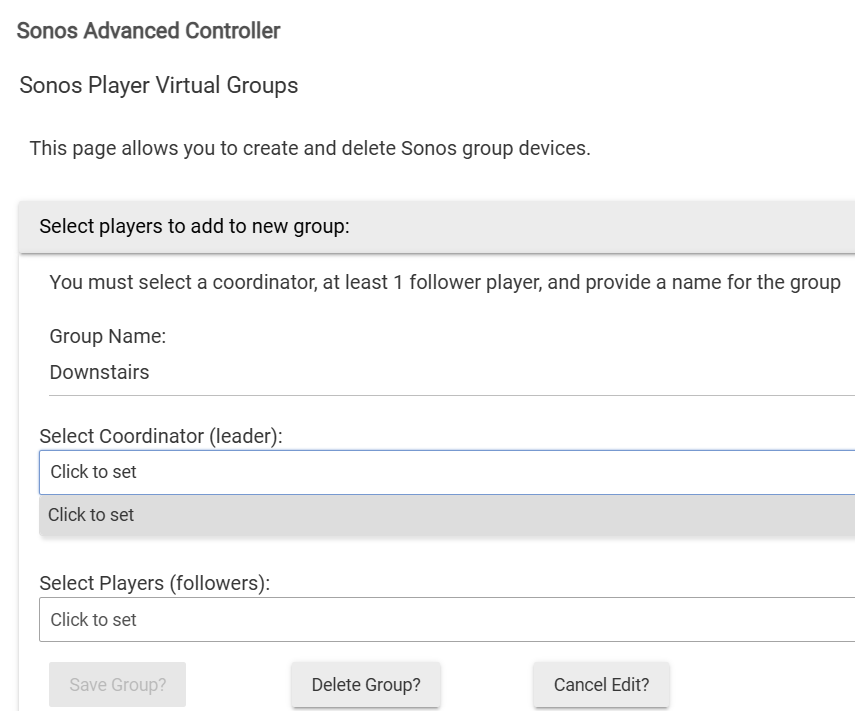
I rebooted my Sonos devices as suggested above and Sonos Advanced Controller was then able to discover them. Now I'm trying to create a group using the Living Room and Office Sonos devices (See Fig. 1). Now under Hubitat's "Devices" I have "Sonos Advanced - Living Room" device (See Fig. 2). But when I attempt to create a group under "Sonos Player Virtual Groups", all of the options are empty (See Fig. 3).
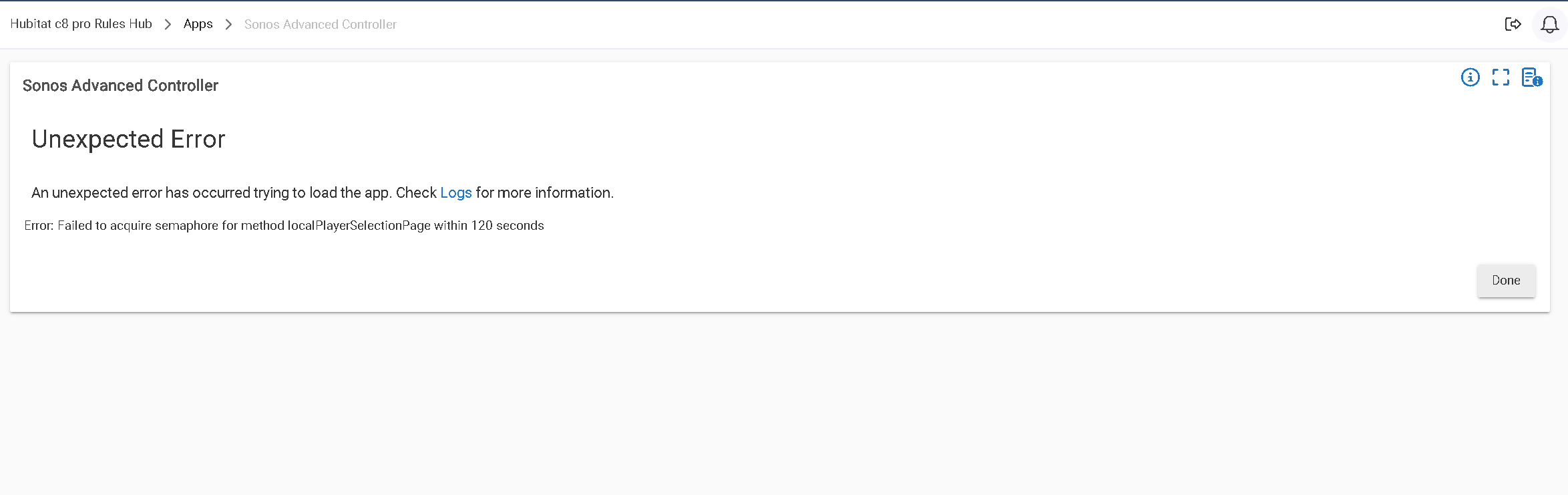
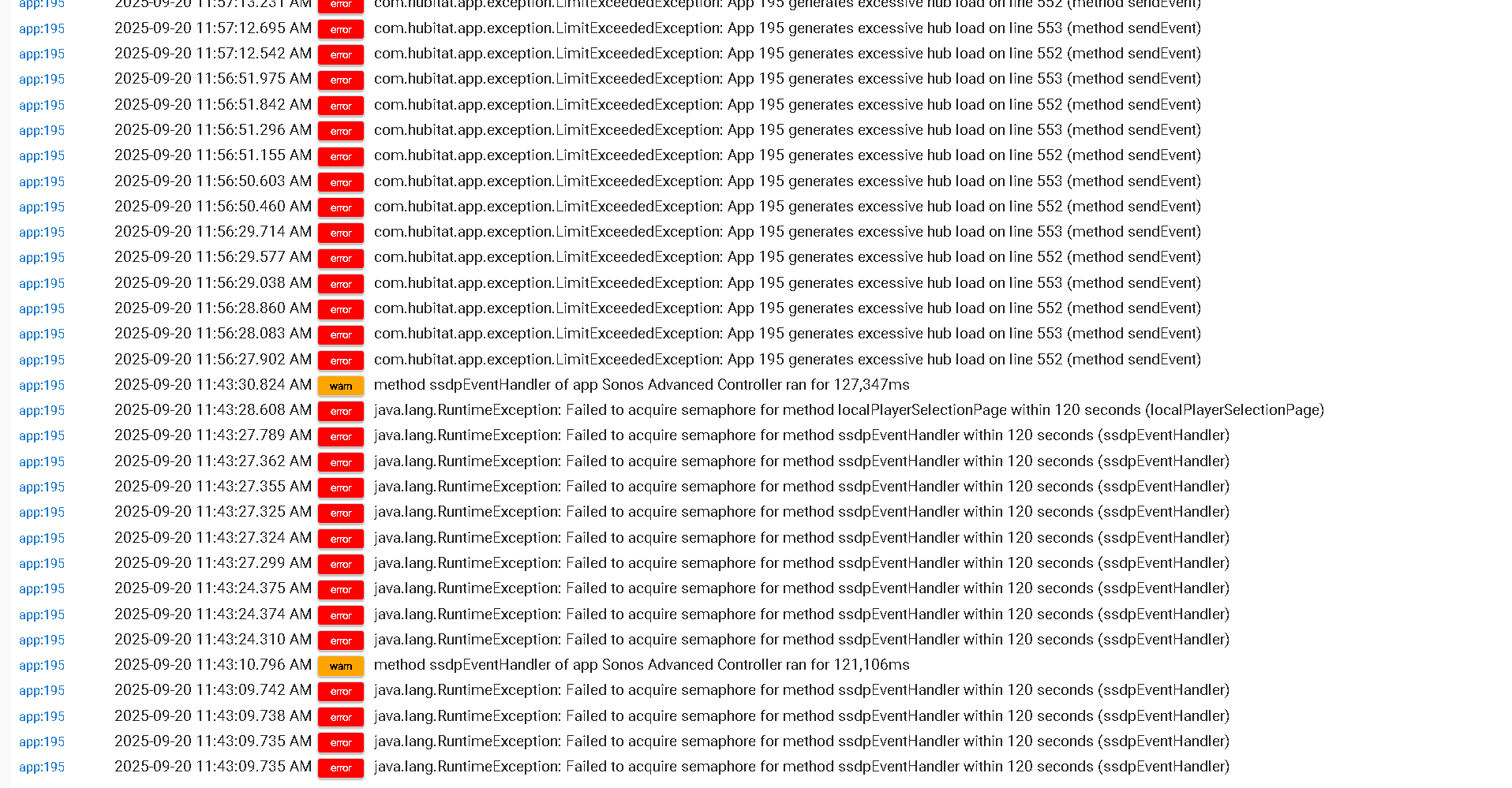
Has anyone experience when clicking next after discover they get the below error:
I have tried rebooting hub and repair from HPM but still the same error
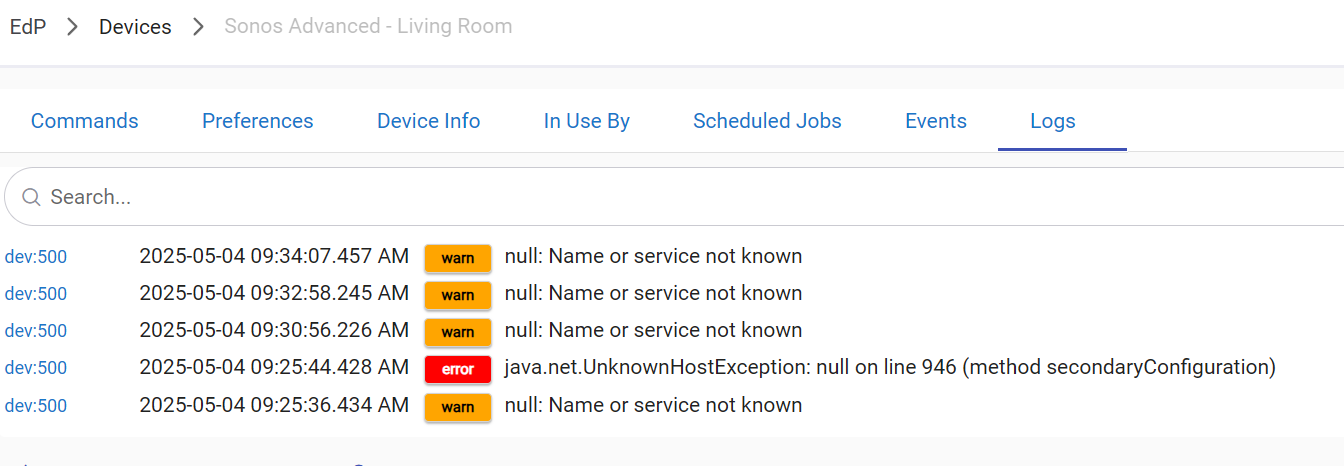
I had the same error. I hacked the driver to put in some debug information and realized that this comes when a speaker sends information but you do not have a corresponding device. I.e., dni XXXXXB5D2FB4 (the MAC address without ":" or "-") is sending all the information for "Current States" on the command page for the device. In my case, the MAC was one of a paired speaker. I had created a device for the left speaker, but the right one was sending information. Once I went through the Sonos Advanced Controller discovery and created a device for the right channel, the errors went away because there was a device to "catch" the information. This was user error, because I thought the Left channel was always the main speaker, and the right channel was the secondary channel. If you go to the drivers code for Sonos Advanced Controller, you can throw in logDebug("dni ${dni}") before the error line and turn on debugging in the device to see what DNI is sending the unhandled information and lookup what device it corresponds to in the Sonos App (i.e., find the corresponding mac). Then create a device for it. Hope that helps.
Edit: FYI, I had labeled my speakers backwards, so what I thought was "left" was "right" and vice versa. So, it appears left is always the leader.
First of all, thank you very much for the Advanced Controller. I used to play music on dinky Google Home speakers and used the great Sonos speakers only for TTS, and you have unlocked the use of Sonos for music!
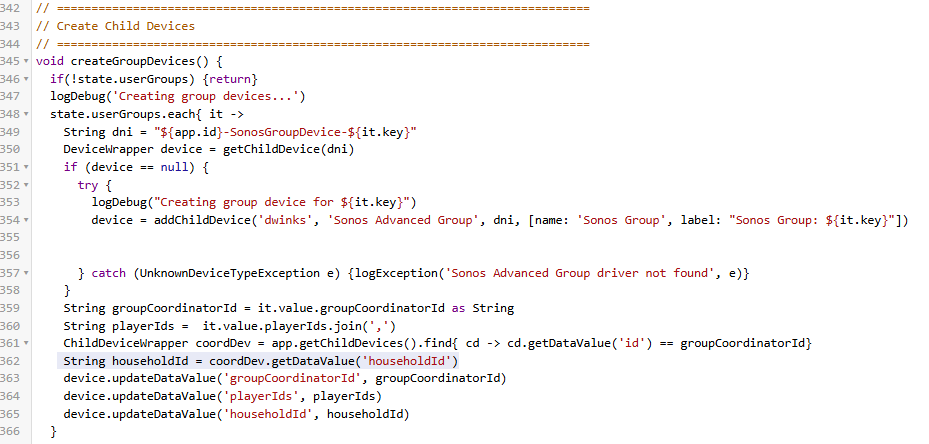
I'm having an issue. I previously created two two virtual groups, and they are working well. However, when I try to create a third the app errors because it cannot retrieve "householdId" on line 362:
I don't know where the app is getting this value or why it got lost. I tried repairing the Sonos Advanced Controller with the Hubitat Package Manager Repair option, but it did not help. Any hint on how to fix?
Edit: Actually, looking at the previous lines I see where the code is pulling it from. My devices do show the householdId in their Device Information page:
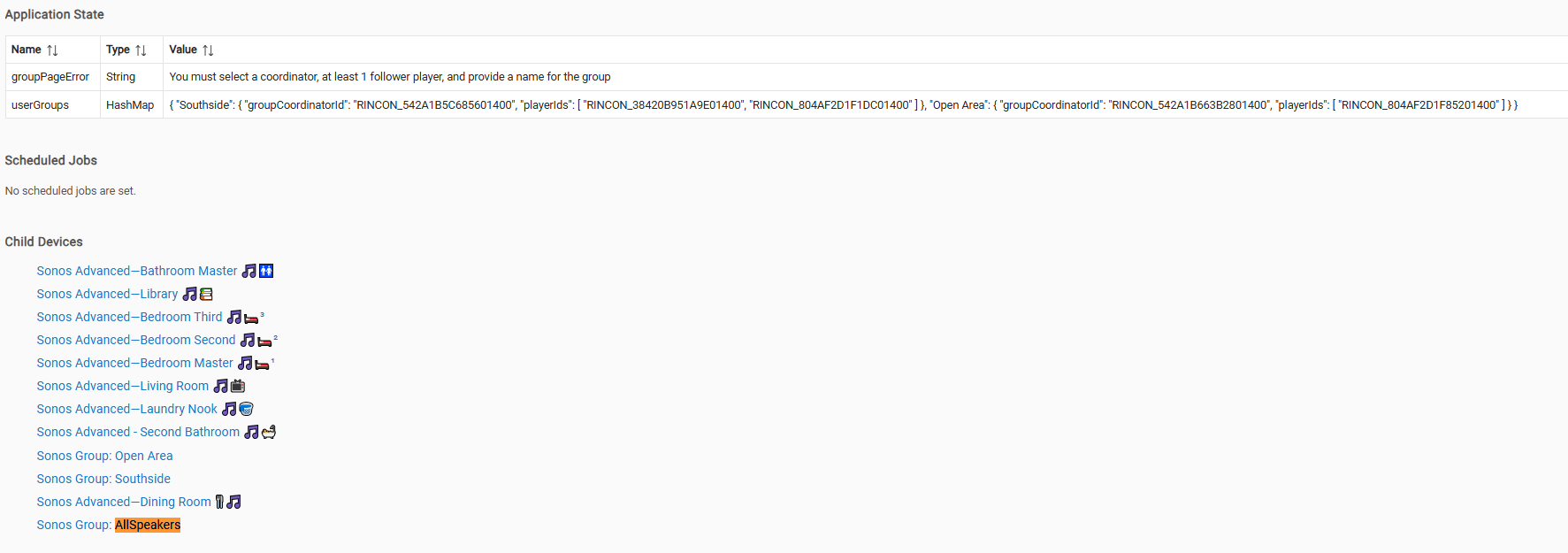
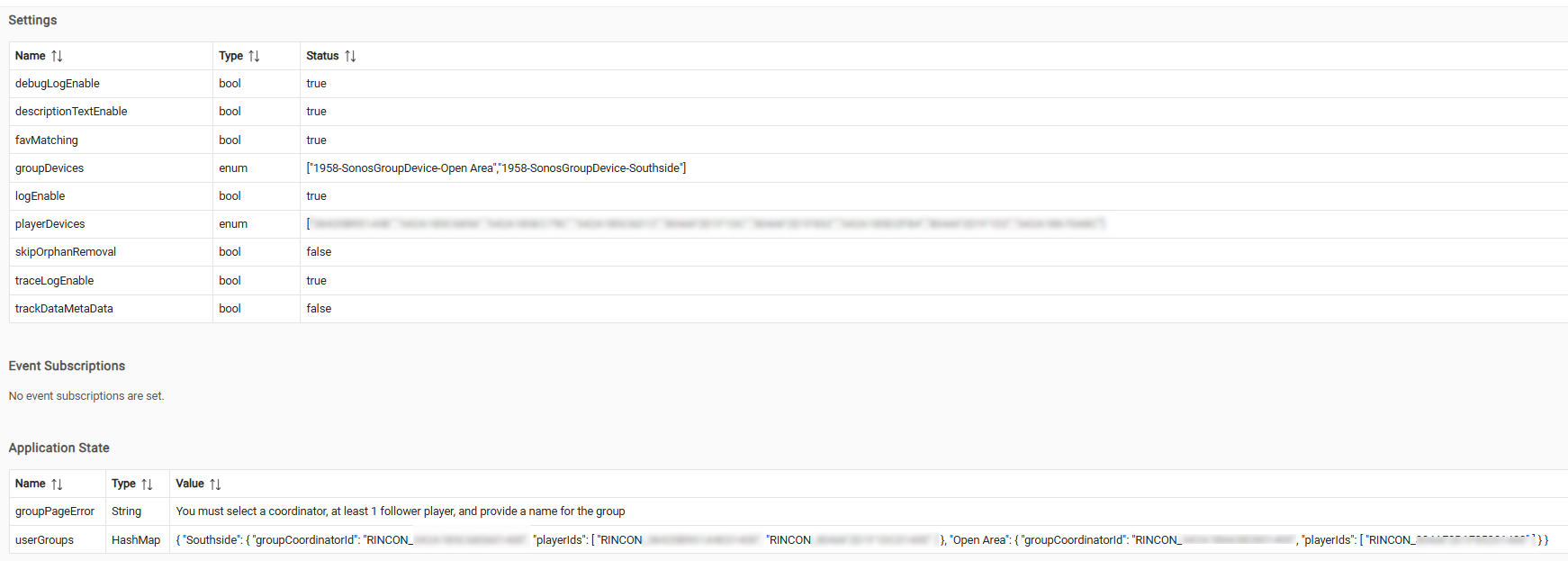
Edit 2: So, after the error, the child device is present and working (issued a TTS), but not listed in the groupDevices, so the controller ends up deleting it when I exit.
Edit 3: I just hard coded the householdId, and everything looks good. See below. When I get a chance, I'll see if I can figure out why the call to get the information from the coordinator is failing.