[RELEASE] Netatmo Weather Station

Quick update: Netatmo Weather Station Connect v0.4.0 is now available.

This one is all about setup and first-run experience. There are no changes to how data is fetched or exposed, so if your integration is already working you don't need to do anything — update when convenient.

Thanks to those of you who pushed back on the setup instructions. A couple of things that looked obvious from my side turned out not to be, and this release fixes the integration and the documentation rather than just the documentation.

The Redirect URI step is gone.

Setup used to tell you to copy a callback URL out of Hubitat and paste it into the Redirect URI field of your Netatmo application. That was never actually required, and it turned out to be a trap: a saved Redirect URI points at whichever hub authorized first, so reusing one Netatmo application on a second hub — or recreating the integration on the same hub — failed with redirect_uri_mismatch. The callback URL is no longer shown, and setup no longer mentions Redirect URI at all.

If you already have a Redirect URI saved, nothing breaks. Leave it alone. If you ever hit redirect_uri_mismatch, clearing that field is the fix.

Failed authorization now tells you what to do.

Previously it printed Netatmo's raw error code and told you to refresh a page, which didn't help anyone. It now explains the specific failure and the steps to fix it, for redirect_uri_mismatch, invalid_client, and access_denied.

The setup page is no longer a wall of controls.

Until you're authorized, you see only credentials, authorization, and logging. Diagnostics, Discovery, Child Devices, Units, and Polling appear once authorization succeeds. Logging stays visible the whole time so you can turn on debug logging while sorting out an authorization problem.

Discovery runs on its own, and you can't skip selecting devices any more.

The connection test and station discovery both run automatically right after you authorize, so when you get back to the settings page your Netatmo devices are already listed. From there:

  • If you haven't selected anything, a highlighted note says so and the Child Devices section isn't shown at all — the create button can no longer be clicked in a state where it quietly does nothing
  • Once you select devices, a confirmation lists them by name and Child Devices appears
  • Child Devices reports what actually exists right now ("2 of 3 selected devices have not been created yet"), rather than replaying the result of the last sync. The old behaviour could still claim a device had been created after you'd deleted it

A reminder to click Done.

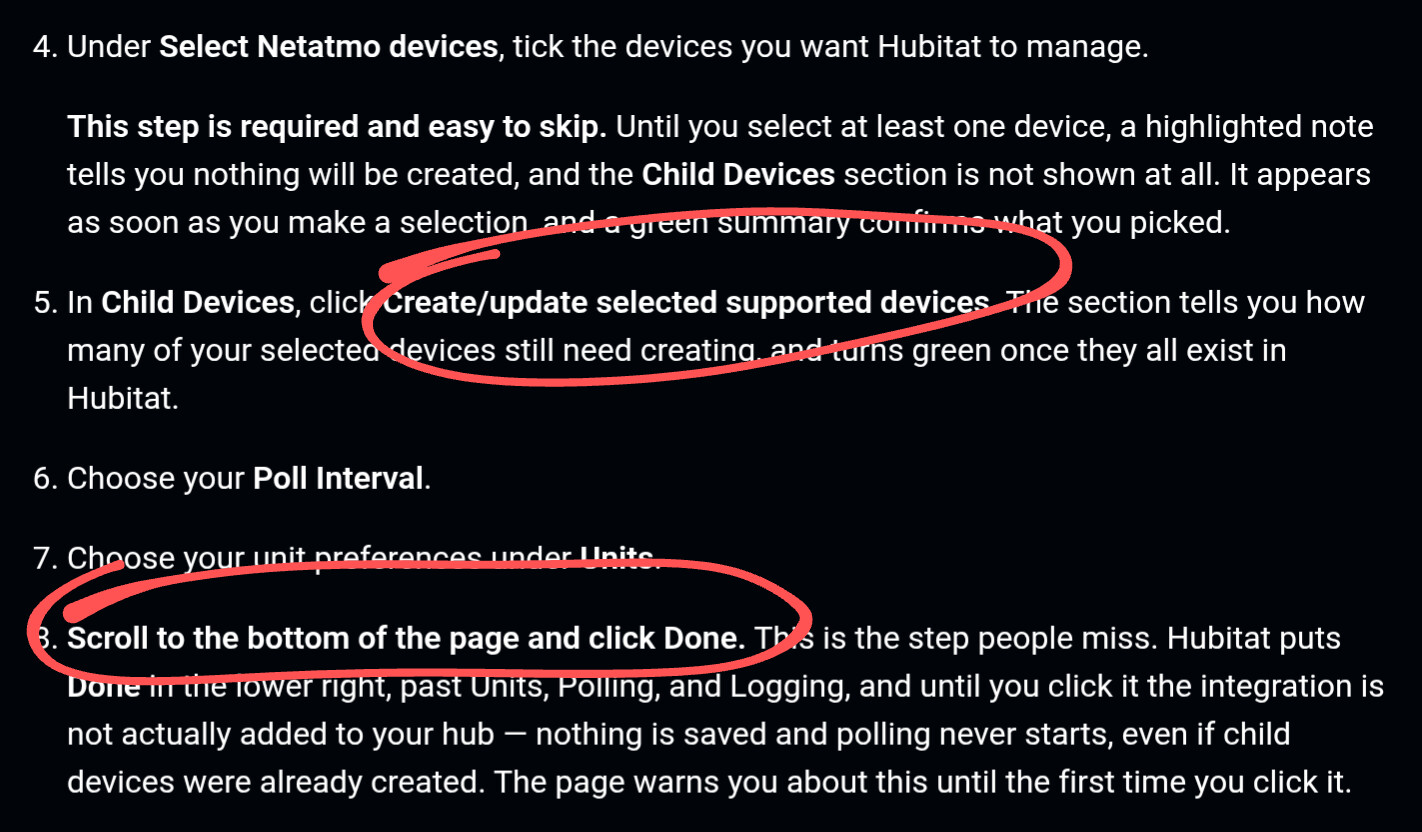
Hubitat puts Done at the bottom right, past Units, Polling and Logging. It's genuinely easy to do everything correctly, create your child devices, and wander off without ever clicking it — which means the integration was never added, nothing is saved, and polling never starts. There's now a clear warning at the top and bottom of the page until you've clicked it once, after which it shrinks to a single quiet line. (I did this to myself twice while testing, which is how it earned a place in the release.)

Other changes:

  • Test getstationsdata is now Test Netatmo connection, and its status messages are in plain language
  • Sync child labels from Netatmo names is hidden until at least one child device exists — previously you could switch it on with no children and it would silently do nothing
  • Clear stored Netatmo tokens now appears only when authorized and explains what it does and doesn't affect
  • The Authorization section explains that a newly typed Client Secret isn't registered until you click away or press Enter, which previously looked like the authorization link failing to appear

Documentation rewrite.

The README now walks through the Netatmo developer portal explicitly — where My apps lives, the required fields that are easy to miss, and where the Client ID and Secret appear. It also corrects the Hubitat navigation: this installs under Integrations → Add user integration, not under Apps.

Update through Hubitat Package Manager, or install manually from the source files:
Thank you. I had to click the hotlink Authorize Netatmo a few lines below where the ID & secret are entered. BUT, it still does not appear under DEVICES - even though I created child devices, and checked them

(btw - I'm starting to miss Homesee

Never Mind! I had to click create update... at the bottom. Everything works and Netatmo devices appear now!!

TIA - Chuck

Clicking the button to authorize is a key element to this, so glad to hear that happened.

Before anything else, have you updated to the new version? It's got a number of new safeguards in place to prevent issues. If not, that should be your very next step.

Assuming you have the new version....

It sounds like you created the Netatmo app, got the client ID and secret, entered them in the Hubitat app, successfully authenticated, and it returned the list of your Netatmo devices. Is that all correct?

These two steps in the instructions are really important:

After you selected the child devices in the dropdown menu, did you click the button to create the devices?

:warning: If you don't click the button, the devices won't get created.

After creating the devices, you should see something like the above screenshot telling you how many were created, already existed, and were updated. If those are all zero, something has gone wrong. If even one is non-zero, then the device(s) should exist in the Devices list.

Be sure to click Done before leaving the page.

Please confirm you've done all of the above, and then if you're still not seeing the devices, we can go from there.

Quick update: Netatmo Weather Station v0.5.0 is now available.

This is a reliability release, and I'd recommend updating. If the integration has ever stopped updating on you until you reauthorized it, this is very likely why.

A brief Netatmo hiccup could stop polling until you reauthorized.

Netatmo access tokens last a few hours, and the integration renews them in the background. If that renewal failed for any reason — a network blip, a timeout, Netatmo having a bad few minutes — the integration treated it as being signed out, and every poll after that was skipped without trying again. Your devices quietly stopped updating until you noticed and clicked Reauthorize Netatmo.

Now only a definite "no" from Netatmo signs you out, and when that happens the log tells you to reauthorize. Anything temporary is logged as a warning and retried on the next poll, with nothing for you to do.

Expired tokens are renewed and retried.

When Netatmo refuses an expired or revoked token it answers with HTTP 403, but the integration was only renewing and retrying on 401. It now handles both.

Two things renewing at once can't sign you out any more.

Netatmo's refresh token can only be used once. If two parts of the integration happened to renew at the same moment — a scheduled poll and a rule refreshing several devices, for example — both used the same token, Netatmo refused the second, and you were signed out. Only one renewal runs at a time now, and anything waiting uses the new token instead of spending the old one again. This one was rare, but it's the kind of rare that would have been hard to track down.

New: healthStatus on every device.

Each device now reports healthStatus as online or offline, based on whether Netatmo says the device is reachable. It's the attribute Hubitat uses for device health, so you can trigger a rule when, say, the rain gauge's battery dies or a module drops out of range. The rain and wind gauges have it too.

New name: Netatmo Weather Station.

The "Connect" is gone. It was a holdover from SmartThings naming, and the integration was going by a slightly different name in Package Manager, on its settings page and in this thread. It's now Netatmo Weather Station everywhere. Nothing else changes: your devices, settings and authorization all carry over. An integration you've already added keeps its old label until you edit the name on its page.

Update through Hubitat Package Manager, or install manually from the source files. If you install manually, update the app and all five drivers, then open the integration and click Done.

Quick update: Netatmo Weather Station v0.6.1 is now available.

Netatmo emailed developers this week. It plans to lower its API rate limits for polling-based integrations on March 1, 2027, and it's encouraging a move to webhooks. It hasn't published the new limits yet, and nothing changes before then. This release gets ready for it.

Reaching Netatmo's limit is handled properly now.

Netatmo's "maximum usage reached" answer looks a lot like its expired-token answer, and the integration treated both the same way: renew the token and try again, which only used more of the allowance. Now it stops calling Netatmo for as long as Netatmo asks (15 minutes if it doesn't say), then carries on by itself. You stay authorized.

Fewer requests.

A rule refreshing several devices together now makes one Netatmo request instead of one per device.

New, off by default: webhooks (beta).

Turn on Receive webhooks from Netatmo and click Done. The idea is that Netatmo tells the hub when your station has something new, and scheduled polls stand down while those events are arriving. If they stop or never start, polling carries on by itself. Weather stations only update Netatmo about every 10 minutes, so this won't make readings much fresher. The point is making fewer requests once the limits change.

I've got this running on my own hub. Registering with Netatmo and checking its signatures both work, but in four hours of watching Netatmo didn't send a single device event for my station, so polling is still doing the work. Treat webhooks as a trial for now. If you try them, I'd like to hear whether you get any device events, especially if you have a rain or wind gauge.

Update through Hubitat Package Manager, or install manually from the source files. If you install manually, update the app and all five drivers, then open the integration and click Done.