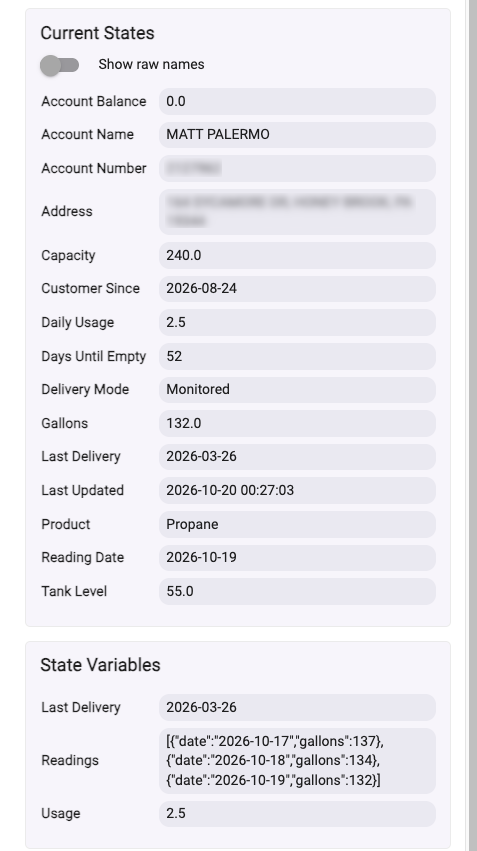
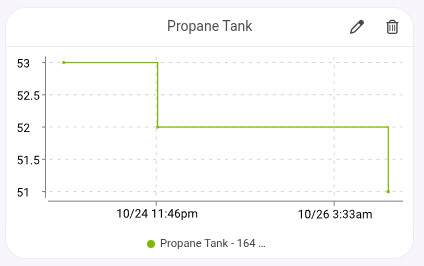
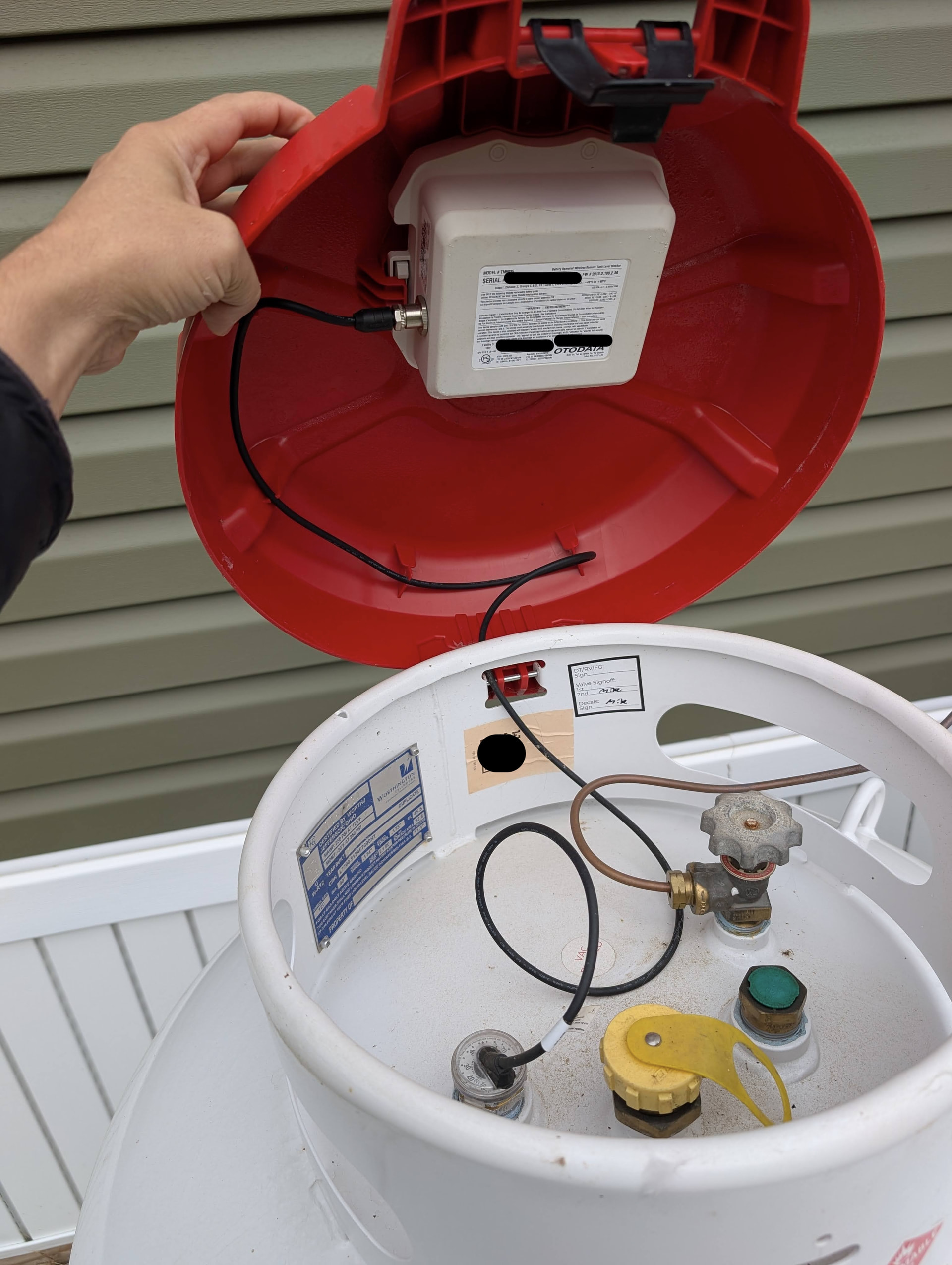
If your propane or fuel supplier uses the MyFuelPortal website for account/tank monitoring (common with regional suppliers with Heller's Gas and Koppy's Propane are two examples), this app pulls your tank data straight into Hubitat.
What it does
- Logs into your provider's MyFuelPortal portal and scrapes the Tank + account pages.
- Creates one child device per tank, labeled by service address, so multi-tank/multi-address accounts stay organized.
- Polls on a schedule (1/3/6/12/24 hr, your choice) plus an on-demand
Refreshcommand.
Attributes exposed per tank
tankLevel (%), gallons, capacity, product, deliveryMode, pricePerGallon, readingDate, lastDelivery, nextDelivery, address, accountBalance, accountNumber, accountName, customerSince, plus two computed ones:
dailyUsage— gal/day, averaged over the trailing 30 days of readings, resets after each deliverydaysUntilEmpty— current gallons ÷ that usage rate, so you can automate low-tank alerts before you run dry
Install (Hubitat Package Manager)
- Open HPM → Install → Search by Keywords
- "fuel" → Next
- Add the app, enter your portal subdomain (the "youraccount" part of youraccount.myfuelportal.com), email, and password
Separate logging toggles for normal operation info vs. verbose debug (request/response dumps), so you can leave useful activity logging on without the noise.
Note: my account is new, so I haven't been able to fully end-to-end verify every field yet. I haven't hit a low-tank situation or had a delivery/top-up come through, so daysUntilEmpty, lastDelivery, and nextDelivery are untested against real data. Core tank level/gallons/account info is confirmed working.
Source: hubitat/myfuelportal at main · mpalermo73/hubitat · GitHub
Credit to the Home Assistant integrations this login/scrape flow was adapted from: dawg-io/homeassistant-myfuelportal, DeltaNu1142/MyFuelPortal, jterrace/ha_my_fuel_portal.
Feedback/issues welcome.