Moving this so I don't get confused between the 2 apps (probably not smart of me to give both apps the same name )
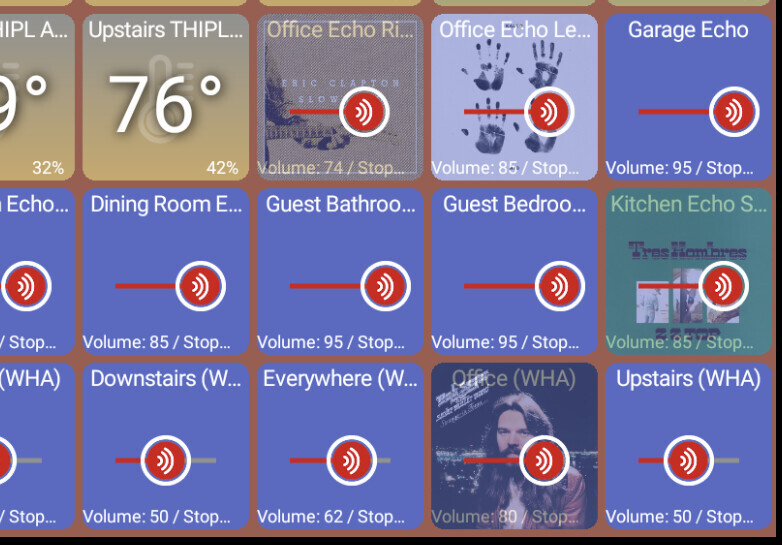
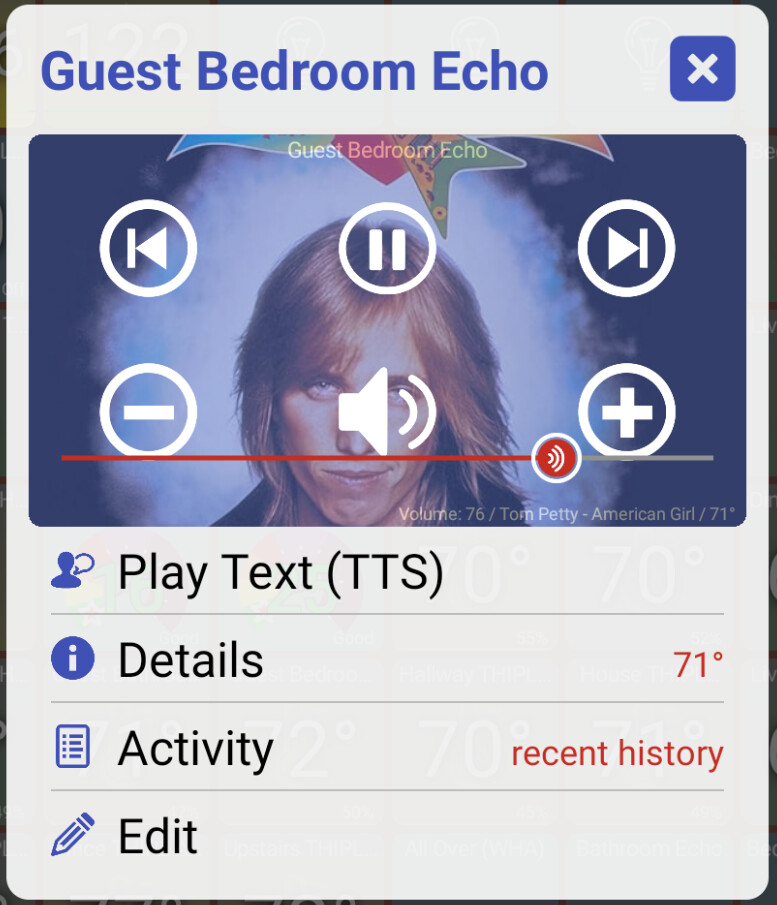
I assume this image is the Android only HD+, right? I think I understand the issue but just want to make sure.. I always worry about making changes in this app that will end up breaking something so I try to be extra cautious since it's been around for a while.
>> if capability audioNotification or speechSythensis
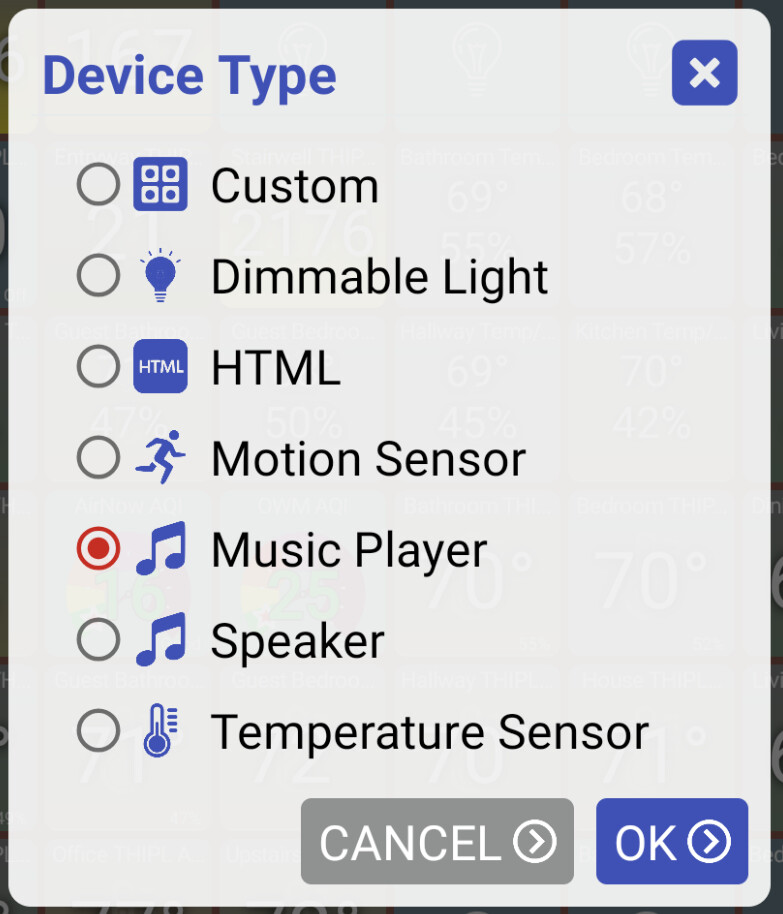
I think TTS devices like alarms also use those capabilities so I'm not sure if that'll work. But, I can offer Music Player device type if the device has a 'play' command - that's easy enough to do
It's been a while since I've done a release on this app so I'll try to get it and and pushed
I'll check -- I wonder if AA has some 'dark mode' flag that should change the UI. From what I remember the screen has always been black/dark so the icons and text needed to be white.
UPDATE: looks like AA does have a light theme now (link) - I'll push out an update soon since it'll take Google a while to review and approve
Just a quick update - the previous version, 1.0.2840 just finished getting reviewed and is in production. I submitted this one so as soon as Google finds time to review it it'll get updated..
is there a way to see the exact icon name that an existing tile is using? I know you can see the name when selecting an icon, but I'd like to see the icon names I am currently using so I can easily locate and select them on other dashboards
It should be possible - edit the tile, tap Change Icons, and pick where to apply it. The text field at the bottom of the icon picker is already filled in with the icon the tile is using now.
What that field shows depends on where the icon came from:
A built-in device icon looks like resource://device_light_on.
A built-in asset icon looks like file:///android_asset/icons/.
An online icon (Noun Project, IconFinder, etc.) is the full image URL
An easier way would be to do a backup to the Hub and look at the .txt file it creates. It'll have those same URL's as above.
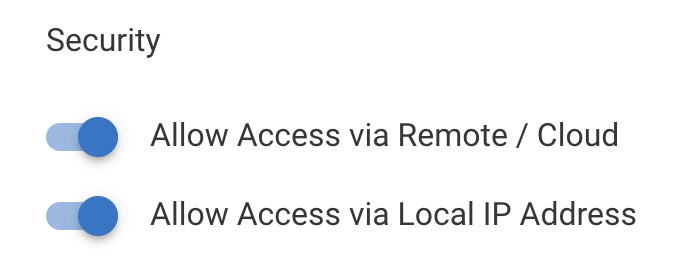
I'm having difficulty locating the Token ( correct format) for Cloud access via HD+ dashboard. Local access is working but cloud access fails, probably not using the correct string format. Any help is appreciated. IOS 27.2
The token is not your hub login password — it is the long access token shown for that hub, and it has to be pasted exactly as one continuous string with no spaces, line breaks, or extra characters at either end. That difference also explains why local access works while cloud access fails: local connections do not use that token at all. If you paste the token into a plain text editor first and re-copy it from there, you can usually spot a truncated paste or a stray character that would break cloud login.
Ideally the app would just discover the Hub, MakerAPI app ID, access token and cloud token by itself - 1 click login. It works every time for all my devices but iOS does makes it a little harder.. I had to request permission to use multicast (UPNP) to detect the Hub.. this was granted a few weeks ago but it's not in the production version yet.
However, even without Hub discovery if you just enter the IP address it should still be able to figure out the rest. I'd be interested to know how many people this doesn't work for since it could mean a change in the Hub firmware.
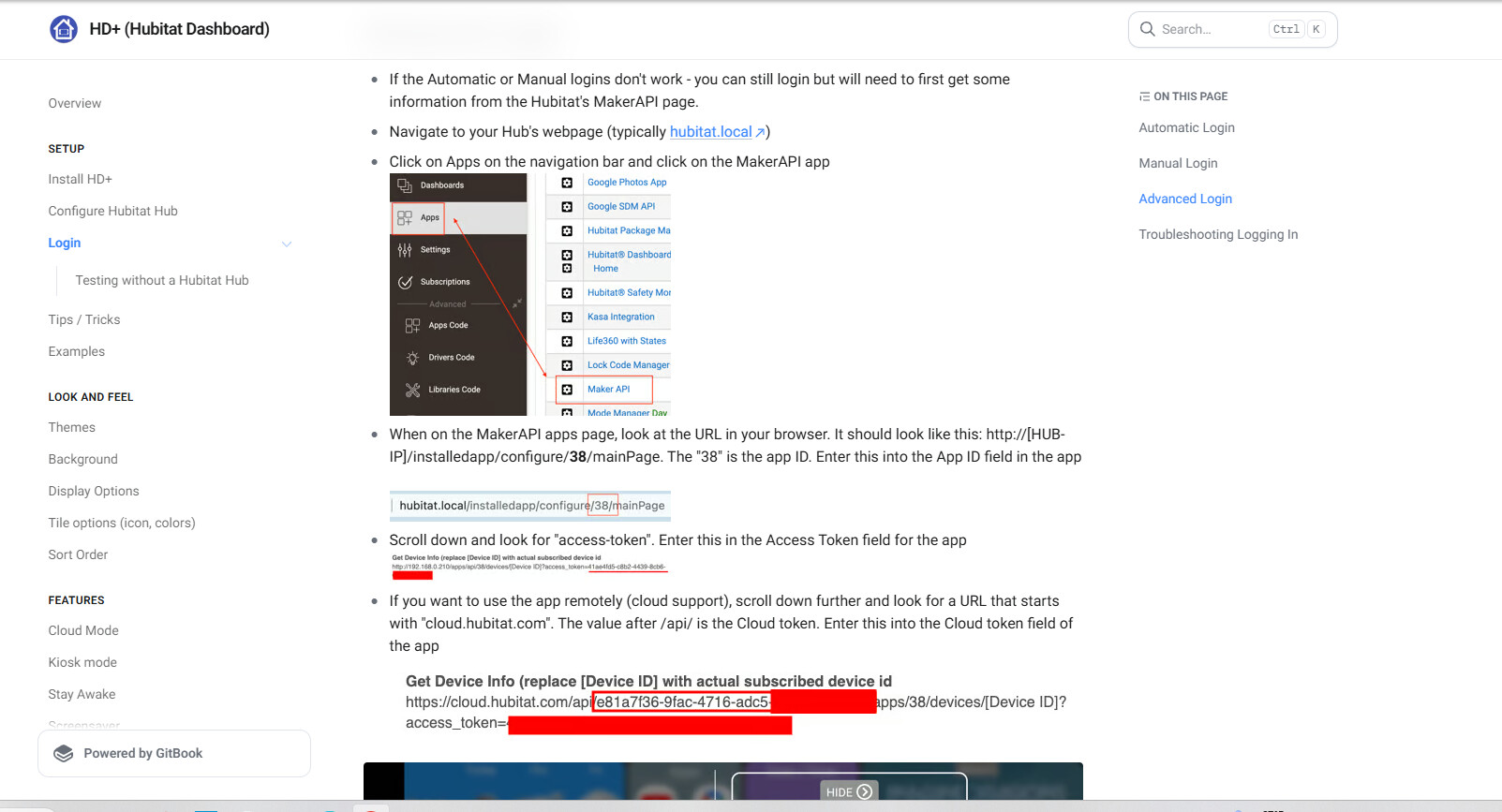
So anyway, worst case would be what you're describing - having to manually enter the app ID, access and cloud tokens into the app. For that case, everything you need can be found by opening the MakerAPI app on the Hub. The url should look something like this:
Hope that helps clear it up for you or anyone else.. but again if you're entering the hub IP and that alone isn't working I'd be interested in knowing so I can try to fix it! You can send feedback/logs in Help -> Support on the login screen or in the app
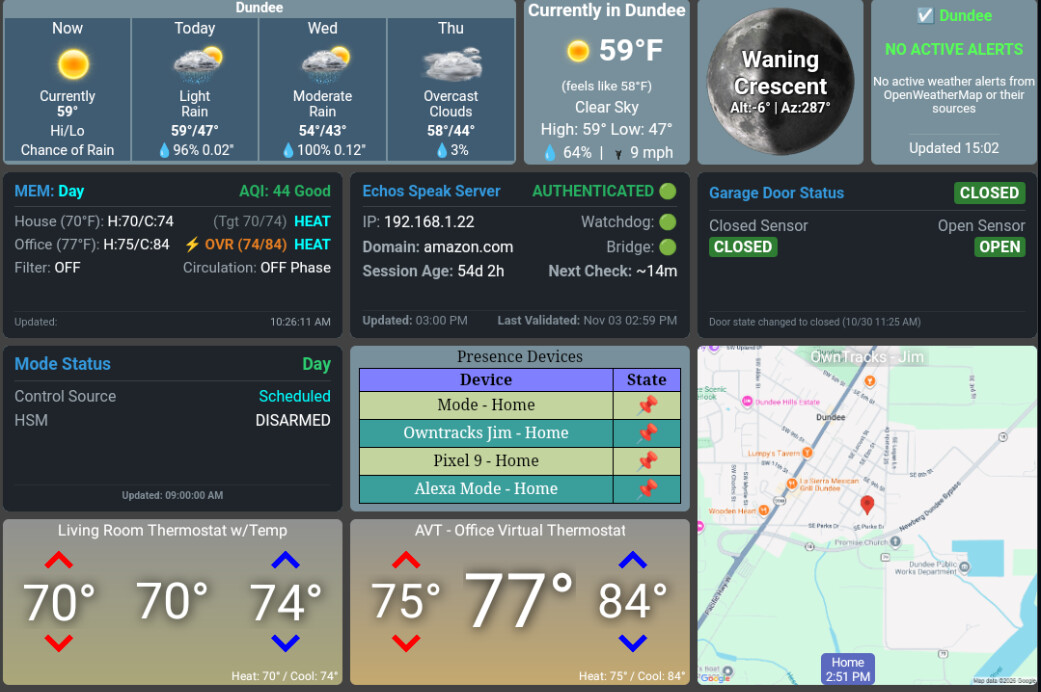
Because of all the cleaning and optimizing - most of my tiles fit really nicely. One thing I've lost though is the icons behind the heat and cool values on the thermostats.
Any idea what I did that turned that off or caused it to stop showing? Not a bug or a problem, just a lost cool feature!
Thanks for your time.
@jpage4500 Would you happen to know if this works with Daniel Winks' Advanced Sonos Controller? I'm not seeing it on my dashboard, but I may be missing something. Is there something I need to configure, either in the dashboard or in the Sonos driver, to get it working?
 )