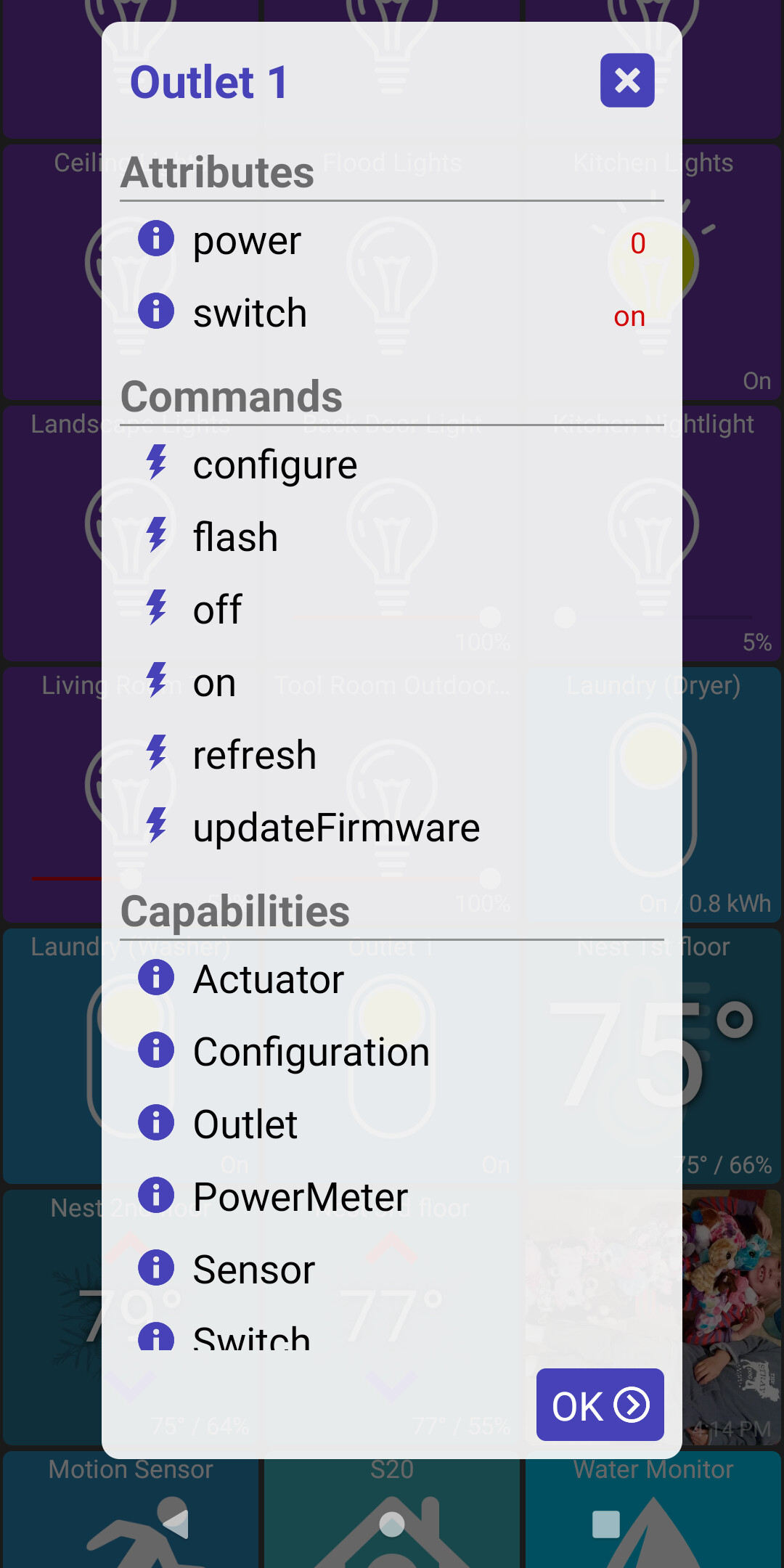
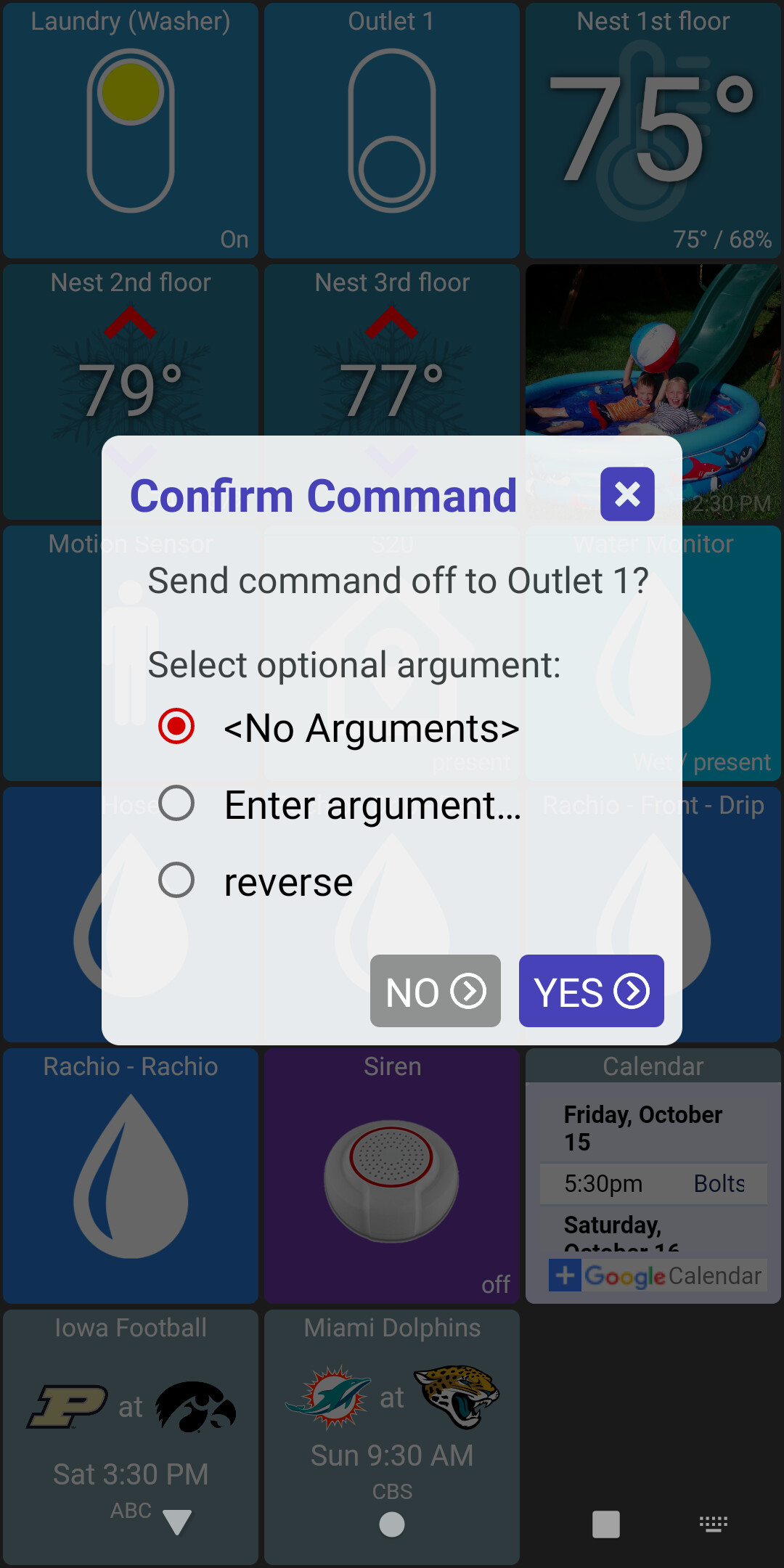
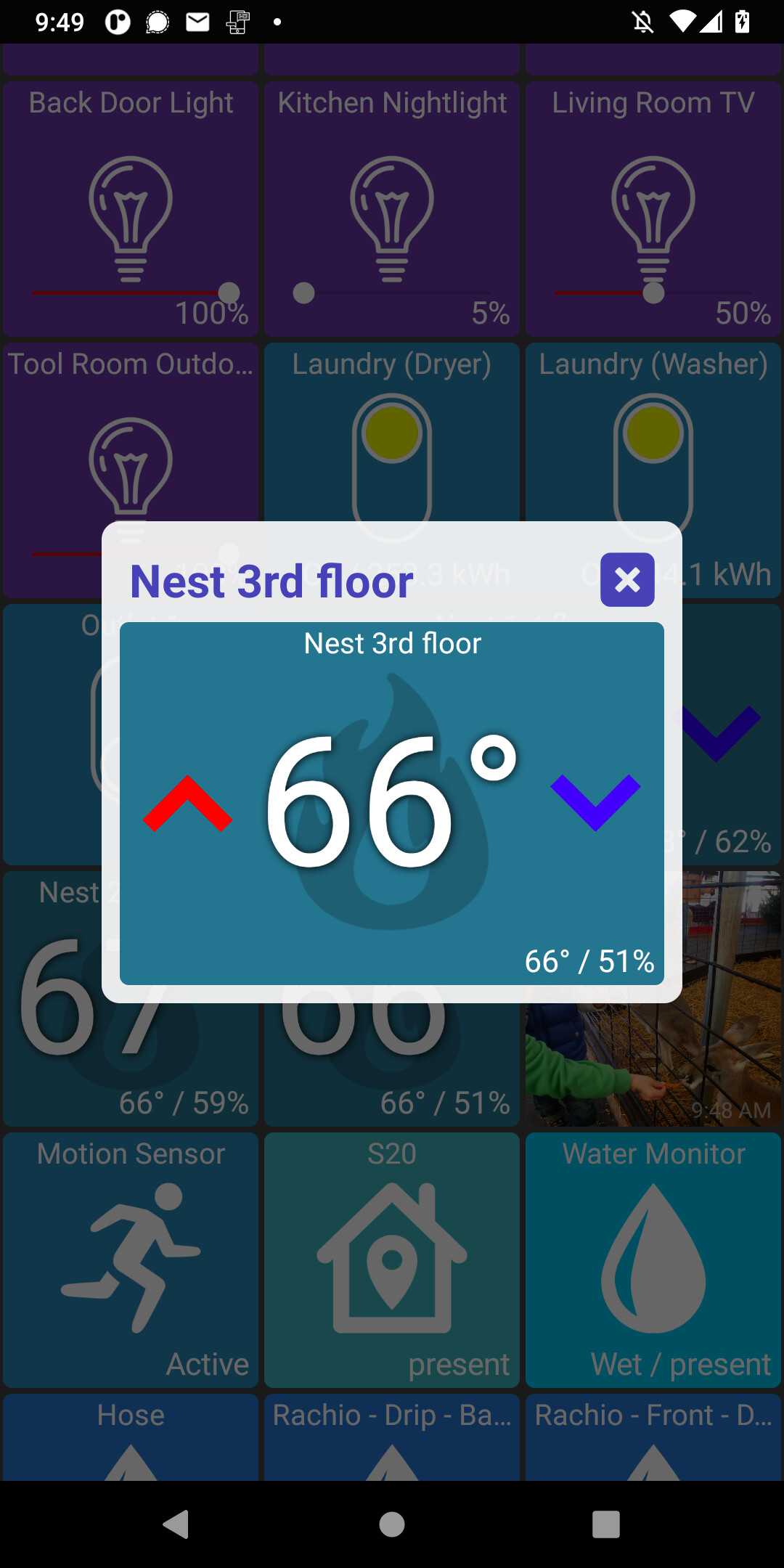
allow arguments to be sent with a command (from device details dialog)
fix fullscreen device popups (such as HTML device type)
This version lets you enter a custom argument for any device command. It'll also remember the last 3 arguments you enter as well as offer a few well-known values (forward/reverse) depending on the command
I started testing this yesterday too. It's tough do debug because I need to disconnect my device - otherwise everything works fine. But, hopefully I can get widgets to work a lot more reliably
I did a lot of work and testing on widgets over the past few days. I'm not done testing but I do think it's in a good state and wanted to ask if anyone's interested to help with this.
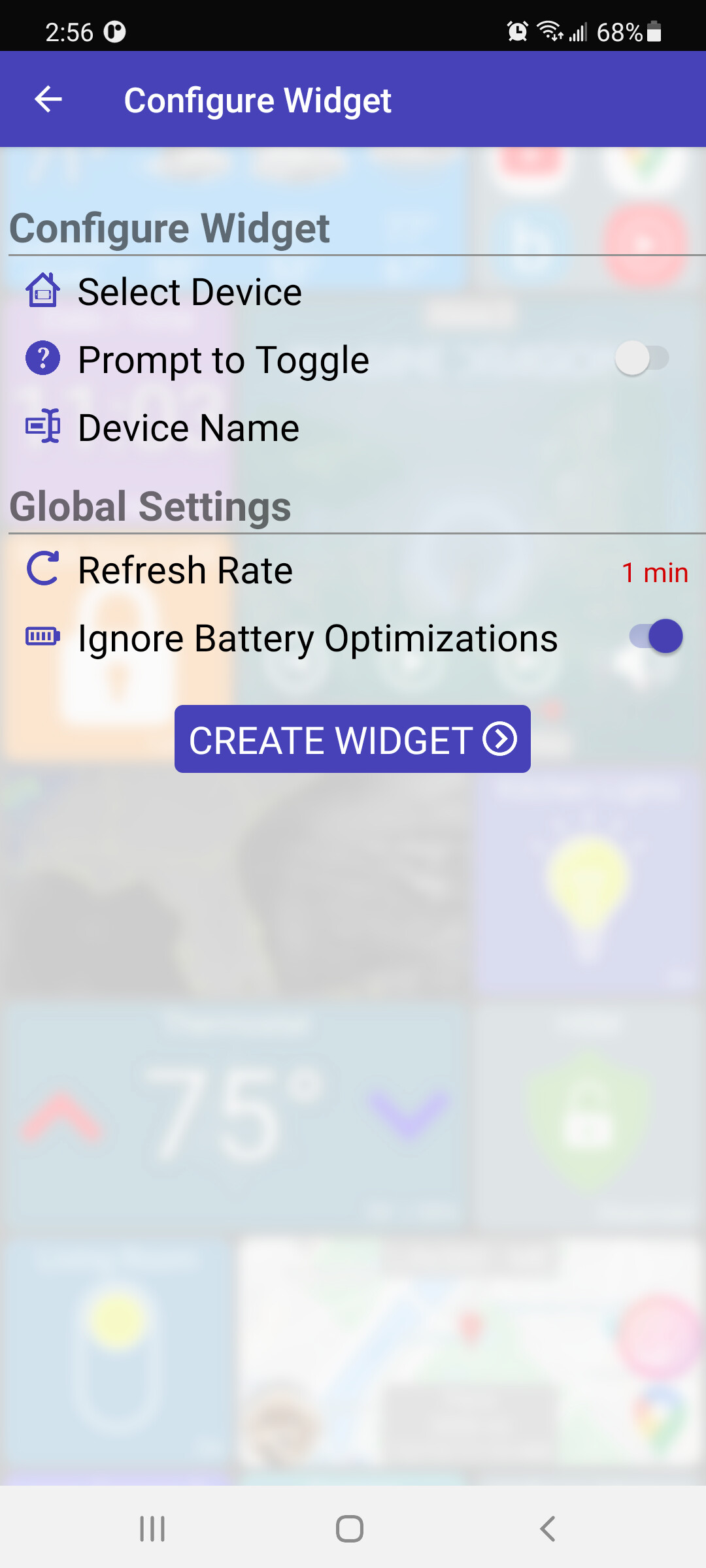
There's also a new option in the widget config page to 'ignore battery optimizations' - enabling this option will prevent the OS from putting the app to sleep when in the background. There's a decent description here.
My testing has been with this setting enabled but I'm interested to know from others how reliable widgets are with it both enabled and disabled too.
The key things to look for are:
when the refresh rate is set (ie: not '0'), do the widgets seem to stay in sync with the devices they represent? Now, even with 'ignore battery' setting on, Android will still do it's best to save battery by not updating widgets when your screen is off which makes sense.
when you click on a widget - is it responsive and does it set the correct state (on/off) of the device and also keep the device state in sync with the widget?
I am logging a lot of useful widget entries so if you do have any issues, feel free to send me a device log and any other useful info that might help me reproduce the problem
Got the update this morning. Galaxy S-10+ the switch ignore battery optimizations will not turn to on. Tried several of the widgets and none of them would allow the power option to be turned on.
I see the problem. Interesting that it worked for my device though. Anyway, I just pushed out a fix for this and a few other small issues I found as well.
I"m having very good success with the widgets! I did have a problem setting a bulb as a widget then chaning the update speed - it kept saying 'invalid value'.
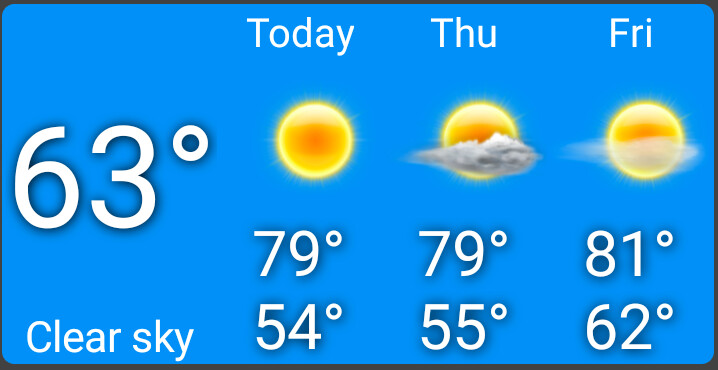
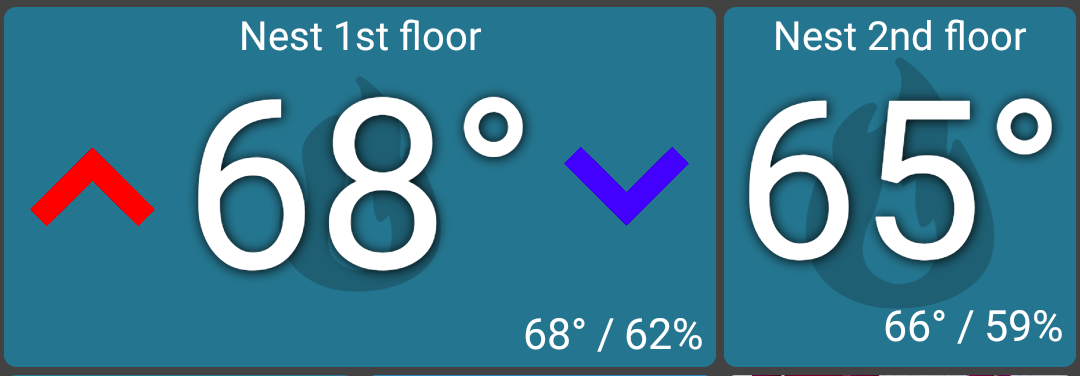
weather device UI changes: larger temps, obey custom font size
don't show up/down arrows on 1x1 thermostat view (larger temp)
fix bug selecting the first device when creating a new widget
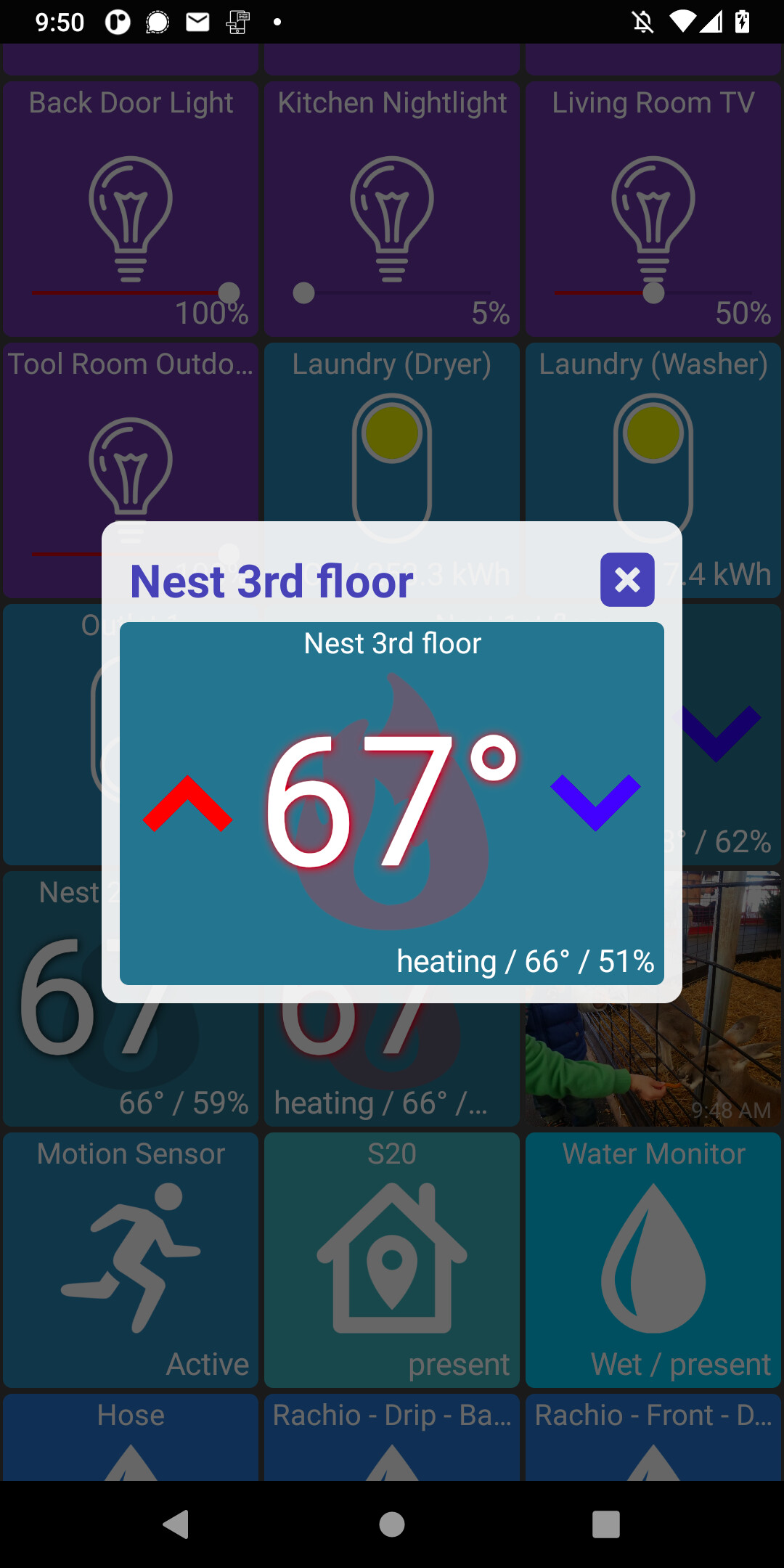
don't show current temp on thermostat status when it's the same as the current heating/cooling setpoint
I made a couple of changes to make temperatures bigger and easier to spot - both on the weather device (when 'wide') and the thermostat device (when as a 1x1 tile). Both of them came from daily use with my wall-mounted tablets.
I imagine some people liked having the up/down arrows on the 1x1 thermostat device but I'm not sure how often most people will change the temp via the dashboard anyway - and when they do it doesn't seem like 1 extra click is too much. The benefits of no up/down arrows are I can make the temp setpoint much larger. There's also less chance of an accidental temp change while scrolling.
In general, I am leaning towards moving some of the secondary controls (ie: dimming lights) into a popup window to make them harder to accidentally change while view them. I can add an option to hide them too if some want to keep the current look as well
Update: I made a couple of small fixes and added them to this post
edit: I see the issue.. the app doesn't let you select the first device in the list for a widget. I just pushed a fix and will update the post above when it's ready
wow. I knew you were good but that was omniscient. How you determined that the bulb I chose to test with was, in fact, the first device in my list...
I'm just trying to do my part - when you allowed me to be a beta, I promised to test and report! no immediate pushed fix for this is necessary!
Honestly, I'd never really played with Widgets before. I run BlueStacks on a windows 10 tablet for testing (and run your product on my cell for real world stuff) - For some reason BlueStacks doesn't have a widgets feature (I'm looking into that this AM) and can try harder if I can solve that.
I tried BlueStacks a couple of times in the past and it hadn't worked for me. But, I tried the latest version on my Macbook and it's working great. I installed Hubitat Dashboard and I'm surprised how fast & smooth things work - like scrolling. I've always avoided Android emulators in the past because they always had UI issues and were generally slow.
As for widgets - I was able to create a widget on the My Apps tab. The widget label didn't show up (I'll have to look into why) but it seemed to work fine.
I went to add a Widget for my garage door opener and it doesn't include an icon. I can tell it added something (as I can adjust its size), but its completely transparent.
@jpage4500 I was wondering about how to 'clear' my layout. I wanted to start from scratch on my cell without breaking my local tablet layouts which use the same maker api. Is there a way to do this? Would it just be as simple as deleting the app and re-installing?
Each app (phone, tablet) has it's own config and they do not interact so you safely proceed to...
That would certainly do it.
If there are parts of the phone's config that you'd like to keep you can export the config, edit it and import it back but unless you have more than a few tiles you wish to keep it will be much faster to delete/reinstall.
Just come across this thread, Brilliant app thanks for your work on it @jpage4500
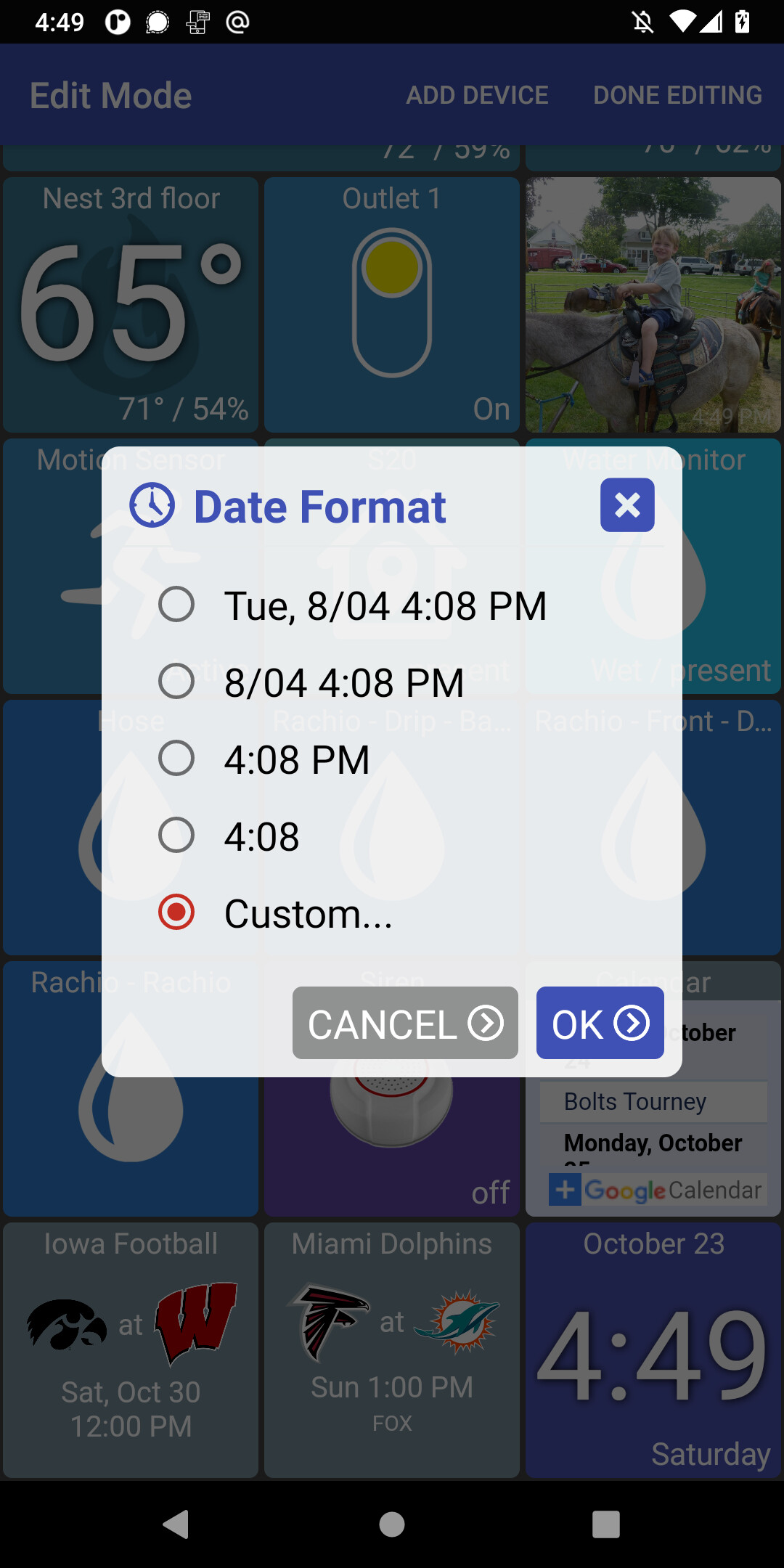
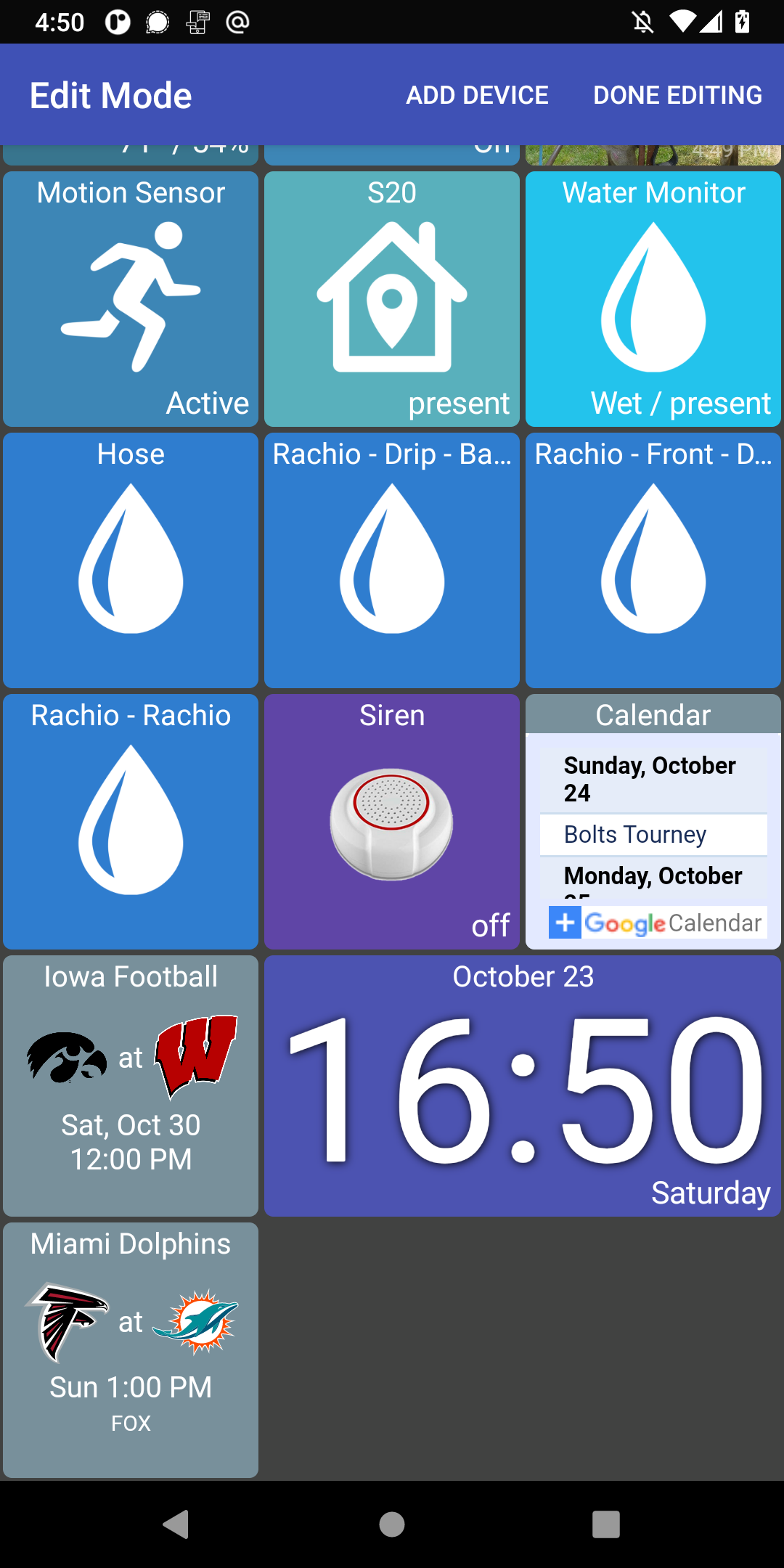
A quick, & hopefully simple request, can we please have option of 24 hour clock ?