There’s a separate thread for a feature enhancement to allow custom templates for the dashboards, but as of right now we are stuck with what is included out of the box 
1 Like
I’m going to try to emulate this with grafana in an iframe.
1 Like
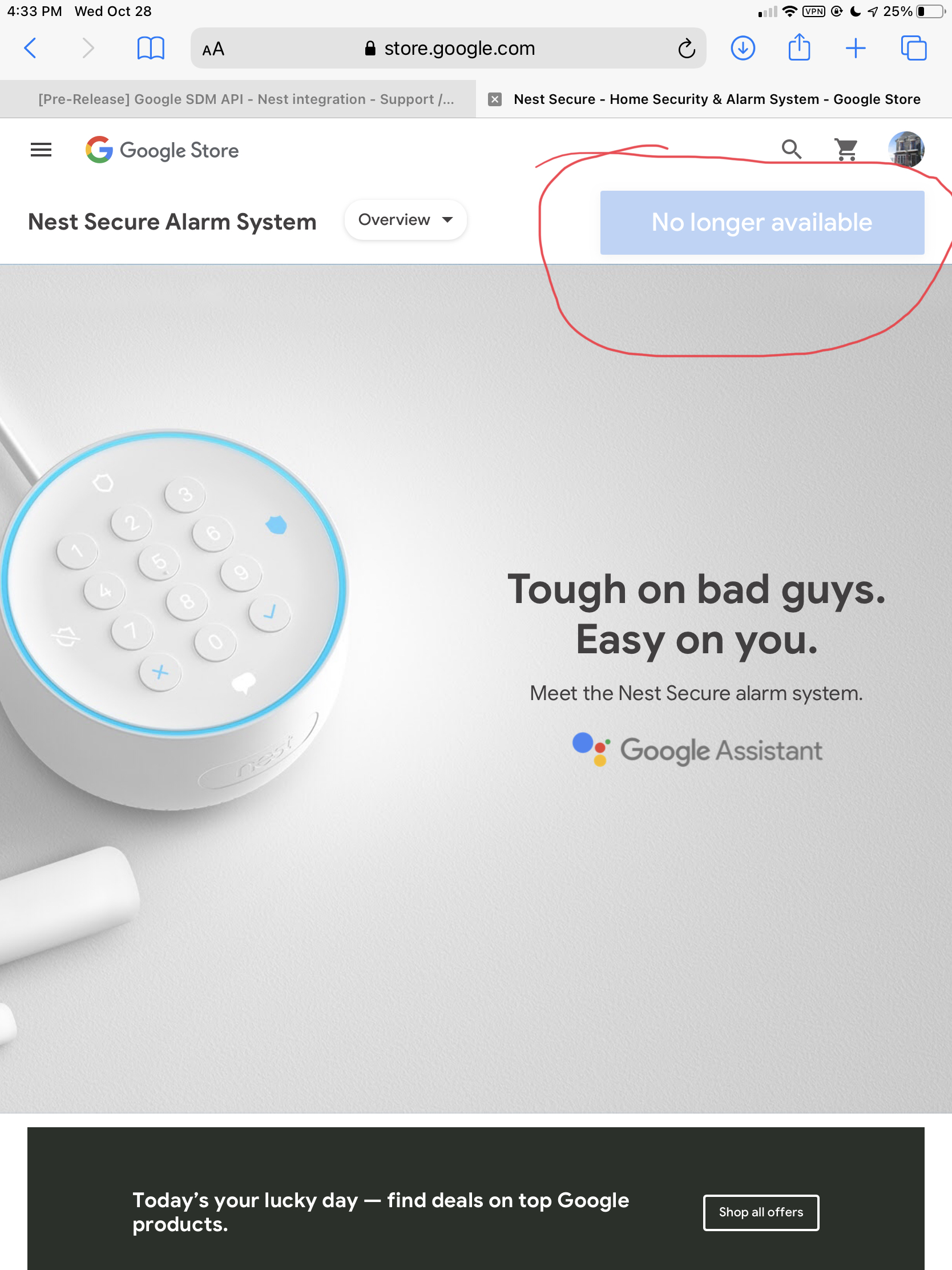
They might not continue to do any further development or integration, I received this e-mail today.
We’re reaching out to give you an update on your Nest Secure alarm system. We sold out of Nest Secure and won’t be making the full system available for sale any longer. We are committed to bringing you the same feature and software support you’ve always had with Nest Secure, including existing cross-product integrations within the Nest ecosystem. We will also continue to deliver critical security updates and software fixes. You shouldn’t notice any change with your Nest Secure experience.
I think he meant the nest protect, not the nest Secure?
I meant @rocketwiz, he said he wish he could use his nest protect with this.
This is in the latest versions of the app. There is a slider button to turn it on or off.
Yes, Nest protect. Since there's no support in the API I wouldn't be at all surprised it it goes the same way as the alarm system at some point.
I hope not! I have a couple Protect units and would love to be able to re-integrate them (had the legacy Nest integration set up, but migrated my account to do this development). There are several aspects to the api that imply that further development is planned -- namely, that there is currently no functional difference between DISPLAY and CAMERA, yet they are separated as distinct device types. This gives me hope for future Protect support
I certainly hope so but you can never tell with google!
I’m getting the same message. Any luck?
Well, I just started over from scratch and it all worked.
Which message are you referring to? Google's "something went wrong"? Or an error in HE? If you have not yet authenticated successfully with Google, token refresh failures are to be expected in HE.
@dkilgore90 im still having a issue with this. The thermostat is working perfectly, its my nest hello that's the issue. It connects then never sends any more events. Any ideas where to start?
EDIT: been trying for a week, i post this and click another button and it springs to life!
1 Like
Hmm, weird. The only thing I can think of is that there are some dependencies between the event stream and a subsequent device get/list to "start" it -- but can't think of why it would have events for one device and not another...
Regardless, I may tie the event stream and device discovery closer together, just to be sure.
1 Like
from memory i deleted the one device and did a discover. That didn't work again so then went in and clicked this.
 #
#
then clicked this.
then it jumped to life.
@dkilgore90 is there a way to get the image on the dashboard? I used to use a web link, not sure if that would still work.
EDIT:
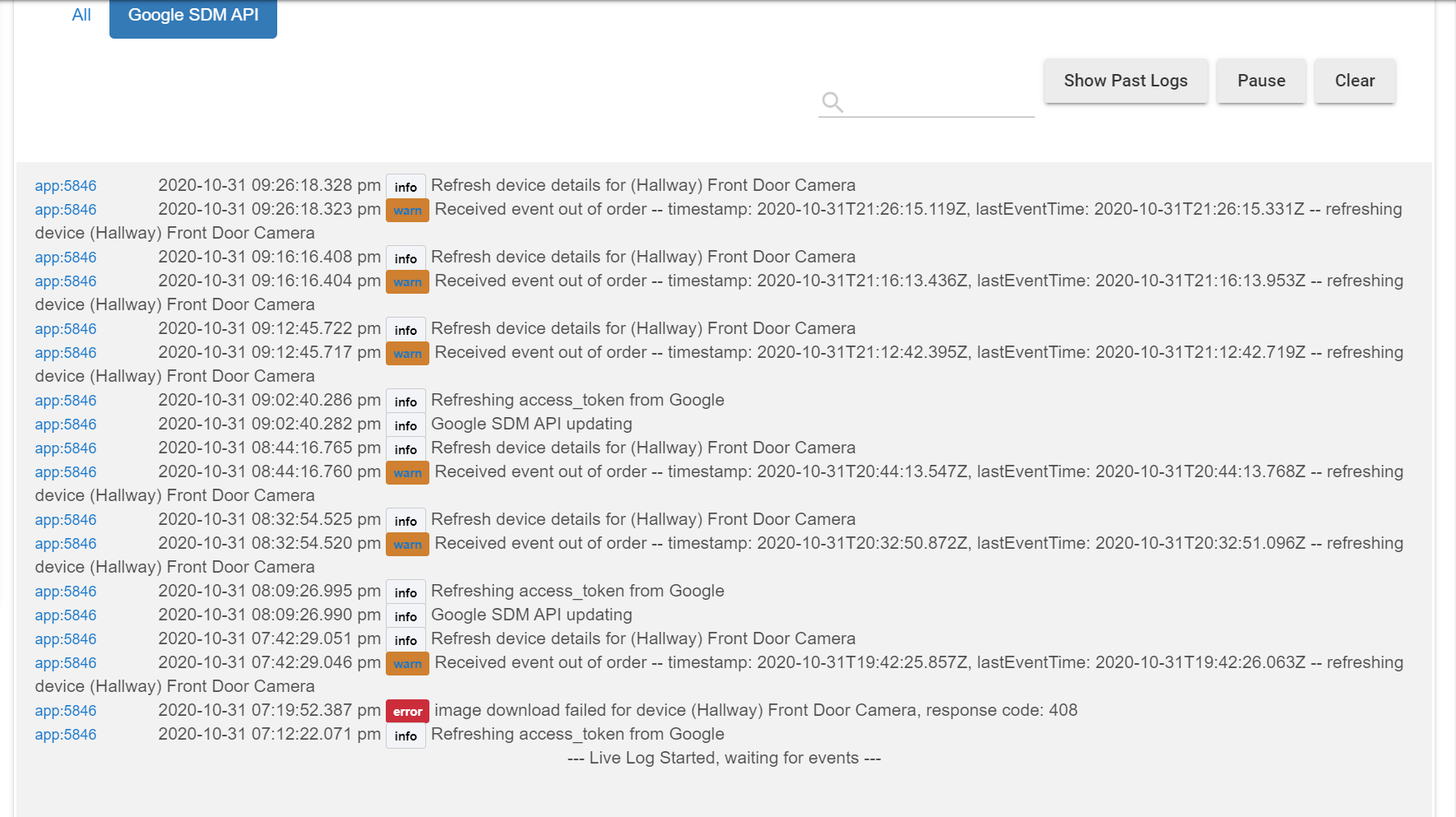
also getting this in the logs, what's it after?
You can use the attribute tile and select image, which will display the most recent event image (this only works for local dashboards, it seems like the cloud service blocked the response based on size when I tried coding that option).
The logs are essentially indicating that several events occurred for a device in a short period of time (generally less than a second}, and Google sent the later event first (each event has a timestamp) -- the api doesn't guarantee event ordering. Since we don't want to overwrite newer data, and might have missed something, we discard the "out of order" event and refresh the current state.
The only way around this is to maintain a sorted buffer to process the events -- but such an implementation adds complexity, and more importantly, a latency delay before anything gets processed, to make sure we don't get something else that should have been processed before.
1 Like
I get the length thing as soon as I add the device too the dashboard so it seems it also a issue on local.
Great I'll play around and see if I can get it working.
the length 1024 warning from the Dashboard app refers to the rawImg attribute -- which stores the base64-encoded string for the image served to the dashboard. The image attribute is actually a short string of html to render it via an api served by the App -- kind of goes in circles, but it's the only way I could store and render the image without the HE software giving custom Apps/Drivers access to the "Local Files"

