I'm using a Qubino Thermostat Module with external probe.
Install Hubigraphs through HPM.
Open it up and go into Hubigraph Long Term Storage. (LTS).
In Select Device/Data, select your temperature sensor.
Select Temperature from the drop down for the device.
Here is my selection for the device.
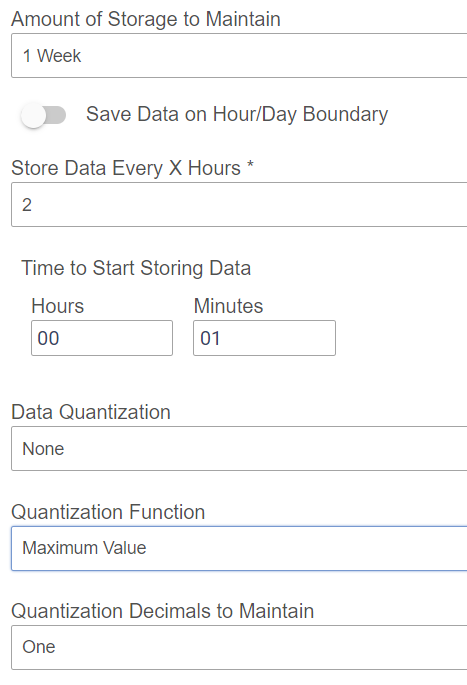
Save your way out to the main menu.
In Hubigraphs main menu now select Create New Time Graph.
In service data select your temperature sensor.
Select the Temperature for the attributes to graph.
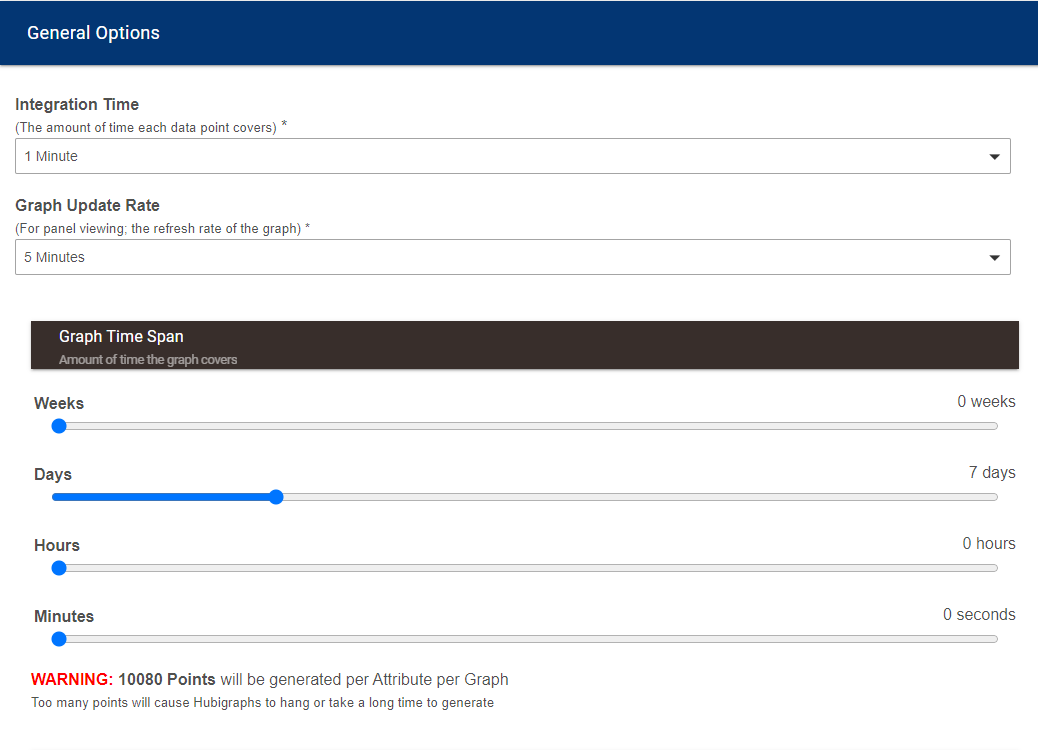
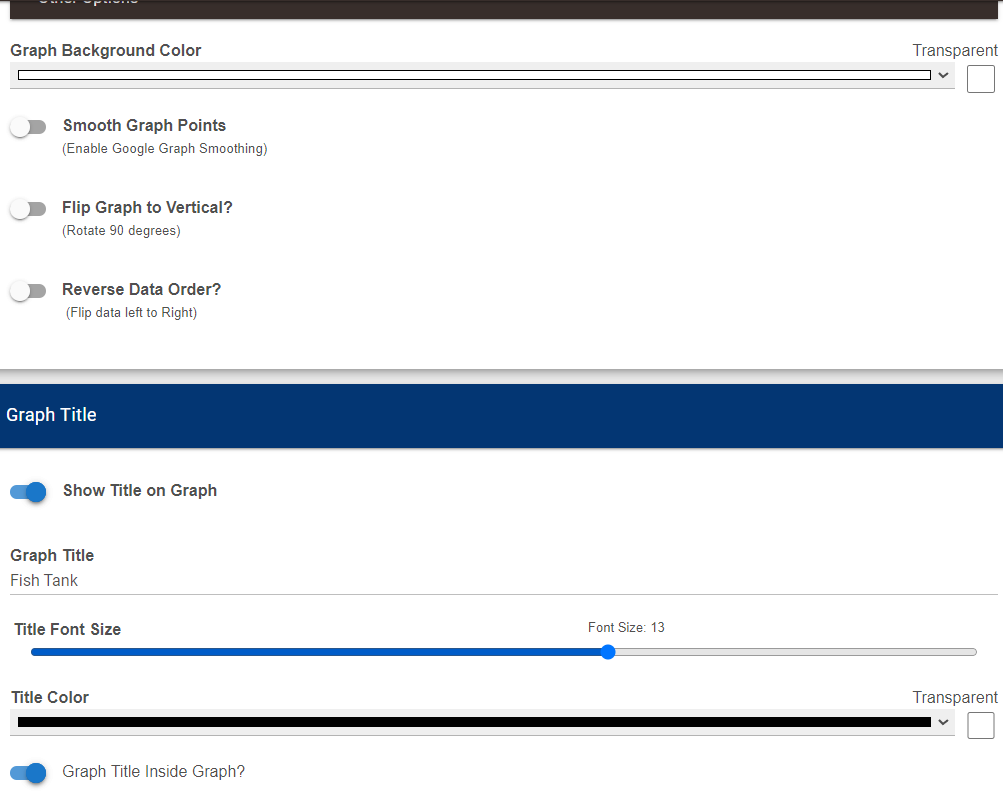
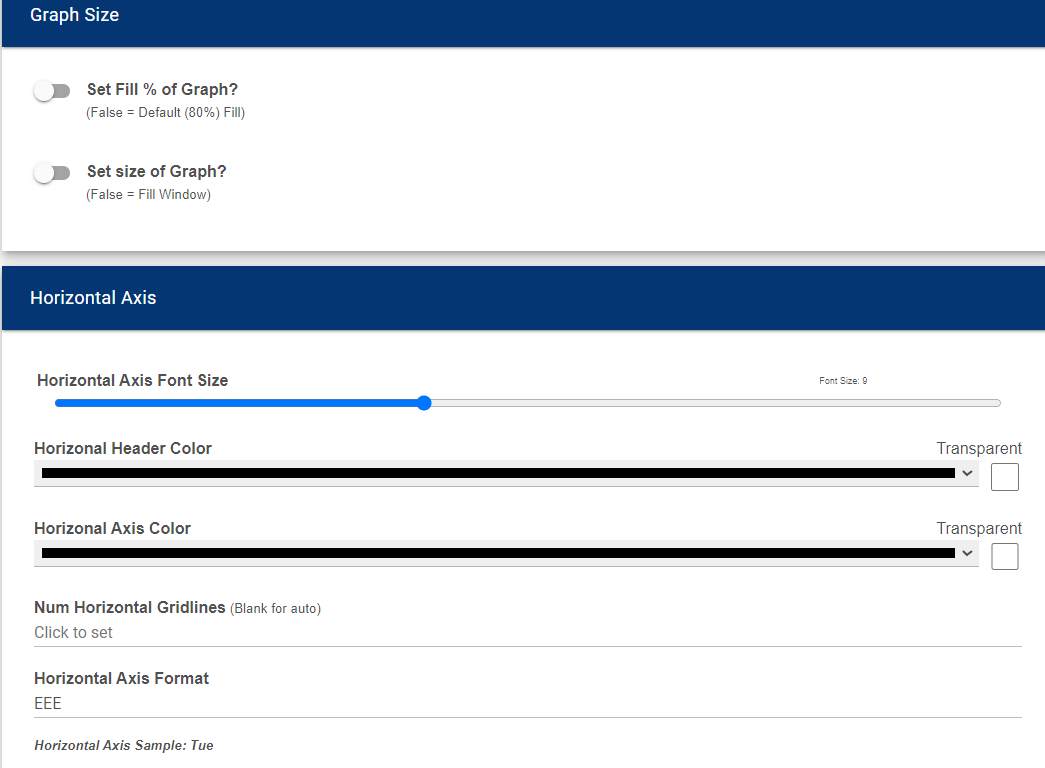
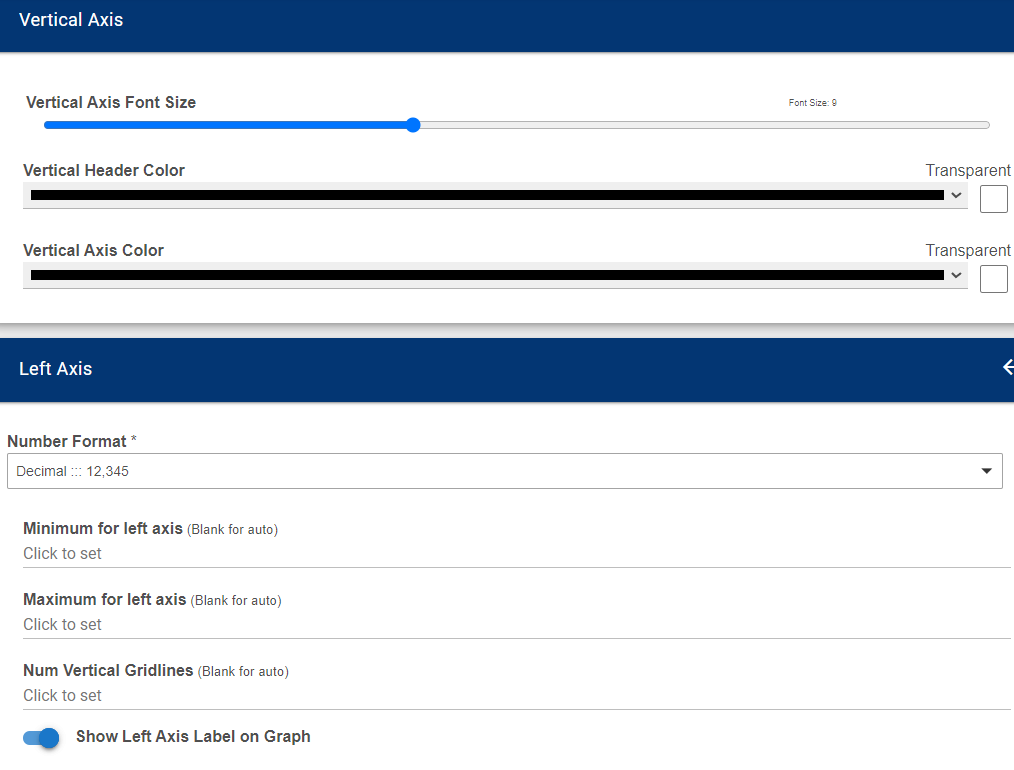
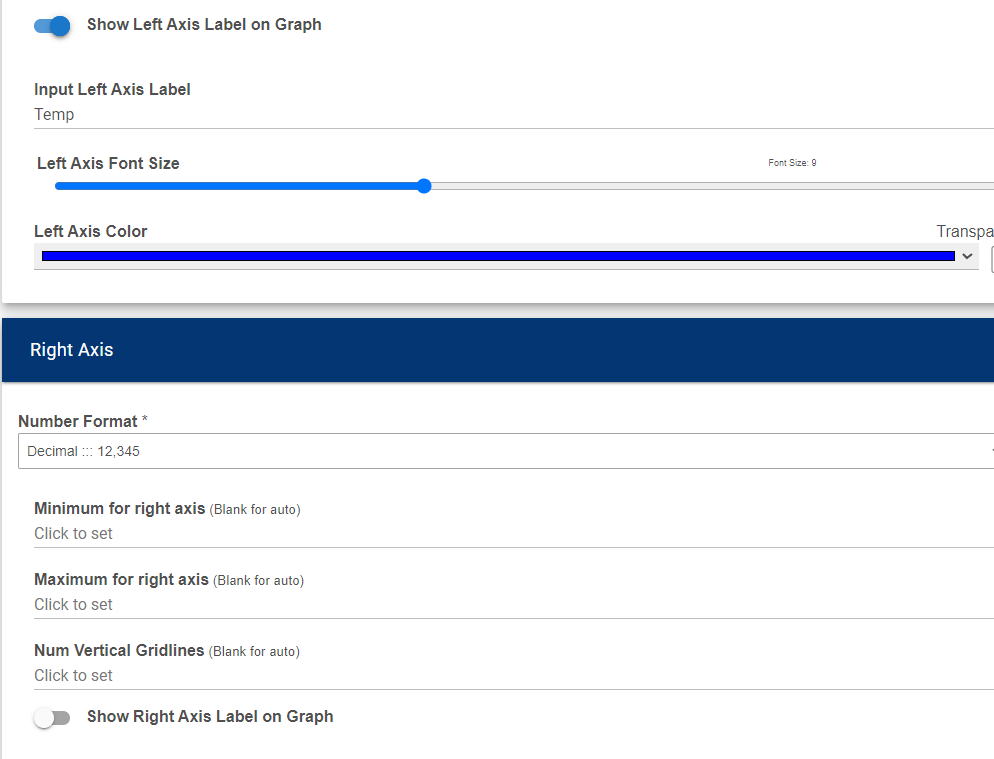
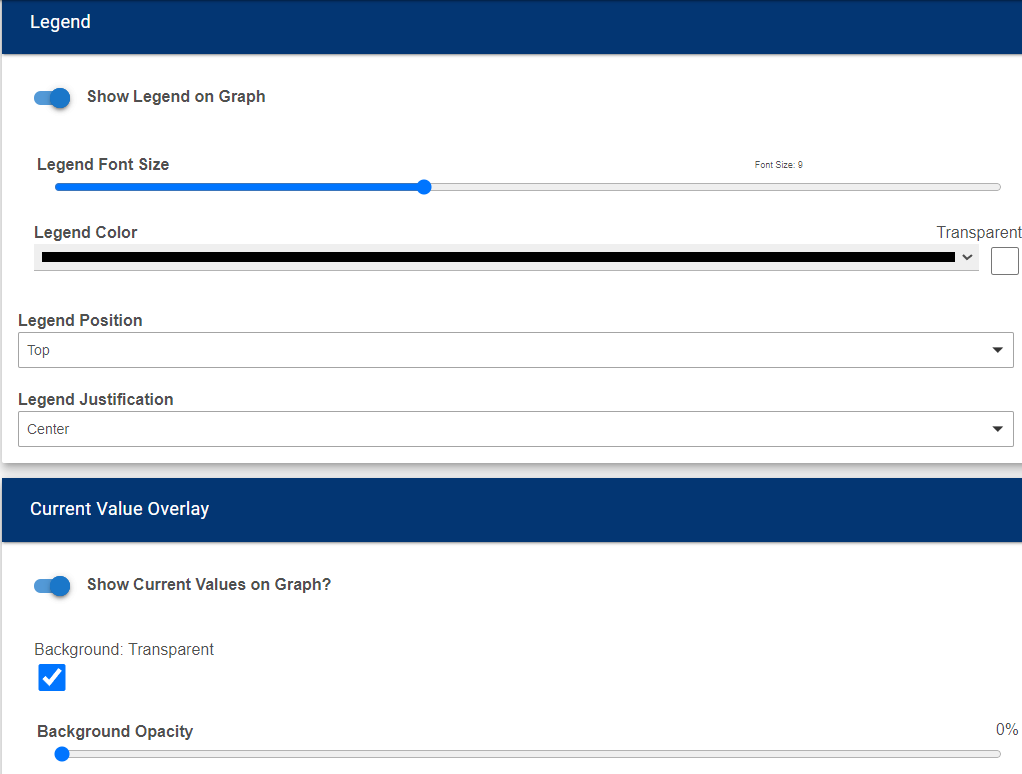
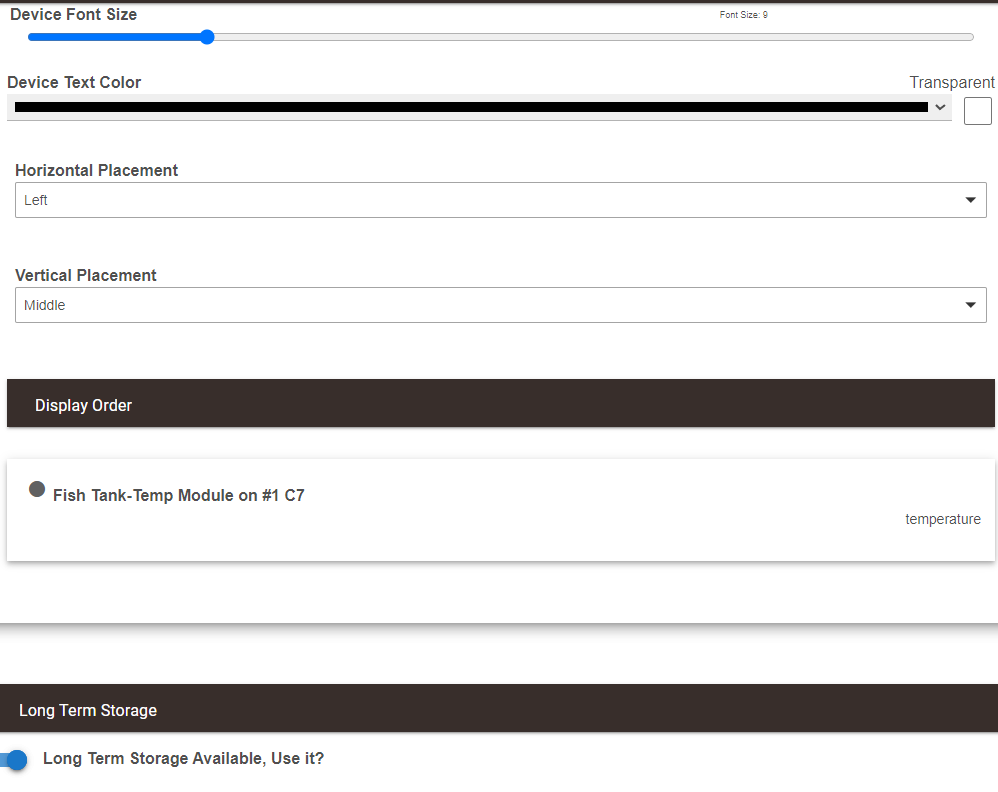
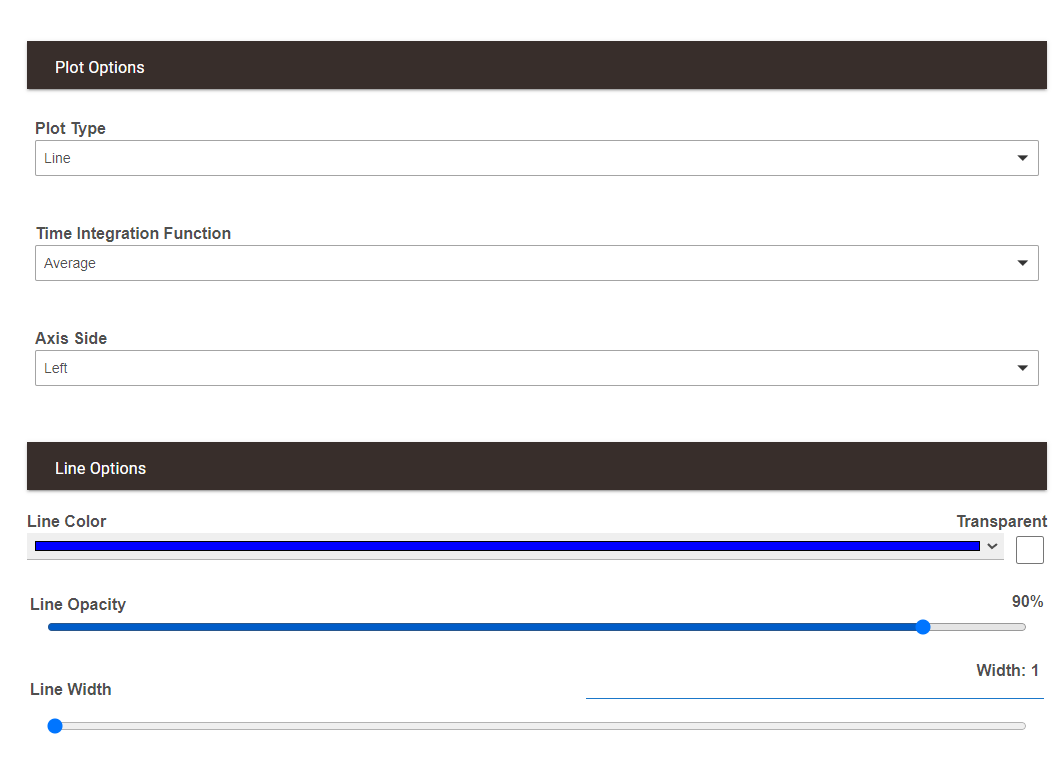
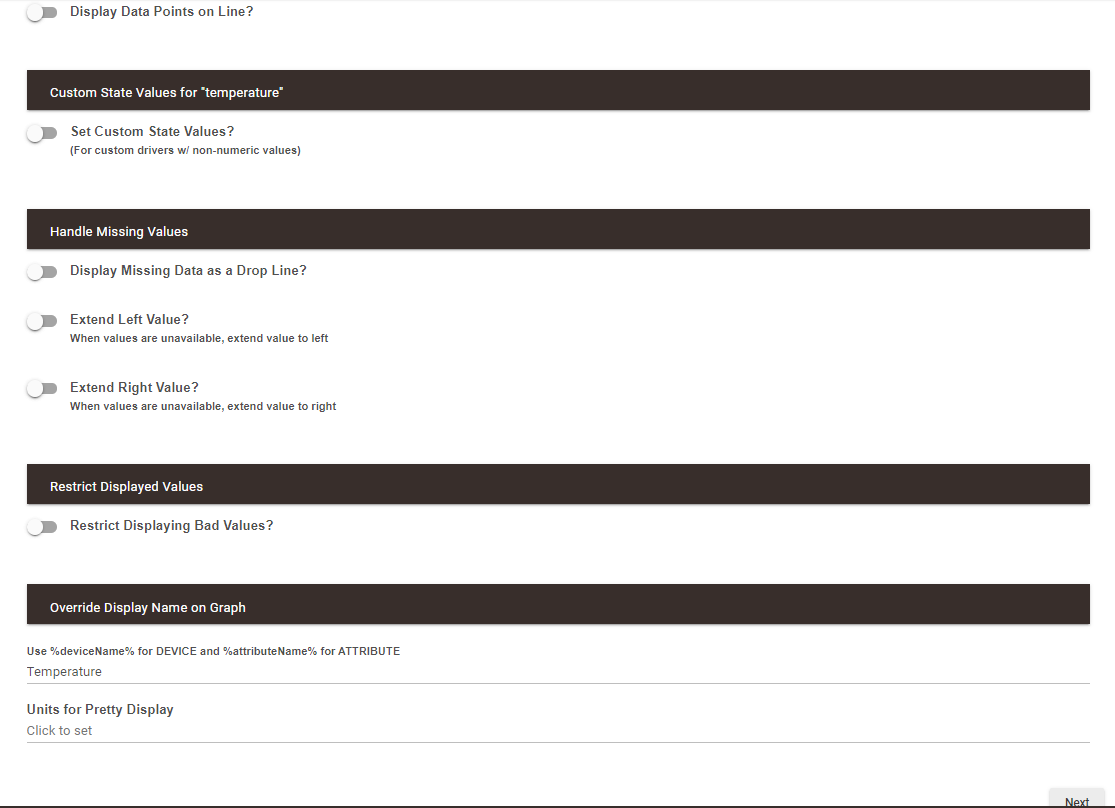
Here are screenshots of my graph configuration. Be sure to select Long Term Storage to read data from the LTS file.
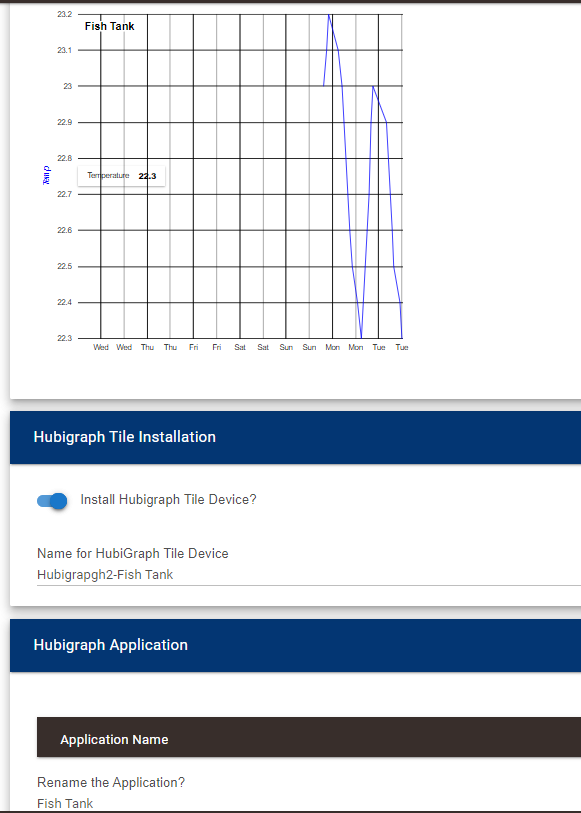
Select Install a Hubigraph Tile Device.
You can then select the device for a dashboard tile.
Hope this all helps.