Have you tried this app for the token? I thought Tesla had shut down the Owner API. However this app was updated as recently as a month ago, so maybe it still works.
I couldn't find the app in the android play store but I did try the iOS one on my MacBook - it didn't work. No error message; it just didn't return a value.
I tried 2 or 3 web-based Tesla token generators; the instructions were to log on to the Tesla site and continue until it returned a 404 error and then copy the URL back into the generator site where the token would be extracted. This process failed on the Tesla site with an error, but not a 404 error. I copied the URL back per the directions but no token was found. I tried this on my Pixel phone using Chrome and on my MacBook using Chrome and Safari, all with the same result.
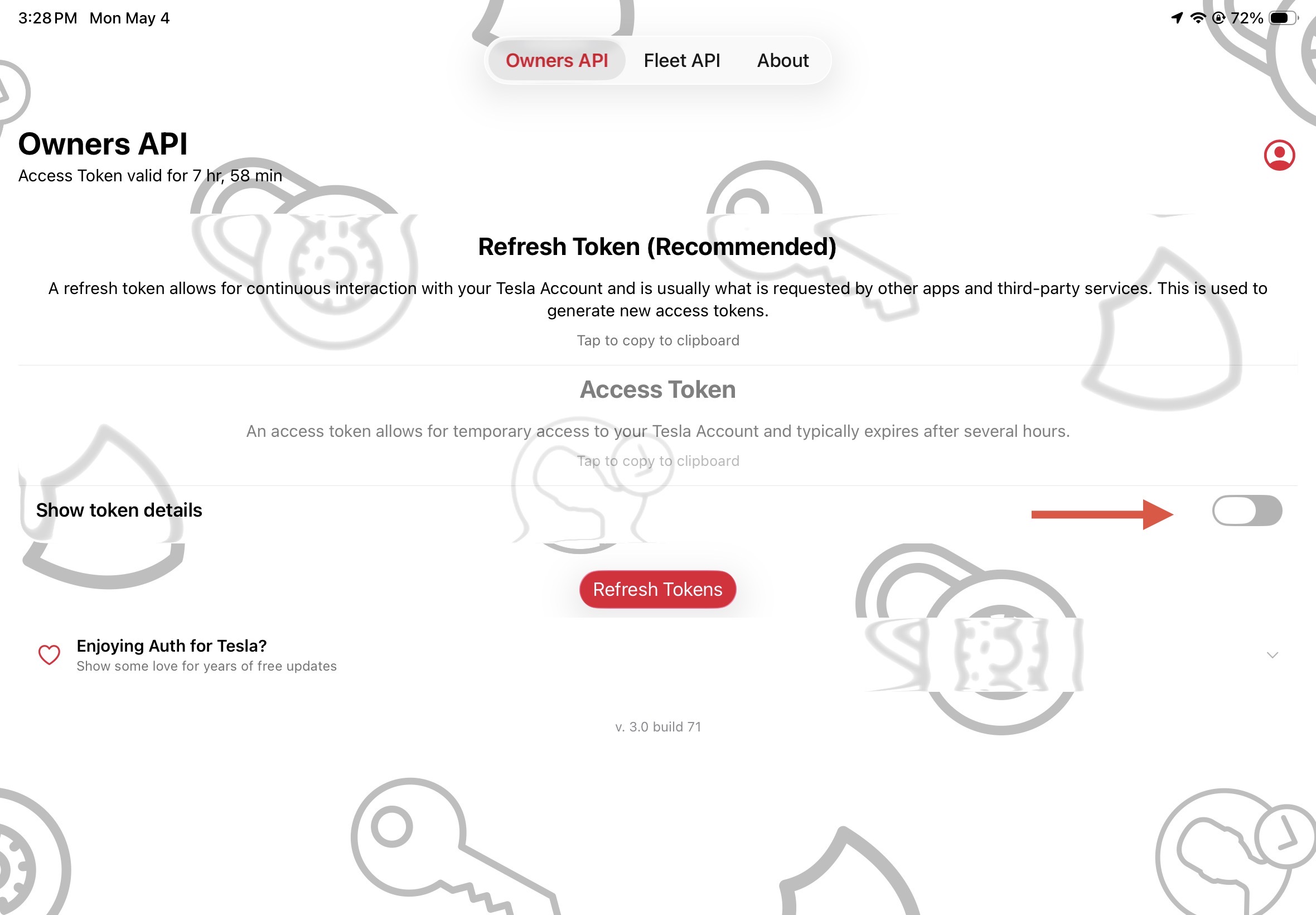
Just tried this on my iPad. It doesn’t show you the token but if you click “Tap to copy to clipboard”, there’s a really long letter/number combination that shows up. Maybe that’s the token? It shows a validity of 8 hours 
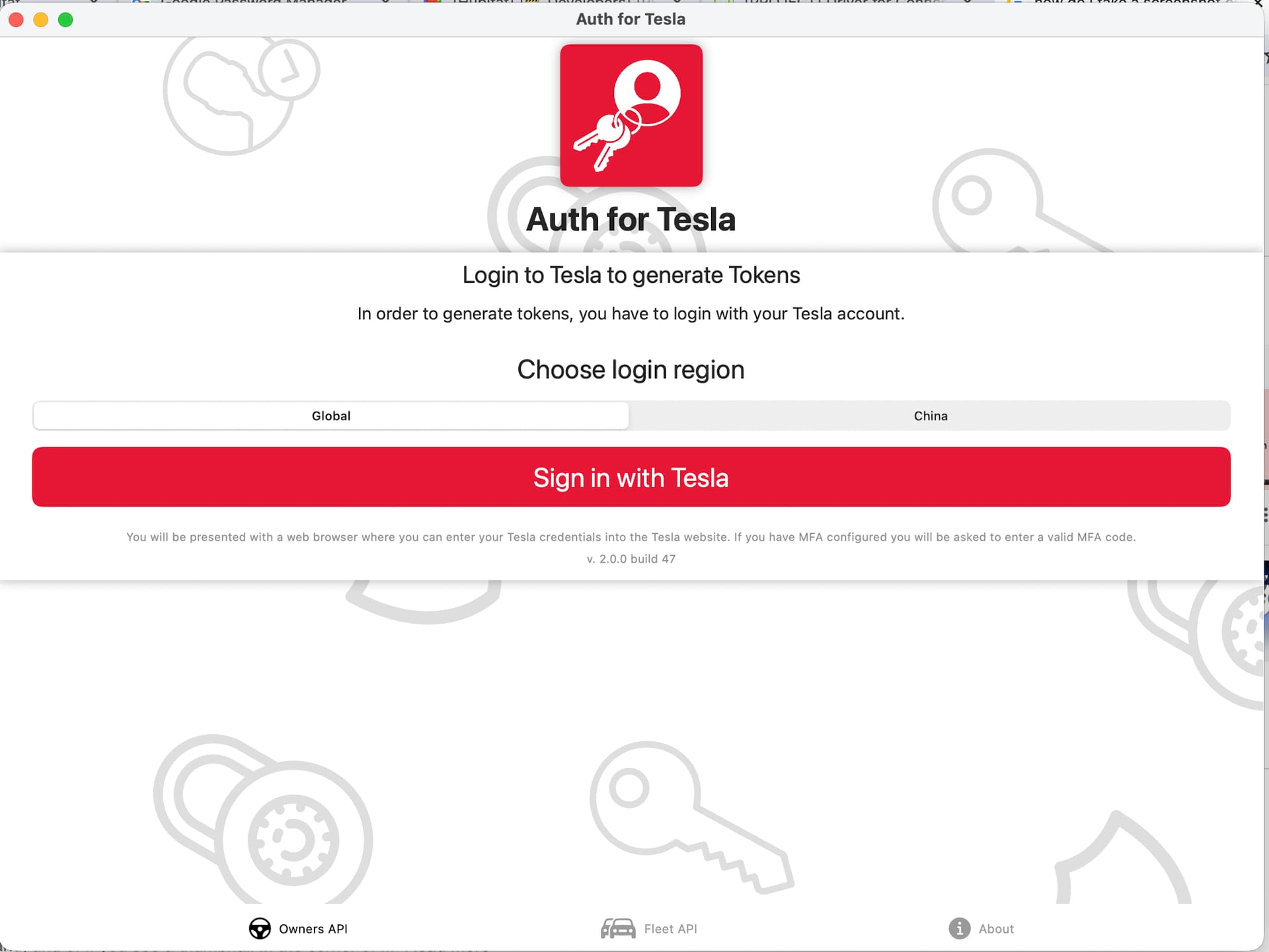
In the iOS app were you able to log in using your Tesla login? It authenticates against your Tesla login and 2-factor authentication.
It's been a day or two so I don't remember exactly, but i don't think I got anything after logging in and performing the TFA -I think it just returned back to the app. Maybe the app doesn't work on a Mac.
Or maybe something was fixed since I tried. I'll try again later this evening.
Thanks for the help!
There is a little toggle that you have to flip to see the token information and also shows you the button (text) to copy the token. Otherwise it looks like it just came back to the same screen and did nothing.
Here's the message I get instead of the 404 error that's expected when using the web-based token generators:
Something went wrong. Try again later
The 'redirect_uri' supplied is not registered for this 'client_id'.
It’s on the NEXT screen - after you have logged in with your Tesla account. From the screenshot you attached, it appears that you have not logged in as yet.
But I did log in and got the window asking whether I wanted an email or text for the TFA code, received and entered the code, and was returned right back to the same screen.
I don't think I would have gotten to the TFA process if I'd entered the wrong password, but I verified it by logging using is to log into the Tesla app on my Android tablet.
Hmm - must be something different with MacOS vs iOS. It's doing the same thing on my MacBook Air as well. Works fine on iPad and iPhone. Sorry - not sure there is much more I can help with 
1 Like
Thanks for trying!
1 Like
Sorry, I do not know anything about the Server side of connecting with the Tesla stuff. I only have ever worked on the local-only side here.
2 Likes
Has anyone else lost access to the Cloud API for their PW2?
Local access works fine, but I can no longer set Backup vs Self Powered mode etc. 
PS Im using Dan’s PW Manager.

Did you get a solution to this? Mine is reporting the same, appears to be following the latest Powerwall firmware update.
No, the only thing I can find is something about Tesla possibly forcing ppl onto their fleet API.
I don’t use the Cloud API from the HE app but I did see this:
1 Like
Per some of the stuff I saw before, Tesla appears to be locking out the local access. In newer firmware, the only way to access the local API appears to be when you connect to it’s wifi directly as an access point, which is not something the Hubitat can do.
So… it looks like they are killing off that functionality and forcing people onto the methods they have more control over. I am not going to remove the drivers… but there is not much I can do about any of this. At some point (from their current trend) my drivers will be completely blocked. Right now it sounds like only people with older hardware and/or older firmware can use them.
AFAIK, Powewall 2 still works over the local network - I have that working with Node-RED. it’s Powewall 3 that has a crazy “workaround” for local access. That being said, I also get the same data from Tesla using the Fleet API and Teslemetry (paid) as a backup. Both are cloud based though.
2 Likes
Yup, the fact that it still works for some people is why I am not going to close it down and will still try to do what I can for people that want it. Only on the local side though…
I think there are other options with the cloud side and without having one myself it has been rough enough helping out for local. I think it would be worse if I tried doing cloud stuff! 
It has been a long time since I started this driver (on request) and I have learned a bunch about API access (including cloud APIs) since and created a bunch more drivers, but my Tesla driver will remain local only.
1 Like
A lot of people jumped right from ‘owner-api isn’t working’ to ‘owner-api is dead’. Then LLMs read what those people wrote, and it became gospel.
The owner-api isn’t dead, but for whatever reason, Tesla has made changes to it that have forced projects to make changes to stay connected. Switching to the fleet api is the official solution, but it seems if they wanted to shut down the owner-api they could just shut it down rather than playing around with the authentication settings.
My Teslamate broke and was fixed twice in the last 48 hours, probably because the first fix was a misdiagnosis of the issue. I don’t fully understand the issue, but I’m hoping they have the correct fix now. The Powerwall Dashboard project is still in the midst of restoring their owner-api cloud access.
3 Likes