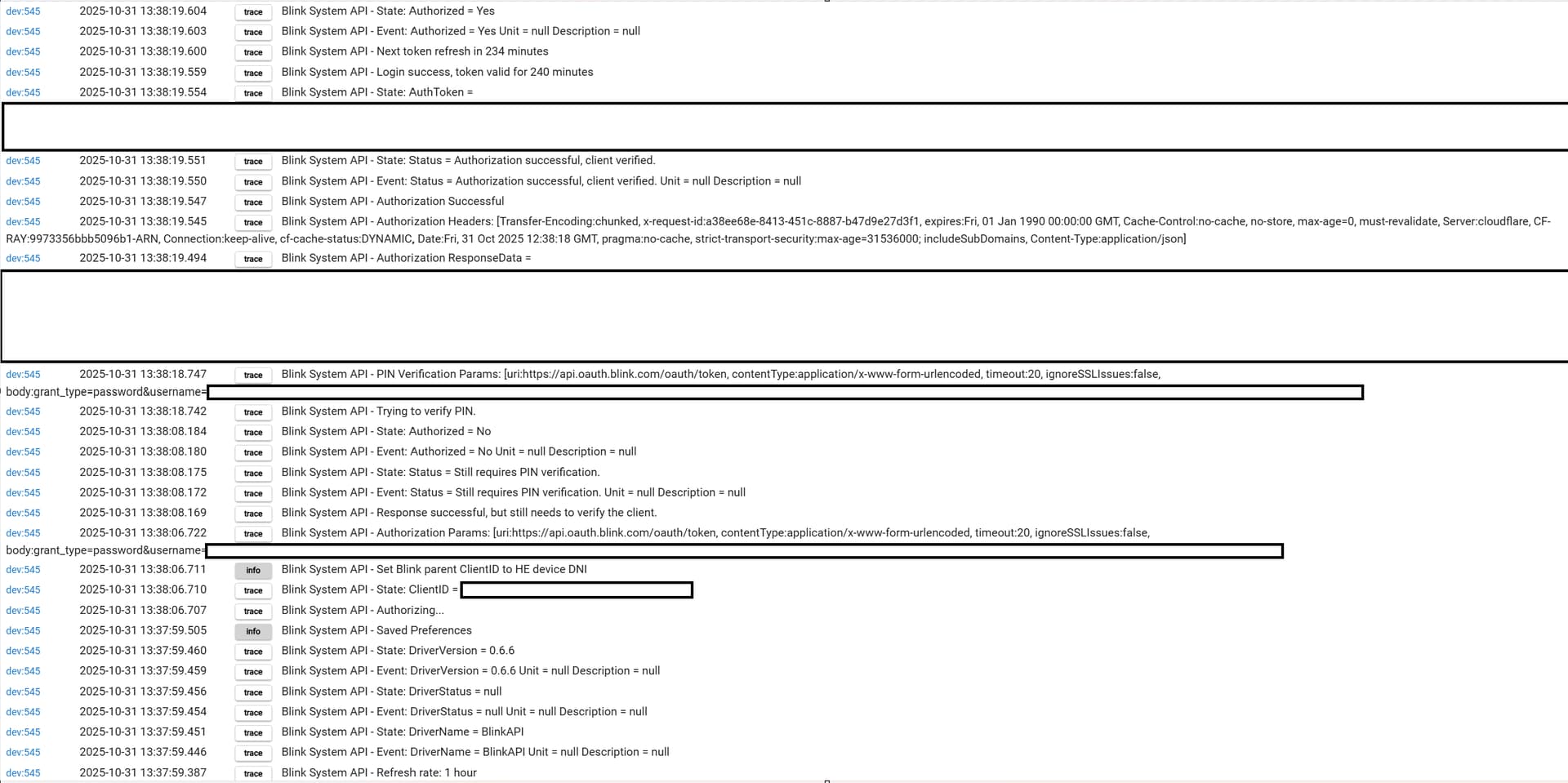
I have had no issues since it was fixed but I did fall into a trap like this earlier.
It seems I needed to do Reauthorize=false after an HPM update.
The might not be so anymore.
Same problem here @A.Z
Authorization command with PIN works fine, but running any commands, including "Get Homescreen", results in an "Unauthorized" error in the logs so obviously no child devices get created.
@dnickel this was a brand new install of 0.6.6 so my original Authorize command was set to Reauthorize=false
Do you receive the text message with the PIN after setting ‘Authorize’ to false, and then use the ‘Verify PIN’ command to complete authorization?
Also confirming — your preferences look exactly like this (case sensitive) for ‘Client Name’ and ‘User-Agent’? I understand that ‘ios’ does work, but none of the reverse-engineered code shows that variation.
Network traces of the iOS app show that's what is used as the client name, however the user agent is definitely not 27.0ANDROID_28373244 in that case (e.g. Mozilla/5.0 (iPhone; CPU iPhone OS 18_7 like Mac OS X) AppleWebKit/605.1.15 (KHTML, like Gecko) Version/26.0.1 Mobile/15E148 Safari/604.1). Would be impressed if the backend crossed-referenced them (I do use "ios" here, with the user agent pref left blank).
That looks perfect with the token valid for the correct duration.
Sorry, not sure I can help from here with the driver. Anything stand out when you hit 'refresh' with trace on? Maybe @snell can comment from there on that ^^.
@Ement:
I sent you a message with a link to a test version of the driver in case you want to try it. It should get the Tier (region) that the API says is for your account after you do an Authorize... Not sure if this will help, but it should at least direct the queries to the correct API region after it is there.
If anyone else wants to give it a try, let me know... It would not be of any use for anyone that is likely in the US as that appears to use the Prod tier (the default) as do some other areas.
Updated the new authorization method to check for account information after a successful authorization. In the old method, this was automatically provided as part of the authorization response, but the new method no longer includes it. So now, the Tier and AccountID information used for performing commands are queried once the Authorization goes through. This appears to have been the problem causing trouble for @Ement and has been confirmed as fixed (for @Ement at least). It likely was causing problems for others as well that were having similar "symptoms". Just get the new driver and perform an Authorize (set for True or blank, does not need to be one that gets a PIN) and it should pull in the information and store them as the State Variables "Tier" and "AccountID".
Just a quick post. You're server not responding?
On the latest beta, which may not matter, but I got this: dev:13122025-11-06 18:05:43.324
error
org.apache.http.conn.ConnectTimeoutException: Connect to www.drdsnell.com:443 [www.drdsnell.com/192.185.41.207] failed: Read timed out on line 526 (method CheckForUpdate)
It happens every once in a while when the company I get my web serving from does an update/maintenance or has an issue, etc... It can be ignored, because all it is doing is checking if there is a new version of the driver available once a day (it does not update of course, it will just post a notice for you that one is available).