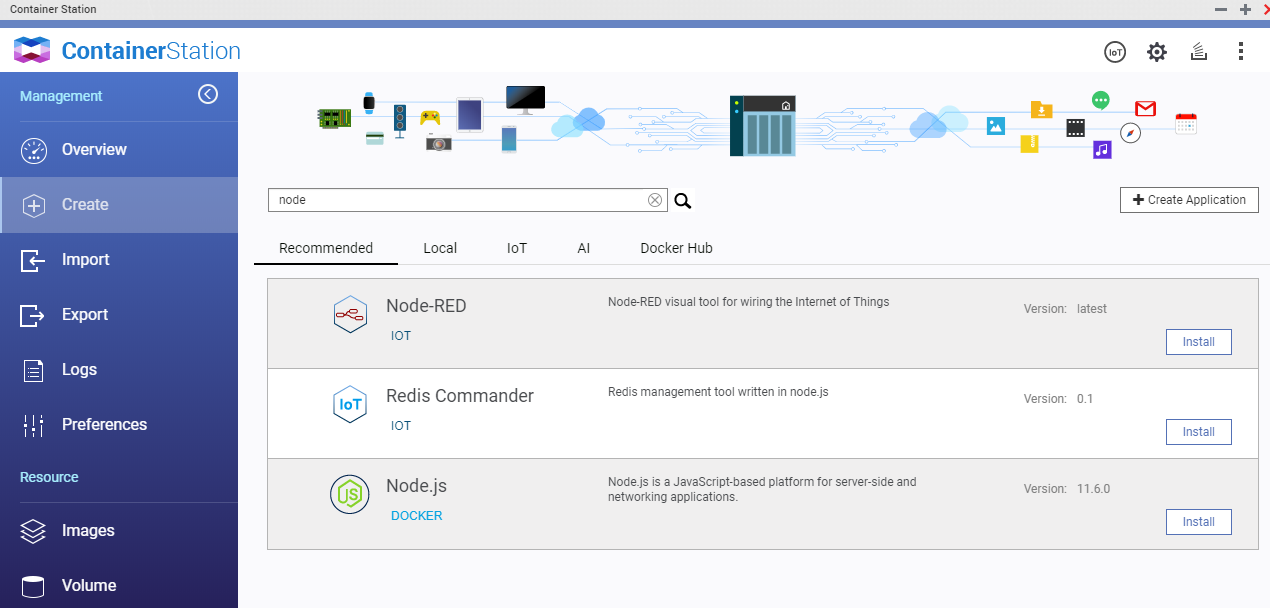
Super easy on the QNAP. Just open up container station (install that if you have it uninstalled) and then click "create" which will pull up this screen:
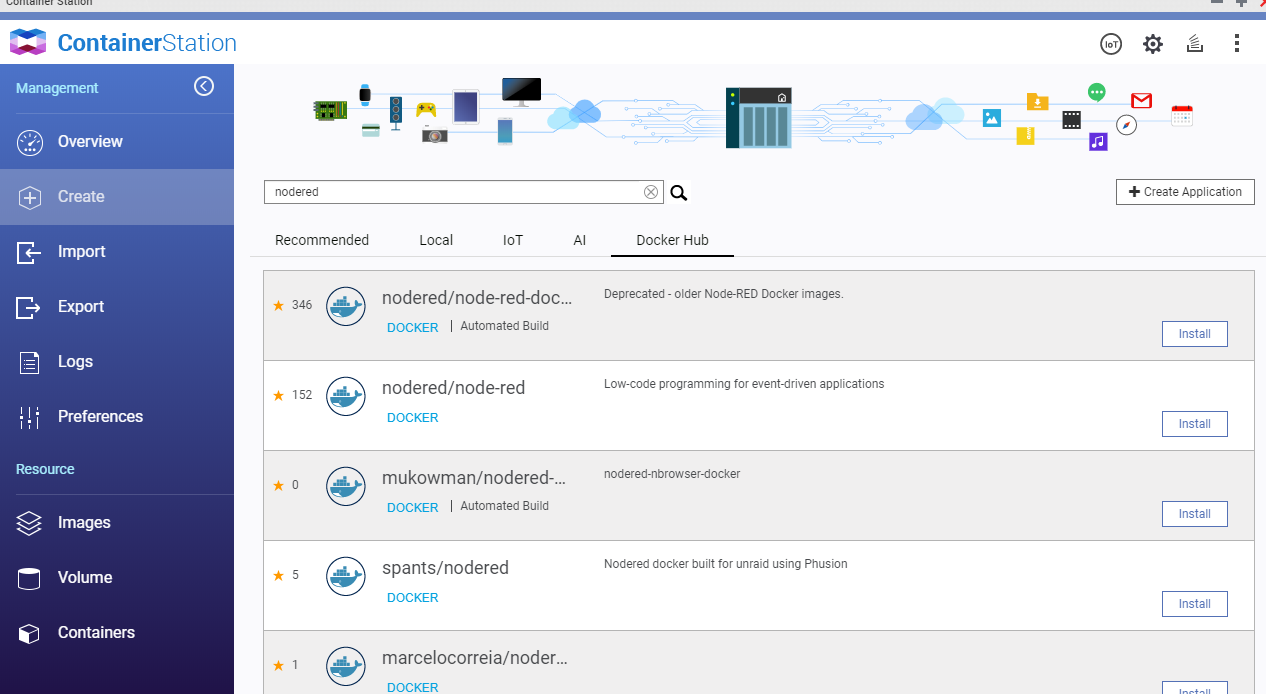
type "nodered" into the search bar and the click on the "Docker" tab underneath it.
you should see this: (THE SECOND ONE DOWN IS THE LATEST VERSION)
Once installed (it will download first) you will see it listed under "Containers" on the left menu like this:
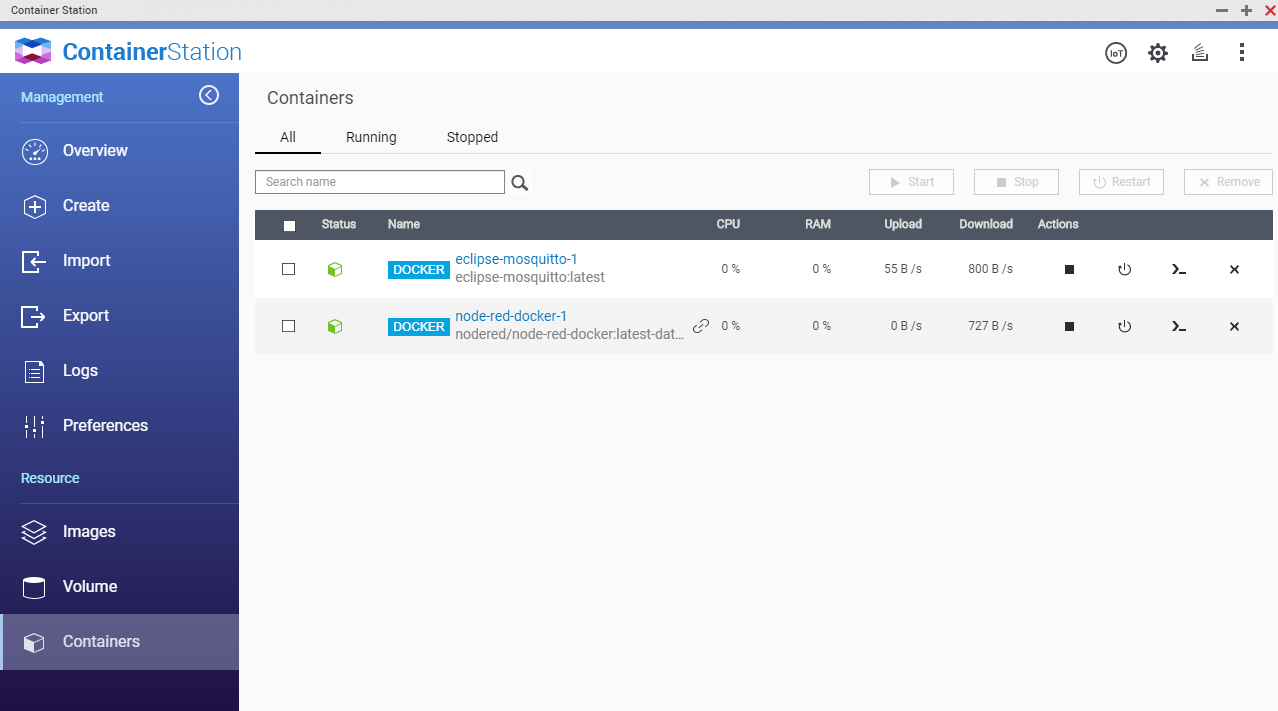
The little chain link is a link to run it. OR you can open up the container by clicking it's name. It will then show you the IP and PORT that it is running on. Again...you do need to know and understand networking to do this. That page is found under the "Advanced Settings" for the container.
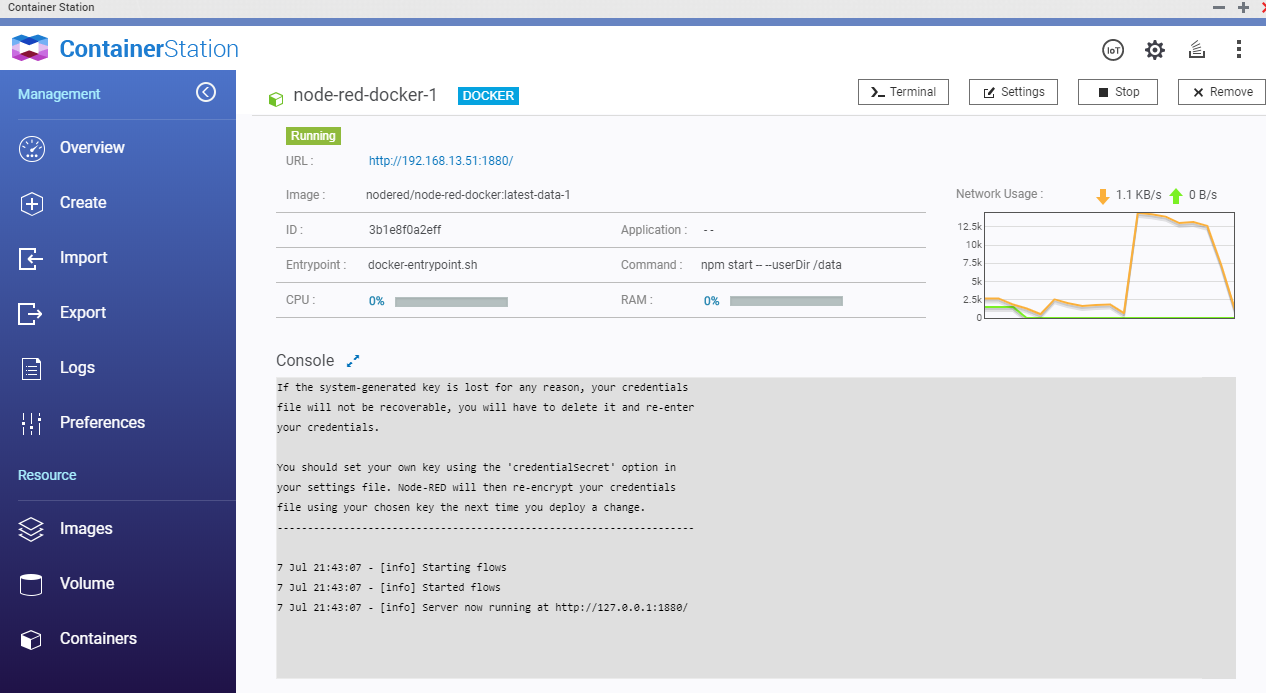
Here is the container's page. You will see that "settings" button. Which will bring you here:
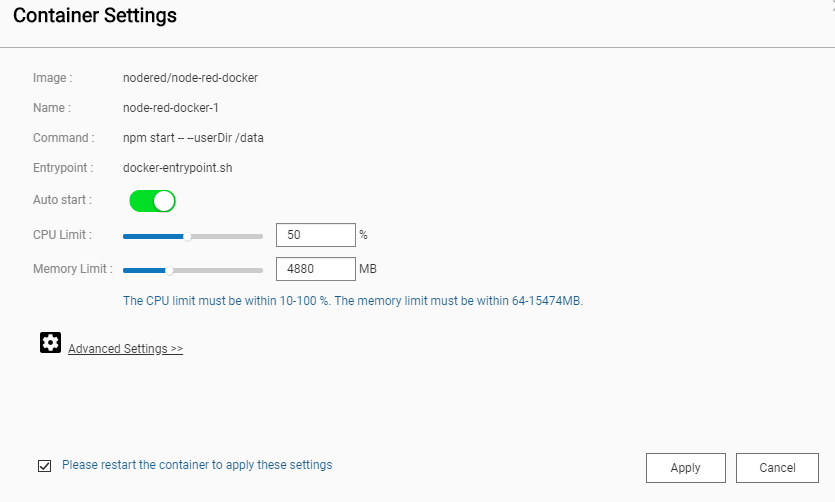
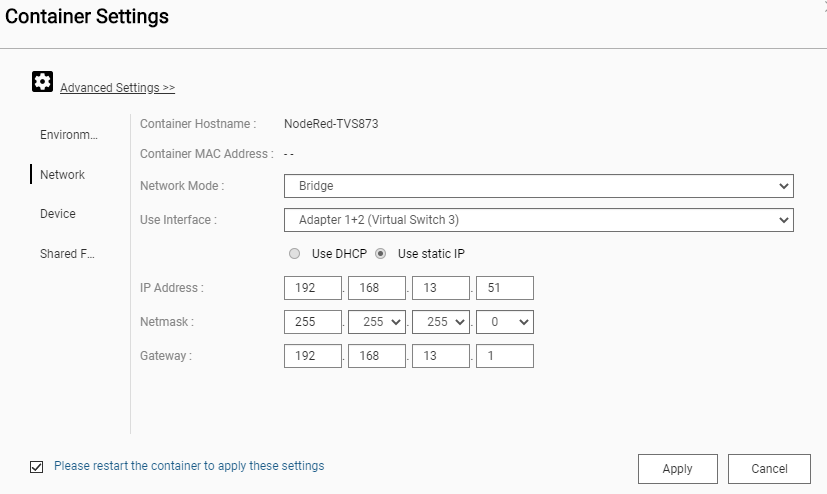
Click advanced, then "network on the left" you'll see this screen.