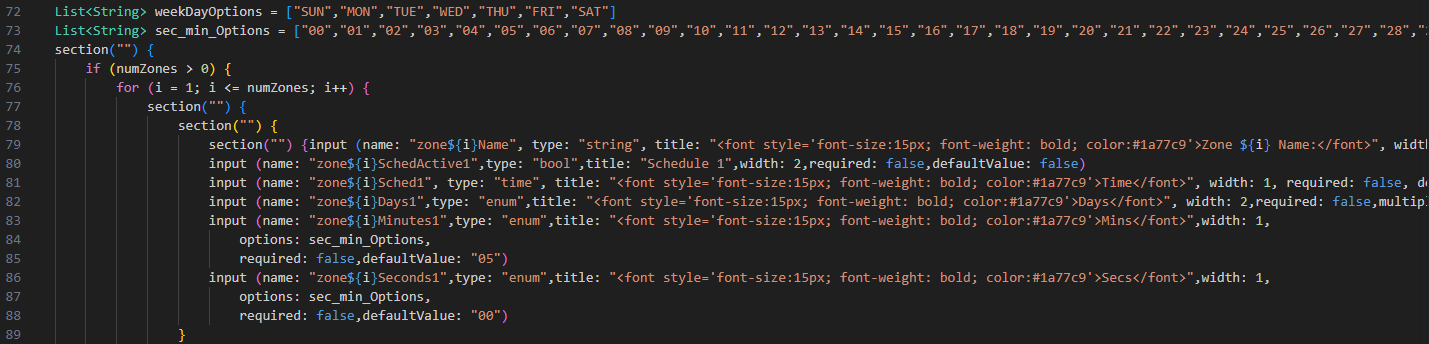
HE input fields are ugly. SOrt of 1980's looking. I'm trying to implement spinners, and tried various work arounds - is there any app that anyone knows does it in a nicer way I can model off of? It doesn't have to be real-time - just numeric value stored on Done. here is one of my tests - it failed to update the real value after Done.
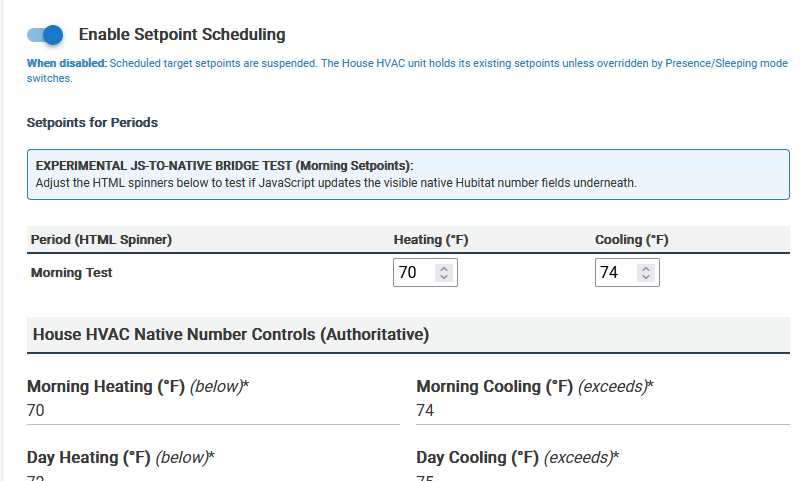
Like this?
Spinners are usually spinning icons showing a loading or thinking state... I'm not clear what you mean by spinners here.
It seems like you are looking for enum data types, to choose from a dropdown? That is a native app input type. I'm a bit confused.
You don't even need to hit done if you make the input submitOnChange
Edit: You do mention numeric values, so just convert it to an int and assign it to another numeric setting value after you input it using app.updateSetting, or just convert it when you use it.
I am not really following your question but think you might need the ability to capture data in app variables as they are entered? If yes I agree with @chrisbvt that submitOnChange is needed. In my GCal Search app, I have the ability to set dynamic parsing mappings and use HTML to present but behind the scenes use an submitOnChange client side javascript function to capture the data and update the app's variables:

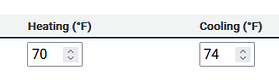
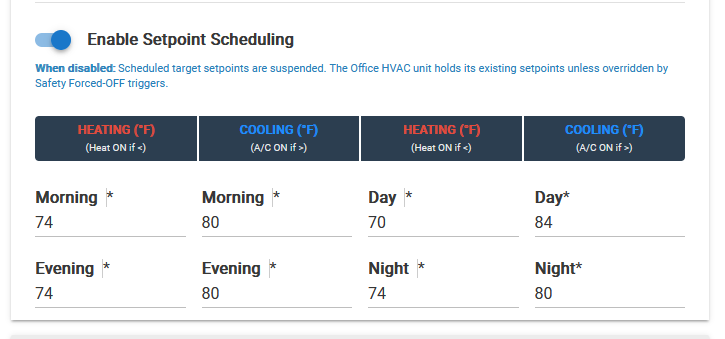
actually - the submitOnChange causes horrible issues for me - it forces a full page reload and causes expand/collapse of sectional page design to fail - or at least be really unfriendly to users.
I'm now storing state of the app on load so all variables and settings get held, then on the Done button I write the values out. I'm not quite as sophisticated as real dev's are. 
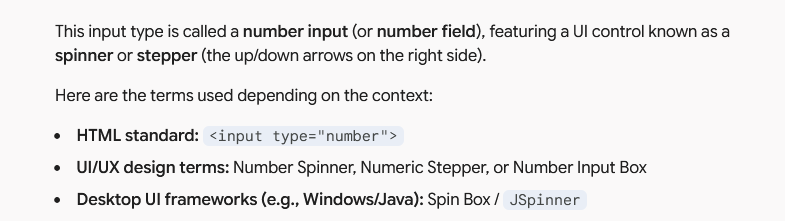
Ah, I see now. In Web and desktop design, they are called dropdown lists, a select menu, or a dropdown box. Only specifically in Android app development they are called spinners.
In the Hub UI, I think dropdown is more appropriate. I use enums with option lists for all kind of dropdown inputs. I convert them to the types actually needed when I pull the value out of the setting.
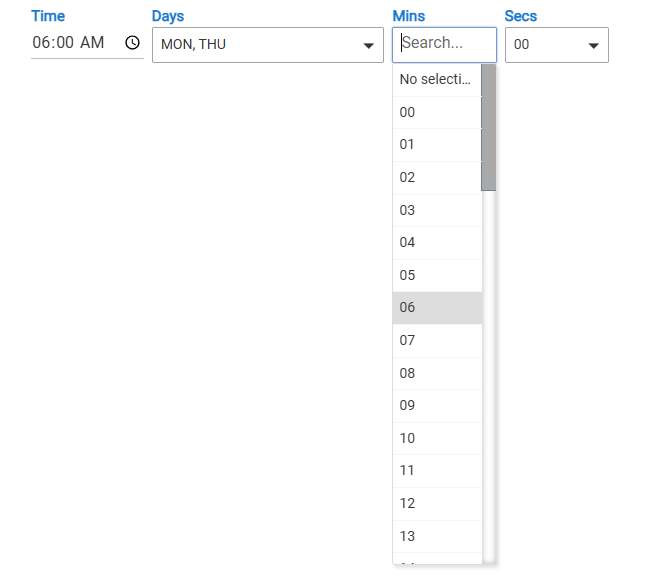
They are great for multi-selections as well, where the setting then becomes an array of all values selected.
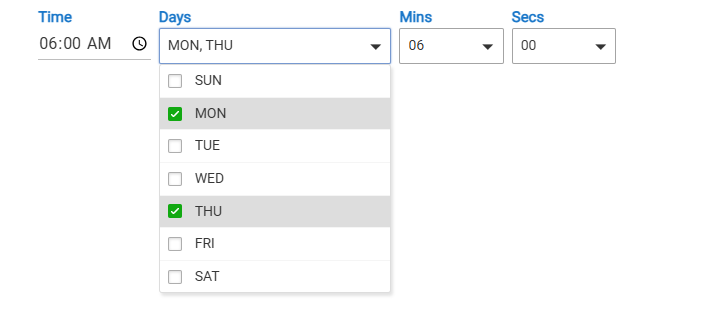
Edit: Here is a snipit of that code: