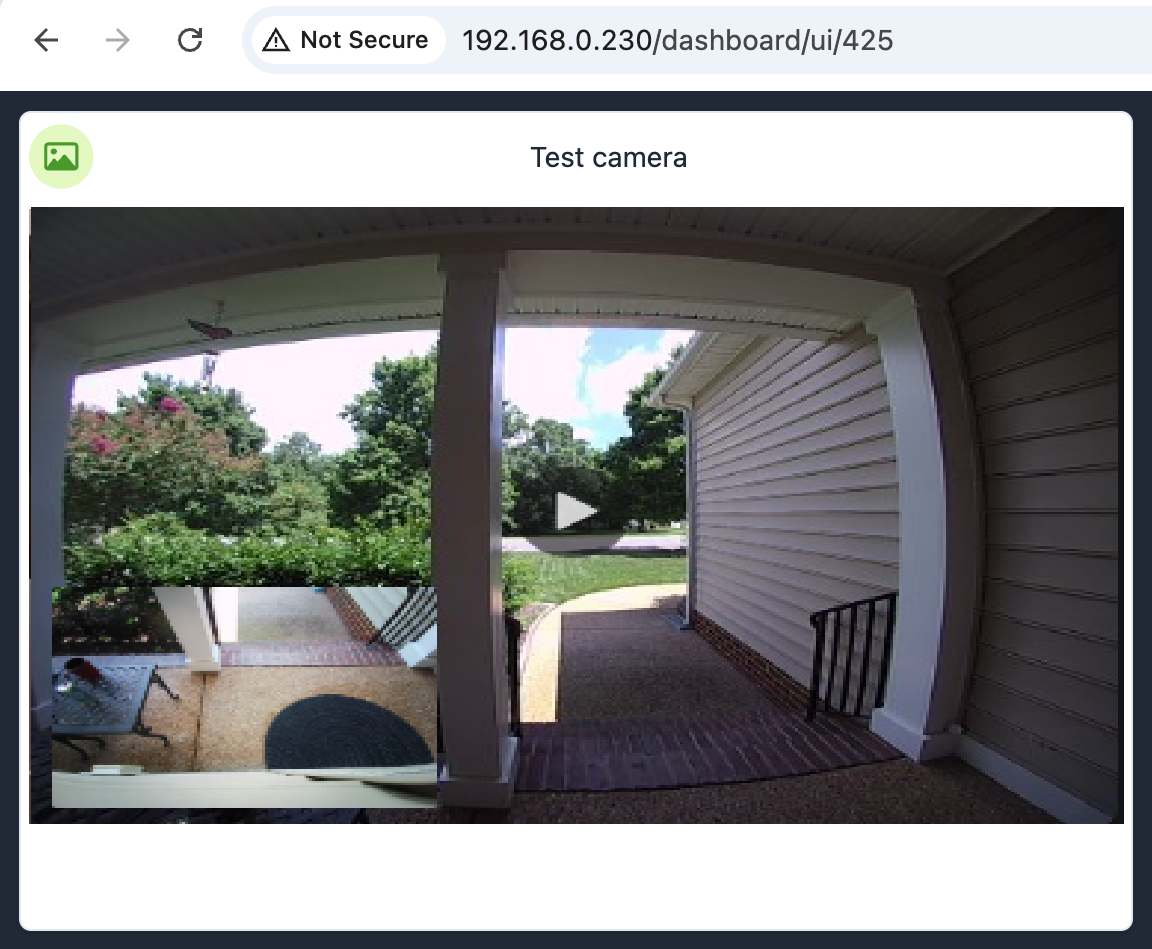
We're excited to share that RTSP camera streaming support is now available to Hubitat Elevation C-8 Pro hubs.
The new feature was recently released with platform version 2.5.1.138 and allows compatible RTSP-enabled cameras to stream directly to your Hubitat dashboards. This makes it easier than ever to view live camera feeds alongside your automations, devices, and other dashboard content.
What to Expect
With RTSP streaming support, you'll be able to:
View live RTSP camera streams directly in Hubitat dashboards
Enjoy low-latency local video streaming
Keep your camera feeds local without relying on cloud services
Create more informative dashboards by combining live video with your automations and device status
Compatibility
The new RTSP Camera Stream device driver is compatible with many cameras that provide a standard RTSP stream, including devices from manufacturers such as:
Reolink
Amcrest
Hikvision
Dahua
Tapo/Kasa
UniFi Protect (with RTSP enabled)
Most ONVIF-compatible cameras that expose RTSP streams
That’s fantastic. Unfortunately my beta hub is a C7.
The funny thing is I don’t use dashboards at the moment. Most everything is automated and I have two buttons I use to trigger some select events. I was playing with a Swift app that wouldn’t play an RTSP feed unless you downloaded some custom libraries. I wonder if I can use the HE dashboard inside of a Swift web view?? That might be a fun workaround.
Regardless, you have been adding some fantastic features since the C8p was released. The Unifi Protect integration was a game changer for my exterior motion detection.
Is there a recommended limit to the number of rtsp cameras that should be connected. I would expect the limit to be more about the network interface then the cpu and memory unless it is doing more then just acting as a middleman between the camera/nvr and the dashboard. The browser should be doing the heavy lifting of decoding the stream.
It concerns me if the cpu is a reason to limit it to just the C8Pro but we don’t have a limited number of cameras to connect.
Now that RTSP support is (almost) here, can we expect it to be supported in HomeKit Bridge so we can setup (for example) viewing the front porch when my Reolink doorbell is pushed.
[Like I could do with Scrypted or Homebridge, if I wanted to fiddle with ANOTHER processor.]
Seems unlikely. There are too many variables in converting a RTSP stream to a HKSV stream. And some of those variables require significant processing power - for example, dealing with high bitrate H.265 video.
I think the main problem is that scrypted or Homebridge running on another device generally need additional processing power to convert to video that works with Apple Home, as @aaiyar said (even if it’s just H.264).
I’d be happy to learn the C8 Pro has enough to spare for something like that, but I wouldn’t expect it to.
A little bit of skepticism… Every time something major is added automations use to be working just fine getting more lagging. You cannot embrace the boundless…
Please be sure to use the Beta Feedback category when sharing feedback, bug reports, or suggestions related to beta features. This helps keep discussions organized and avoids confusing community members who are not participating in the beta program.
Beta features are still under active development and may change significantly before they are released publicly. Keeping beta-related discussions in the appropriate category ensures participants have the proper context and allows the development team to more easily track and respond to feedback.
Thank you for helping us improve the platform and for keeping the community organized!
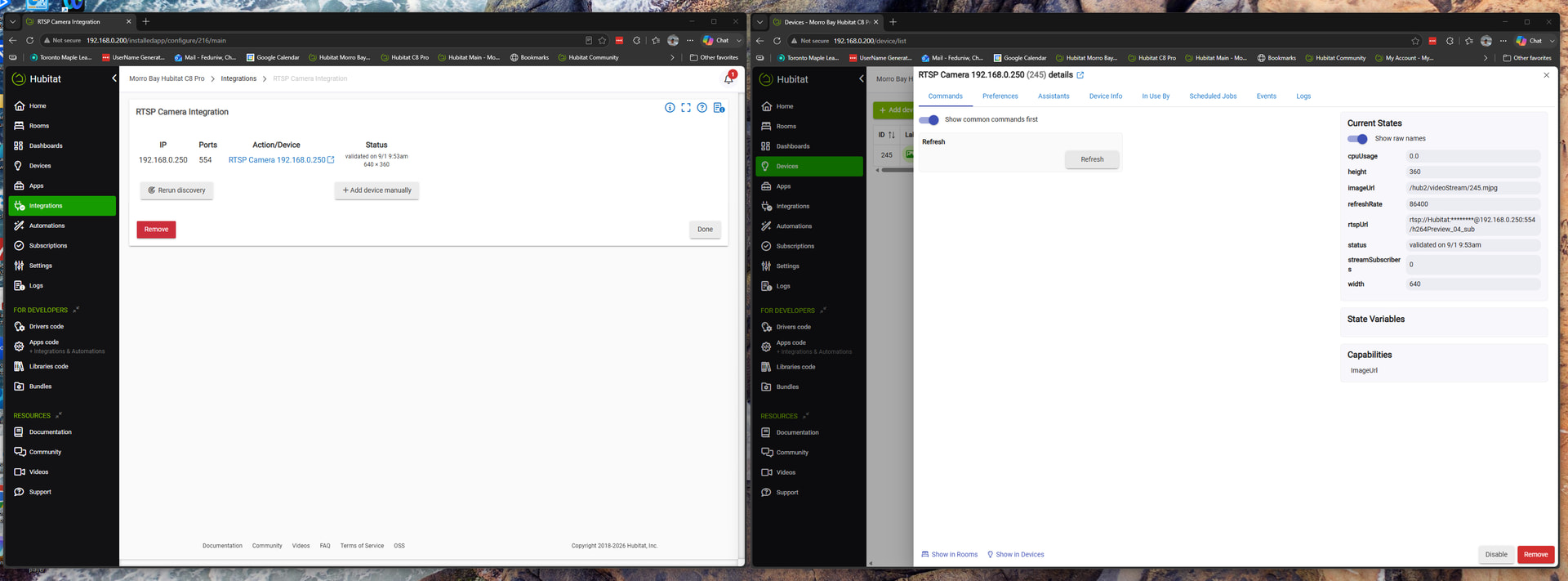
I have a Reolink NVR with 4 PoE cameras and 1 POE doorbell connected to the NVR. The RTSP Camera Integration app discovery finds the NVR with no issue but is only creating one device for one of the cameras e.g. Preview-04_sub. What is the recommended method to get devices created for the other cameras e.g. Preview_01_sub, preview_02_sub, etc?
I had a similar issue with TinyCam Pro and my NVR. I know you have to manually create the devices, but I don't remember how. And it was something at the end of the name that changed, like if your NVR is Preview-04_sub, then the cameras are Preview-04_sub-1 or Preview-04_sub-2. But, again, that was for TinyCam Pro; I'm assuming it's a similar approach with HE. I'm actually replaying this because I want to try it in the future with HE, but not right now.
Yes, manually creating the devices was one way I was thinking I could get them all added. I was just wondering if there was a better way to add the additional cameras connected to the NVR using the new RTSP Integration App or if the App will be updated to include the ability to either find all the cameras connected to the NVR or allow you to add multiple devices within the App.
 View live RTSP camera streams directly in Hubitat dashboards
 Enjoy low-latency local video streaming
 Keep your camera feeds local without relying on cloud services
 Create more informative dashboards by combining live video with your automations and device status