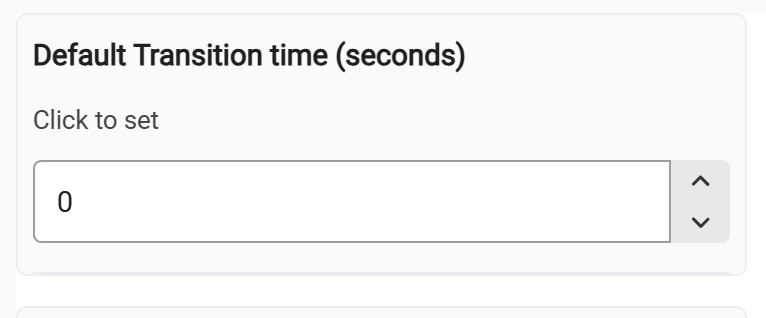
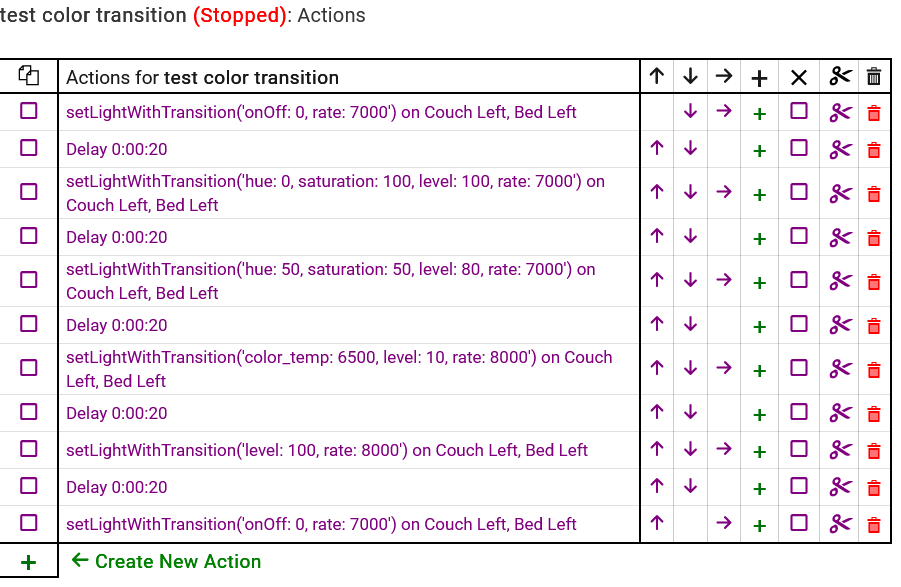
The Kasa driver allows the setting of the bulb transition.
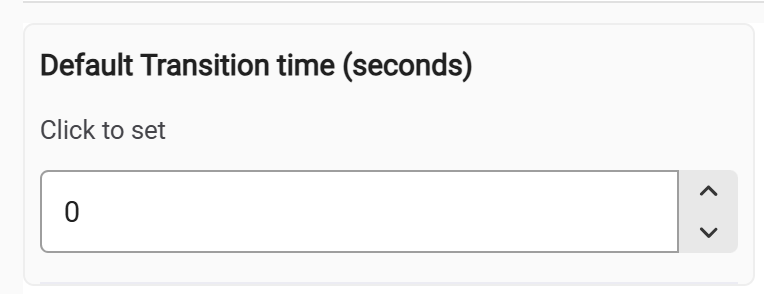
I would like this parameter exposed as a Custom Command so that it can be changed from Rule Machine. This makes the transition dynamic for light animations.
To fully understand this request, what is your use case for the custom command vice the current preference.
The traditional way to change this default value which then applies to all future transitions? The integration already supports sending custom transition on each individual level and colorTemperature command.
I fell for once again. I should know better. I will now give the requirement.
I'm setting up my outdoor Halloween lighting. I have a Sequential light animation where I would like to fade all bulbs from 1 color to the next. That alternatively with a light Chase where the colors chase each other. These I want to change immediately with no fade.
The trouble is I have very specific colors so I need to use.
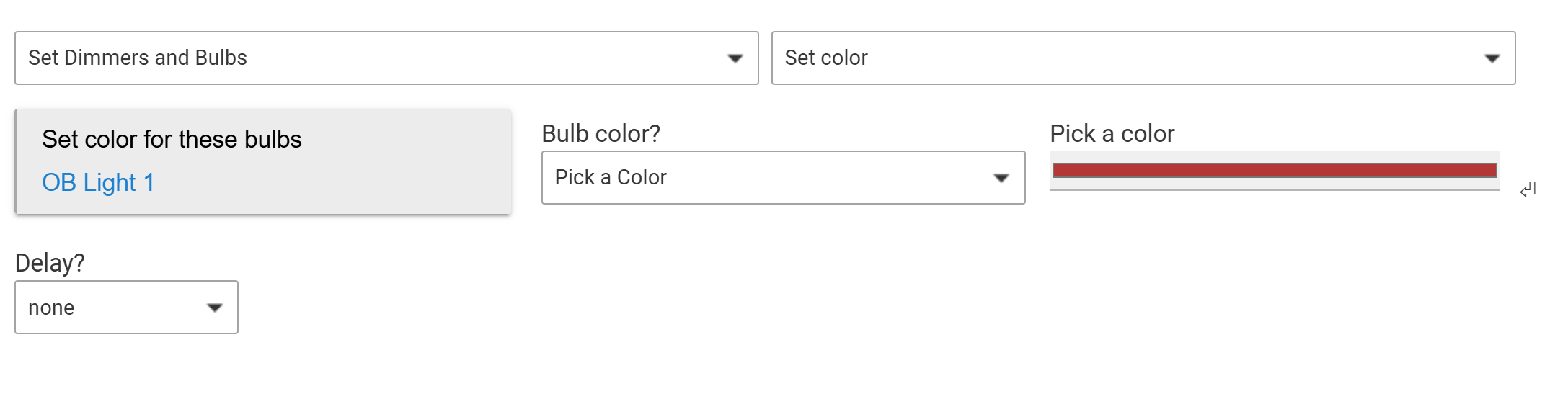
My options are: "Pick a color". The issue is no "Level" or "Fade".
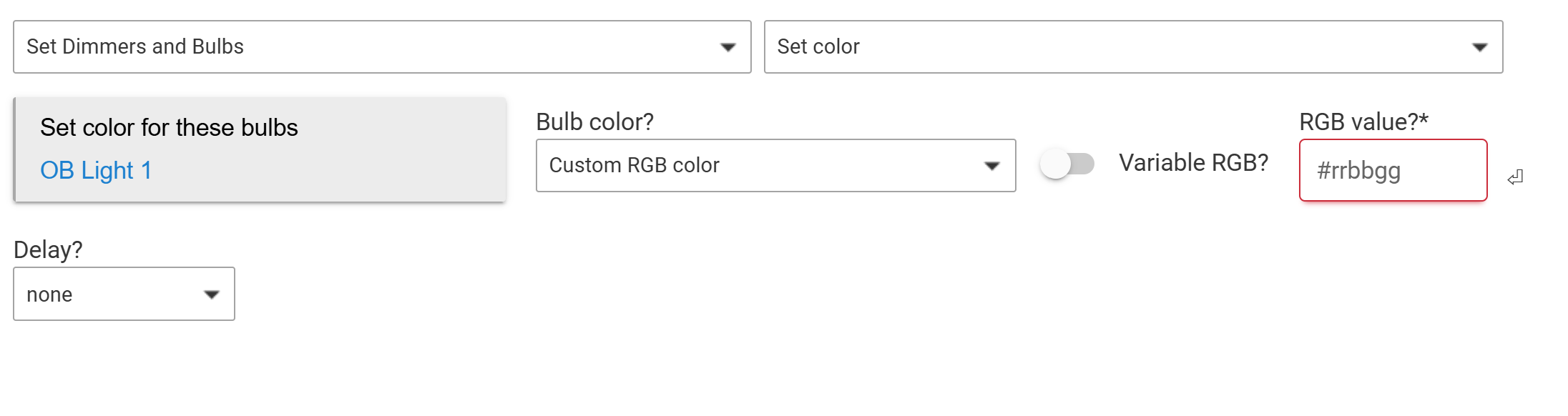
Or "Custom RGB color". There is no "Level" or "Fade".
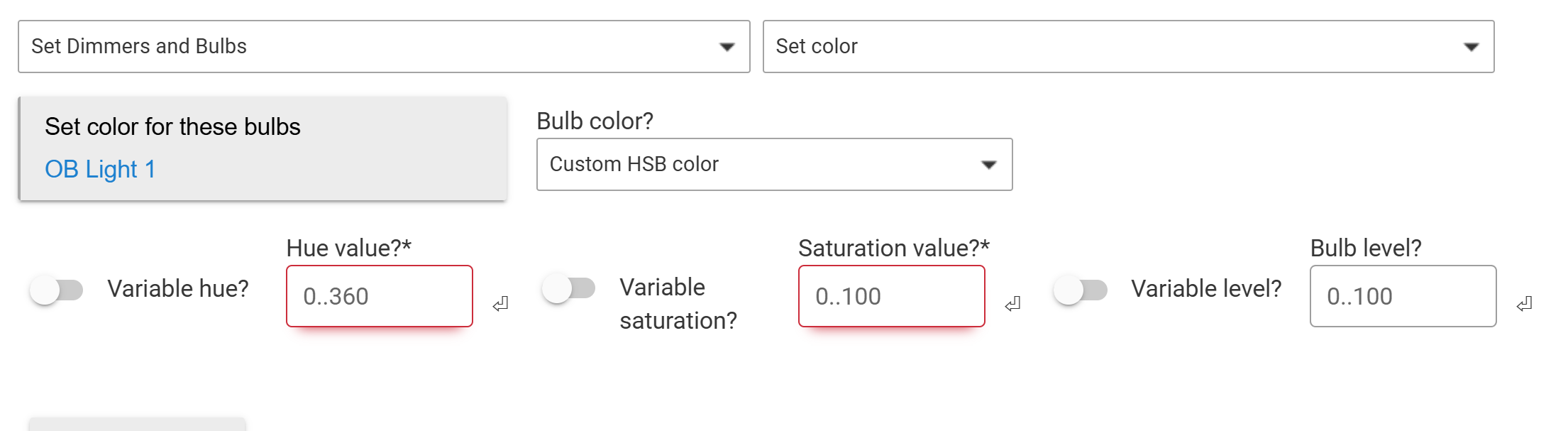
Or "Custom HSB color". There is no "Fade".
I chose to work with HSB merely because it does have Level. So I guess among those choices I'd like to specify a Fade value.
I am assuming that this would apply to Groups as well.
I am looking at this further. My preference would be to modify my code to be compatible with the Hubitat Color Automations (which it is not currently because of the kasa internal transition command - may be easy). This will be done if at all possible. Would you look at functionality of Color Automation and see if it meets your needs (even if it does not currently work for Kasa devices).
I am also looking at (experimenting) adding the transition period to the Set Color command (modifying the capability command to match level and color temperature).
Groups - I do not control groups. I am an individual contributor whose Kasa Integration is provided to the Hubitat Staff to integrate.
Dave
Thanks for looking at this. I'll look at Color animations again. I'll let you know what I find.
Thanks. BTW, in my system, it currently allows the passing of an integer transition time to the setColor command. Format is setColor(Map color, transitionTime).
That only works for colors in the drop down.
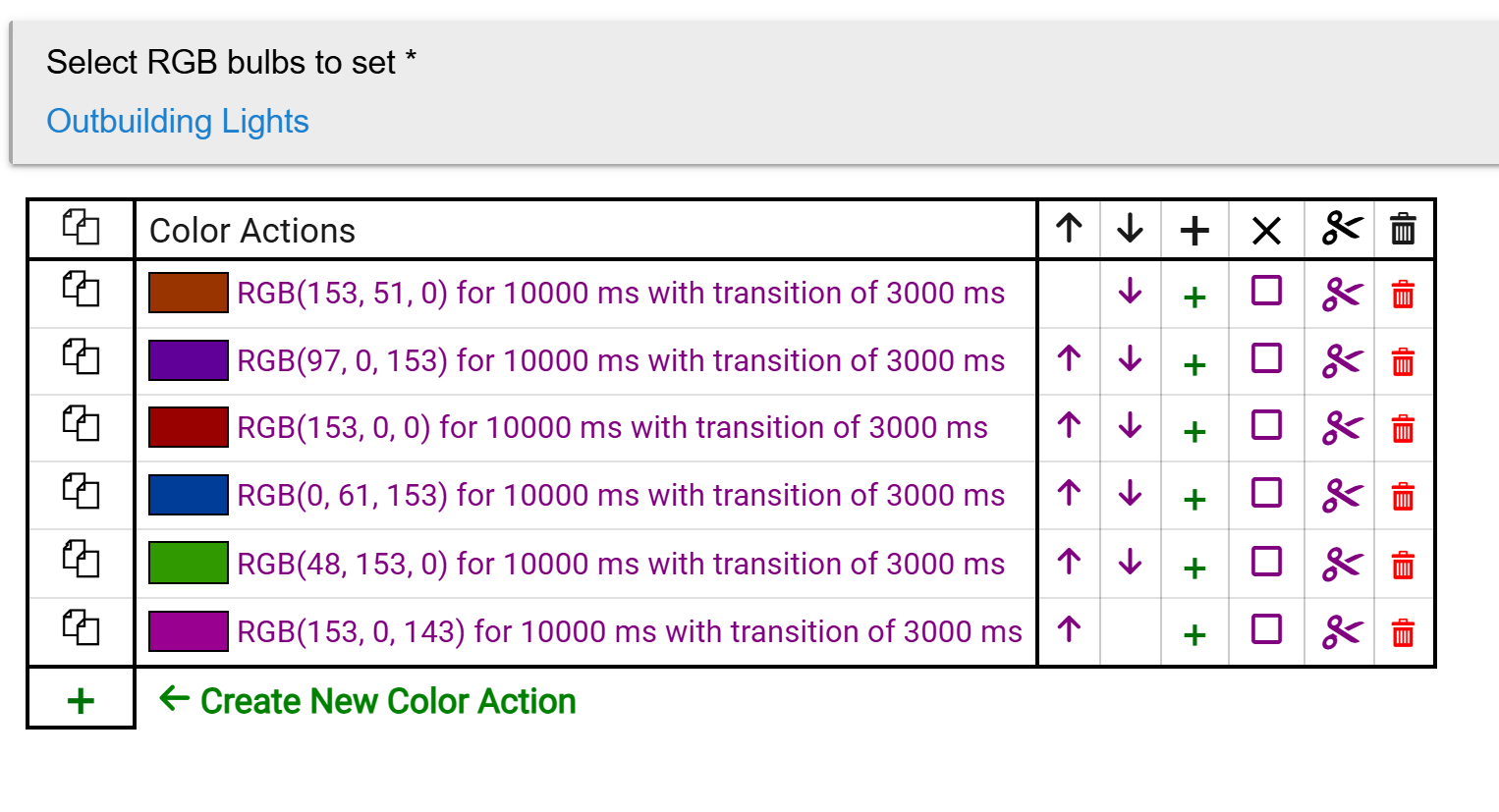
This journey started with some Halloween themed colors. I was using RGB values in Color Animations. All the lights were 100% brightness. Everything looked like a Christmas display. I'm trying to get a glow effect. This is where I stopped with Color animations. I really didn't explore that Color Animations has HSL. My 'assistant' translated my HSB to HSL. The colors and brightness look good. As you suspected the transition value is being ignored.
This is a 'Color Sequence'.
I did find that when you stop the animation it continues to the last 'Color Action' completes. This won't work for me because I switch between 'Color Sequence' and 'Color Chase'.
Creating a light chase in Color Animations is going to be cumbersome compared to using several Rule Machine rules. I'm going to experiment and see how it goes.
The current driver will not work with Color Automations. I have tested the below modified driver vs Color Automations as well as setColor and setColorTemperature. These changes will undergo full testing and incorporated into the next version provided to the staff.
For testing only:
code location: https://raw.githubusercontent.com/DaveGut/Kasa-Hubitat/refs/heads/main/user_driver_davegut_Kasa_Color_Bulb___test_7410.groovy
Instructions:
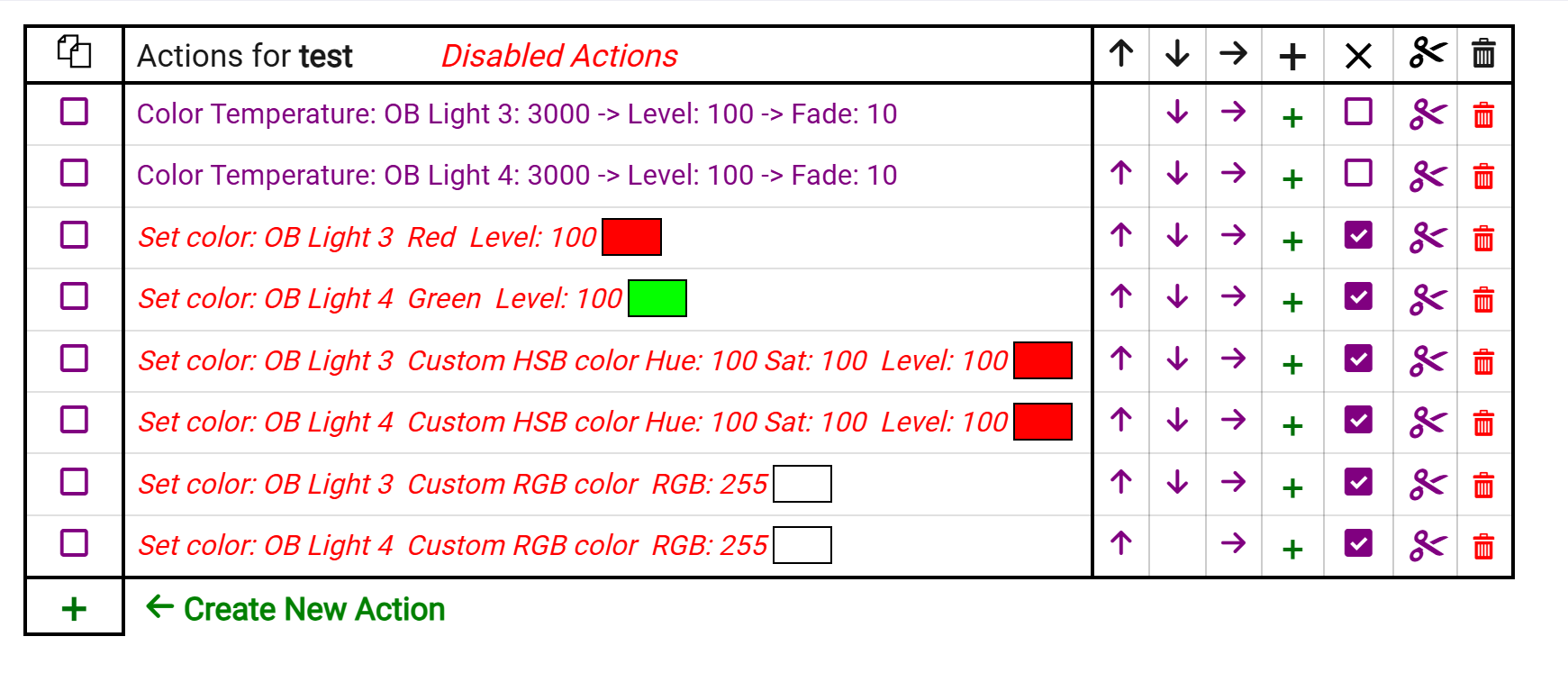
I setup 'OB Light 3' (of six) with the new driver and 'OB Light 4' remains the built in driver.
Both bulbs have a 0 transition in the Settings:
I tried 4 pairs of bulb commands. The disabled command show no Fade value.
The 2 Color Temperature commands do show a Fade value.
I will do an update to my main app to accommodate the command coming from Hubitat on Color Animations. Several issues I have to handle:
It is a map; however, it has a new value "rate" which is the transition time (I believe) for the command. I also has non-integer values; however, the Kasa (and Tapo) bulbs use interger values and crash otherwise.
What happens:
Thanks. Some things that seem so simple on the surface turn out to be much more complicated. Just to let you know. My preference is Rule Machine over Color Animations simply because I can't see a way to do light chases with Color Animations. I am very aware of the radio limitations, I'm keeping the light commands in the seconds per change.
So, in rule machine you can access custom commands. I am thinking of a simple new command that does not display on the device's page. It is very simple:
setAnimation(Map animation)
Map animation would contain the following
Note: a level of zero will turn the device off. I will need to experiment.....
Examples:
Would that solve the rule machine need?
Very nicely indeed.
Minor modifications and tested with rule-machine.
/* Custom command to support apps and rule machine providing
color and onOff commands a custom transition time. Also
supports color_temp and level.
Ranges:
a. hue/saturation: 0 to 100
b. color_temp: 2700 to 6500
c. level: 5 - 100 (0 level causes error in these devices)
d. rate: 0 - 10000 msec
e. onOff: 0, 1
Operation notes.
*/
Looking forward to it.