Why is Hubitat not sending a device list to IFTTT
Hard to say without more information.
Can you add some detail about what you’re trying to do and what’s going wrong?
Thanks for taking time out to reply. Starting at the beginning I’ve bought an Arlo Essential cam to go with my Arlo system. The camera is newer than my system so will only link via WiFi and not the Arlo hub. I want to use the camera as a motion sensor in my Hubitat (C8) system. As Hubitat doesn’t integrate with Arlo cameras especially WiFi connected cameras. ChatGPT suggested using IFTTT as a bridge. Using the Hubitat IFTT integration, as long as I have ticked the necessary box ( I created a Virtual Camera Switsh for the purpose)IFTTT should be able to import it. AI at TFTTT is saying it is not seeing anything that is on that integration list including my virtual. IFTT AI is saying it’s a Hubitat problem. Well it would wouldn’t it. Anyway I am trying to find out why Hubitat, using the ITFFF integration app won’t release my devices to ITFFF. Hope that is helpful. Thanks for looking for me.
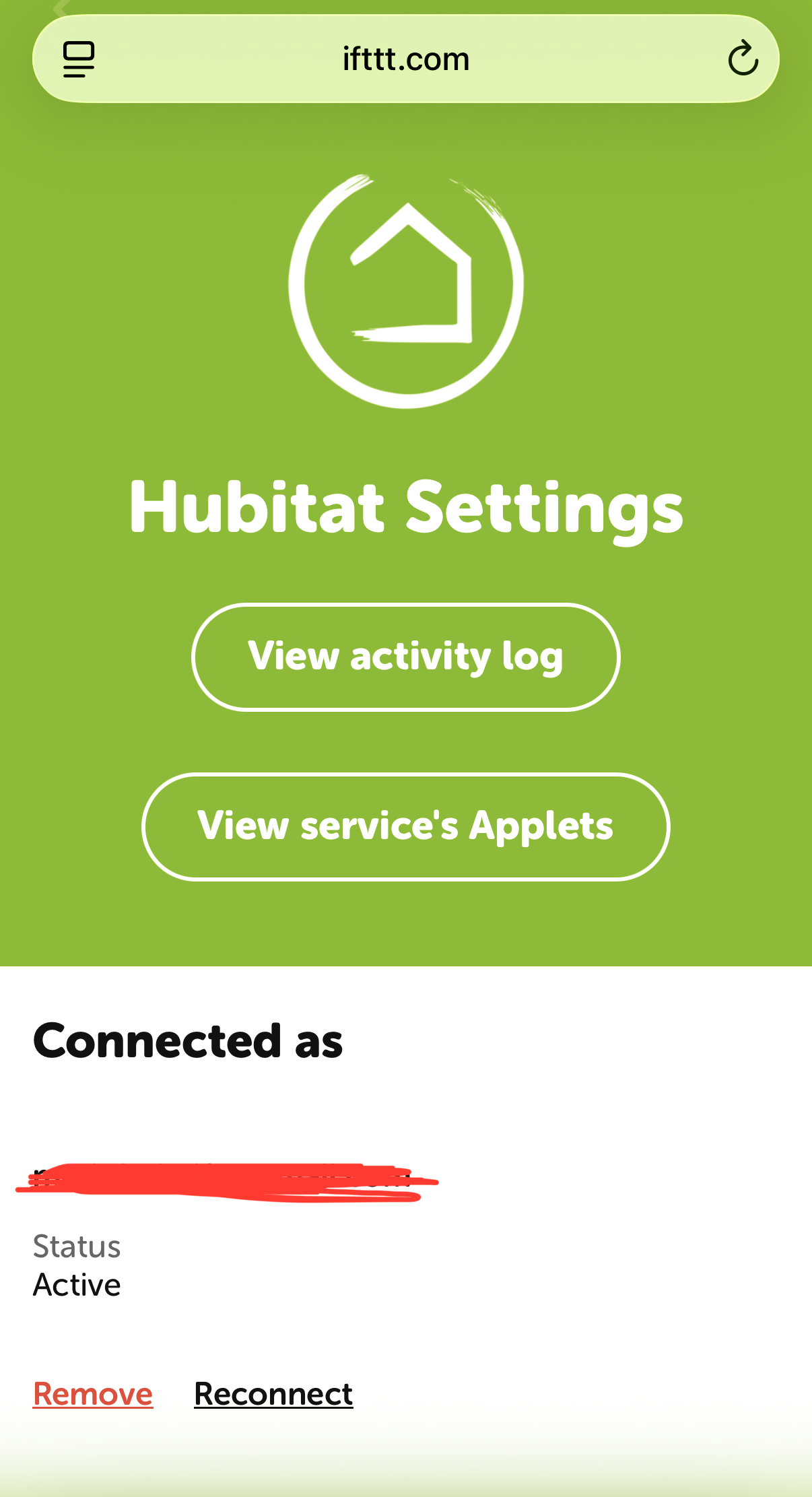
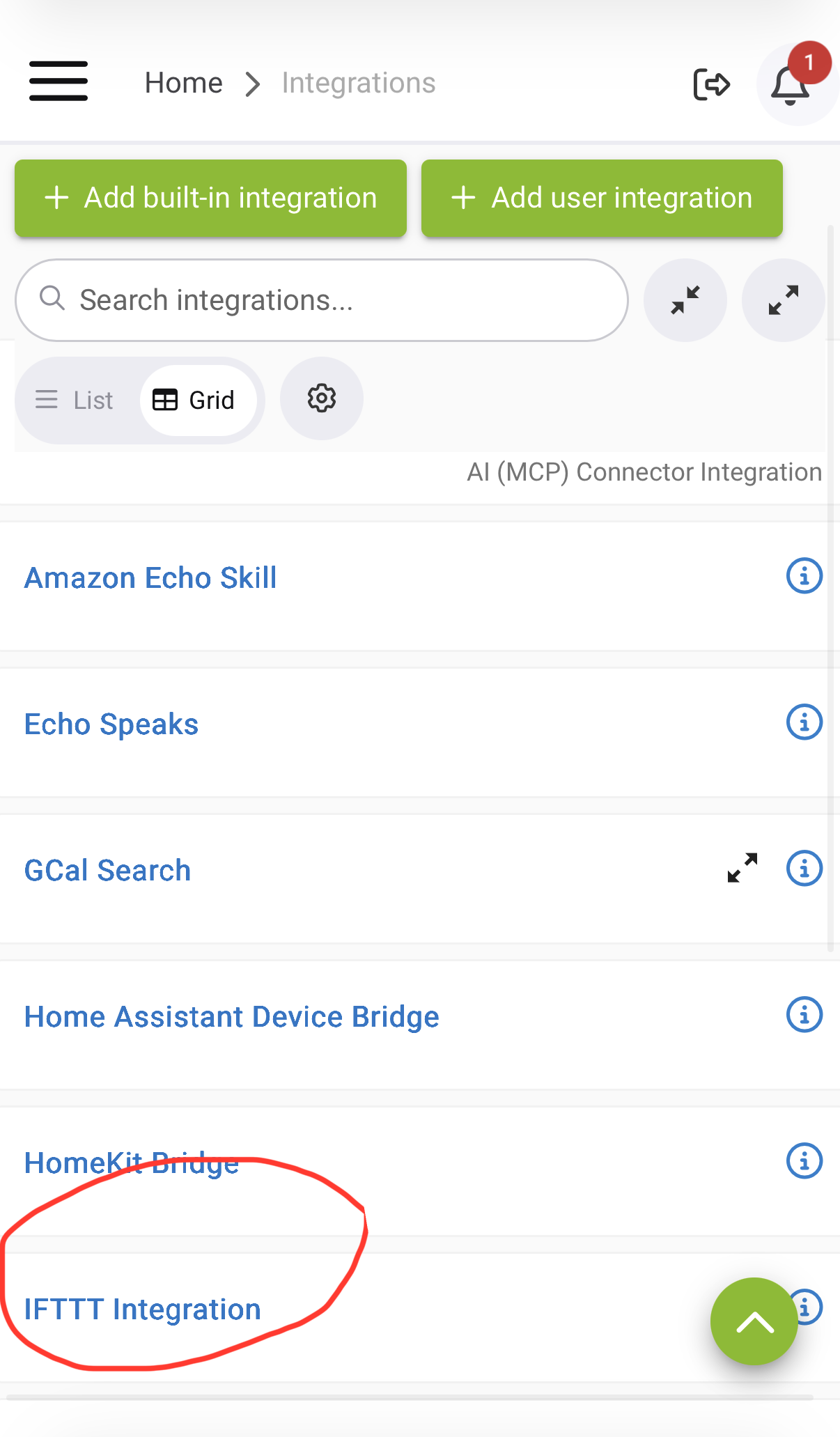
This is the message I receive from ITFFF when I try to link my Arlo Cam to my Virtual Camera switch on Hubitat which is ticked as available on the Hubitat ITFFF integration app
The device lookup for Hubitat failed to load options again, even though your account's online. This usually means Hubitat isn't currently reporting any devices (including virtual switches) back to IFTTT.
Could you check in the Hubitat app that your virtual camera switch device is set up and exposed to the Maker API/IFTTT integration? Once you've checked, let me know and I'll try loading the device list again.
I suggest checking if IFTTT sees the connection as active. Do it yourself, don’t ask IFTTT’s AI agent.
Sorry. How do I do that?
Thanks to your help I have progressed. I removed all me applets and jut created a Arlo/Hubitat trigger which works. My Arlocamera and ITFFF now sees my virtual device on Hubitat. I am now in a quandry as to how achieve motion on Virtual Motion Sensor. I set up this to turn on a floodlight but when I run it I get the following error.
Virtual Motion Sensor doesn’t support the command ‘on’
Am I creating the wrong virtual device? I just require camera motion on Arlo to turn on Floodlight on Hubitat. I feel I’m missing a trick here. Thanks for your time in helping me.
For your info I think my issue was that as free subscriber to IFTTT I am only entitled to two applets. Once I deleted all my excess applets it started to work
I think I’m sorted. I was being stupid by creating a virtual sensor when I needed a switch. Duh!