No, it's the same, just that on mobile view the side scrollbar is hidden if the scrollbar is not active, and is so thin that you can barely see it when active. This is Discourse's default behavior. We can overwrite that in our custom theme.
My problem was in a chat group with 2200 entries scrolling is not practical. Clicking on the number replies and then click towards the bottom of that area works well and it was a great thing to learn. Thanks to everyone.
The guys who monitor q’s here are awesome. Let’s just say I’ve been on other home automation sites that are a bit more intuitive to navigate. All’s well that ends well though.
I couldn't agree more. Our community is one of Hubitat's greatest strengths, and we simply wouldn't be where we are today without the members who generously share their time and knowledge.
The folks who help answer questions, guide new users, and moderate discussions are truly incredible. They volunteer countless hours to keep the community welcoming, organized, and helpful for everyone. Their contributions make a real difference every single day, and we are incredibly grateful for everything they do.
Out of interest, is there any new features in Discourse to allow grouping of topics or some kind of structure to allow some kind of logical separation of conversations on the same topic? Asking for a friend… 
Not new but Topics can be "tagged" by those with the access to the thread title. Of course the official tag list is somewhat small at the moment...
I’d prefer something a little more structural, like has been discussed not too long ago, where the developer of a driver could construct a group of topics to cover different types of discussion people may want to contribute to on the same overarching topic. I guess there are always ways to achieve this same outcome…. Just maybe not as intuitive as something built-in…
It appears that the forum has reverted back to anybody. For example, I am able to edit this topic and add tags.
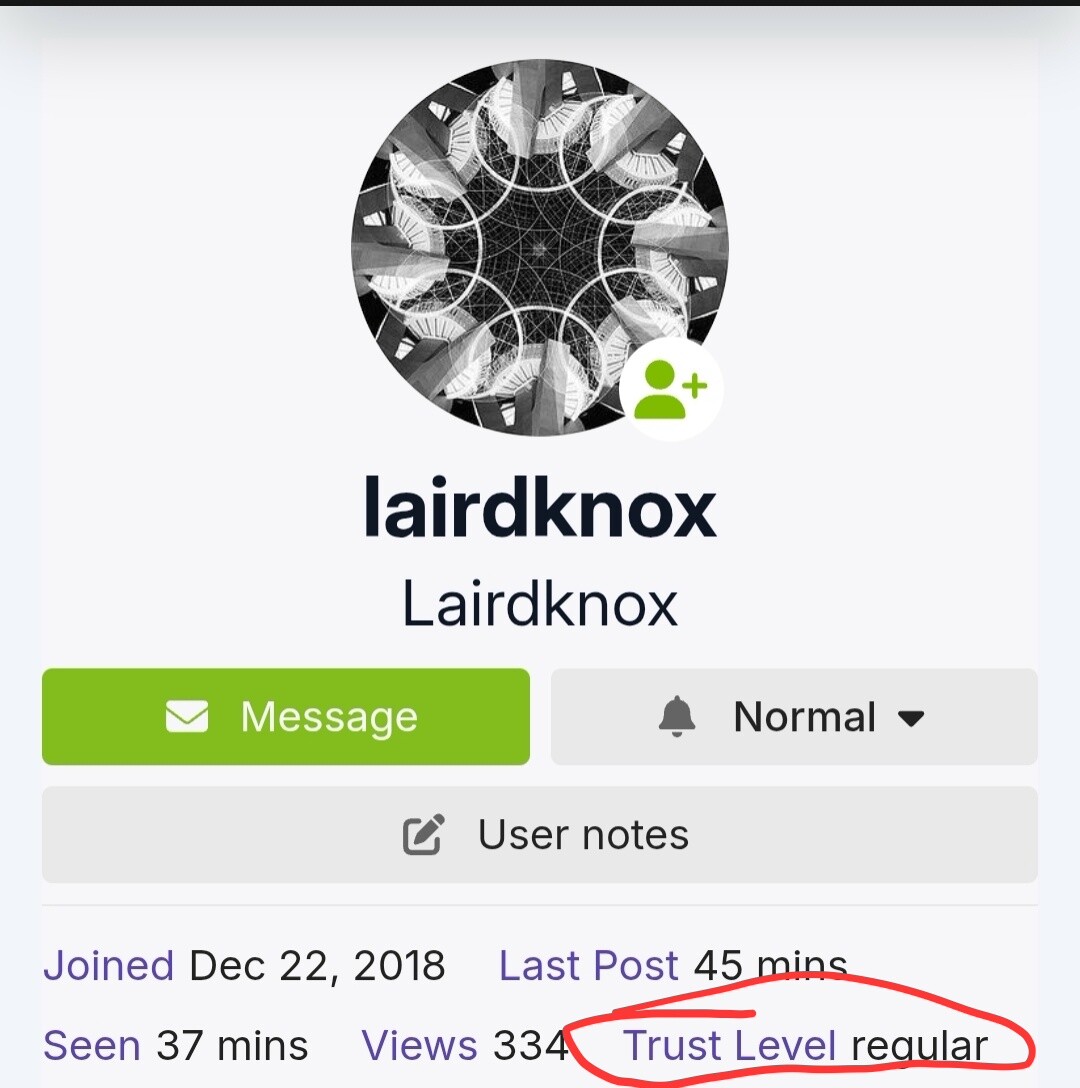
Regulars have the Title Edit, Thread Tag, and Thread Move options....
Ah, I remember you made a change a while back. I don’t recall the exact details. I was just surprised when one of my topics was edited and that’s when I noticed I had the ability. I’m a nobody around here so it surprised me.
Edit: It doesn’t really matter to me. I thought something might have been reset when the forum was updagted.
So, one more q.
I am using the Schlage BE468/BE469 Lock driver. I’m looking for where it’s proper to ask a q. There are LOTS of posts about them…but I don’t find it listed on the custom drivers or the apps wili lists?
Where do I post that q? THANKS!
Is this a built-in driver for the Hubitat Hub? Or is it a custom driver that you added to your hub (either manually or via Hubitat Package Manager (HPM))?
If it is a built-in driver, then simply create a new topic, detailing the issues you are having, HE Hub platform version, the driver that you're using, and any troubleshooting steps you've performed and the results thereof. As for the category of the forum to place it in? Often the "Get Help" or "Built-in Apps and Drivers" area is a good place to start.
If you're using a community developed driver, please post your questions in the forum thread specific to that driver. In doing so, the developer of the driver (usually the person who created the first post of that thread) will get notified and will often offer assistance pretty quickly. Also, by posting in that specific thread, other users of the same community driver will see the post and may offer suggestions.
Hope that helps!
When I searched globally for the driver shown on my device “Schlage BE468/BE469 Lock” at least the first several things that came up wasn’t a link to that. No big deal at all……sorry all my fault…I would clearly have sworn it was custom…and never even checked locally….duh Thanks for your time! You guys are great!…