Right now hub advertises "Hubitat" to all scammers around so everybody knows I have Hubitat.
Go ahead why not advertise also home lan ip address
Does removing the integration achieve this? I have it removed and I've never seen my hub advertised on Bluetooth.
From Gemini:
Whether you can turn off Bluetooth on a Hubitat hub depends on your specific model:
If you are trying to disable software-level Bluetooth scanning or integrations on a C-8 Pro, simply ensure that the Bluetooth Integration app is removed from your list of Apps, and no Bluetooth devices are paired to the hub.
Do you have Matter installed/enabled, out of curiosity. That uses Bluetooth and can't be changed if Matter is enabled.
I guess I don't know what the exact concern is? So what if they know you have Hubitat, what do you think could happen if they do?
Every device in your home advertises its name on Wi-Fi including your TV, phone, streaming stick, laptop, etc. Hubitat isn't any different than any of those.
Does not "achieve" because was never installed.
Perhaps you do not look so you do not see.
Simply open bluetooth section on tablet or phone and Hubitat is there ready to select.
If you have right tools you can do more but it is not the point of my initial comment.
I do not want it to be discoverable, turn it off, what is so difficult to undestand
Do you have matter enabled? If so that requires bt to be on
Matter 1.5 disabled
Bluetooth still enabled
What platform version is your hub running? Around the time the C-8 Pro was first released, the hub would show up as a device on scans performed from nearby phones/computers. But this was an issue a LONG time ago with the C-8 Pro hub. And was disabled many platform versions ago.
So I suspect your hub is running a platform version that is long out of date.
Edit:
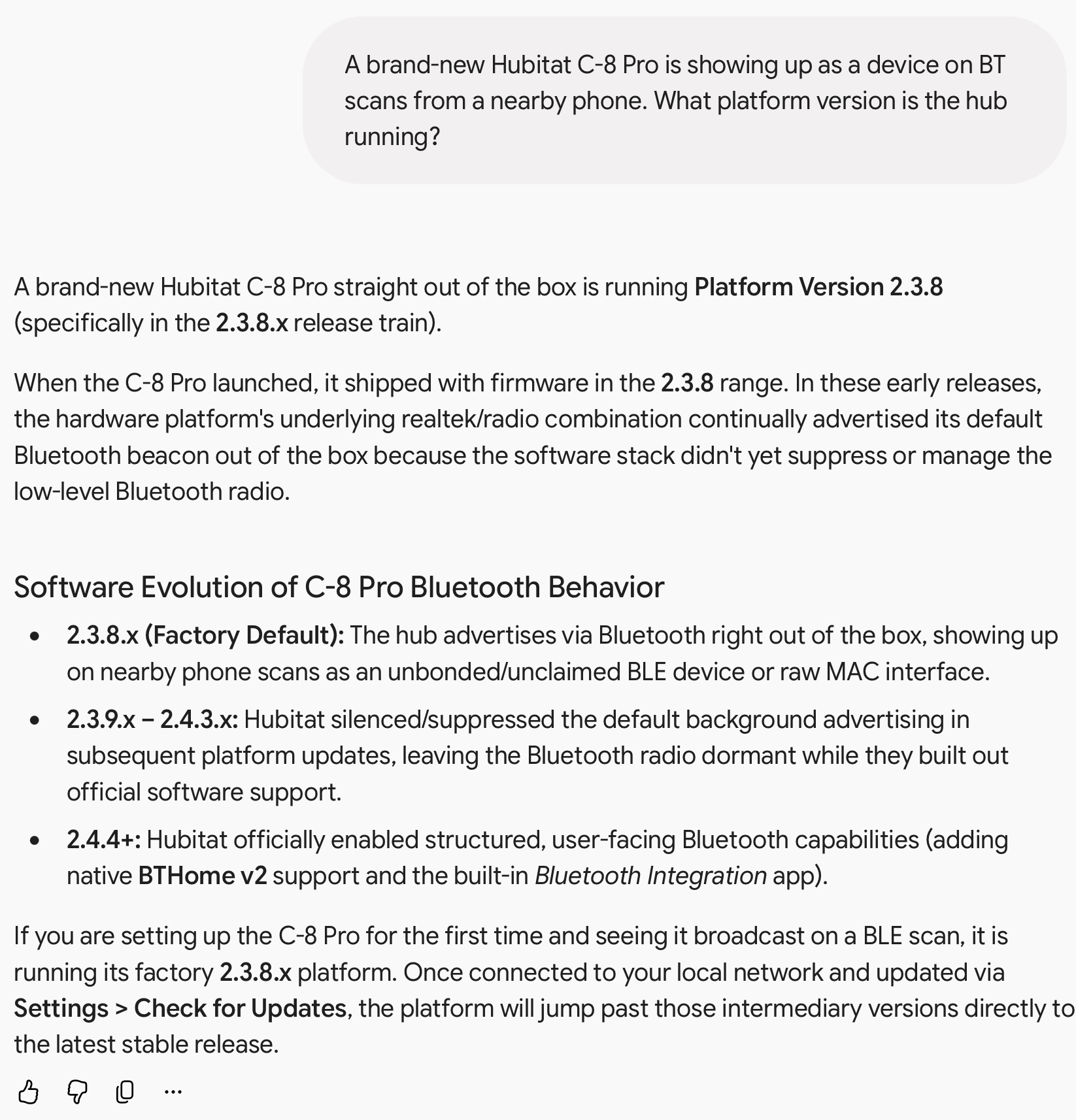
I had to use Gemini to "buttress" my memory about the C-8 Pro showing up as a BT device on scans from nearby phones when it was first released. This is what Gemini had to say, and it kind of matches my memory of the sequence of events:
Mine is 192.168.1.49.
What would a scammer do with that information?
Yup, hub LAN IP address is not an issue. 
I'm assuming that he meant his WAN IP address... 
And so what if it is advertised?
Perhaps if you are not running a firewall or you've exposed internal IPs and/or ports to the web/Internet, then you'd have an issue. Otherwise...
As others have mentioned, advertising your WAN IP is more of an issue.
I somewhat get your concern with your hub advertising via Bluetooth, but honestly who's going to really be able to "hack" it that way? You need to be within 30 feet of the hub to even really see it via Bluetooth.
It isn't a huge deal to me, but I do understand the OP's request and think it is a legitimate one - I really don't like things blasting out their identity any more than necessary either.
I'm not losing sleep over it or anything, though. I use Matter, so in my case I'll likely need it broadcasting anyway.
It's all good. I wasn't implying that the OP's concern wasn't legit. I was simply pointing out that it is not that big a deal. One must really go out of their way to discover the OP's hub via Bluetooth to even attempt to act on it.
There are worse offenses that a device broadcasting that it is discoverable via Bluetooth.
Checking my tablets and all the phones in the house, I do not see hubitat under connected devices or available devices. I scanned in adjacent rooms, and within 2 feet of my hub and saw nothing. I downloaded BLE scanner and no results there either.
Not running Matter and never used, or tried to use bluetooth anything.
FWIW, C8 Pro. I had Bluetooth on my App list but not enabled. It showed up as available on my phone. Removed it from the Integration list and rebooted. It was then not visible as available on my phone. Added bluetooth back into Integrations but NOT enabled. It shows up on the phone without being enabled. Just an exercise, I'm good either way. I'm not currently using it.
You can edit the name of a Bluetooth connection on your phone. Add the integration to each hub one at a time and name them appropriately on your phone. Not Genius but simple enough