Mostly annoying, but is there some trick to getting Z-wave contact sensors (Zooz ZSE41) exposed from Hubitat (C-8 Pro) to Homekit to show up in Home view? They're invisible, so far as I can see...but are available to use to trigger Homekit automations, so the exposure is working.
That's really an Apple question, related to how Homekit works.
BUT, contact sensors are Sensors, not Actuators. Actuators appear as Tiles, Sensors appear as 'status bubbles' along the top of a room (summarized on the Home screen, at the top)

Climate, Lights, Security are 'bubbles' I'm referring to.
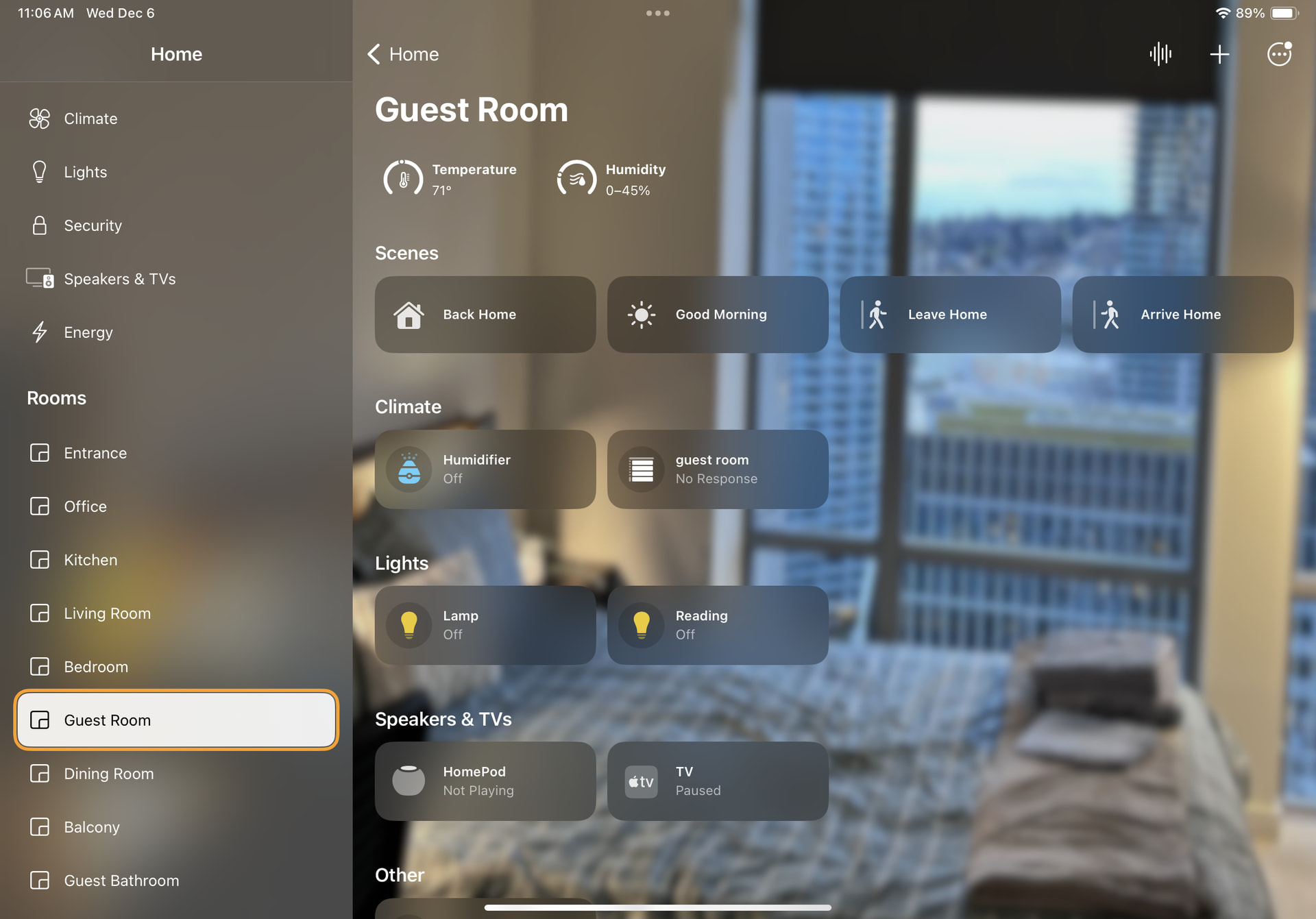
In this iPad image, the circle shaped items (aka bubbles) are Sensors: temperature and humidity.