Even with the above changes, your rule won't quite be right--that one-minute delay is never cancelled, so you may get unexpected surprises in the form of "off" events you weren't expecting to happen due to new option or re-opening. There is a motion-lighting example in the Rule 4.0 docs that shows how this could work, minus the contact sensor that you could add in.
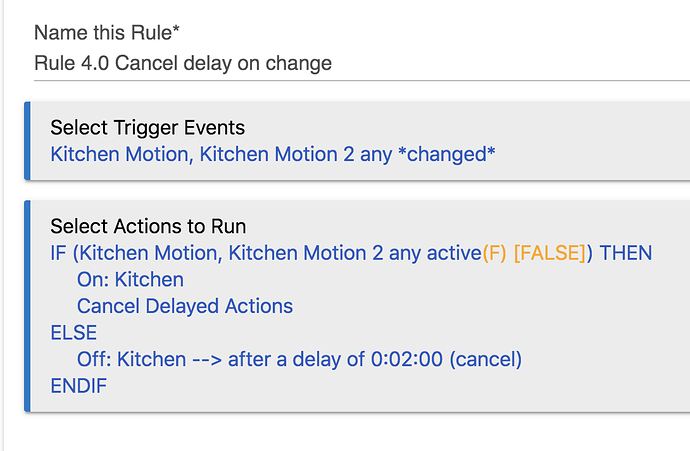
That being said, the Motion Lighting app, as suggested above, could also handle this--despite the name, it now supports contact sensors. If you do want to use Rule Machine, consider something like this instead:
Triggers: Contact sensor *changed* OR Motion Sensor *changed*
Actions:
IF (Contact sensor open OR Motion sensor active) THEN
  On: Switch
  Cancel Delayed Actions
ELSE
  Delay 0:01:00 (cancelable)
  Off: Switch
END-IF
Note the addition of "cancelable" and "Cancel Delayed Actions" (which will cancel any delay marked as "cancelable").