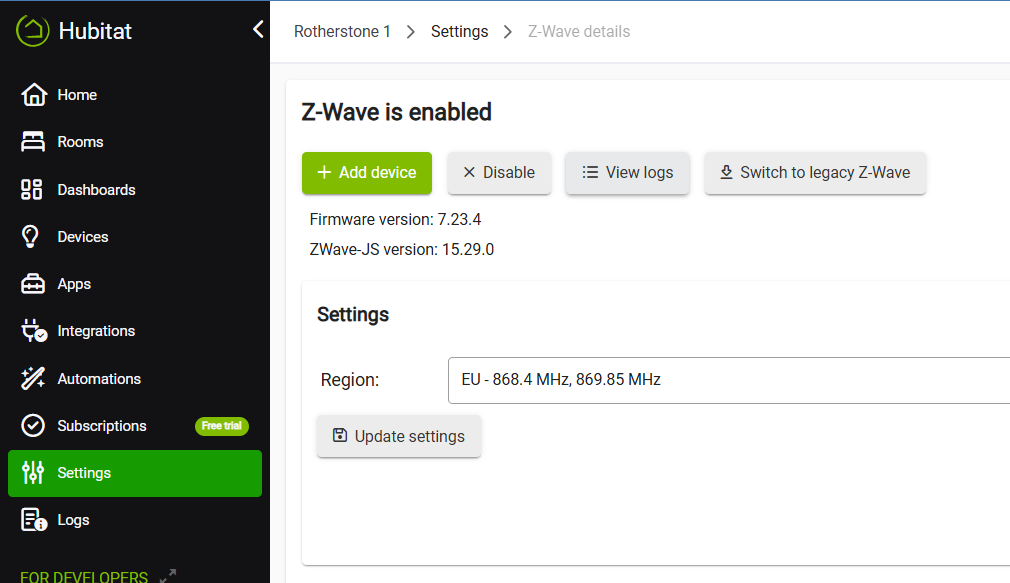
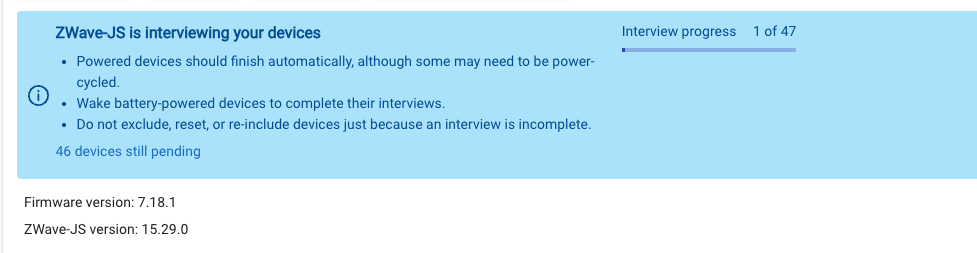
Can someone please explain the best practice to migrate my C8 Pro HUB from ZWave to Zwave-JS as I understand ZWave-JS is required to get the full benefits of being able to restore from a Full Local Backup recovery subscription. I like that ZWave-JS is opensource and allows for integration with Home Assistant if I ever want to add HA down the road. Today I have everything running off of Hubitat.
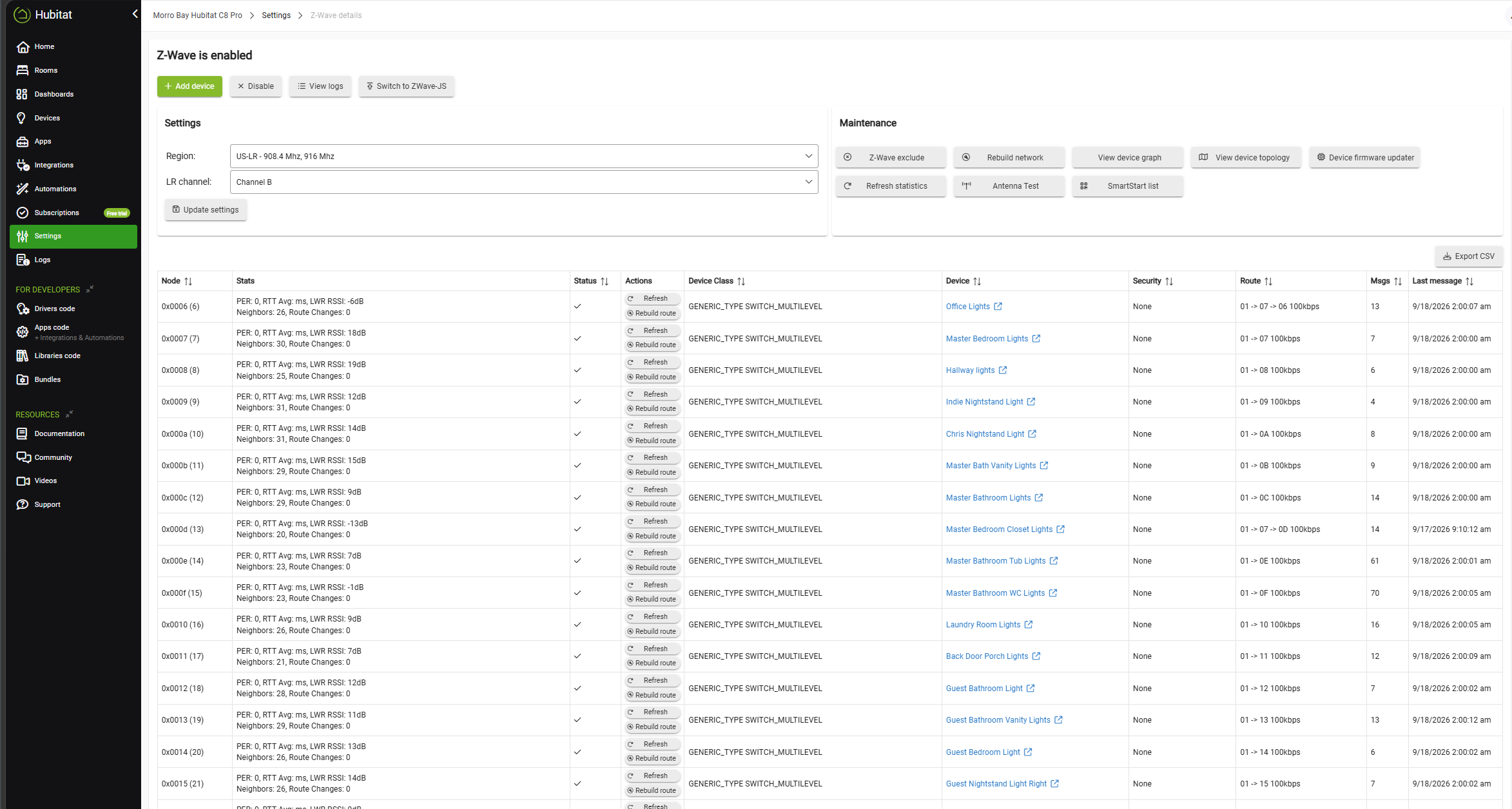
I tried executing the "Switch to ZWave-JS" button on the settings screen, and it worked with no errors. However, even after a day, none of my ZWave devices show as connected or respond to any commands. I switched back to ZWave, and they immediately all started working again with no issues.
After migrating to Z-Wave JS, what do I need to do to get my existing devices to work?
One thing that you can try is powering down the hub, pulling power for 30 seconds and then restarting. That is the only way to reboot the radio. If that doesn’t help, wait for the next platform update as there are quite a few zwave improvements.
It has been a while since i have done it myself, but what you did should have automatically started the process.
When you switch to Zwave-JS the hub should reboot. When the hub comes back online it should start to interview all of the devices and as they perform actions they should start to work more smothly. I did have some sleepy devices that i had to kick and pair again. I think i also had to trigger re-interviews on some devices
If you don't see some devices starting to work after about 20-30 min try performing a full shutdown of the hub and pull the power. Wait about 30 seconds to a min and then power it backup. That should completely clear the radio so that it can full restart on the next reboot.
It may also be worth performing a full power cycle prior to doing the switch so the radio is in the cleanest state possible.
@gomce62.web - I remember doing what @Ken_Fraleigh indicated. The hub reboots when you move from z/ip to ZWaveJS. That was insufficient for my devices to work. So I did a shutdown (from the Settings menu), removed power from the hub and then re-powered the hub. Everything worked at that point.
Thanks to all for the quick responses. I did everything you are all suggesting and it did start the interview process but after a day none of the devices showed connected which is why I switch back to Zwave in-house and they all immediately started working again.
I'm heading out for the weekend so will try doing the full power cycle next week to see if that solves the problem. I thank you all for confirming I should not have to re-add my Zwave devices after switching. Hopefully the full power cycle solves the problem
Can you provide examples of the zwave devices. The reason I ask is some devices do seem to do better then others with the switch over.
If most of your devices are battery powered they can be tricky to get fully online. Could even involve triggering a interview of them and then actively trigger a event like opening a door for a door window/sensor. My Zooz remote switches had to be excluded and added back. My regular zooz switched were fully working within about a hour. All i had to do with most of them was manually trigger them once and they just worked.
All Zooz Light Switches (power) plus 3 Kwikset Locks (battery). I'm hopeful the full power-off suggestion @mavrrick58 and @aaiyar provided will solve the problem.
Half of my devices were there right away. The other half required running the interview on each device not checked in. There was a thread from back when js was first offered. Went sometime like http://<hubitatIP/interview/
Mine are almost all zwave 700 with a few zwave 800 devices. I also have all of mine paired with S2 security. I think the S2 helps because there are additional validation stuff they do that may help it maintain a good connection. Using S2 doesn't cause a negative impact on the hub or devices so it is good to use all the time.
That isn't a easy change now though, but something to consider.
The value S2 brings is that at all connection speeds the packets are CRC checksumed and validated. Without it only 100kbps connections are. I always include any s2 capable device with it.
Good news, I went through the migration process again today, and all ZWave devices except one battery lock is working perfectly. The other two locks migrated fine. I'll give it more time and try removing the battery to see if that solves the problem. If not, I'll exclude it and re-add it. Thanks to all for your help and suggestions
I had issues with 3 out of 4 of my locks. I wound up being able to hit Configure on them (which erased the stored codes), and then adding the codes back in Lock Manager and that fixed them without having to exclude and repair.
Thanks, I tried that and it still didn't work. It appears Hubitat is confused as it thinks it is a wired device and it is battery just like the lock below it. Tomorrow, I'll try excluding and re-adding it.
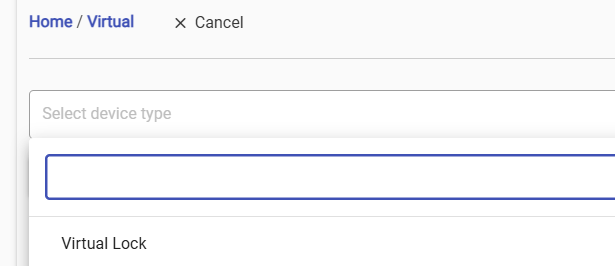
If you have the lock in any automations and don't want to break them you can create a virtual lock device and then use the Settings>Swap option to swap the lock w/the virtual lock, exclude/re-include the lock and then use Swap again to swap the real lock back in for your virtual lock.
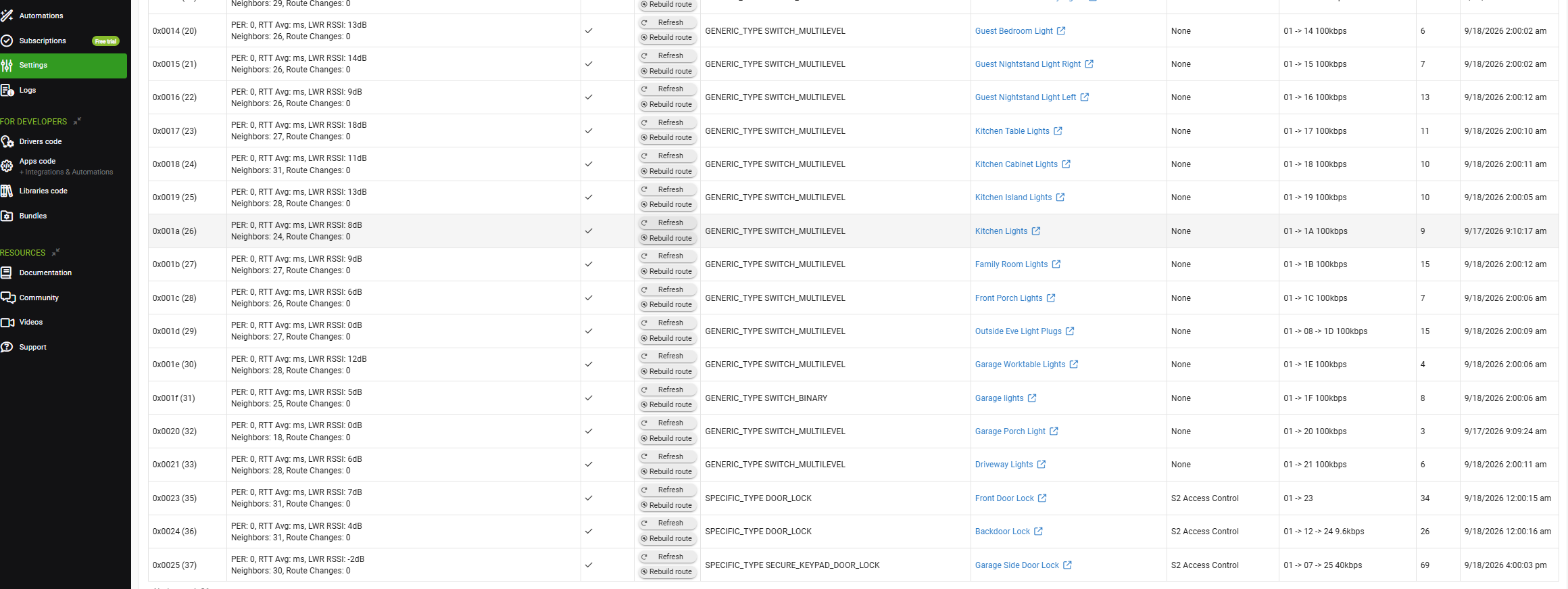
Was worth a try. For the record, the Zwave table showed 3 of mine as "no security" even though it showed as true on Zwave Security Pairing Complete. You might also try doing the http://{hubIP}/hub/zwave2/reinterview?node={DecimalValueOfNode} before the exclude reinclude and a configure -> refresh -> Setup in Lock Code Manager again.
The migration REALLY did not like my S2 Access Control Devices. It set off the tamper alert on my garage door opener too.
Figured I would post here. How long should the interview process take. I have been stuck on one inclussion for over 12 hours. Any suggestions. Should I flip back to legacy and try again, should i power cycle the hubitat ?