Hello Dave, I retried the driver and I got the same results with the set next/previous effect
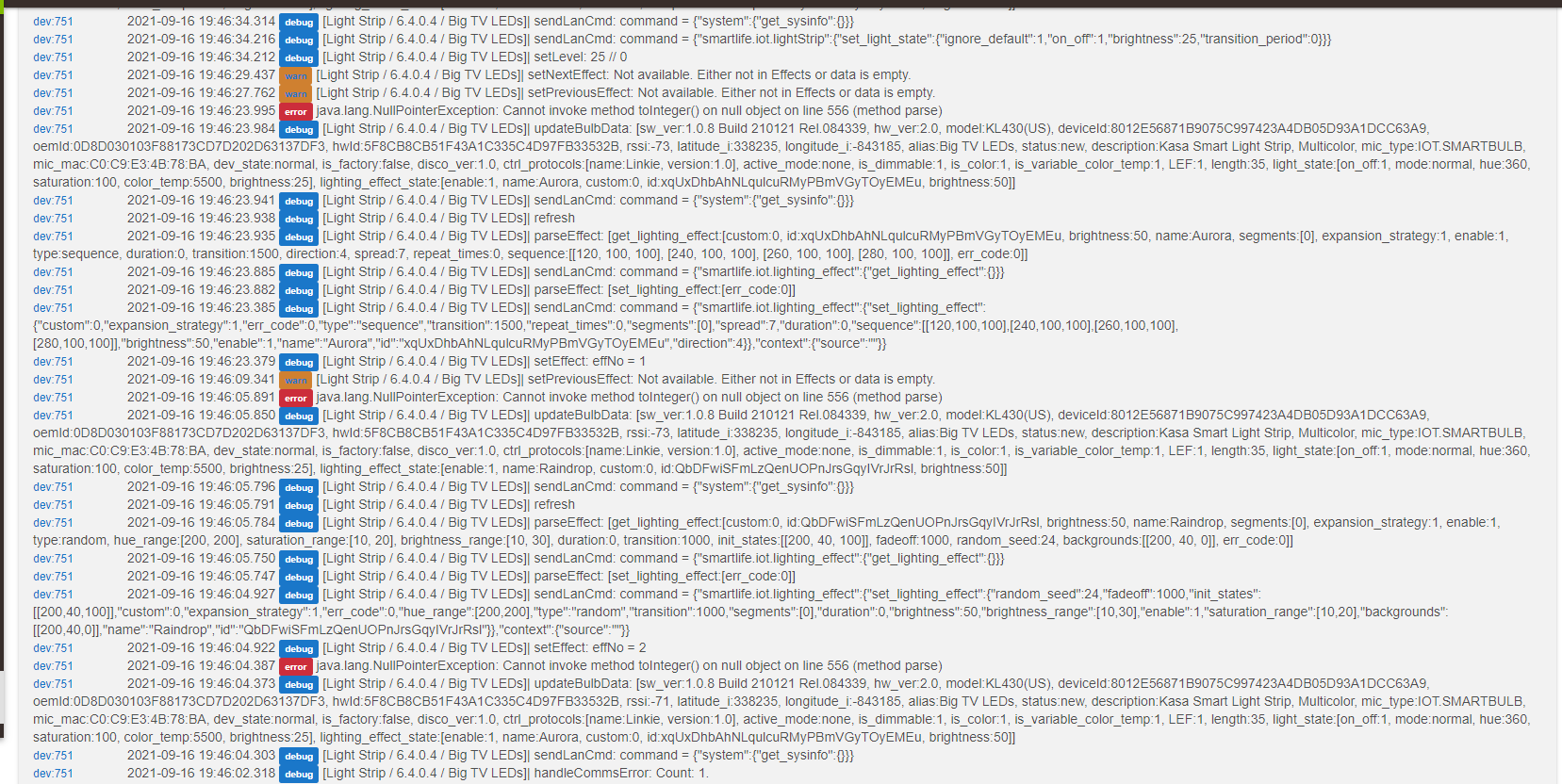
Updated. Also found algorithm for Color Temp vice look-up table. Using that version. Color Temperatures still do not match well my color bulbs - but that is as good as it will get.
Use repair to update.
Dave
1 Like
I know they don't match perfect and I am perfectly ok with that for my application, just can't have them be red 
I'll swap the code and try later today. Thanks for your help. I'm LIVING for the ability to actually call effects through webcore now.

Important Light Strip Note
Unbinding a Kasa Light Strip from the cloud will cause the light strip to disappear from the android version of the Kasa phone Application.
validated the next/prev effect function now works as expected in the new version.
I'll look at the CT this weekend 
1 Like
Hi everyone, I'm not able to set polling value? It stays at the default 30m. The debug logs read as if I'm repeatedly trying to set it to 30m itself, like it's not registering my selection in the dropdown even after hitting save device.
Also, can someone help me understand what the "switch" on/off state indicates? Thanks!
Well, I just got a kasa plug working! Fantastic! I tried earlier with the app and the newly purchased plug, and there was latency. Nothing now. No cloud-local wifi. Now, all I have to do is find a use for it, lol.
Thanks very much for your work on this.
To the above questioner: Switch on and off is just indicating whether the switch is on or off.
Ok cool thanks, then I need to dig more into what's causing it not to sync properly...
I just tried the same thing and it would only do default as well. I have no idea what polling's for in this case. I get instant response when I hit on or off.
I just installed the latest beta update of Hubitat, 2.2.9.117. Seems to have messed things up. Much latency when switching on and off in driver screen. Here is a log example:

edit: seems to be working now.
Version: What version are you using of the driver?
Device: What is your device type. I have nine Kasa device drivers, so without this it is hard to troubleshoot/verify functionality.
Polling. Just tested on all 5 of my plugs / switches to set poll interval. They all worked flawlessly. Notes:
- the state "pollInterval" display will NOT be updated until you refresh the browser screen.
- I use the exact same code for all NINE of my drivers, so this should extend to those.
- Quick polling is for when you have a RULE/Scene you want activated/deactivated when someone manually switches on the device. It is also used for actions based on power levels to detect connected appliances operating or in standby mode (i.e., an Air Fryer to determine if it is in standby vs operating).
You had some wifi communications errors. A lot of possible reasons; however, they usually are automatically corrected by the error handling embedded in my drivers.
1 Like
I'm a fool, I wasn't hitting the command button for setPollInterval after selecting the value from the drop-down. It's updating now. Sorry for the confusion!
1 Like
it say not to use cloud base how can i know witch one is and aint and would thid o
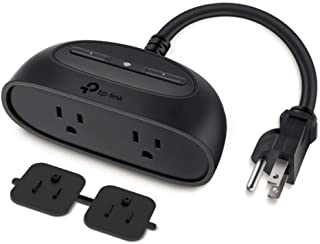
ne work

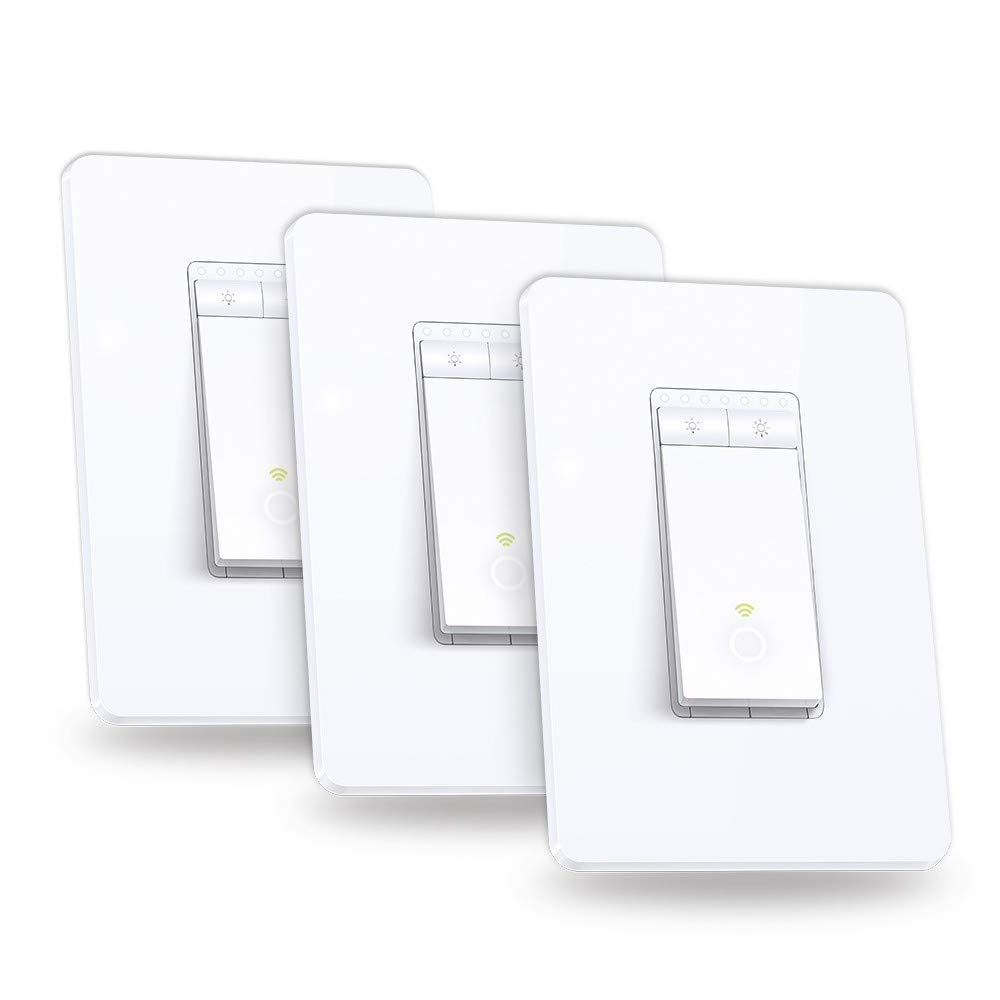
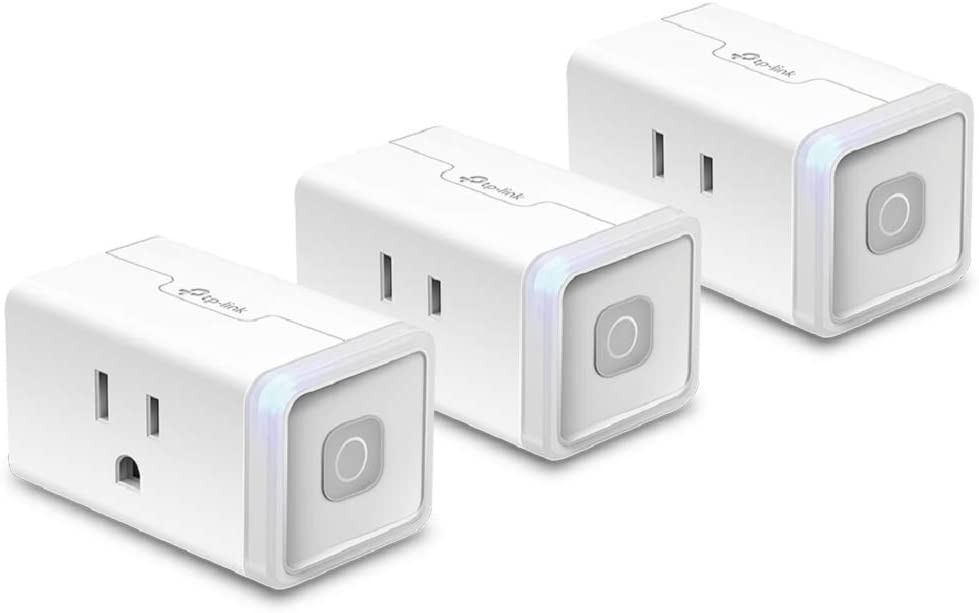
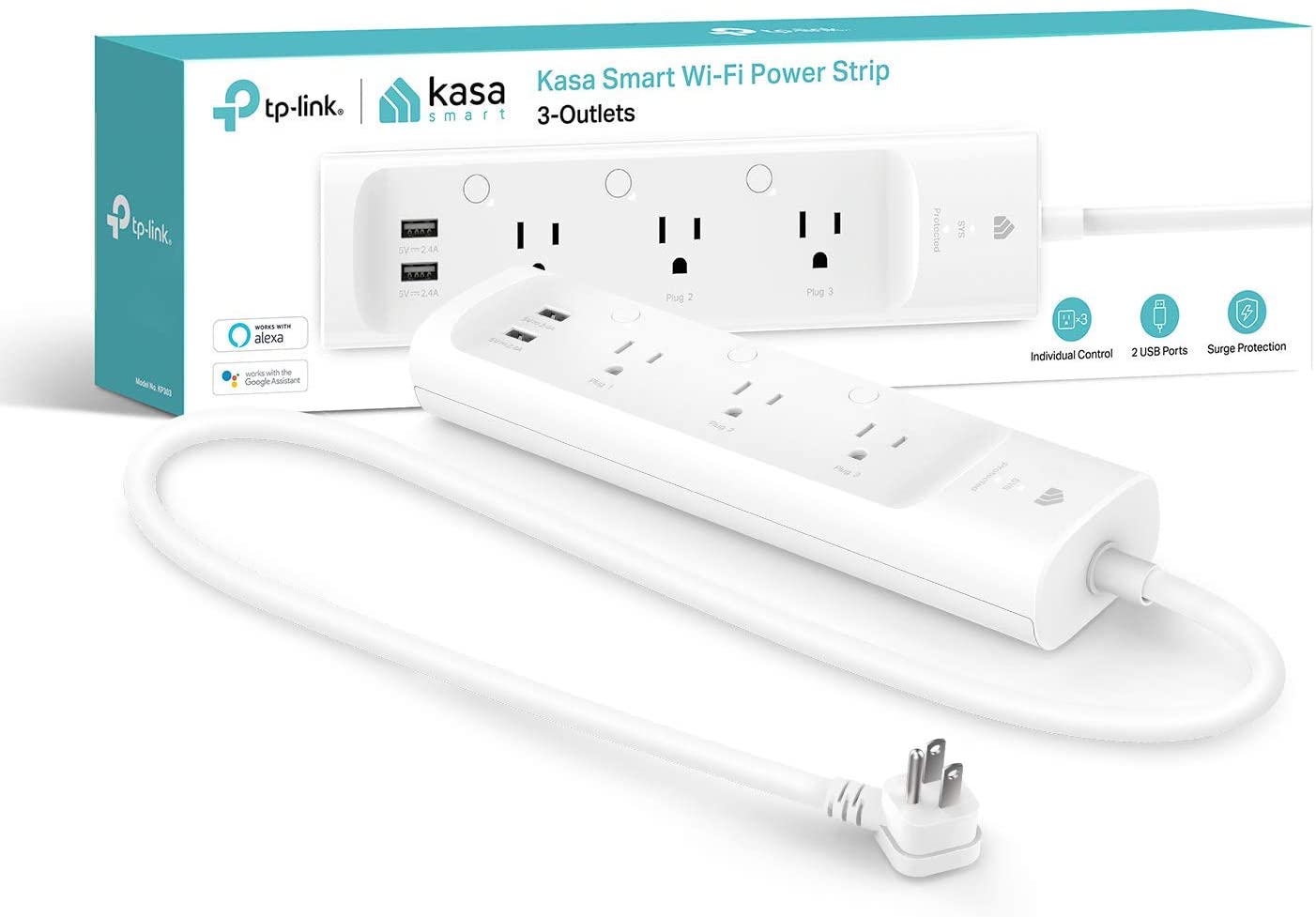
I love those American sockets they have such dismayed looking faces.
2 Likes
Not sure I understand; however:
LAN vs CLOUD operation:. Both work if installed per the instructions (except on one older device that was converted to cloud only by the manufacturer). I can not over emphasis reading the instructions (see top post on this thread for a link).
Compatible plugs, switches, and bulbs. All of the Kasa series of these as of April of this year. I have yet to see a device that does not work based on user comments in this thread. Note: the product line is so extensive (and developed over 5 years) that I can not economically own specific examples of each and every model.
Testing. All drivers are tested on Kasa device examples of the series except the dimming switch. The dimming switch was tested by a Hubitat user as working acceptably.
Pictured devices. I believe the devices you pictured have indeed been successfully integrated with Hubitat using this integration.
I have all of the above pictured devices installed and working great locally including the dimmer switch.
1 Like

