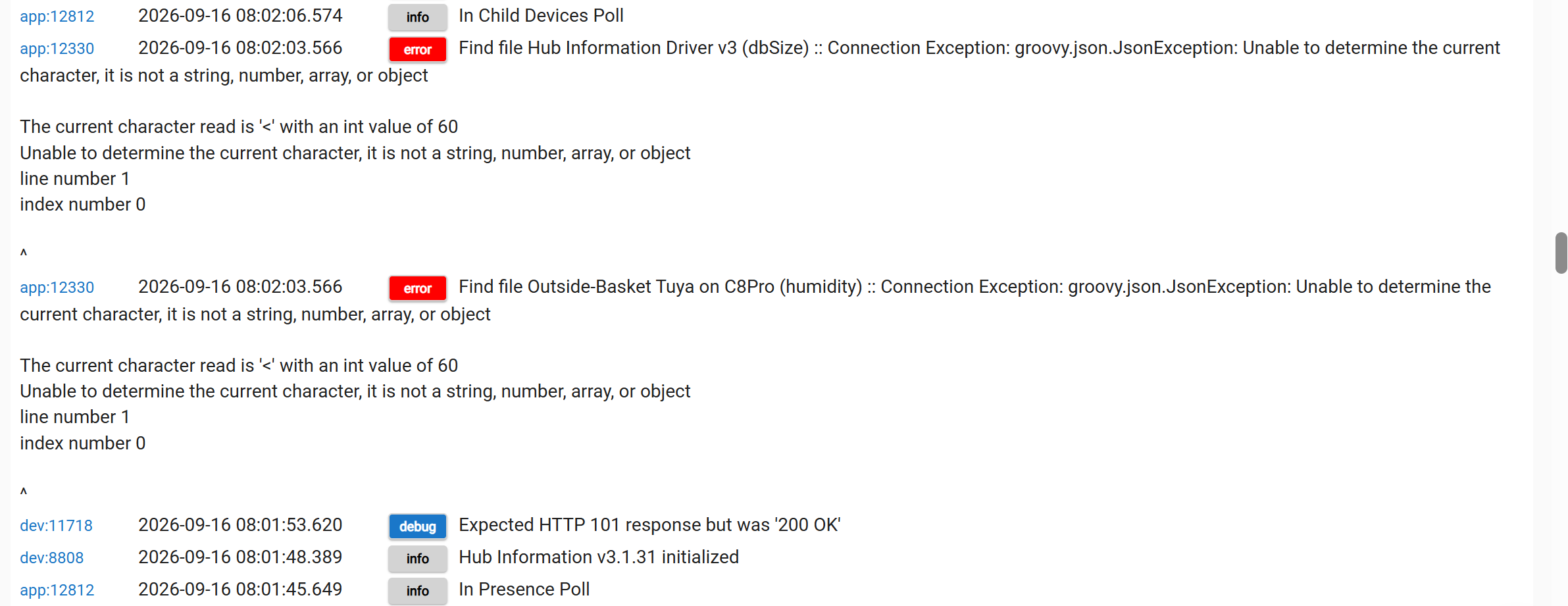
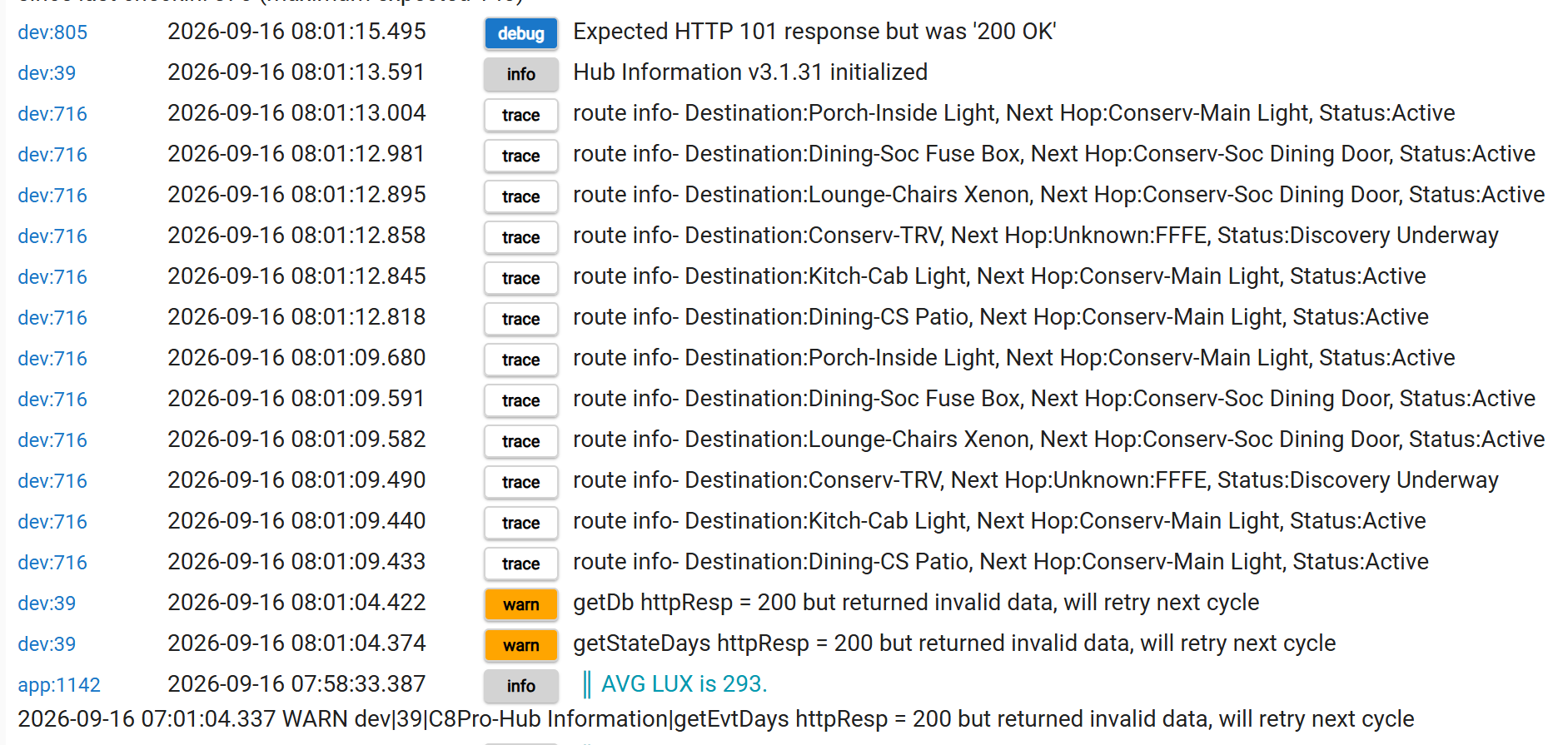
I did pair a Z-Wave device yesterday which is a Shelly Motion Sensor. This is not connected to any rules/pistons but is just sitting there. As you can see there is only a couple of lux reports in the events for the device so I would assume it is not that causing the issue.
Looking at the current z wave logs it is not a chatty device. In fact it's a battery device that only wakes up when motion is detected or reports the current lux reading every 12 hours if no motion is detected.
Any thoughts as to where else I could have a look to try and diagnose the issue.
In general, unless you've specifically engineered it, events on one hub won't control another hub; so I'd look external to the hub. The most common suspect would be a brief power drop if the hubs aren't on a UPS.
Thanks for the response.
The hubs are on a UPS and are meshed together using hub mesh.
I agree, as they both went together something common must have happened but I cannot seem to find anything unusual.
I was just wondering if somebody out there had something else that could be checked or a pointer for something else to look at.
I'm probably going to have to put it down to 'one of those things'.
Hhmm.
They have just rebooted again.
Not sure what the hell is going on.
Fortunately I had logging open on both hubs. Nothing in the logs prior to rebooting.
I'm pretty sure it does as earlier in the year we had an issue where there was a problem at our local sub-station and according to my UPS the supply voltage was fluctuating around 150V. We're 240 in the UK.
Nothing dropped out at the time. (Apart from my gas boiler. It didn't like low voltage)!!!
All I had was an annoying 'beep' from the UPS.
The only time I get system startup in my hub events side of the log without having a prior log entry explaining why, it is when I use the HubInfo driver reboot command (that I call from a rule triggered by a switch). Even the one time I actually had a system initiated low memory reboot, it said so in the previous logged event.
Are you using anything that calls a reboot using the hub info driver?
Hubinfo driver has a method/command that reboots the hub.
I don't have any automatic triggers for that. I do have a rule that calls that command when I turn on a virutal switch (to make it convenient to do from a dashboard though)
The hub itself has a protection that reboots the hub when it gets critically low on memory, and that leaves a trace in the loggs under hub events. (It shows right before the system startup message).
The only restarts I have ever had happen in the past that DID NOT leave an event in the Hub Events log were ones triggered by that method in the hub. Everything else has left a message stating why it was rebooting.
If you aren't seeing anything in the event right before startup, it is likely either a method call from an app, or as mentioned before from a power blip.
Another thought, since you mentioned a UPS, when my battery was going on my last one, I would get momentary blips even though it was plugged in. Are you sure on the health on your battery? Or, is your UPS running any self checks that might be causing an issue?
I was aware of that but I have nothing set up that will trigger a restart of either hub. I did consider setting something up but as both the hubs were running flawlessly and the only time I've needed to reboot was part of a hub update.
The hubinfo driver is only used for gathering stats which I send to hubigraph for graphs.
The only thing that has appeared under hub events is the actual system startup notification.
I did disconnect the power supply from the ups today to test and left it off for 10 minutes. Both hubs stayed powered up with no issues.
Unfortunately things are ramping up now.
Last night through to this morning I had reboots at
02:50 both hubs rebooted
03:31 both hubs rebooted
04:32 both
05:09 both
08:12 both
08:26 both
08:36 both
08:55 both
@bcopeland@bobbyD is there any chance you can look at my engineering logs to see if there is any indication what's happening. Thanks.
This is turning into something unmanageable now. 3 more and still no idea what is going on. @support_team@bcopeland@bobbyD I could really do with some help.
Is there any chance this could be a temperature issue. How hot are the hubs running.are they on the same ups/power source or are they physically separated.
Same UPS sounds suspicious. I know you have performed tests that it is working fine, but there may be more to this than just voltage. The internal components could have issues, or the battery resistance could have changed with age.
I would take both hubs off the UPS totally for a bit, and see if they still reboot to eliminate the UPS as the cause.
Is there a way we can access these type of logs? Or maybe push these types of failures to a notification of some sort. In the same way we get severe load etc.