IMO, the best approach is to avoid purchasing and using any Tuya WiFi devices, no matter how cheap they are.
The “contract expiry/renewal reminder” issue hits pretty much every home automation platform except Home Assistant - see here.
Home Assistant is different because it no longer uses the developer API model at all. It uses a Tuya-approved QR/OAuth login that connects directly to your Tuya / Smart Life account, so there’s no developer project, no subscription, and nothing to renew.
Because of that, other platforms can’t really “fix” this on their side. Unless Tuya officially gives them the same kind of access Home Assistant has, they’ll keep running into the same contract-expiry limitations.
I don’t think Tuya will ever be willing to cover the cloud hosting costs on behalf of other commercial home automation platforms (like Hubitat, Homey, or SmartThings). That’s probably why Home Assistant ends up being the only real exception — its community-driven integration and Tuya-approved login flow avoid the whole developer cloud subscription model altogether.
thanks. I'll check it. But if it works, then do we still need Tuya cloud control ?
edit:
I tried it and seems to work fine.
I just had to assign static IPs on my router.
so now , even if my Tuya developer account expires, I can continue using it through local commands. right ?
Yes, the local WiFi communication to my Tuya RGBW bulb works pretty well.
Once configured, you don't need the Tuya 'developer account' anymore, you can leave it expired.
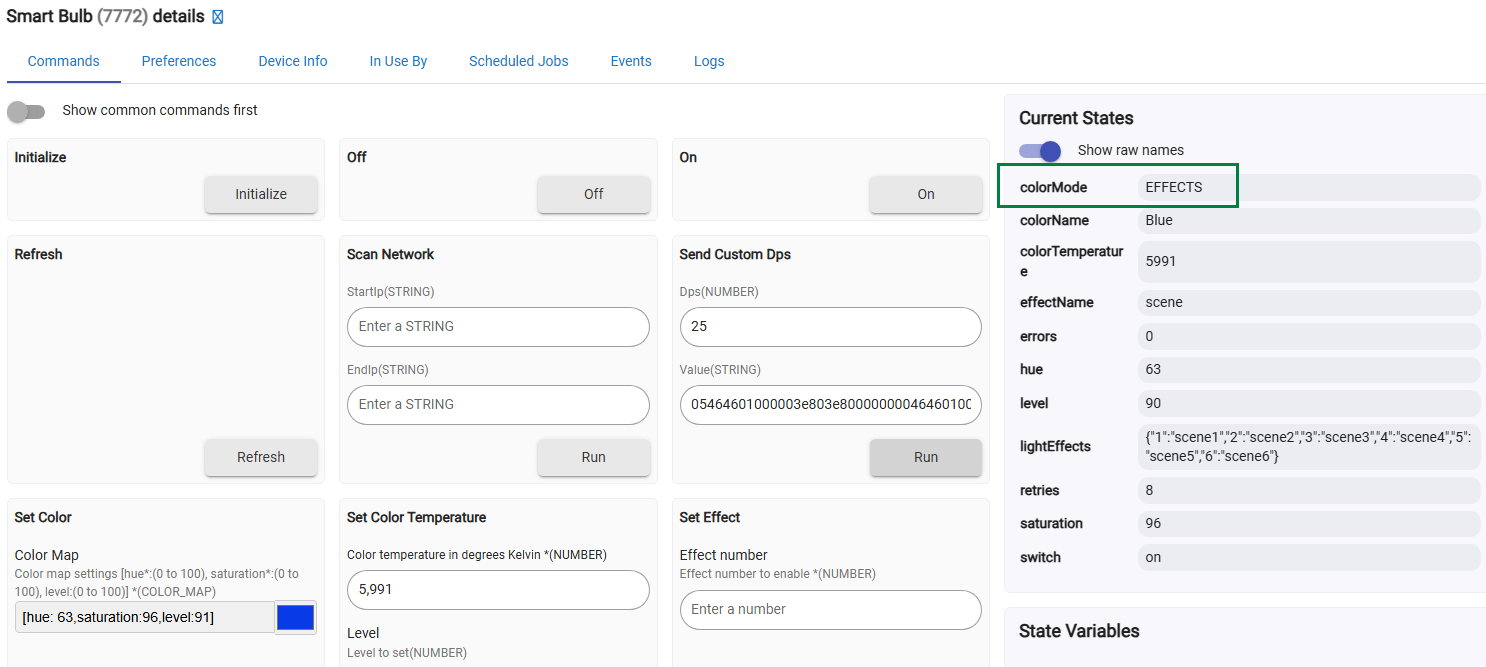
The “Tuya Local RGBW Light” driver didn’t work for my particular Tuya bulb, because it has hardcoded “Data Points” for local communication — and the DPs in my bulb are different. My bulb however matches the Tuya Generic Light Bulb Template specifications.
I tinkered with the driver code, and this is the result:
All RGBW commands are working OK, the colors seems to be accurate.
Also, my bulb can be controlled both locally and from the Smart Life app at the same time (as long as there’s an Internet connection, of course...). The local control always works (except when I turn off my WiFi LAN router )
The moded driver needs some more work to hardcode the default Tuya scenes / light effects - these are also working, when copying the code manually from the Refresh() command debug logs :
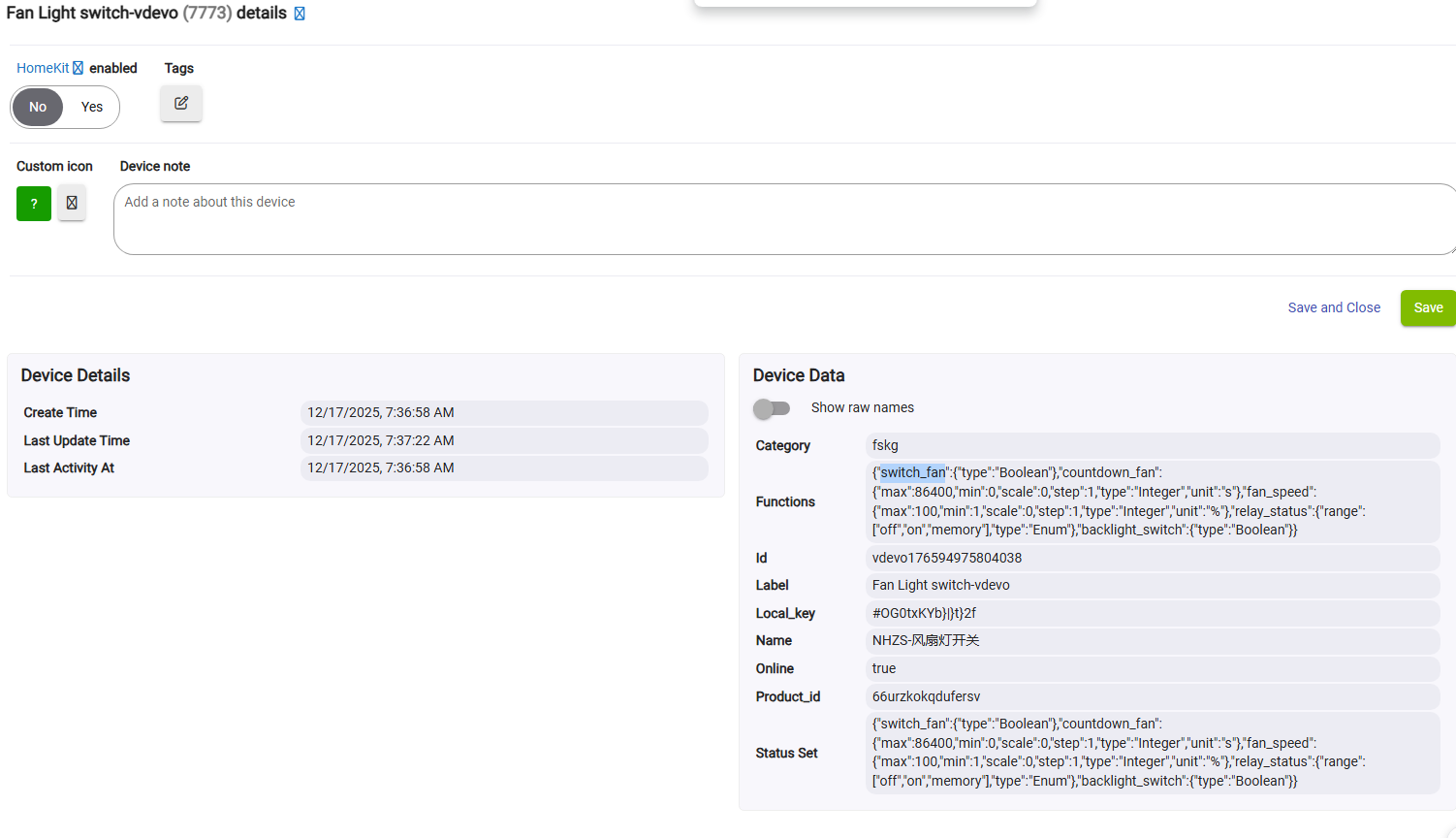
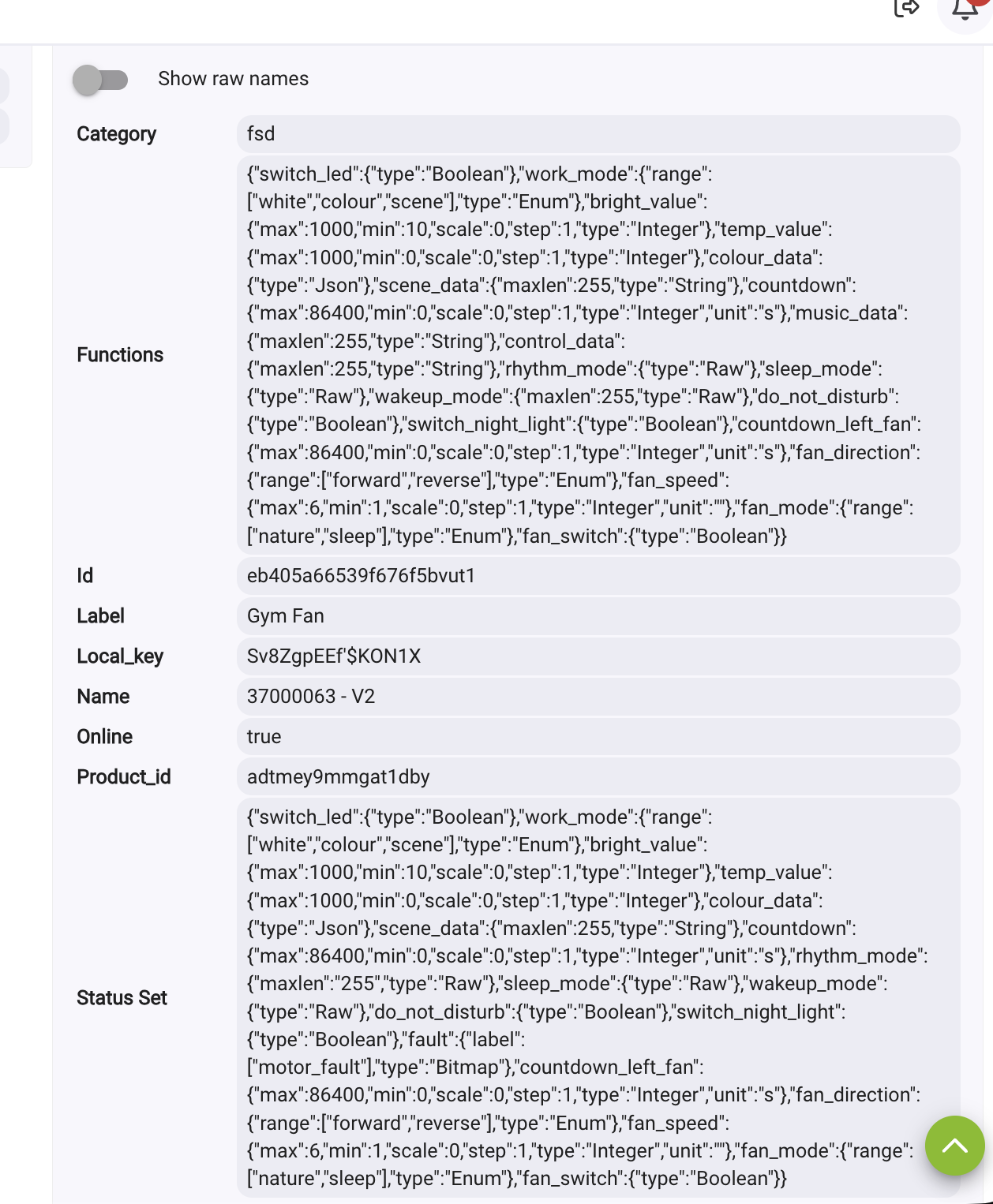
Ok, I've got this added and working, ceiling fan is showing in Hubitat and I can control the light, but no fan control. I've been searching but not coming up with a solution. Any help is appreciated.